Smart Converter Pro 3.1.6
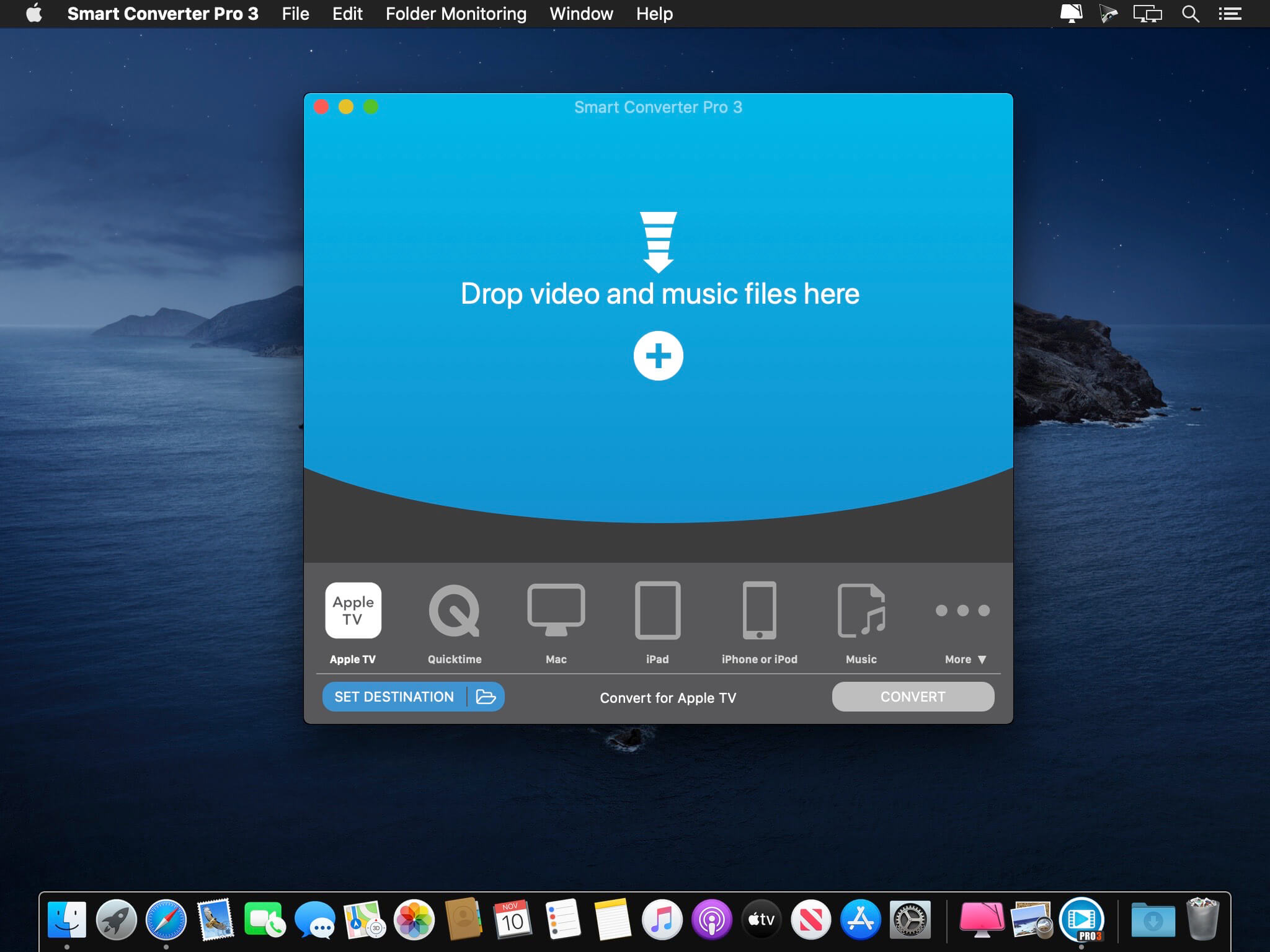
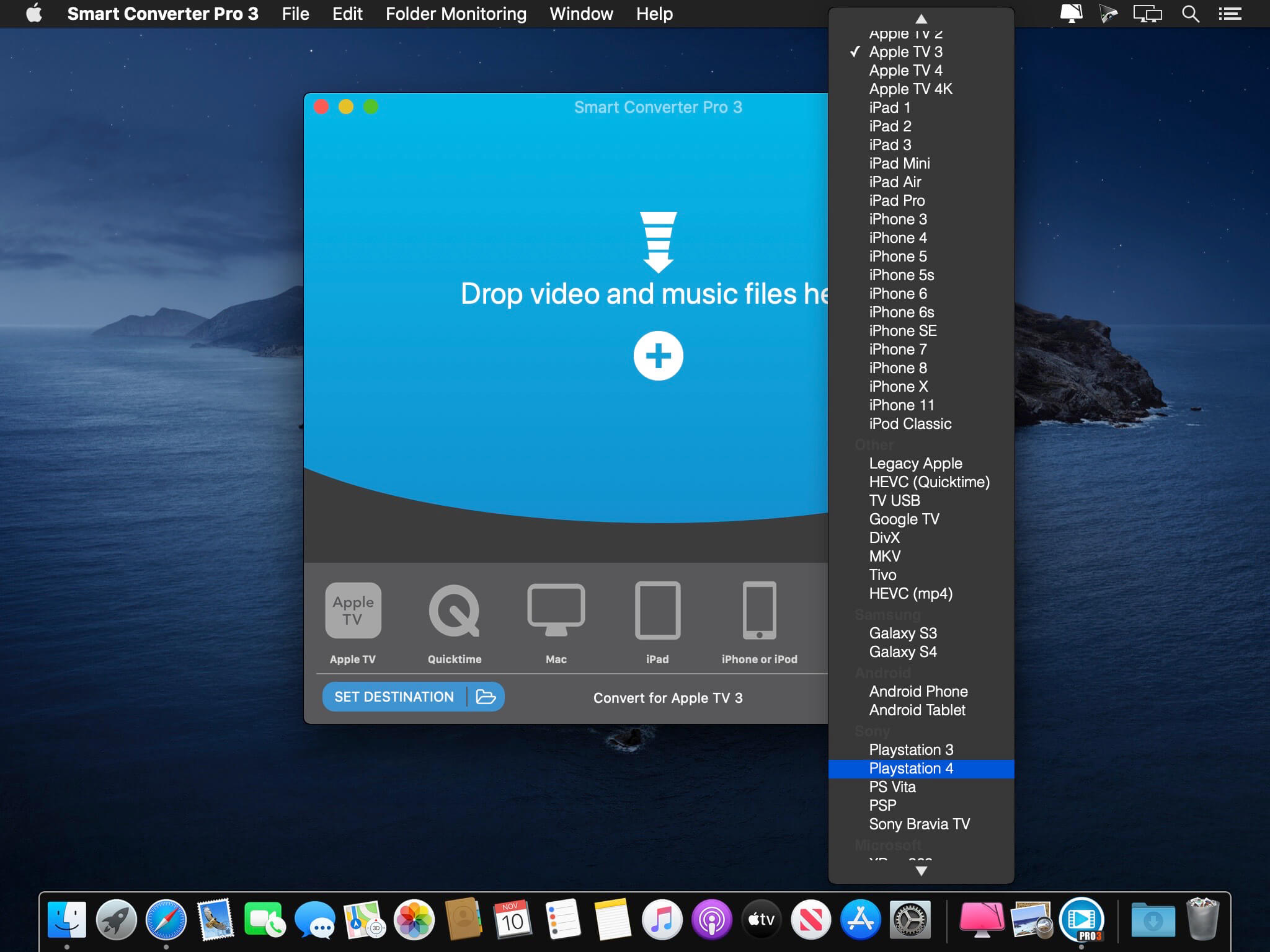
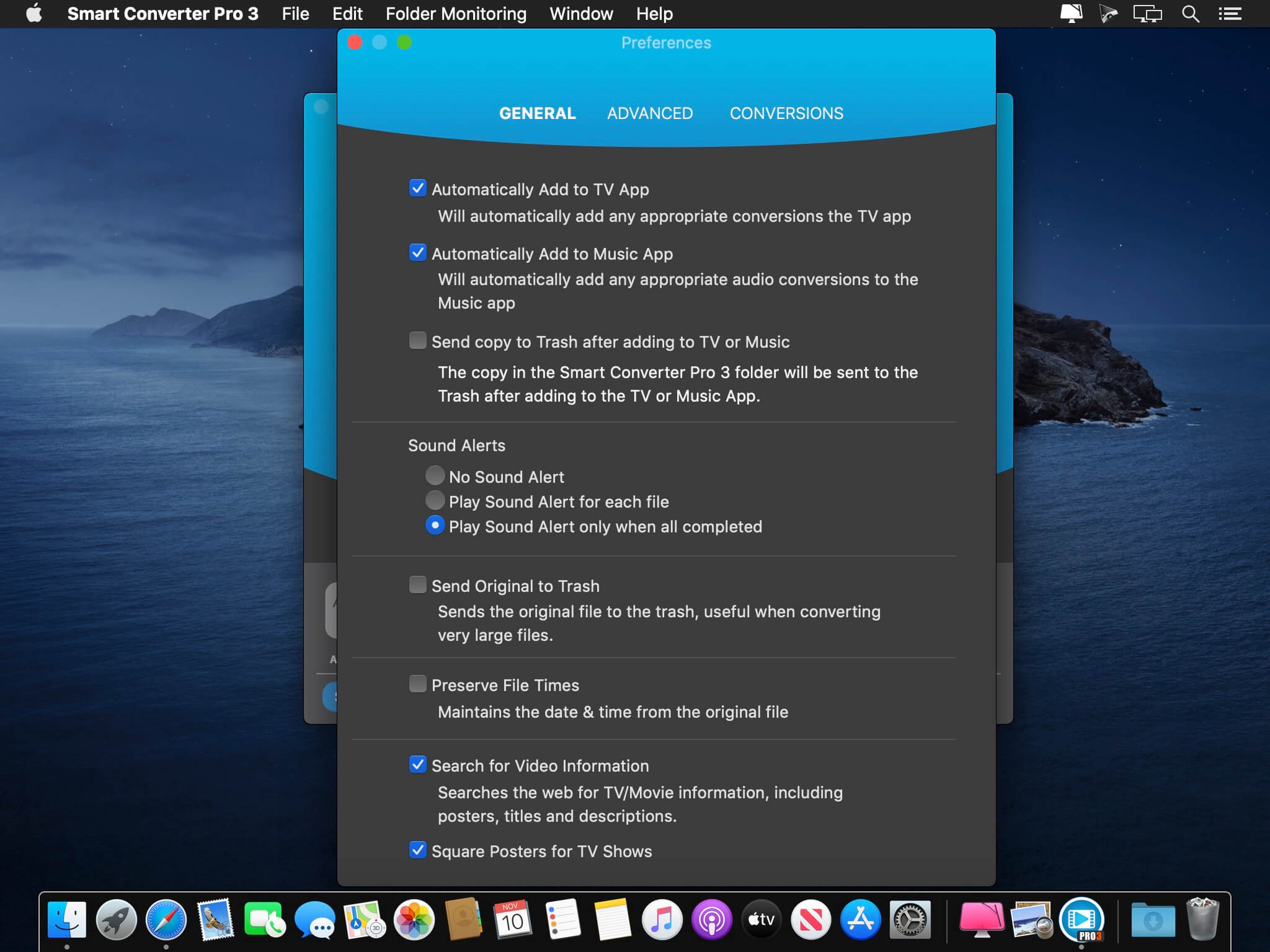
The fastest video converter with movie and TV show metadata, subtitles, folder monitoring and batch conversions. Smart Converter Pro has it all. It’s so easy to use - just drag your video or audio files onto Smart Converter Pro, select an output preset and convert. Smart Converter Pro analyses your files and only converts the bits that need to be converted. This means less waiting and top quality conversions.
The Pro Difference
Smart Converter Pro offers a bunch of amazing features to make your conversions quicker, smarter and more convenient:
- Folder monitoring - convert anything that hits your monitored folders
- Movie and TV Show info - automatically add key info about your movies
- Subtitles - include subtitles, add external subtitles and even load subtitles from the web!
- Audio tracks - include any or all of the audio tracks in your movies
- Batch processing - queue up and convert as many files as you like in one go
- Set destination - you decide where you converted files go
- Decide whether to send converted files to iTunes
Why So Smart?
When you drop a media file into Smart Converter Pro and choose a conversion type, it immediately analyses your file and works out what needs to be converted.
In many cases neither the video nor the audio need converting. In some cases just one or the other need converting, and in a few cases both will need converting.
Smart Converter Pro only converts the parts of your movie that need it and leaves the rest alone. This makes Smart Converter Pro faster that every other converter while maintaining the highest possible quality video an audio in the converted movie.
Version 3.1.0:
- Optimized for the Apple M1
- Updated conversion engine
- New conversion outputs for iPhone 12 & 13, PS5, Xbox One & Series X
- Misc. bug fixes and improvements
Frequently asked questions
How do I install the app?
Mount the image, drag the app into the "Applications" folder and launch it. If the system blocks the launch, allow it in "System Settings → Privacy & Security".
The app is damaged or won't launch
Reinstalling from a fresh image usually helps. Make sure your macOS version matches the one listed in the compatibility specs.
How do I update?
Download the new version from the site and install it over the current one — your settings will be preserved.
The download link doesn't work
Try a mirror or a download manager. For large files the browser often drops the connection.
How do I completely remove the app?
Use an uninstaller utility — it cleans up the service files that remain after moving the app to the trash.


Choose a download source
Smart Converter Pro 3.1.6 · 54.86 MB
Previous versions
Smart Converter Pro 3.1.6
Previous versions are available to registered users.