
Smart Converter Pro 2.4.2

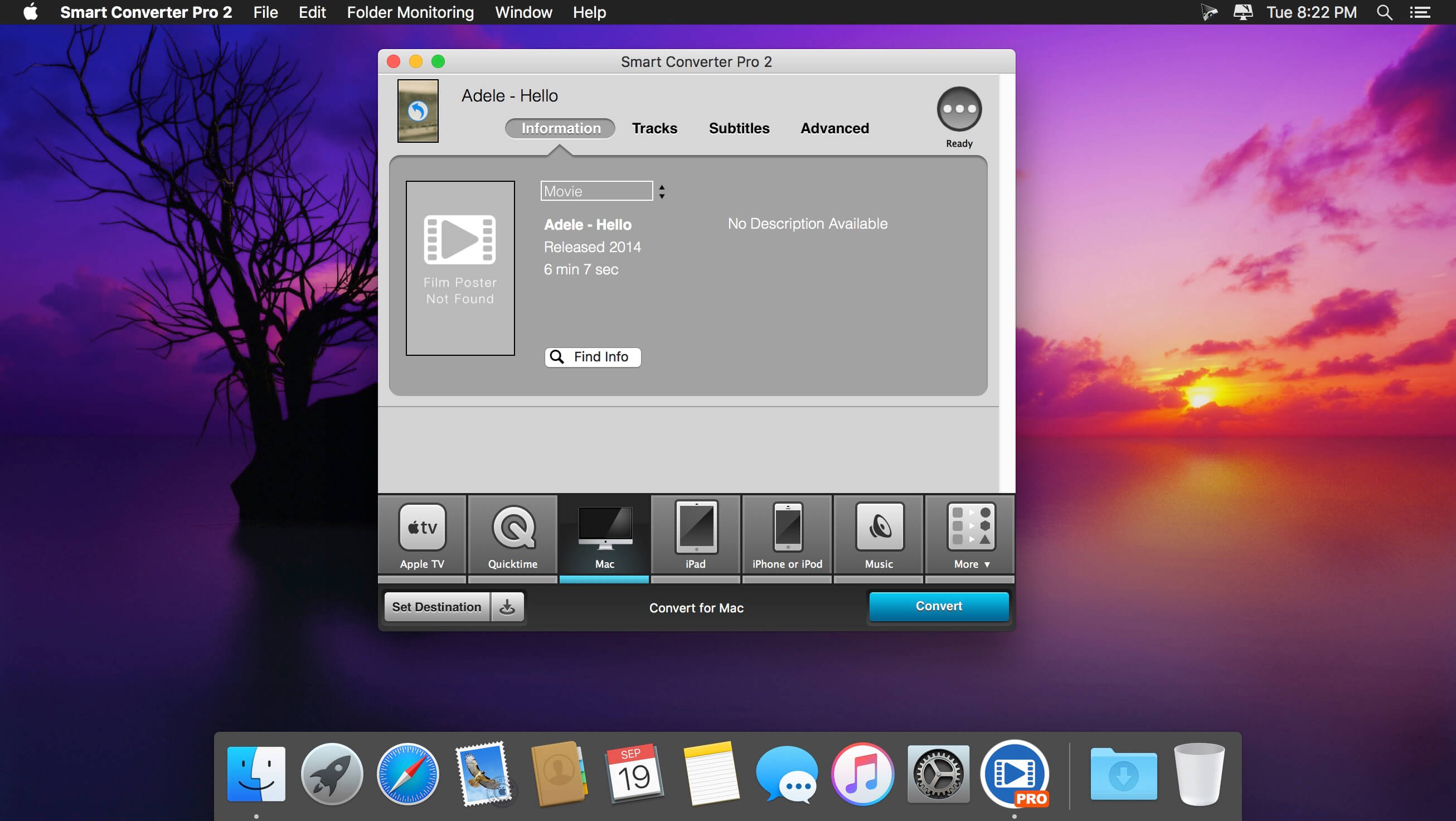
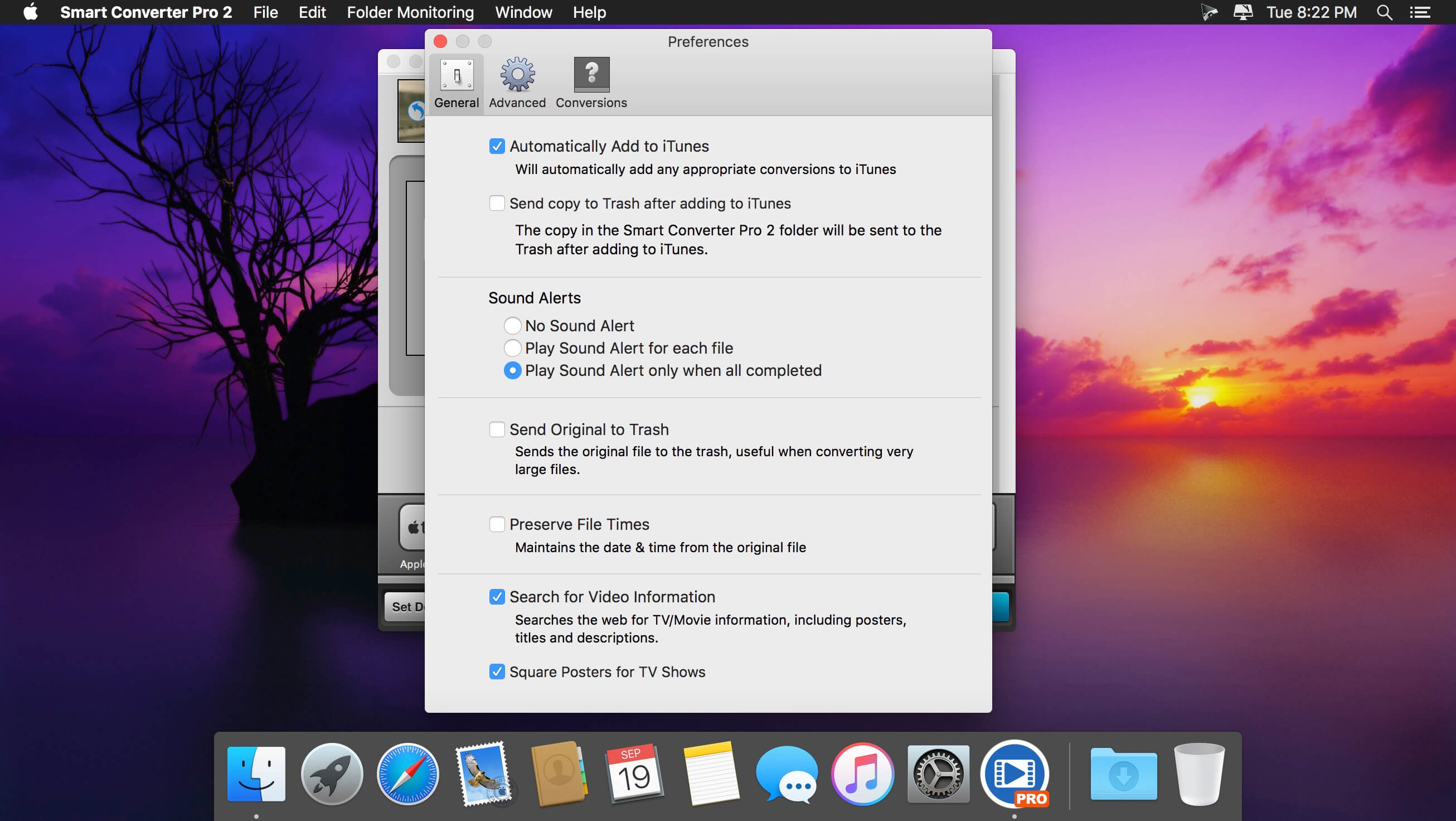
Smart Converter Pro provides a faster, higher quality conversion than most existing converters.
Features
- Simple to use - drag, drop, and click convert - Smart Converter Pro looks after the rest.
- Batch processing - queue up and convert as many files as you like in one go.
- Supports 100s of media formats and converts to all your favourite devices and file types, including AppleTV, iPhone, iPad, Android, PSP and PS3.
- It's So Smart - only converts stuff that needs converting, and leaves the rest alone--this means it's very fast and maintains the highest possible quality of video and audio.
- iTunes Savvy - auto imports your converted video and music to iTunes.
Version 2.4.0:
- New outputs for the iPhone X, iPhone 8, and Apple TV 4K
- Support for the HEVC codec
- Fixed a bug in the manual metadata search
- Other bug fixes
Frequently asked questions
How do I install the app?
Mount the image, drag the app into the "Applications" folder and launch it. If the system blocks the launch, allow it in "System Settings → Privacy & Security".
The app is damaged or won't launch
Reinstalling from a fresh image usually helps. Make sure your macOS version matches the one listed in the compatibility specs.
How do I update?
Download the new version from the site and install it over the current one — your settings will be preserved.
The download link doesn't work
Try a mirror or a download manager. For large files the browser often drops the connection.
How do I completely remove the app?
Use an uninstaller utility — it cleans up the service files that remain after moving the app to the trash.
VersionSmart Converter Pro 2.4.2
DeveloperSystemic Pty Ltd.
CompatibilityOS X 10.9 or later, 64-bit processor
LanguageEnglish
IncludesK'ed by TNT




Information
Visitors in the group Guests cannot leave comments on this publication.
Choose a download source
Smart Converter Pro 2.4.2 · 20.15 MB