Adobe Animate CC 2017 v16.5.1
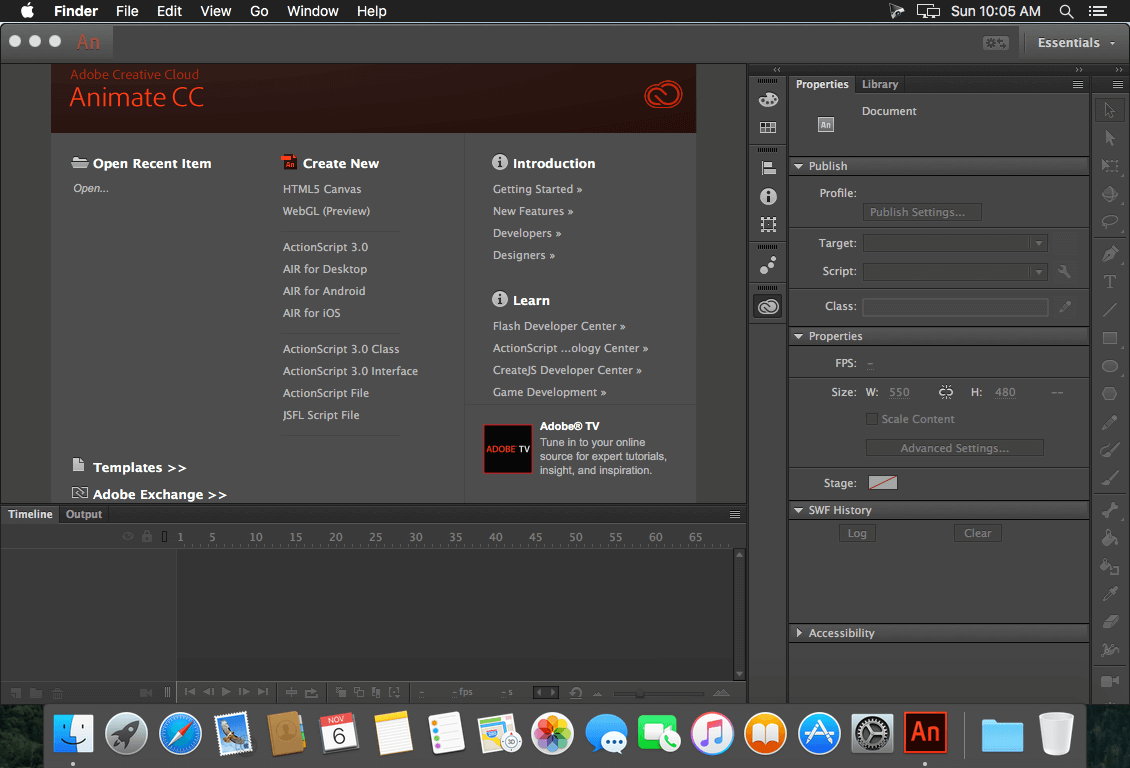
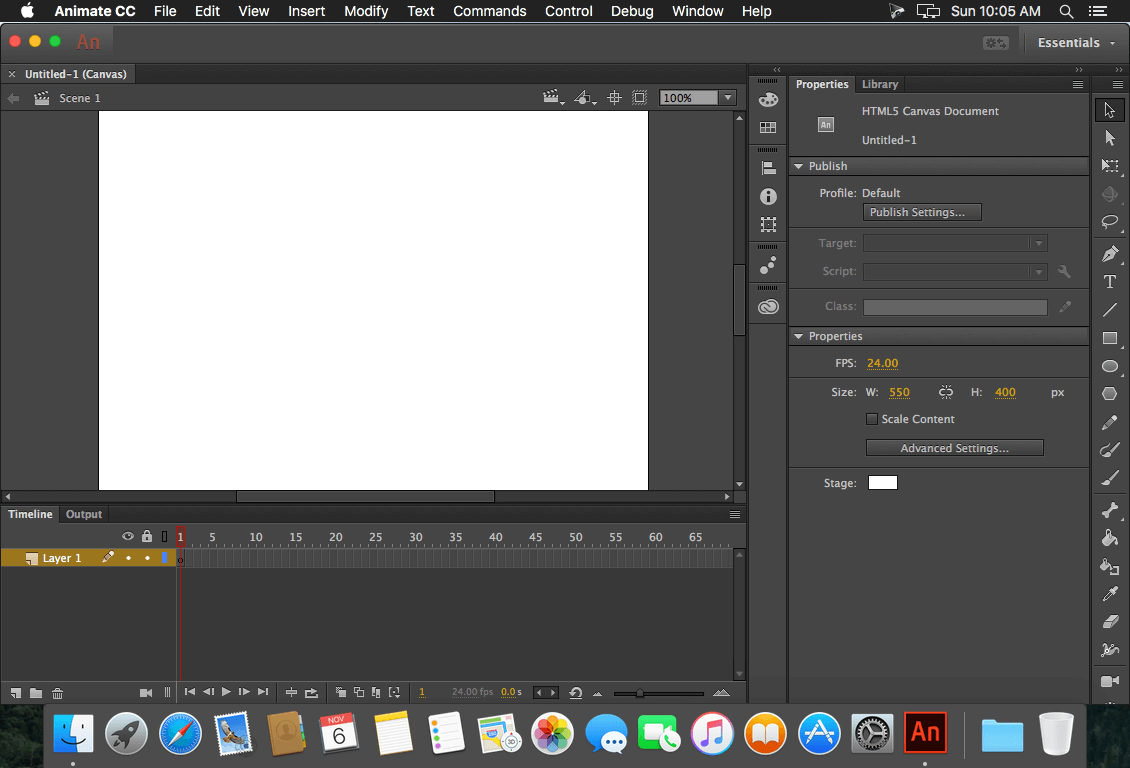
Animate CC 2017 (was Flash CC) lets you share work directly from within the application and get access to new features the moment they're released. Your entire creative world, together in one place. Work faster than ever before with a 64-bit architecture, a new streamlined user interface, and more connected tools. Create HTML content and export high-definition video and audio.
Animate CC 2017 is part of Creative Cloud. That means you have access to all the latest updates and future releases the moment they're available. You can use Save to Cloud to keep your files organized across multiple computers. And Creative Cloud is integrated with Behance, so you can share your projects and get immediate feedback from creatives around the world.
WHAT’S NEW
Version 16.0.0 (2017):
- Integrated virtual camera - Use the built-in V-Cam to pan and zoom in and out on your animations just like you would with a video camera. The V-Cam also lets you add tints and filters.
- Reusable components - Now it’s quick and easy to add and reuse common components such as video players, buttons, and carousels to your HTML5 Canvas documents.
- Vector brush improvements - Create and share custom brushes, convert pattern brushes to standard art brushes, and get more expressive with better pressure and tilt sensitivity.
- Collaboration with CC Libraries - Collaborate simultaneously on animations with multiple team members. Share, modify and reuse entire animations, clips, or symbols via CC Libraries and place animations directly into InDesign and Adobe Muse.
- Easier export - Now it’s simple to share quick prototypes by exporting clips or excerpts as GIFs, JPEGs, or PNGs and sharing them on social media, in instant messages, emails, and texts.
- Creative Cloud Assets improvements - Archive and restore all your assets stored in Creative Cloud, including the ones in your Creative Cloud Libraries, assets created with CC desktop products, and mobile projects.
- Introducing Typekit Marketplace - Buy fonts from some of the industry’s biggest names and use them in your Animate projects. Typekit uses its font sync and web technologies to deliver your Marketplace fonts anywhere you need them.
- And so much more - Also includes: the ability to stage enhancements, layers that can be published as independent SWFs, and more.
SCREENSHOTS

Frequently asked questions
How do I install the app?
Mount the image, drag the app into the "Applications" folder and launch it. If the system blocks the launch, allow it in "System Settings → Privacy & Security".
The app is damaged or won't launch
Reinstalling from a fresh image usually helps. Make sure your macOS version matches the one listed in the compatibility specs.
How do I update?
Download the new version from the site and install it over the current one — your settings will be preserved.
The download link doesn't work
Try a mirror or a download manager. For large files the browser often drops the connection.
How do I completely remove the app?
Use an uninstaller utility — it cleans up the service files that remain after moving the app to the trash.
VersionAdobe Animate CC 2017 v16.5.1
DeveloperAdobe Systems
CompatibilityOS X 10.10 or later, 64-bit processor
LanguageMultilangual
IncludesPatcher by TNT

Information
Visitors in the group Guests cannot leave comments on this publication.
Choose a download source
Adobe Animate CC 2017 v16.5.1 · 1.92 GB