
Usher 2.3.1
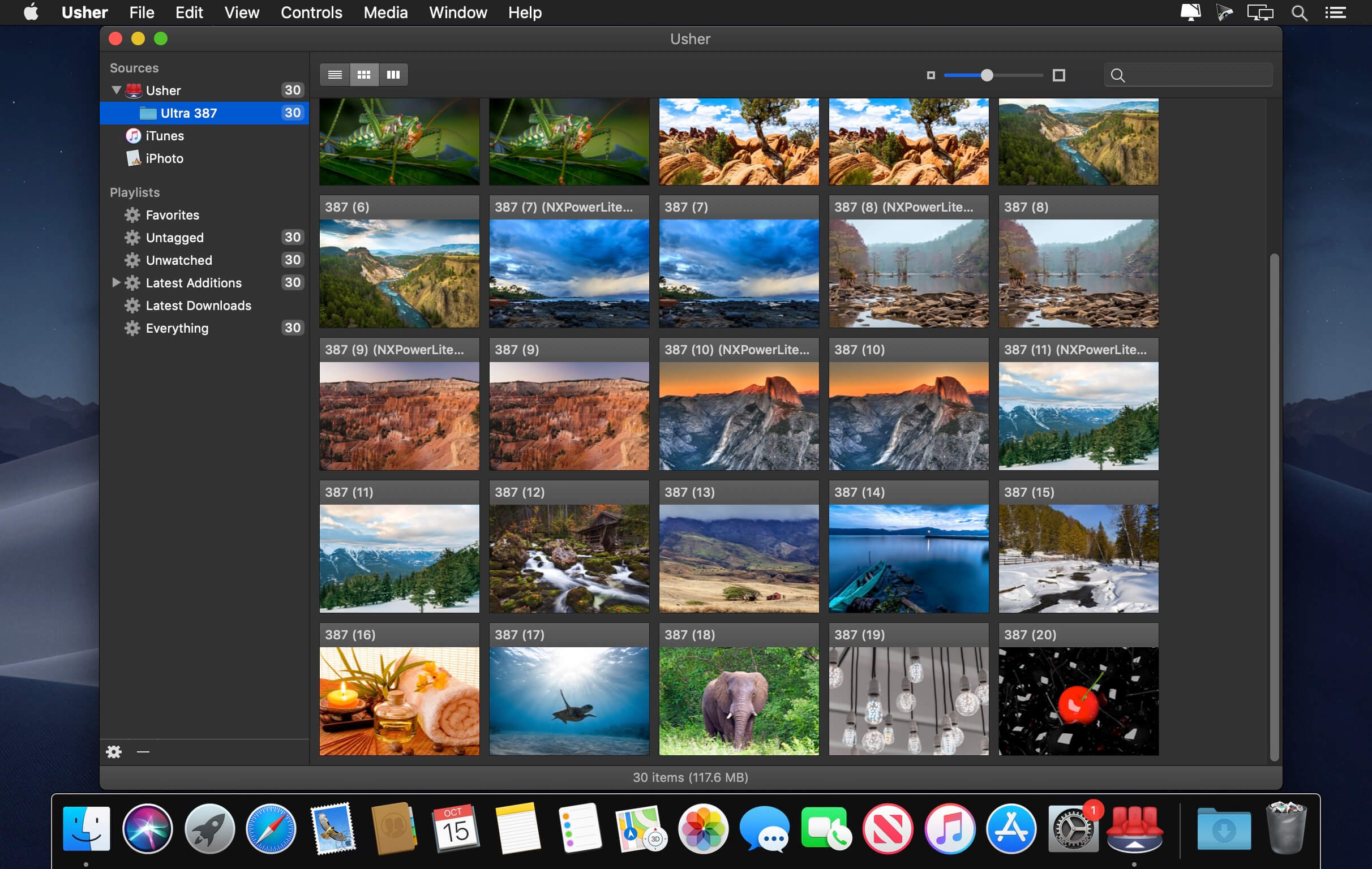
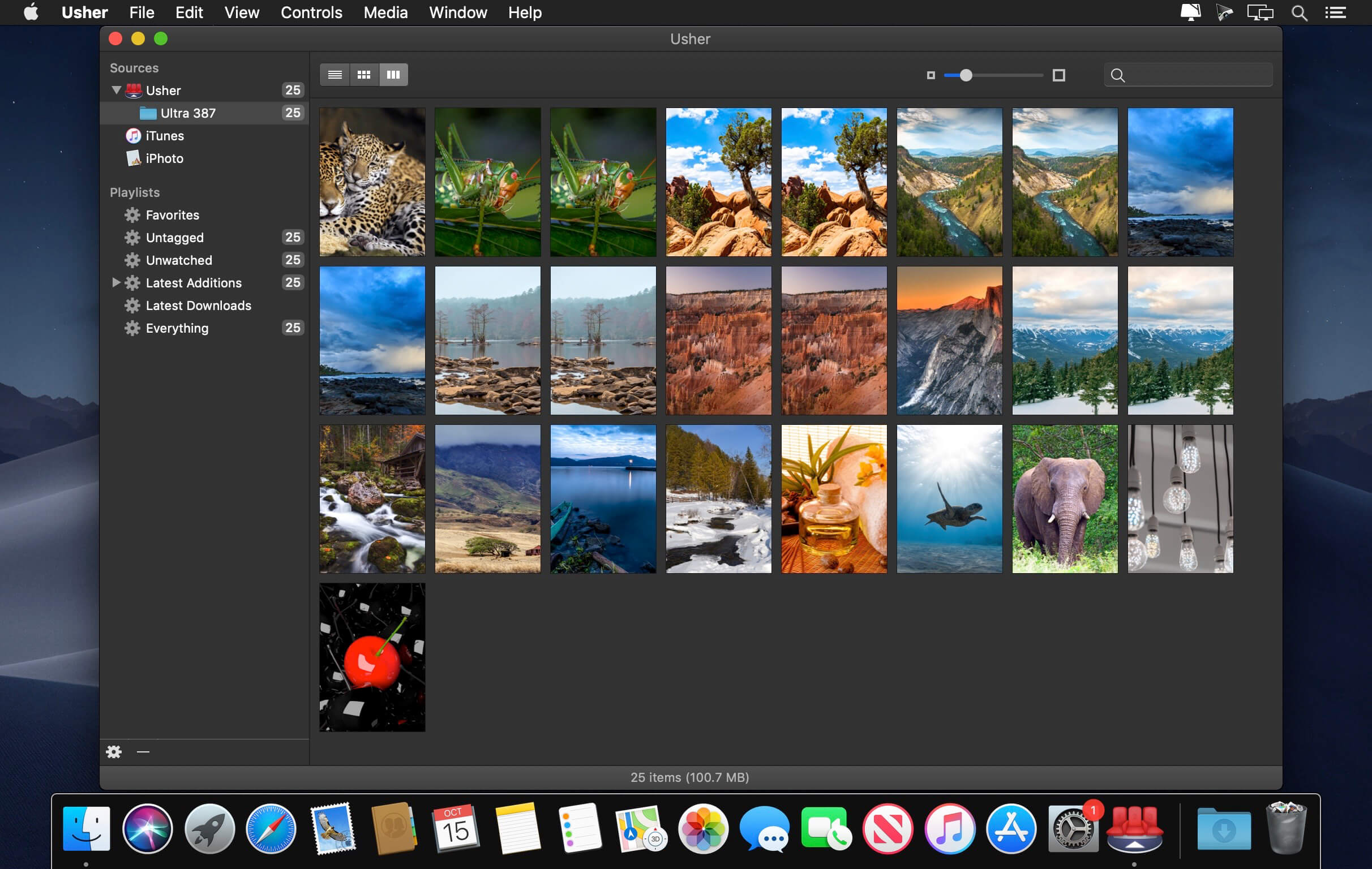
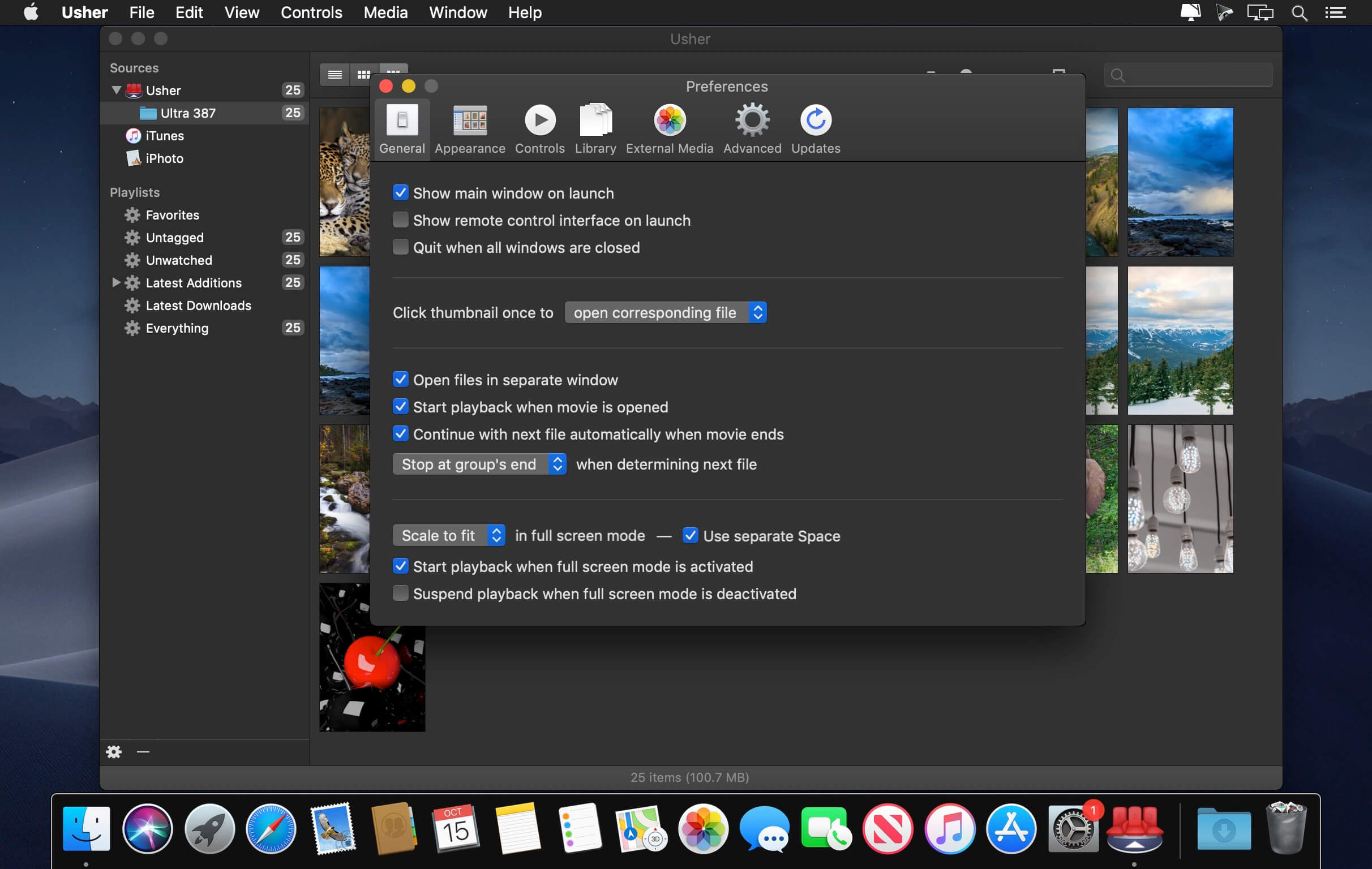
Usher 2.0 is the ultimate tool for managing and watching your collection of videos. View your library in four view modes; watch movies in three ways. You can even use your Apple hardware remote to control playback and choose movies.
Tags and properties let you add metadata, and you can even download cast, director, etc. directly from Amazon.
Usher 2.3.1
Bug Fixes and Improvements
- Improved duplicate search: Usher is now better at detecting sets of more than two duplicates, and duplicate criteria with no matches no
- longer lead to unreasonable delays.
- Renaming files via Usher no longer affects filename extensions. (There were legitimate uses for this, but it was too easy to do it by accident, with potentially catastrophic results. If you were relying on Usher for filename extension changes, please let us know, so we might possibly take your use case into consideration for future updates to Usher's renaming functionality.)
- Improved sorting logic, plus some other minor under-the-hood changes.
- All new in-app help, which is now also available on the web.
Frequently asked questions
How do I install the app?
Mount the image, drag the app into the "Applications" folder and launch it. If the system blocks the launch, allow it in "System Settings → Privacy & Security".
The app is damaged or won't launch
Reinstalling from a fresh image usually helps. Make sure your macOS version matches the one listed in the compatibility specs.
How do I update?
Download the new version from the site and install it over the current one — your settings will be preserved.
The download link doesn't work
Try a mirror or a download manager. For large files the browser often drops the connection.
How do I completely remove the app?
Use an uninstaller utility — it cleans up the service files that remain after moving the app to the trash.





Choose a download source
Usher 2.3.1 · 20 MB
Previous versions
Usher 2.3.1
Previous versions are available to registered users.