
Usher 1.1.17
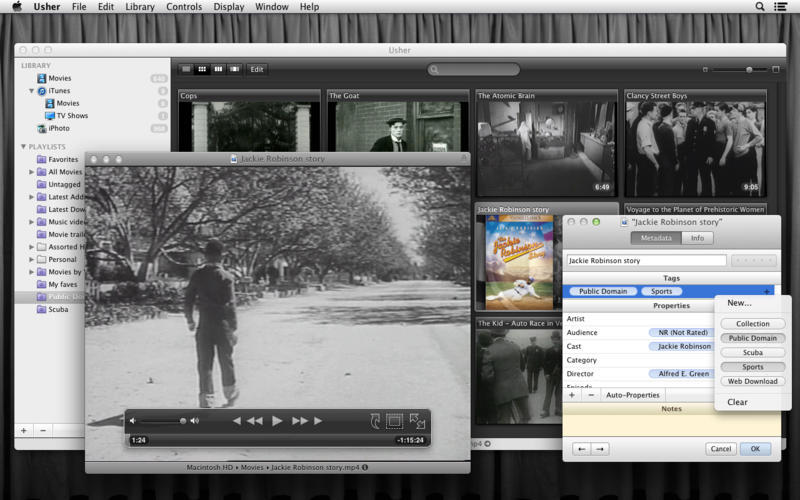
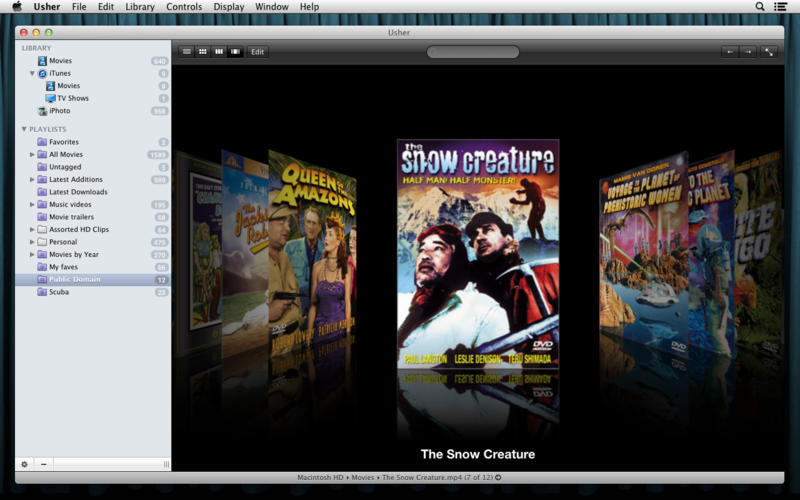
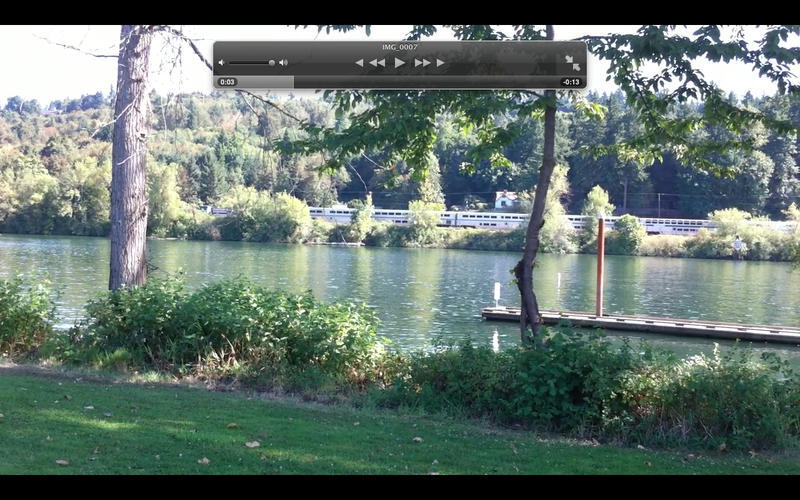
Usher (was yFlicks) is the ultimate tool for managing and watching your collection of videos. View your library in four view modes; watch movies in three ways. You can even use your Apple hardware remote to control playback and choose movies.
Tags and properties let you add metadata, and you can even download cast, director, etc. directly from Amazon.
Usher 1.1.17
New Features
New Features
- Can now search for "or more" star ratings, e.g. "***+" for three or more stars.
- Save Poster Image can save images to the desktop by holding down the Control key while selecting the menu item.
- If you have multiple subdivisions of a Smart Playlist, and select more than one subdivision, the search bar will show two new buttons: Union (all of the movies in all selected subdivisions) and Intersection (only those movies that appear in each selected subdivision).
- Improved CSV output now includes date/time fields and UUID.
- Fixed a preview-related crash when previewing many mvoies. (Hat tip to Dominik R. for finding this one.)
Frequently asked questions
How do I install the app?
Mount the image, drag the app into the "Applications" folder and launch it. If the system blocks the launch, allow it in "System Settings → Privacy & Security".
The app is damaged or won't launch
Reinstalling from a fresh image usually helps. Make sure your macOS version matches the one listed in the compatibility specs.
How do I update?
Download the new version from the site and install it over the current one — your settings will be preserved.
The download link doesn't work
Try a mirror or a download manager. For large files the browser often drops the connection.
How do I completely remove the app?
Use an uninstaller utility — it cleans up the service files that remain after moving the app to the trash.
VersionUsher 1.1.17
DeveloperMany Tricks
CompatibilityOS X 10.7 or later, 64-bit processor
LanguageEnglish
IncludesK'ed by TNT





Information
Visitors in the group Guests cannot leave comments on this publication.
Choose a download source
Usher 1.1.17 · 9.34 MB
Previous versions
Usher 1.1.17
Previous versions are available to registered users.