
Time Sink 2.2.4
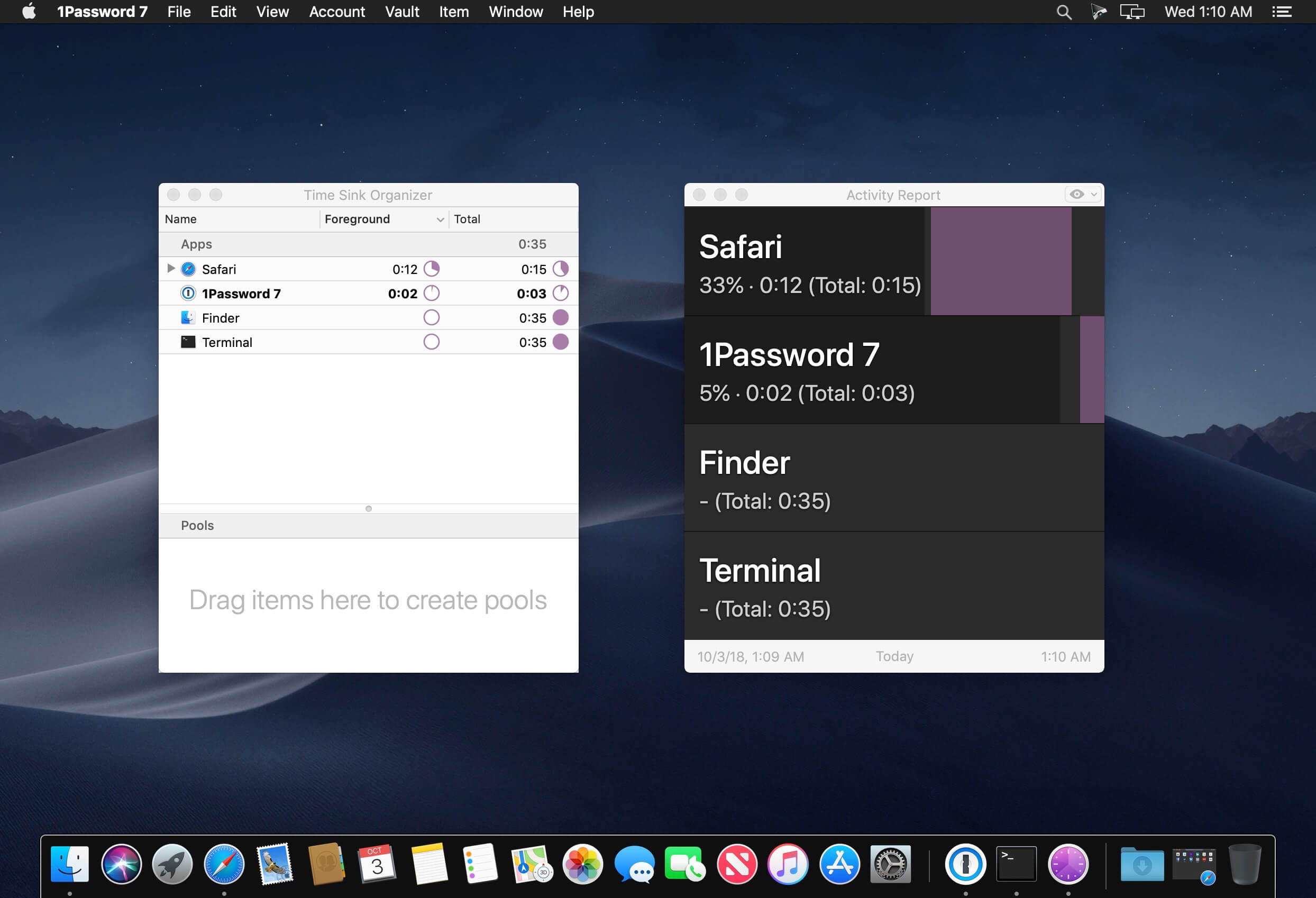
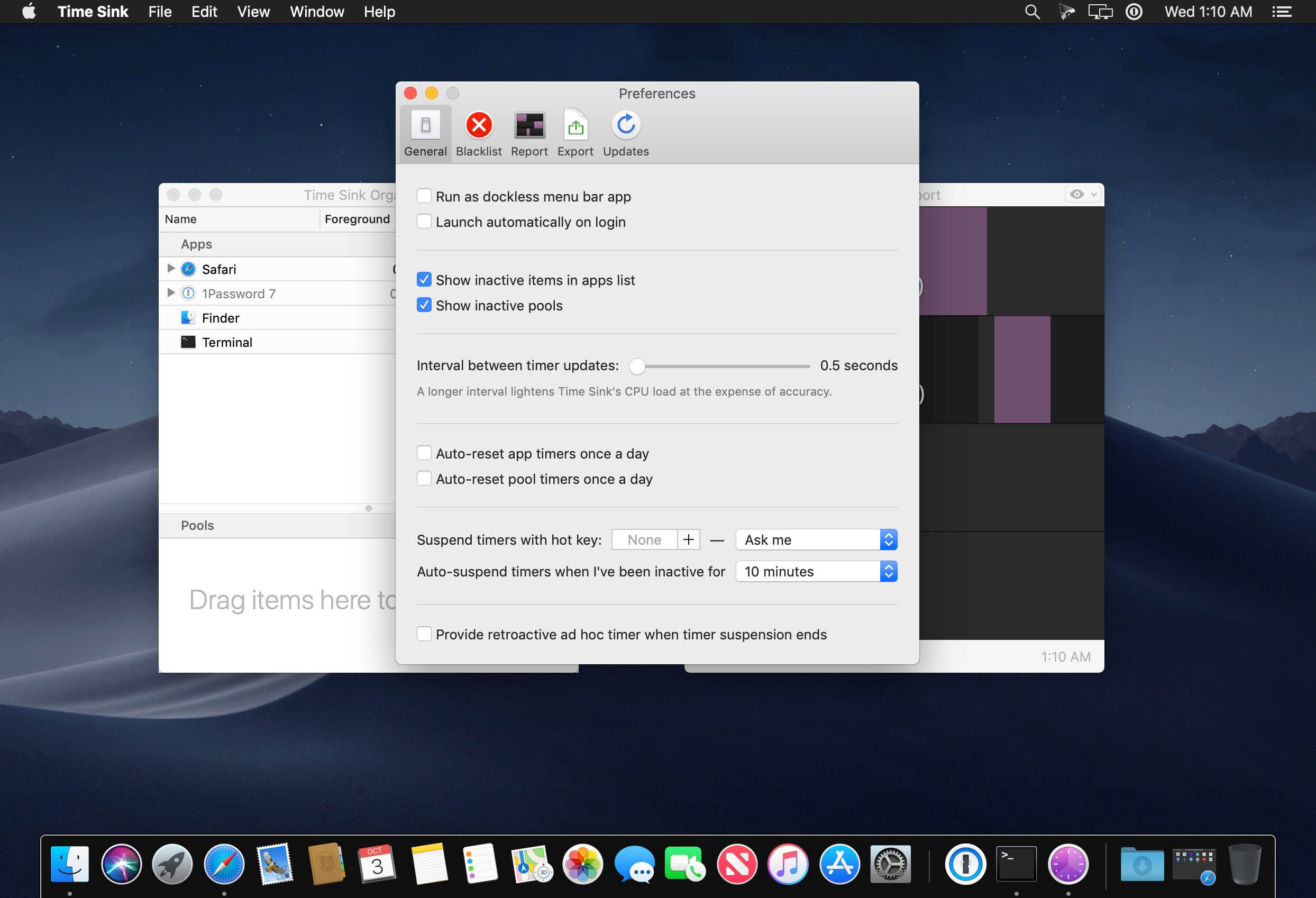
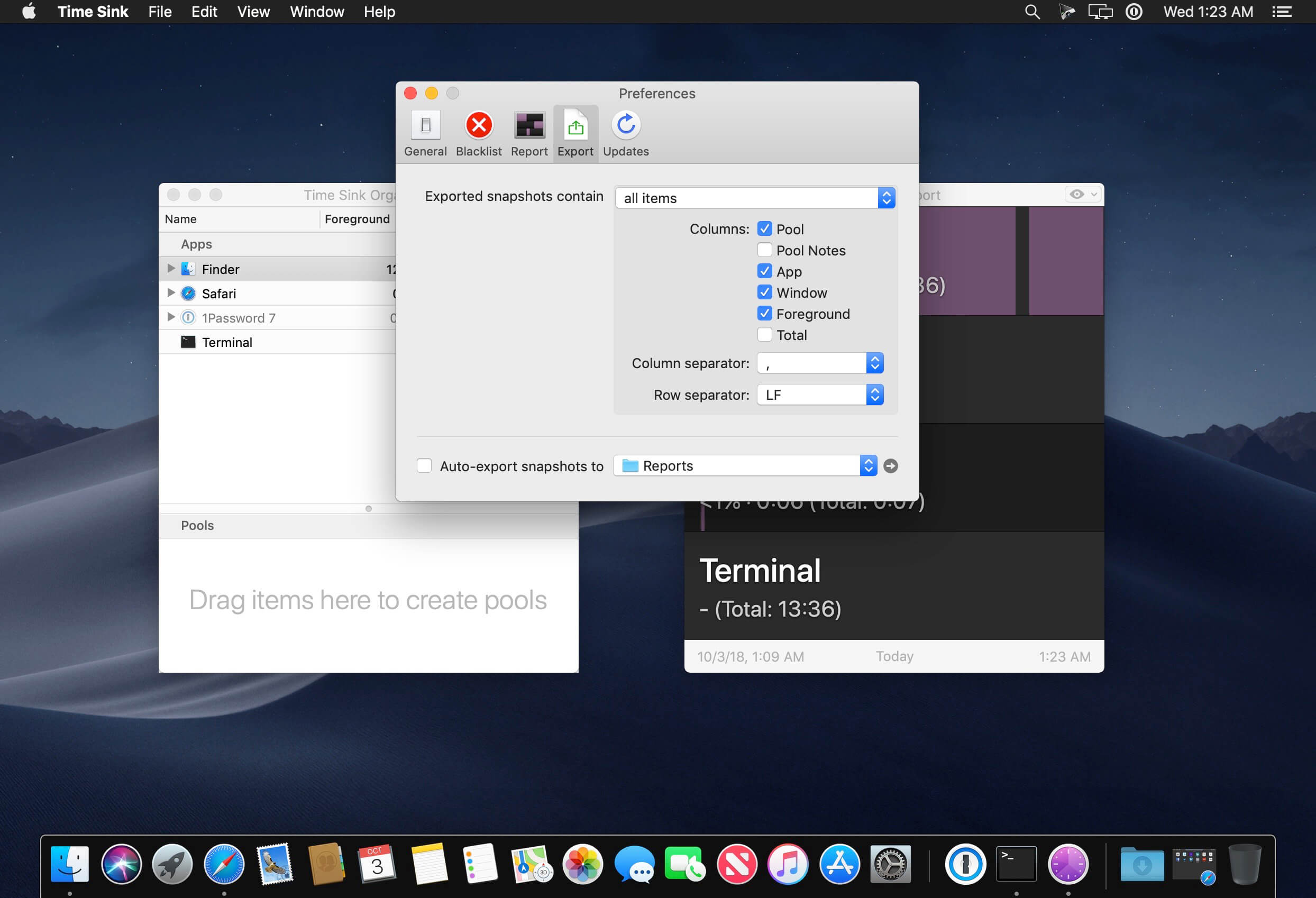
Time Sink watches how you use your Mac, recording the time spent in each window and program -- whether that be foreground or background time. You can view and export reports, exclude apps and windows, and group related tasks together into one pool, which is then tracked as a single object. Can be run as a normal application, or a menu-bar-only program.
Automatic time tracking
Time Sink tracks the time you spend in macOS apps—and their associated windows—as you use your Mac. It does this automatically, so you can work without thinking about time tracking.
Pool your efforts
To help you track related activities, Time Sink uses Pools, which are simply collections of related windows. Creating a Pool is as simple as dragging and dropping a window (or app) from the Apps section styleof the Time Sink window to the Pools section.
Track non-Mac activities
What about time spent not on your Mac, like a call from a customer?
Just start an ad hoc timer to track that time. When finished, Time Sink will add the timer's name and duration to the chosen pool. Time Sink can also automatically create ad hoc timers based on when you become idle and start working again.
Version 2.2.4:
Bug Fixes and Improvements
- Captured screenshots now avoid taking photos of the lock screen. (Hat tip to Peter O. for reporting this one.)
- Captured screenshots will no longer accumulate above the user-set limit. (Hat tip to Peter O. for reporting this one.)
- Report view is now sorted properly regardless of chosen date interval. (Hat tip to Zach N. for reporting this one.)
- All new in-app help, which is now also available on the web.
- Various minor updates to keep up with macOS changes.
Frequently asked questions
How do I install the app?
Mount the image, drag the app into the "Applications" folder and launch it. If the system blocks the launch, allow it in "System Settings → Privacy & Security".
The app is damaged or won't launch
Reinstalling from a fresh image usually helps. Make sure your macOS version matches the one listed in the compatibility specs.
How do I update?
Download the new version from the site and install it over the current one — your settings will be preserved.
The download link doesn't work
Try a mirror or a download manager. For large files the browser often drops the connection.
How do I completely remove the app?
Use an uninstaller utility — it cleans up the service files that remain after moving the app to the trash.



Choose a download source
Time Sink 2.2.4 · 12.92 MB