Microsoft Office 2019 for Mac v16.54
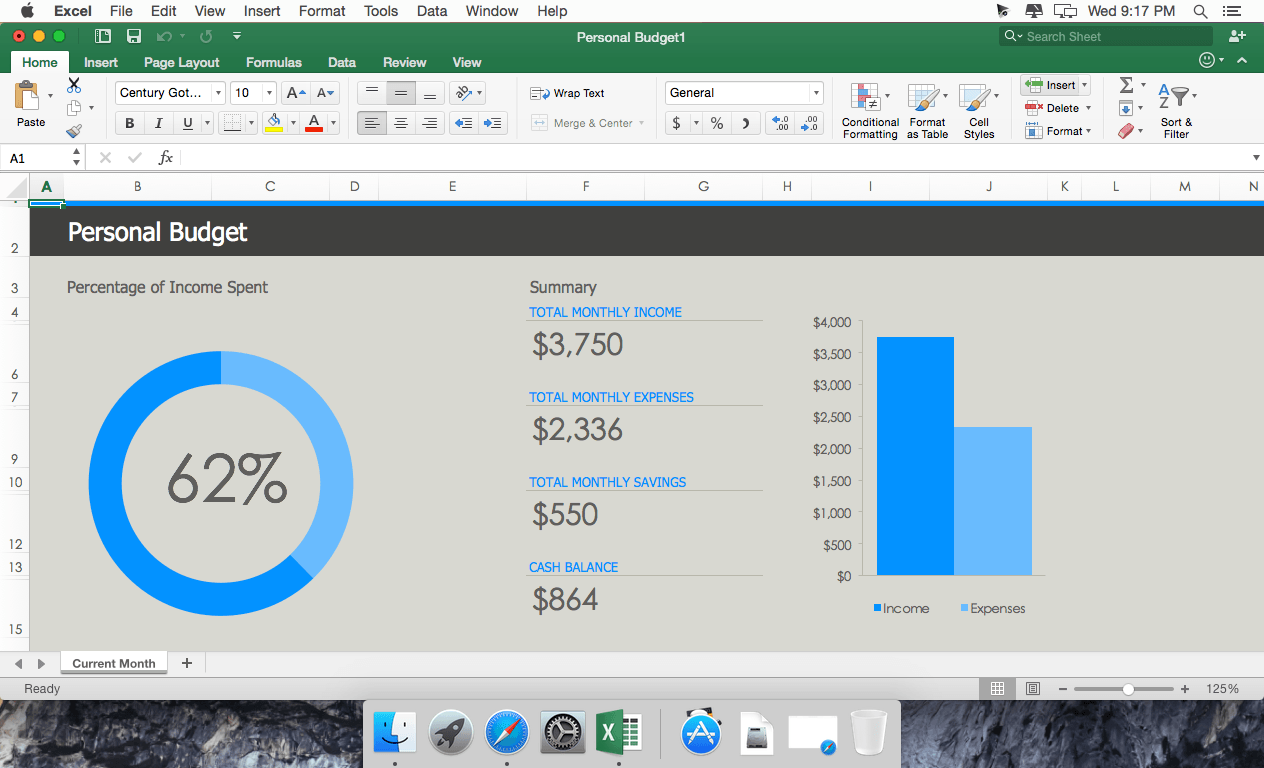
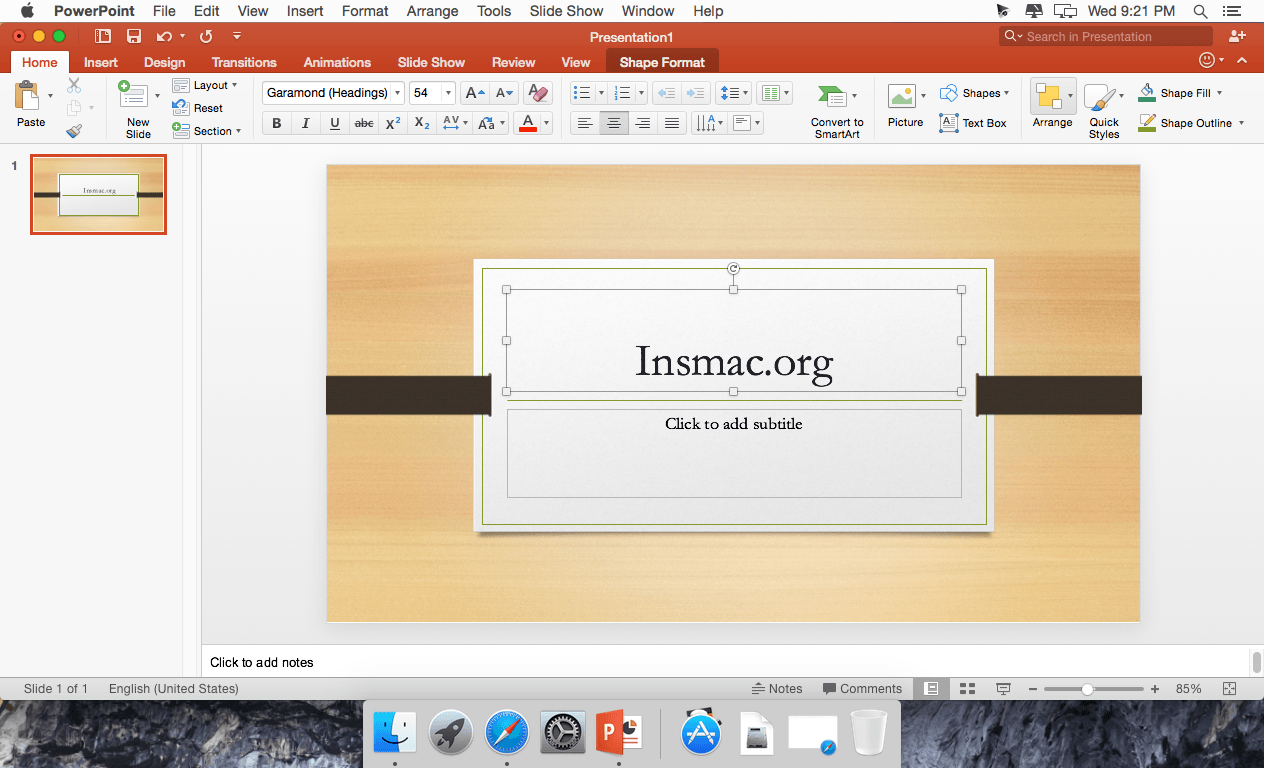
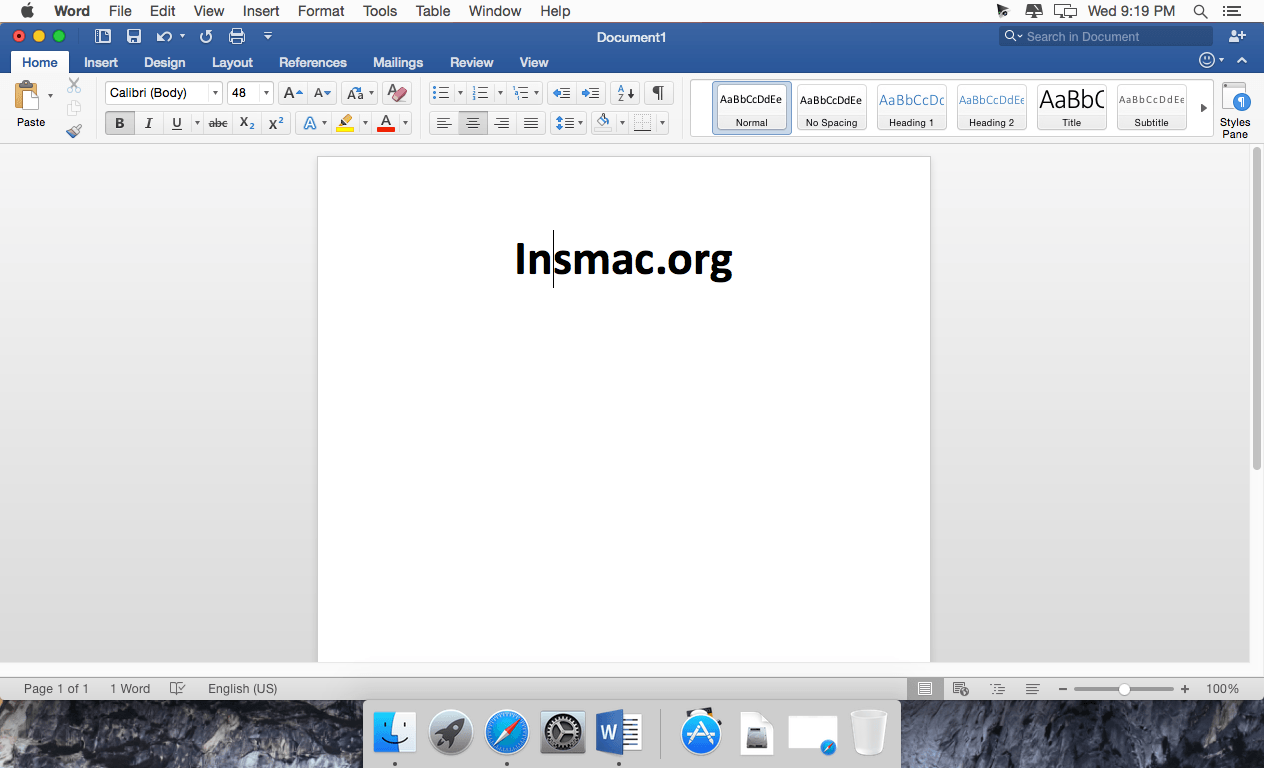
Microsoft has announced the release of the preliminary version of the office suite Office 2019 for the Mac. The new Office for Mac is the first major upgrade package Microsoft Office applications on the platform OS X since the release version of Office 2011. The new version of the program includes Word, Excel, PowerPoint, OneNote and Outlook, and also brings a lot of new features, including support for high-resolution displays Retina and full-screen applications. The main focus of her made on standardization and better integration with cloud-based service OneDrive.
Office suite Office 2019 for Mac has inherited many elements from the version of Office for Windows, and mobile client applications Office, which debuted last year. Updates to the tape, which is a new arranges tools and formatting functions, completely redesigned user interface based on the latest functionality of computers Mac, new themes and styles. There is even a new design theme in the spirit of Yosemite, which to the best advantage of features such as support for full-screen applications, macOS.
Version 16.54 (Build 21101001)
Feature updates
Outlook
- Use your voice to send email and @mention : New voice commands let you send mail and @mention others while dictating
Word
- Better collaboration with modern comments: Choose when to send comments to your co-authors; easily set @mention notifications; and be more productive with a consistent commenting experience between Word, Excel, and PowerPoint.
Security updates
Excel
- CVE-2021-40474
- CVE-2021-40485
Office Suite
- CVE-2021-40454
Frequently asked questions
How do I install the app?
Mount the image, drag the app into the "Applications" folder and launch it. If the system blocks the launch, allow it in "System Settings → Privacy & Security".
The app is damaged or won't launch
Reinstalling from a fresh image usually helps. Make sure your macOS version matches the one listed in the compatibility specs.
How do I update?
Download the new version from the site and install it over the current one — your settings will be preserved.
The download link doesn't work
Try a mirror or a download manager. For large files the browser often drops the connection.
How do I completely remove the app?
Use an uninstaller utility — it cleans up the service files that remain after moving the app to the trash.


Choose a download source
Microsoft Office 2019 for Mac v16.54 · 1.73 GB
Previous versions
Microsoft Office 2019 for Mac v16.54
Previous versions are available to registered users.
Comments 6