
DxO OpticsPro for Photos 1.4.4
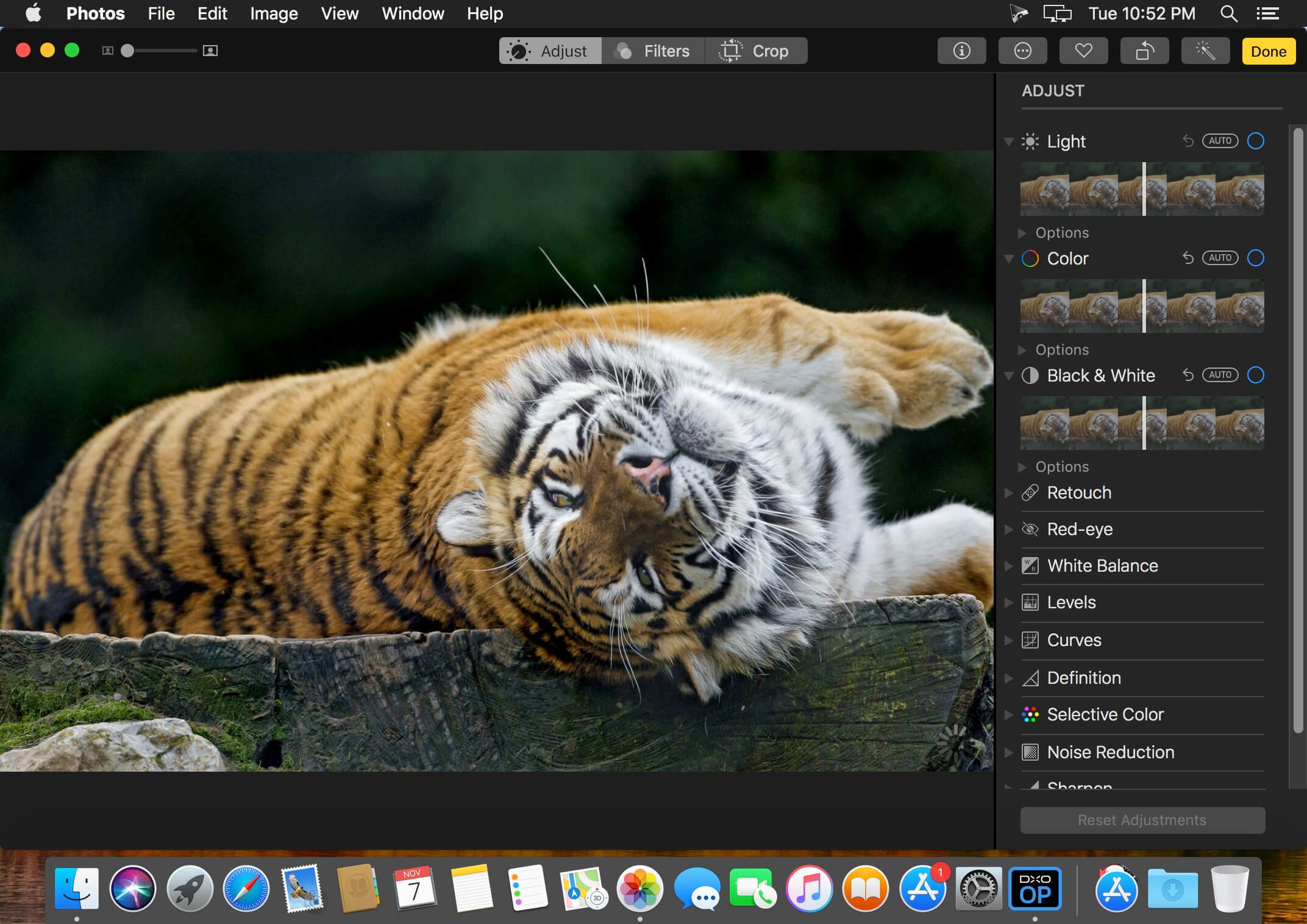
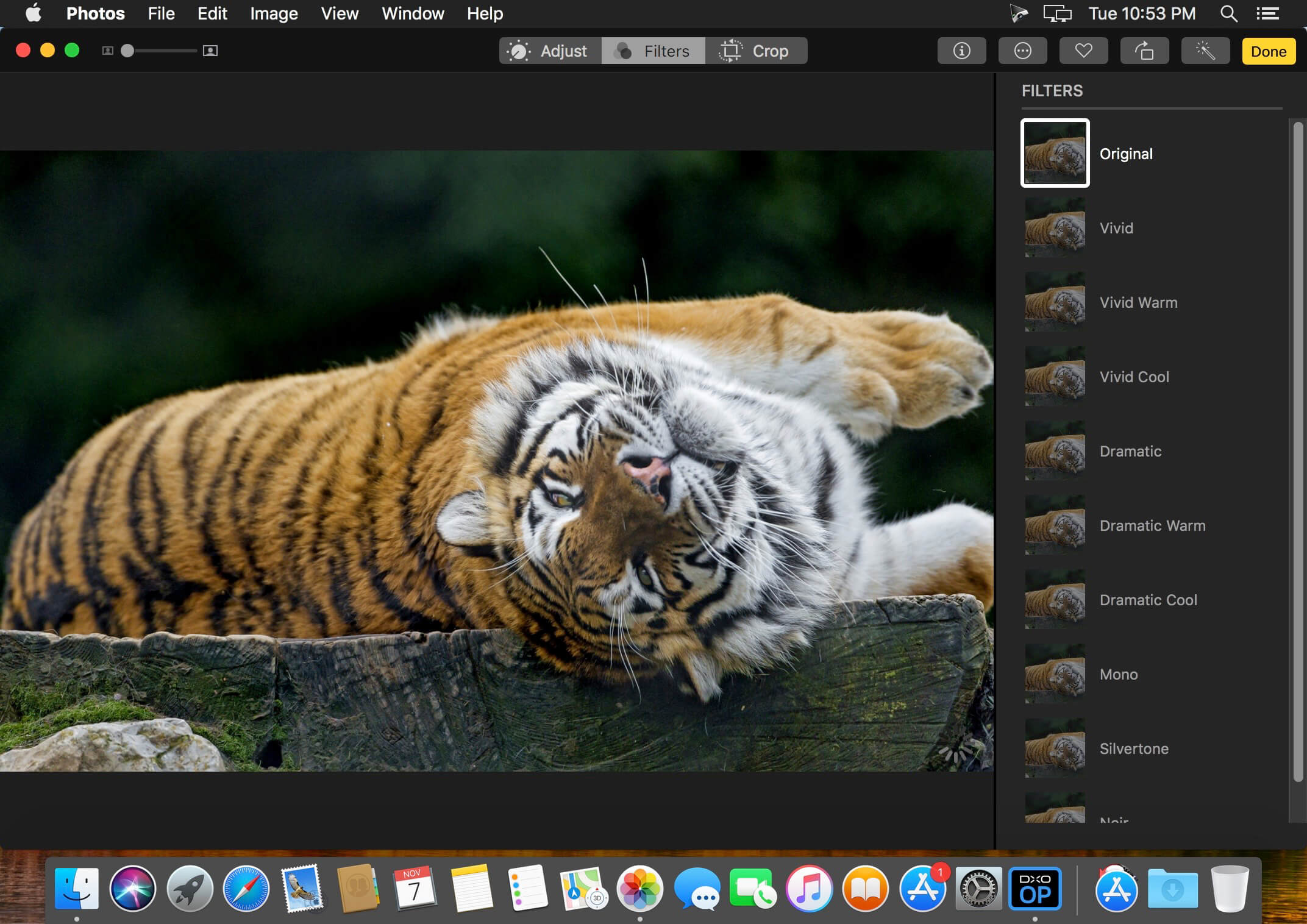

DxO OpticsPro for Photos is designed to provide a seamless image processing workflow for Photographers who are on a Mac, and use OS X Photos as their primary photo application. DxO image processing for supported cameras can now be accessed directly from within the editing mode of OS X Photos, with DxO OpticsPro acting as a 3rd-party extension. The extension is capable of applying optical corrections, White Balance correction, DxO Smart Lighting, PRIME denoising and DxO ClearView haze removal, in a completely new user interface that is simple, clean and intuitive.
One-click corrections for RAW images:
- Default corrections include Lens Corrections, White Balance, DxO Smart Lighting, Noise Removal
- Toggle to view the before/after benefits
- Choose Faster (HQ) or Better (PRIME) denoise correction
- Use the magnification loupe for a preview of PRIME denoising
- Restore default corrections with a click
One-click DxO ClearView for RAW images:
- Instantly remove haze and smog from landscape photos
- Choose between varying levels of intensity with a click
DxO OpticsPro for Photos supports RAW files for the grand majority of commercial compact, bridge, and digital reflex cameras, as well as semi-pro and professional cameras.
Version 1.4.4
• Support for 7 new cameras*, including:
Canon EOS 200D / Rebel T7 / EOS Kiss X90 / EOS 1500D
Sony A7 III
Panasonic Lumix TZ90/ZS70/TZ91/TZ92/TZ93
Panasonic Lumix GF9/GX800/GX850
Panasonic Lumix DMC G9
Apple iPhone 8 Plus
Apple iPhone X
* Support of some cameras in the extension will be automatic as soon as it is officially supported by Apple OS
• Minor software update
• Support for 7 new cameras*, including:
Canon EOS 200D / Rebel T7 / EOS Kiss X90 / EOS 1500D
Sony A7 III
Panasonic Lumix TZ90/ZS70/TZ91/TZ92/TZ93
Panasonic Lumix GF9/GX800/GX850
Panasonic Lumix DMC G9
Apple iPhone 8 Plus
Apple iPhone X
* Support of some cameras in the extension will be automatic as soon as it is officially supported by Apple OS
• Minor software update
Frequently asked questions
How do I install the app?
Mount the image, drag the app into the "Applications" folder and launch it. If the system blocks the launch, allow it in "System Settings → Privacy & Security".
The app is damaged or won't launch
Reinstalling from a fresh image usually helps. Make sure your macOS version matches the one listed in the compatibility specs.
How do I update?
Download the new version from the site and install it over the current one — your settings will be preserved.
The download link doesn't work
Try a mirror or a download manager. For large files the browser often drops the connection.
How do I completely remove the app?
Use an uninstaller utility — it cleans up the service files that remain after moving the app to the trash.
VersionDxO OpticsPro for Photos 1.4.4
DeveloperDxO Labs
CompatibilityOS X 10.11 or later, 64-bit processor
LanguageEnglish, French
IncludesK'ed by TNT


Information
Visitors in the group Guests cannot leave comments on this publication.
Choose a download source
DxO OpticsPro for Photos 1.4.4 · 74.59 MB