Aurora HDR 2018 1.2.0 (5042)
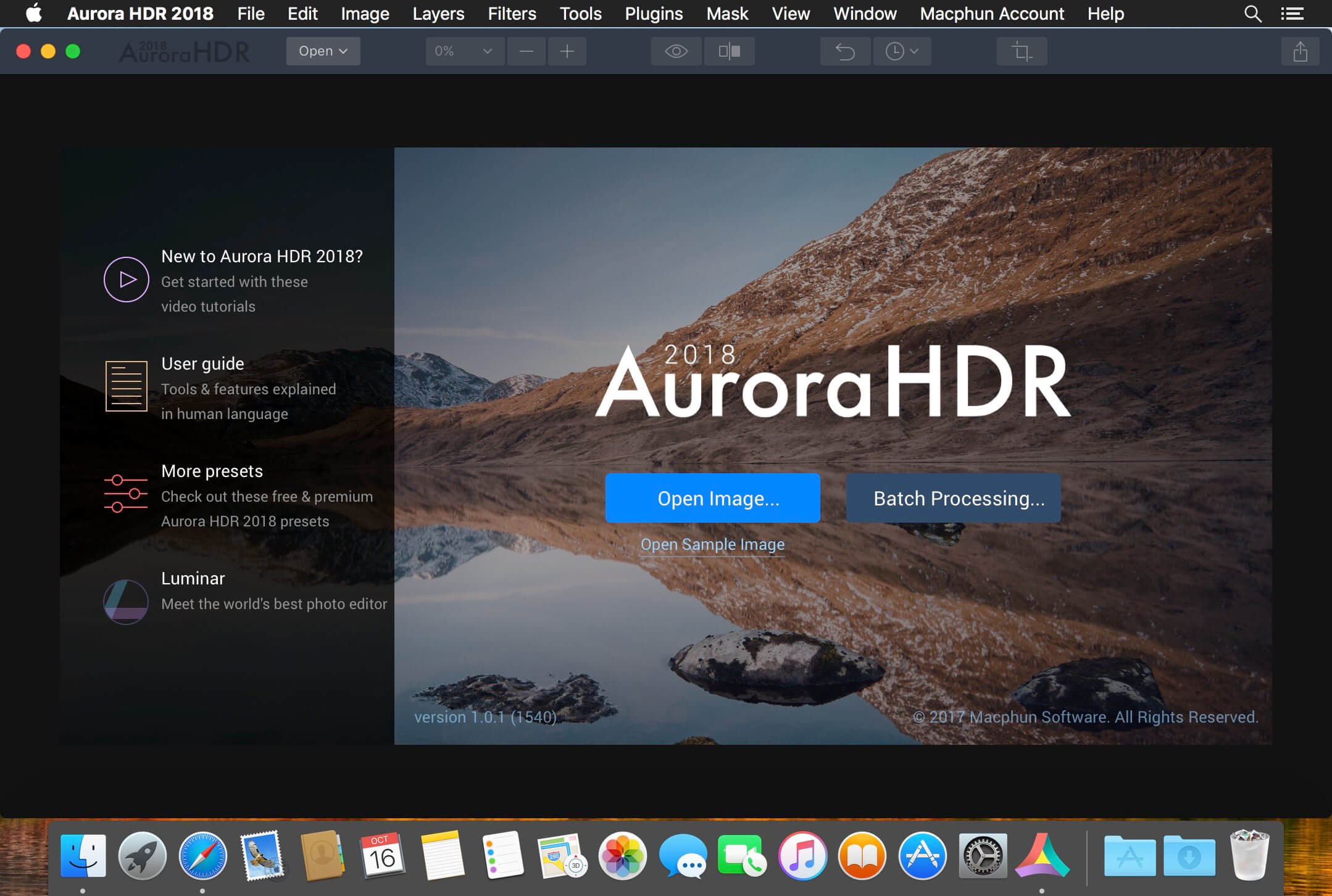
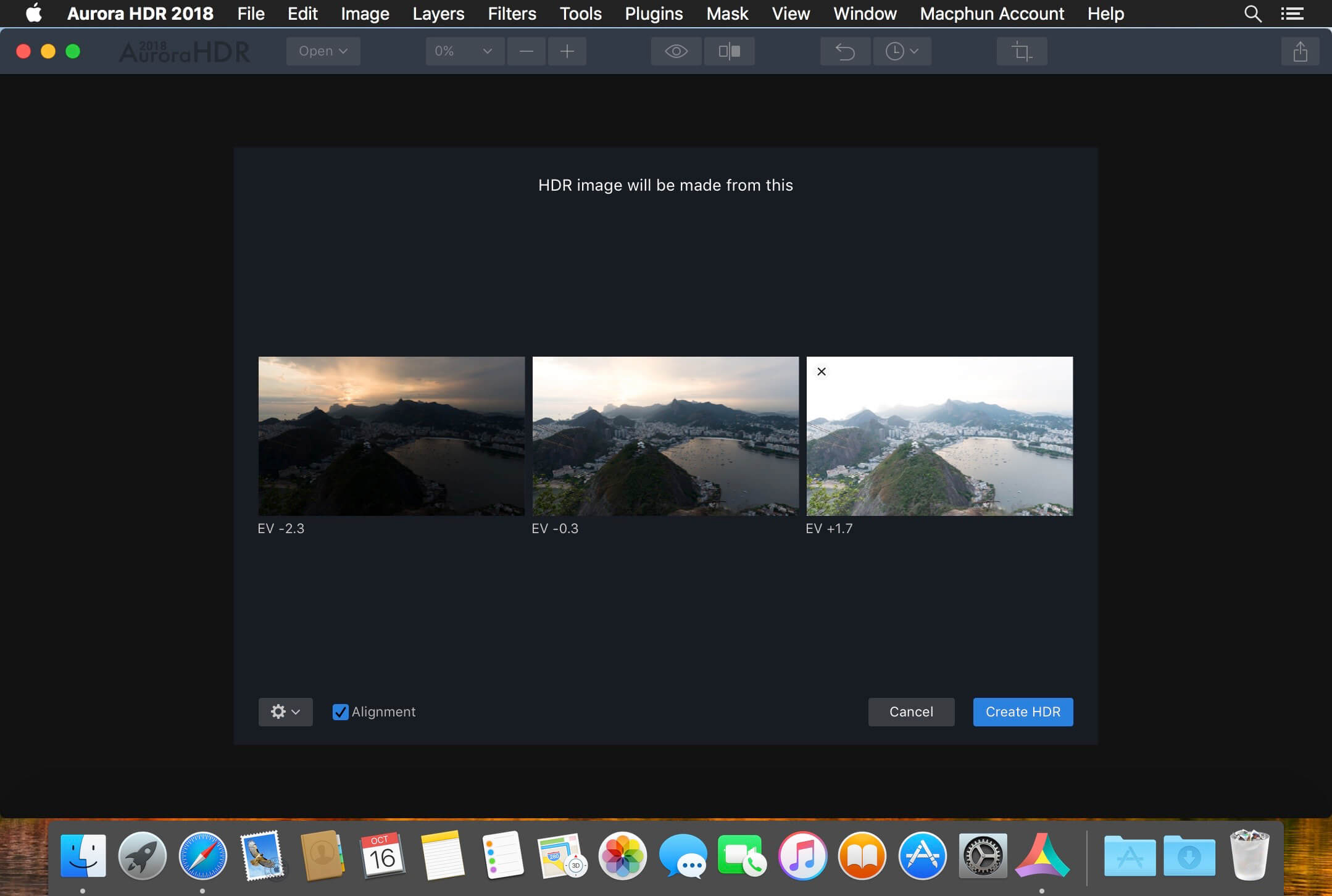
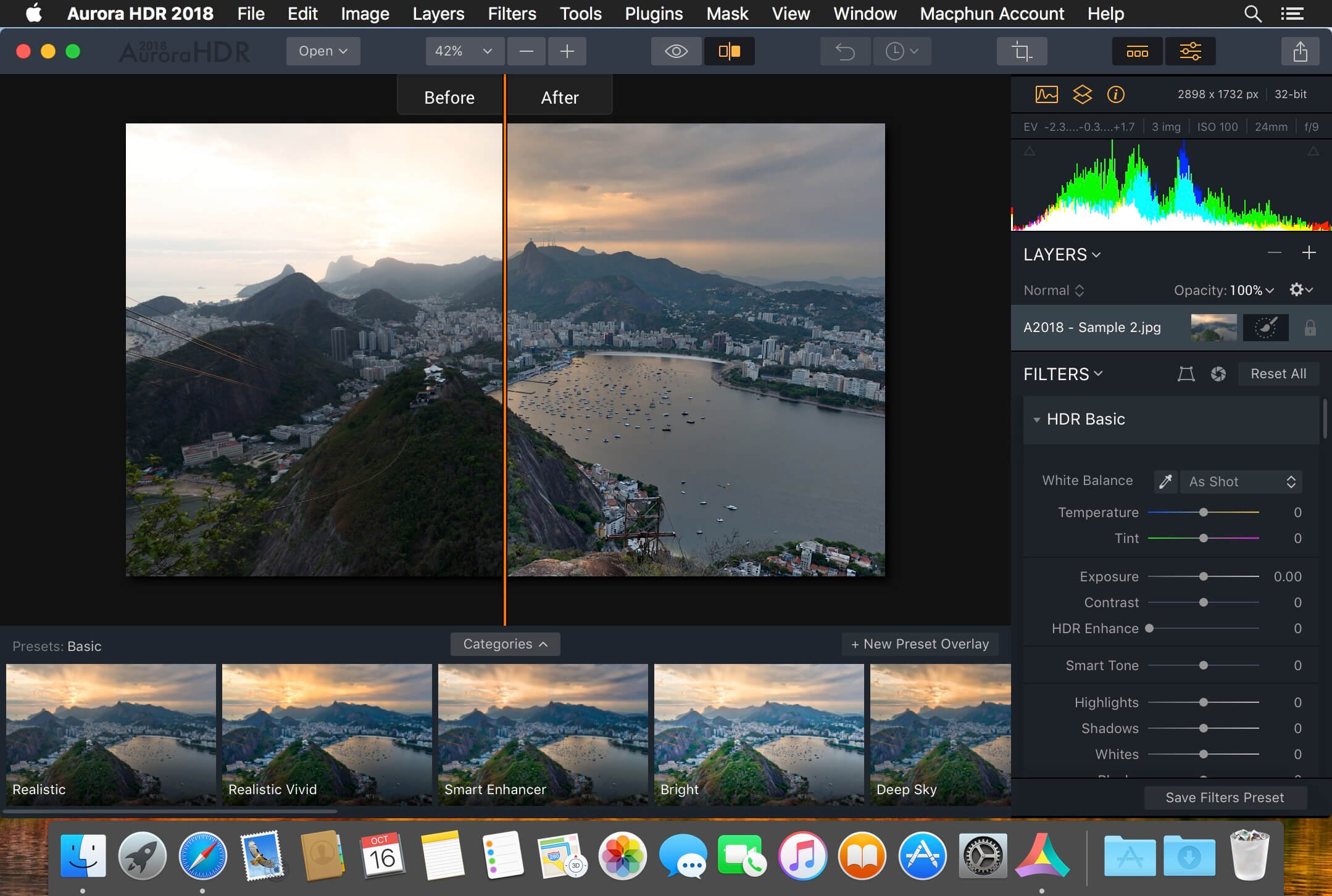
Aurora HDR 2018 is one of the world's most advanced and amazing HDR applications, co-developed by Macphun and Trey Ratcliff -- the world's most famous HDR photographer. You get tools, power, flexibility and creative freedom to make amazing HDR photos in minutes, without Adobe Photoshop, Lightroom, or any other software.
Features
- HDR Excellence. Aurora HDR combines Macphun's proprietary image tone-mapping, a fun user interface and Trey's excellent photographic vision. You get fast and powerful results for creating HDR photos with styles from completely realistic to extreme.
- Complete Set of HDR Tools. Aurora HDR features an easy-to-use, versatile workflow that supports every style of HDR. It simplifies the creation of beautiful photos with with auto alignment and automatic deghosting technology, over 60 powerful editing tools and scores of 1-click presets developed by Trey Ratcliff and the Macphun team.
- Presets for Instant Magic. You want amazing results, quickly? Aurora HDR presets for various photography styles will give it to you. Even create your own presets and share them with other artists.
- Unique Editing Tools. Take advantage of custom textures, layers, brushes, image radiance, structure and detail controls, vignette and vivid colors and much more. Aurora HDR includes best-in-class toning, split-toning, color filter and even graduated neutral density tools to help you achieve fantastic results, easily!
- Even More Power. There is no other software like Aurora HDR. Learn more about tools and features, plus watch free tutorials by pro photographers at: aurorahdr.com
- Presets tuned and reordered
- Fixed issue with pink .dng files.
- Added ability to move images between bracket groups in Batch processing.
Frequently asked questions
How do I install the app?
Mount the image, drag the app into the "Applications" folder and launch it. If the system blocks the launch, allow it in "System Settings → Privacy & Security".
The app is damaged or won't launch
Reinstalling from a fresh image usually helps. Make sure your macOS version matches the one listed in the compatibility specs.
How do I update?
Download the new version from the site and install it over the current one — your settings will be preserved.
The download link doesn't work
Try a mirror or a download manager. For large files the browser often drops the connection.
How do I completely remove the app?
Use an uninstaller utility — it cleans up the service files that remain after moving the app to the trash.
VersionAurora HDR 2018 1.2.0 (5042)
DeveloperMacPhun Software
CompatibilityOS X 10.10 or later, 64-bit processor
LanguageEnglish
IncludesK'ed by TNT
Information
Visitors in the group Guests cannot leave comments on this publication.
Choose a download source
Aurora HDR 2018 1.2.0 (5042) · 200.15 MB