ImageRanger Pro Edition 1.9.6.1888
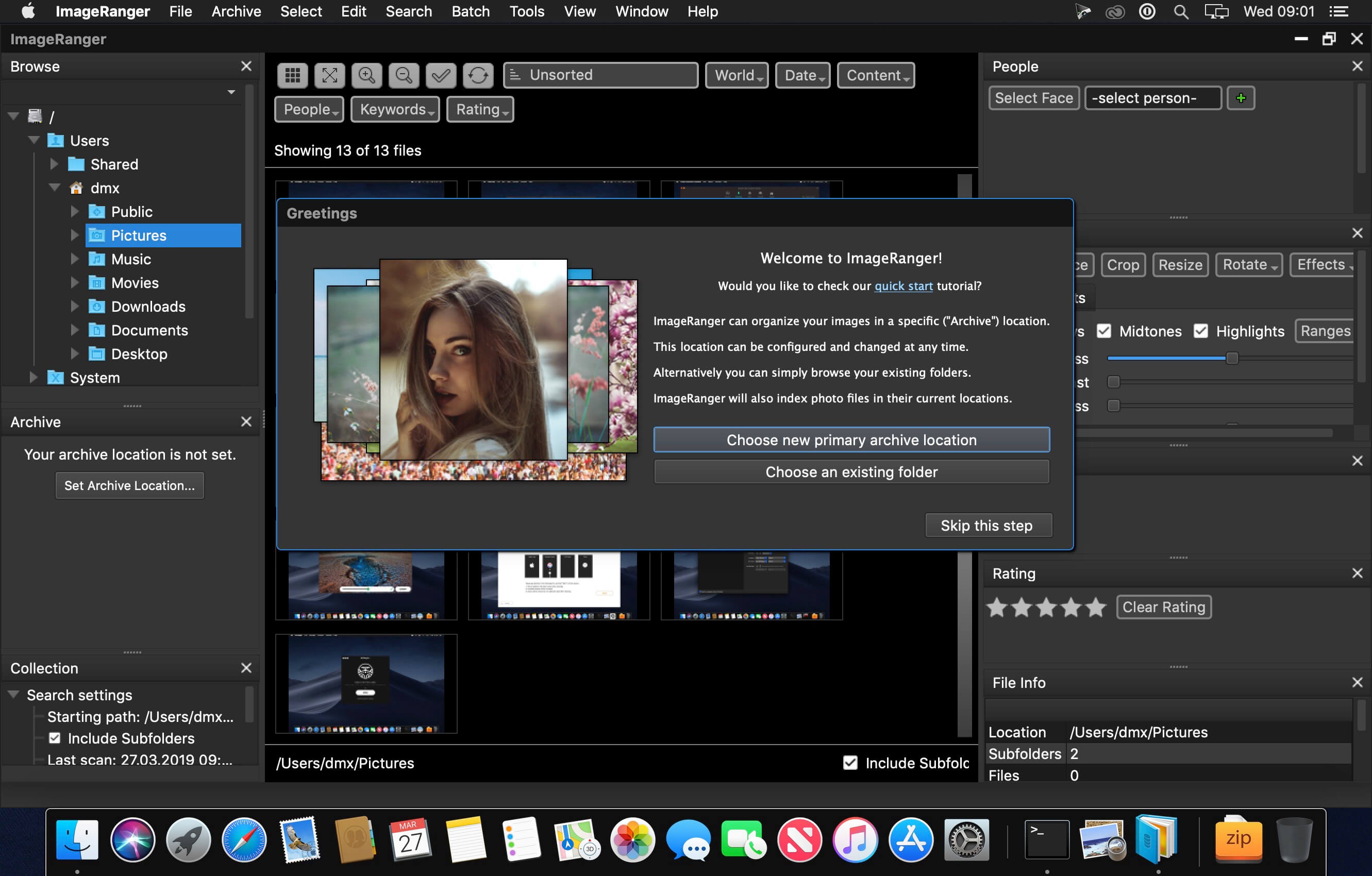
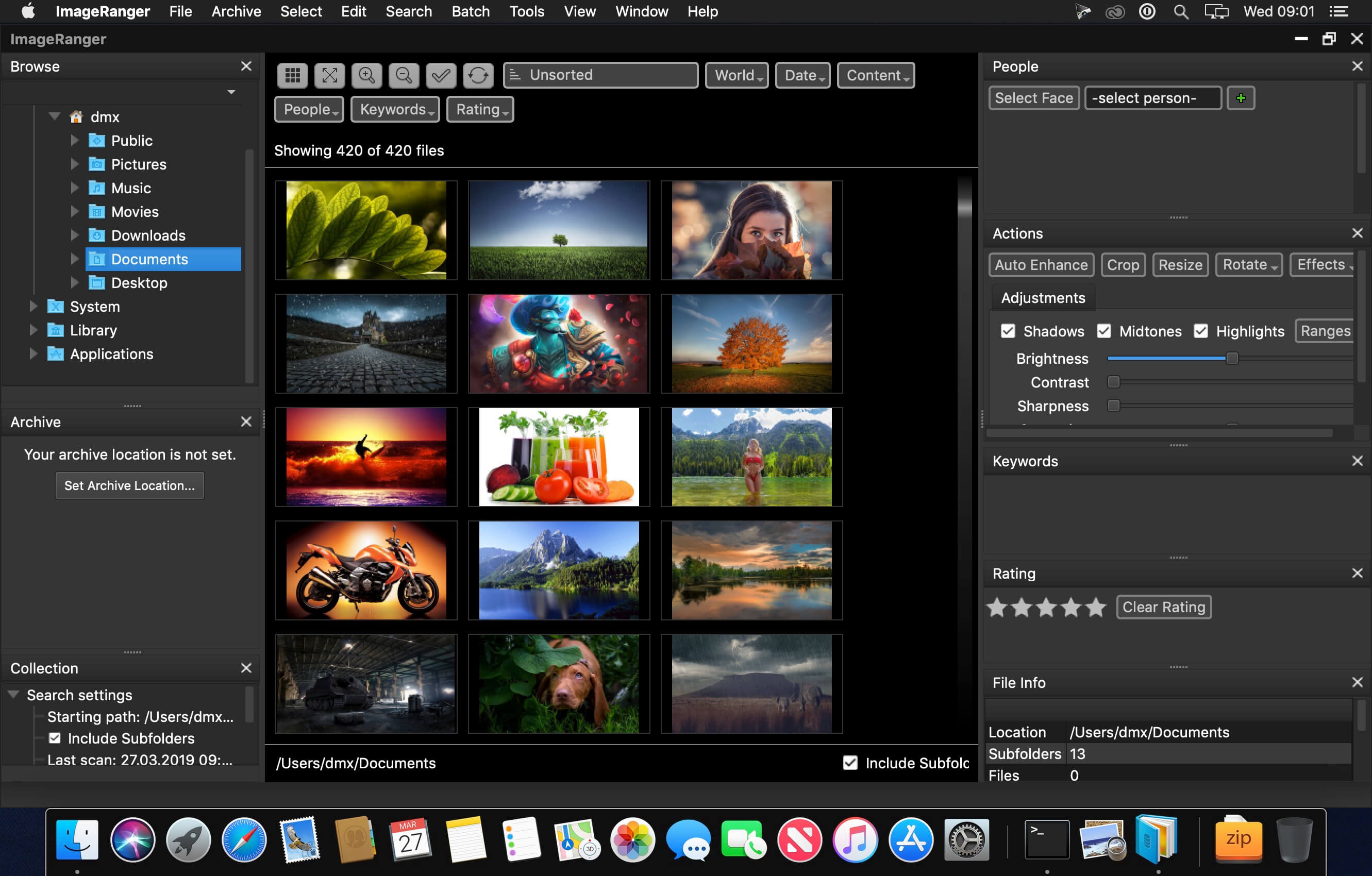
We live in the day in which pictures are a common thing, especially with all phones being equipped with pretty powerful cameras. As such, your computer can end up the storage place of your picture collections, but it can be a hassle to manually handle it. In this regard, ImageRanger comes as an advanced picture finding and organizing tool.
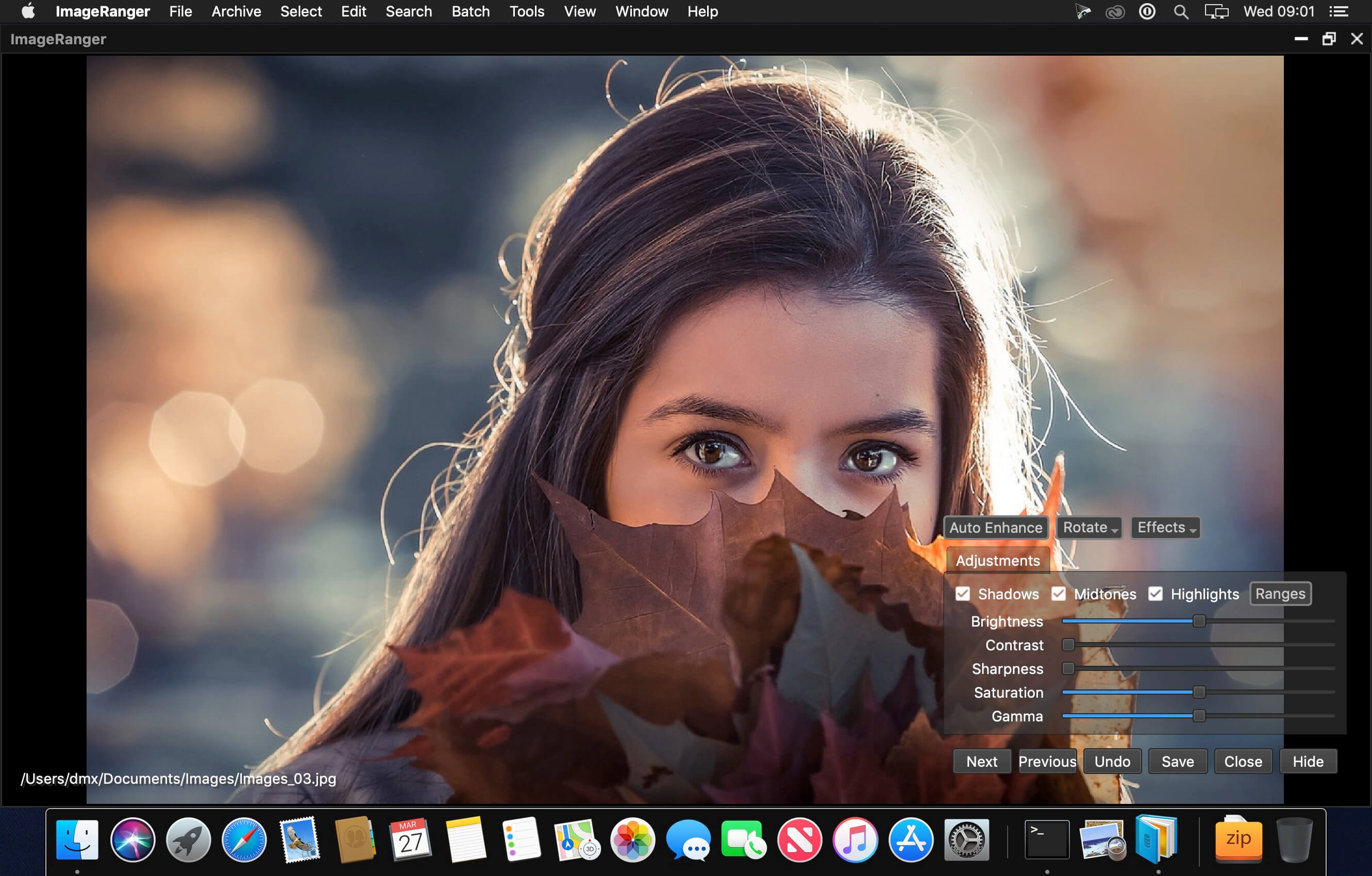
With ImageRanger, auto-enhancements can be applied to multiple images at once. Manual fine-tuning makes it possible to select dark or bright regions of the image and apply various correction settings.
All necessary editing controls (brightness, contrast, sharpness, saturation) are designed in a user friendly interface, with an UNDO function to correct any mishaps as you go.
You can even ask ImageRanger to find and categorize all images of poor quality automatically for your convenience. For advanced users, a powerful batch-processing allows work to be carried out on entire folders while processing only relevant photos.
ImageRanger will index photos on your Mac or storage drives so you can:
- Quickly load thousands of images
- Find portraits, faces
- Sort and filter
- Find duplicates and remove copies
- Organize in folders by year, location
- Crop, resize very quickly
- Manually sort collections from multiple folders
- Sort out your images from other illustrations, clip arts
- Find low quality images and improve image contrast
- Perform general photo managment tasks
- Print hundreds of photos
Version 1.9.6.1888:
- Release notes were unavailable when this listing was updated.
Frequently asked questions
How do I install the app?
Mount the image, drag the app into the "Applications" folder and launch it. If the system blocks the launch, allow it in "System Settings → Privacy & Security".
The app is damaged or won't launch
Reinstalling from a fresh image usually helps. Make sure your macOS version matches the one listed in the compatibility specs.
How do I update?
Download the new version from the site and install it over the current one — your settings will be preserved.
The download link doesn't work
Try a mirror or a download manager. For large files the browser often drops the connection.
How do I completely remove the app?
Use an uninstaller utility — it cleans up the service files that remain after moving the app to the trash.


Choose a download source
ImageRanger Pro Edition 1.9.6.1888 · 102.67 MB
Previous versions
ImageRanger Pro Edition 1.9.6.1888
Previous versions are available to registered users.
Comments 4