
Hydra 4.6.1
Capture shadows and highlights in one natural-looking image
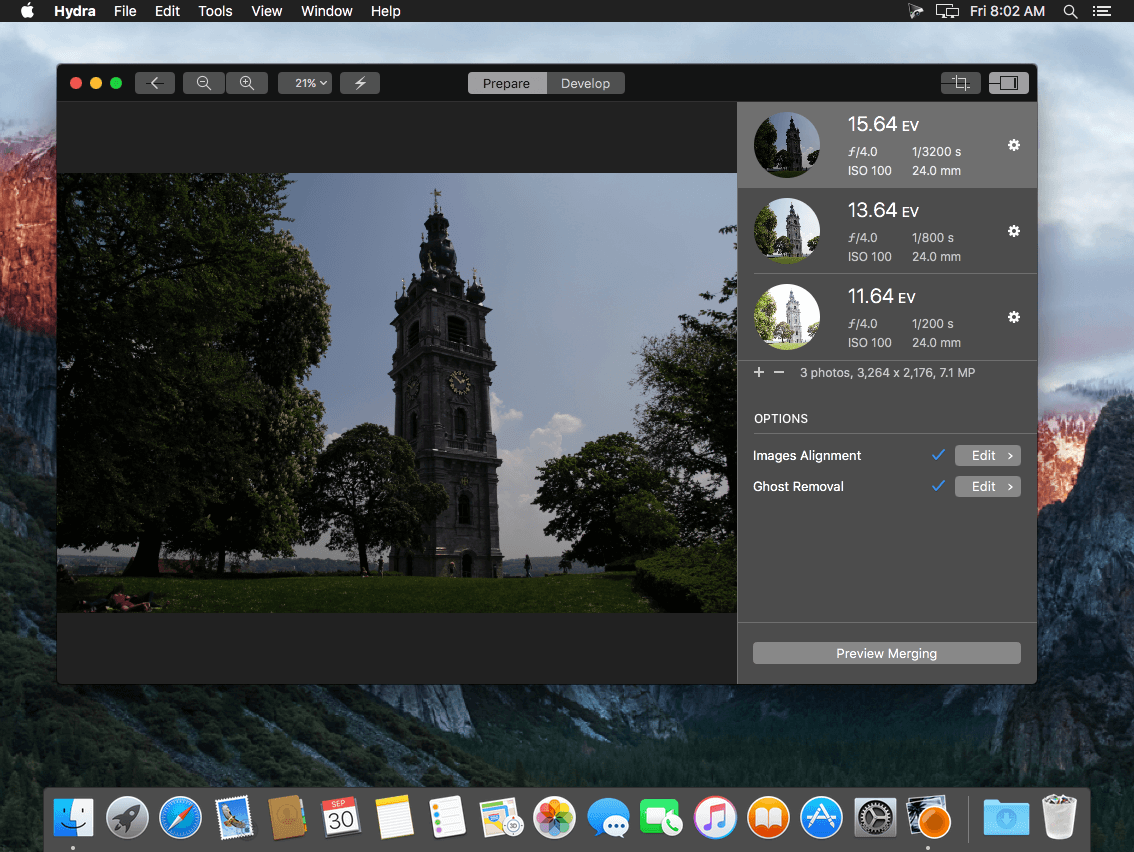
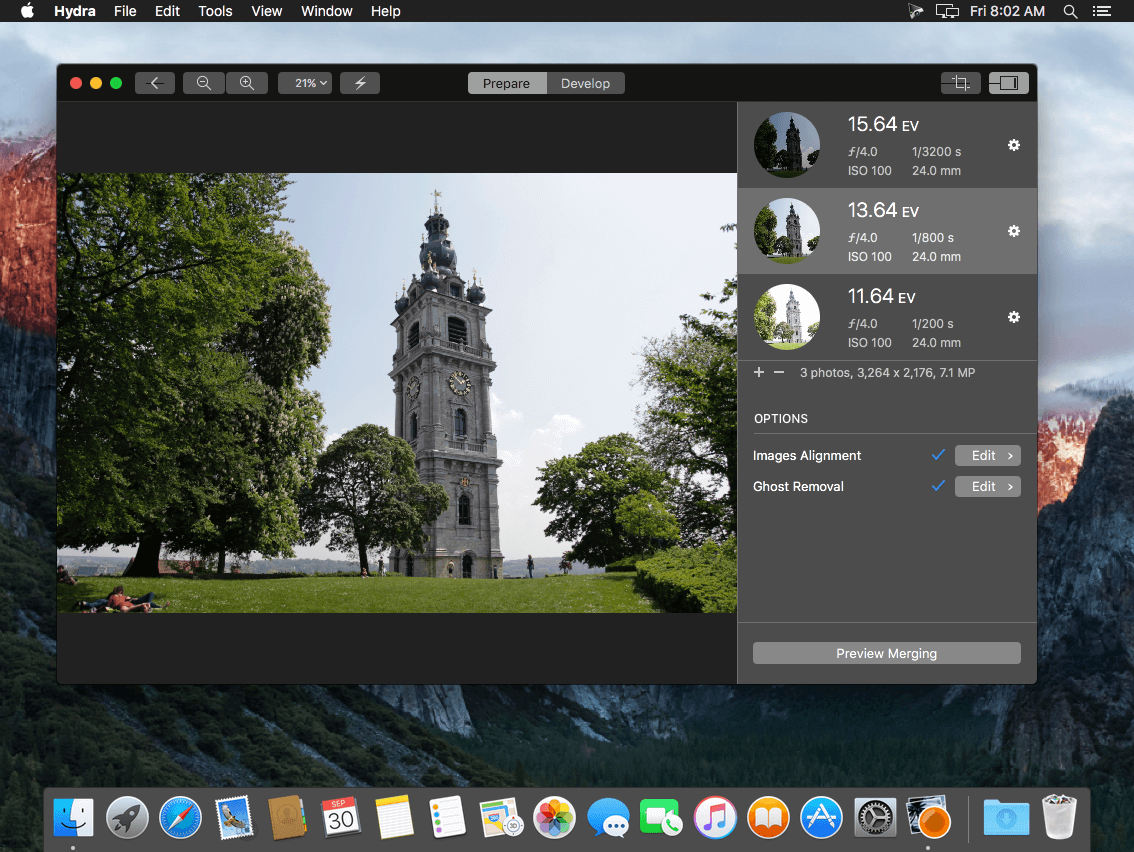
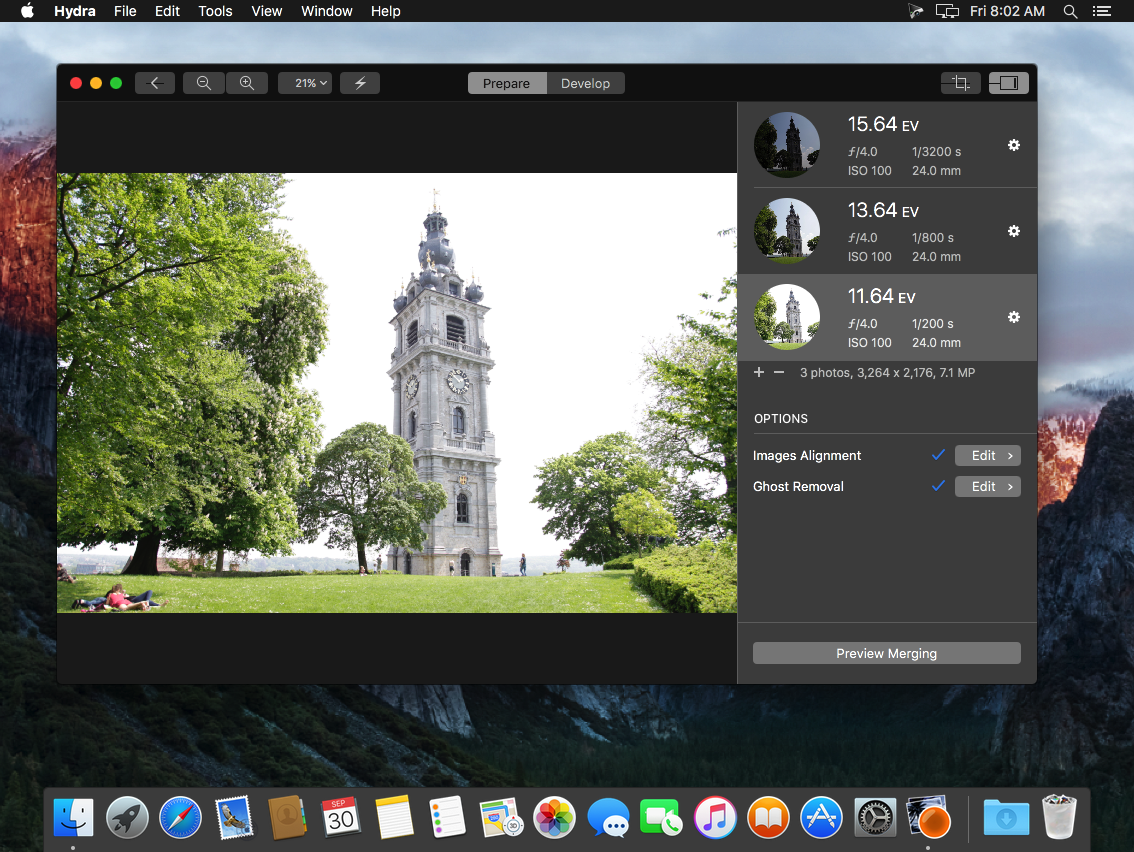
Hydra 4 combines a set of differently exposed photos into a single high-dynamic-range image that keeps detail in both dark and bright areas. You can aim for a natural look or push the scene toward a more dramatic result, with every adjustment previewed instantly at full resolution. It's built for photographers who shoot multiple exposures, handheld or on a tripod, and want precise control over the final image.
NEW & IMPROVED FEATURES
- Metal-optimized engine — 128-bit per pixel internal format with 60 FPS previewing at full resolution
- New tone mapper — real-time editing with range compression, shadow boosting, highlight recovery and per-scope settings for specific image regions
- 12 tone mapping presets — quick starting points that can be fine-tuned manually
- Image alignment — automatic or manual feature-point alignment with difference views and a merge preview
- Ghost removal — mark regions with moving subjects and choose which exposures contribute to each one
- Comparison and flashing — split-screen comparison with input images and highlighting of over- and underexposed areas
- Settings snapshots — save several tone mapper configurations in a project and switch between them
- Flexible file formats — JPEG, RAW, OpenEXR and Radiance input; JPG, TIFF, OpenEXR and Radiance output in sRGB, Adobe RGB, ProPhoto, DCI-P3 or ACES CG Linear
- Apple Photos workflow — import exposures via a share extension and export the result back to Photos
- HDR and LDR histograms — show light intensity under the cursor in real time, before and after tone mapping
Version 4.6:
Modernization for macOS 26 Tahoe:
- App icon updated for Liquid Glass
- Modernized app iconography with SF Symbols.
- Improved toolbar icons
- Added icons to menus
- Stability enhancements & optimization for macOS 26 Tahoe
Localization:
- Hydra is now localized in 24 languages (previously 9).
Privacy enhancements:
- Hydra no longer relies on App Center (Microsoft) for anonymous features analytics and crash reporting. Anonymous crash reports are now handled through built-in mechanism of macOS (user opt-in), and features analytics has been completely removed.
Requirements:
- Hydra now requires macOS 13 Ventura or Higher.
Frequently asked questions
How do I install the app?
Mount the image, drag the app into the "Applications" folder and launch it. If the system blocks the launch, allow it in "System Settings → Privacy & Security".
The app is damaged or won't launch
Reinstalling from a fresh image usually helps. Make sure your macOS version matches the one listed in the compatibility specs.
How do I update?
Download the new version from the site and install it over the current one — your settings will be preserved.
The download link doesn't work
Try a mirror or a download manager. For large files the browser often drops the connection.
How do I completely remove the app?
Use an uninstaller utility — it cleans up the service files that remain after moving the app to the trash.




Choose a download source
Hydra 4.6.1 · 22.26 MB
Previous versions
Hydra 4.6.1
Previous versions are available to registered users.