
Photo Mechanic 6.0 build 5029
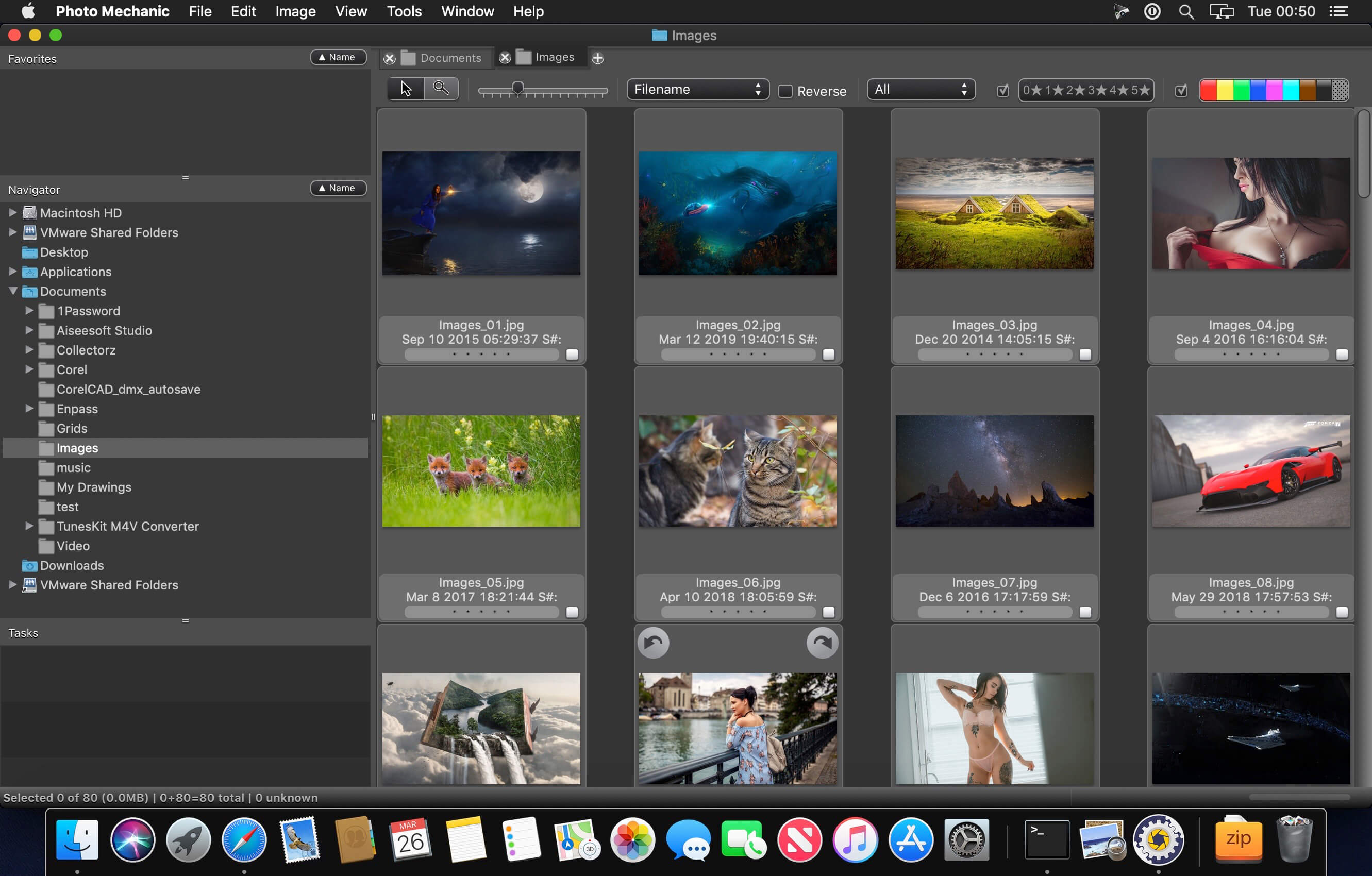
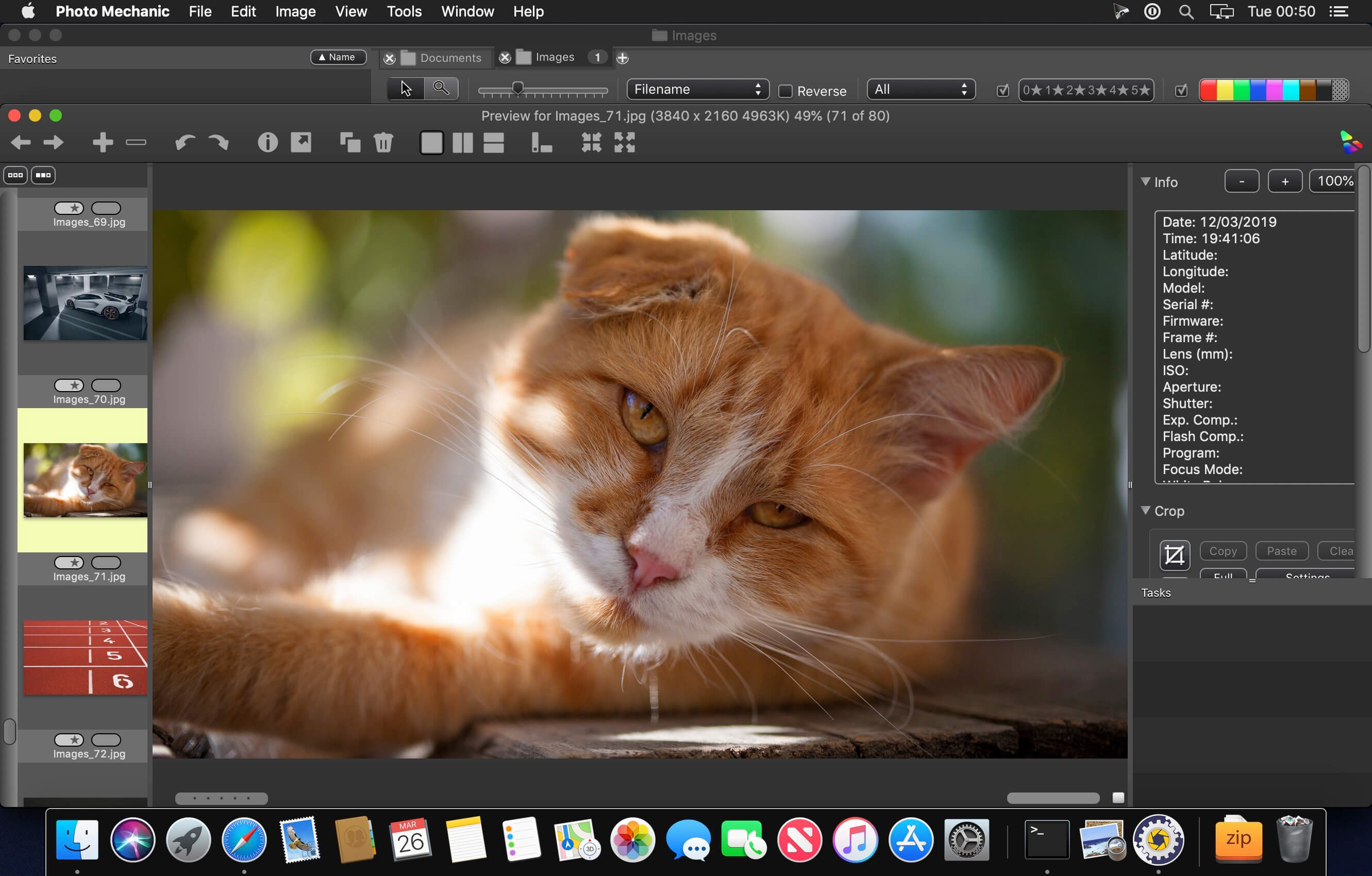
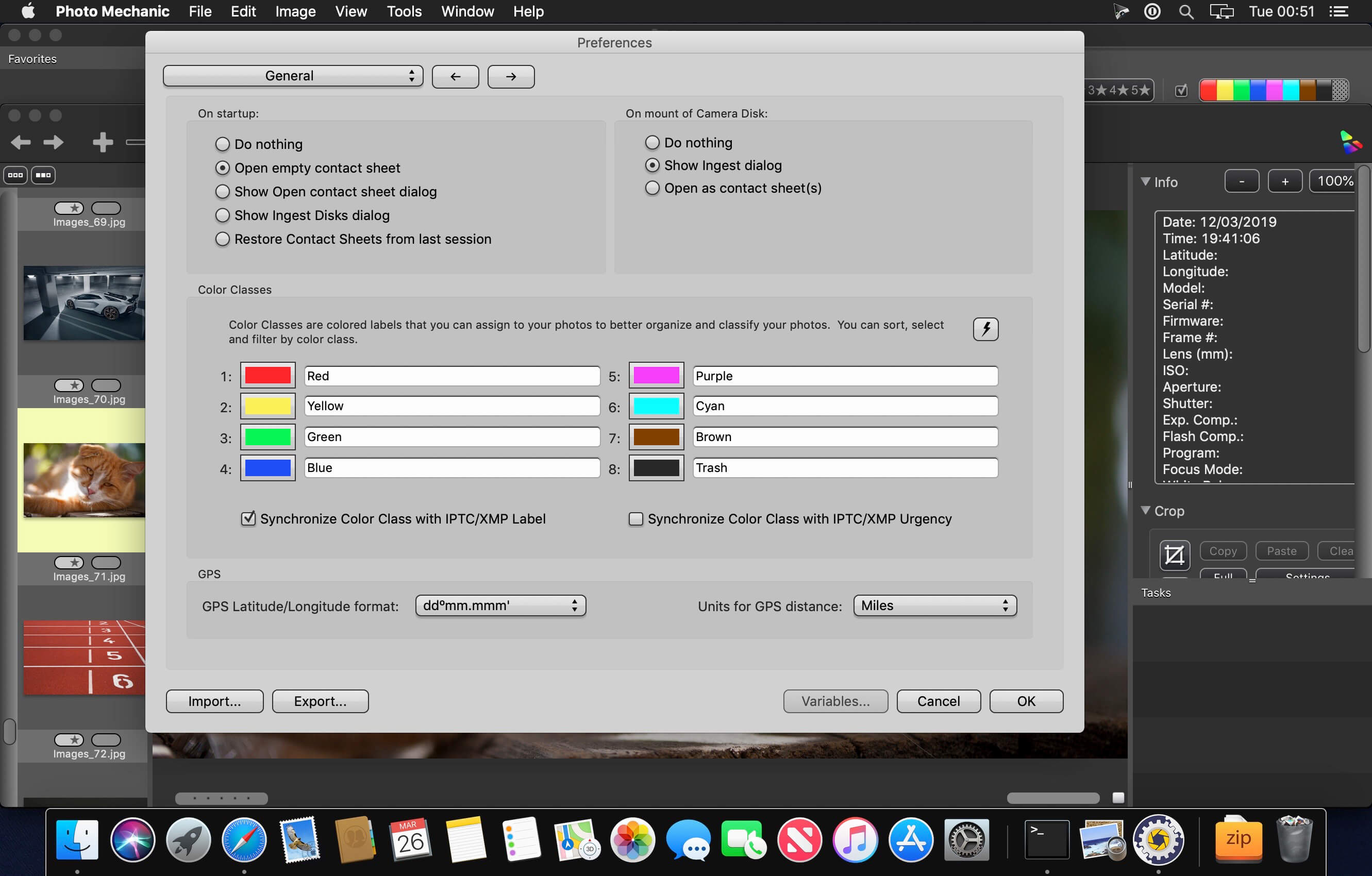
Use Photo Mechanic® 6 To View, Organize, Manage, And Export Digital Photos The minute you put down the camera, your post-processing workflow begins. The most productive photographers in the world use Photo Mechanic’s powerful features to make managing photos faster and easier. Quickly ingest photos from your memory cards and pick your winners without having to wait.
Use tools originally created for photographers under the world’s most extreme deadlines to add information such as captions, keywords, and copyright to your images as fast as possible. Finally, deliver those images to the world with powerful export features. Photo Mechanic speeds up your workflow, and you take all the credit.
Version 6.0:
Fixed:
Fixed:
- (Mac Retina only) Loupe cursor not working with pictures of 2000 by 1333 pixels
- Photo Mechanic not erasing disks when Ingest completes successfully
- On Mojave, thumbnails in Contact Sheet are hidden during certain operations
- Clicking a hover button while moving the mouse changes selection
- Issue with "Adjust Capture Date/Time" giving RAW file more recent time than XMP sidecar
- Unable to drag RAW+JPEG+WAV to a folder in Navigator & Favorites
- "Reveal in navigator" not expanding folder
- Application activation issues with Server
- When multiple contact sheets are displayed, it is possible to have multiple "Info" windows shown
- Info tips not being refreshed when scrolling contact sheet
- Contextual menu for Color Class and Ratings Filters not available when filters are disabled
- Reverse Geocoding not respecting flag "Never overwrite existing data"
- Error editing with Photoshop if Photoshop not already open
- Issue whereby canceling an Ingest will cause incorrect image state
- Dropbox uploader fails when destination path is empty
Frequently asked questions
How do I install the app?
Mount the image, drag the app into the "Applications" folder and launch it. If the system blocks the launch, allow it in "System Settings → Privacy & Security".
The app is damaged or won't launch
Reinstalling from a fresh image usually helps. Make sure your macOS version matches the one listed in the compatibility specs.
How do I update?
Download the new version from the site and install it over the current one — your settings will be preserved.
The download link doesn't work
Try a mirror or a download manager. For large files the browser often drops the connection.
How do I completely remove the app?
Use an uninstaller utility — it cleans up the service files that remain after moving the app to the trash.
VersionPhoto Mechanic 6.0 build 5029
DeveloperCamera Bits, Inc.
CompatibilitymacOS 10.10.5 or later
LanguageEnglish
IncludesK'ed by TNT





Information
Visitors in the group Guests cannot leave comments on this publication.
Choose a download source
Photo Mechanic 6.0 build 5029 · 59.77 MB
Previous versions
Photo Mechanic 6.0 build 5029
Previous versions are available to registered users.