PictureCode Photo Ninja 1.4.0d

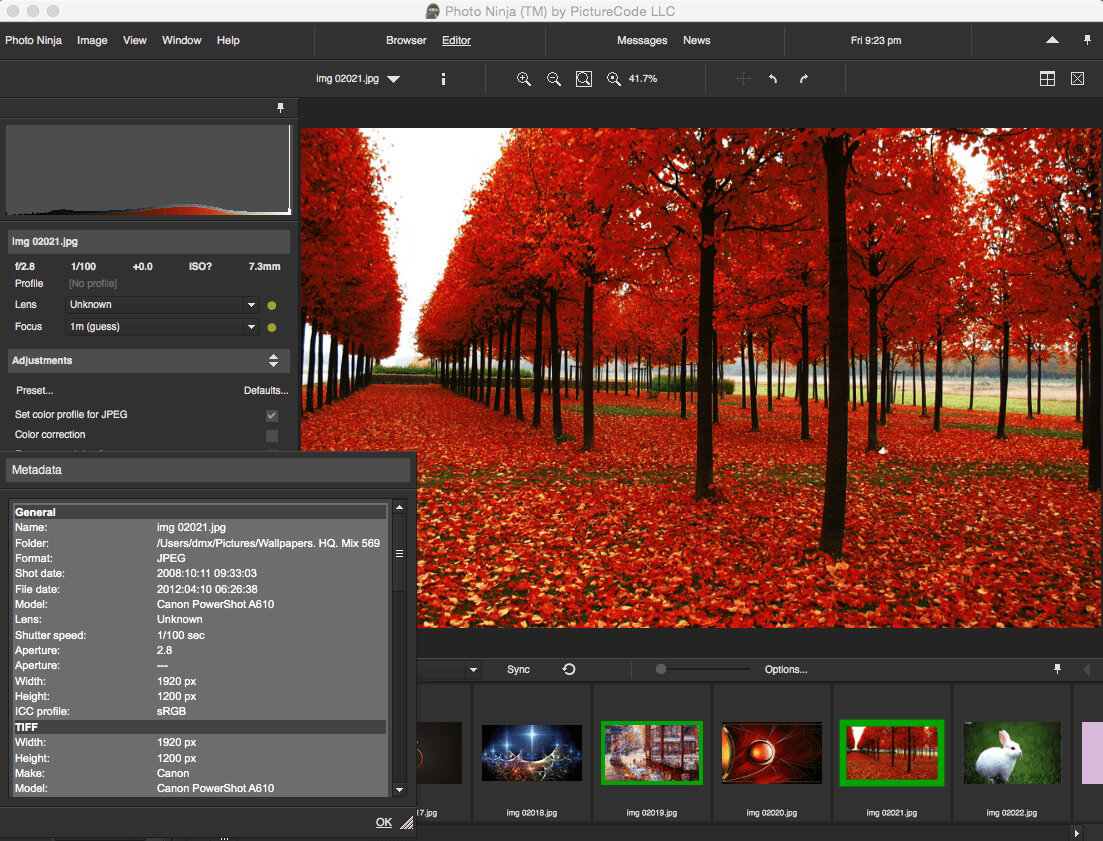
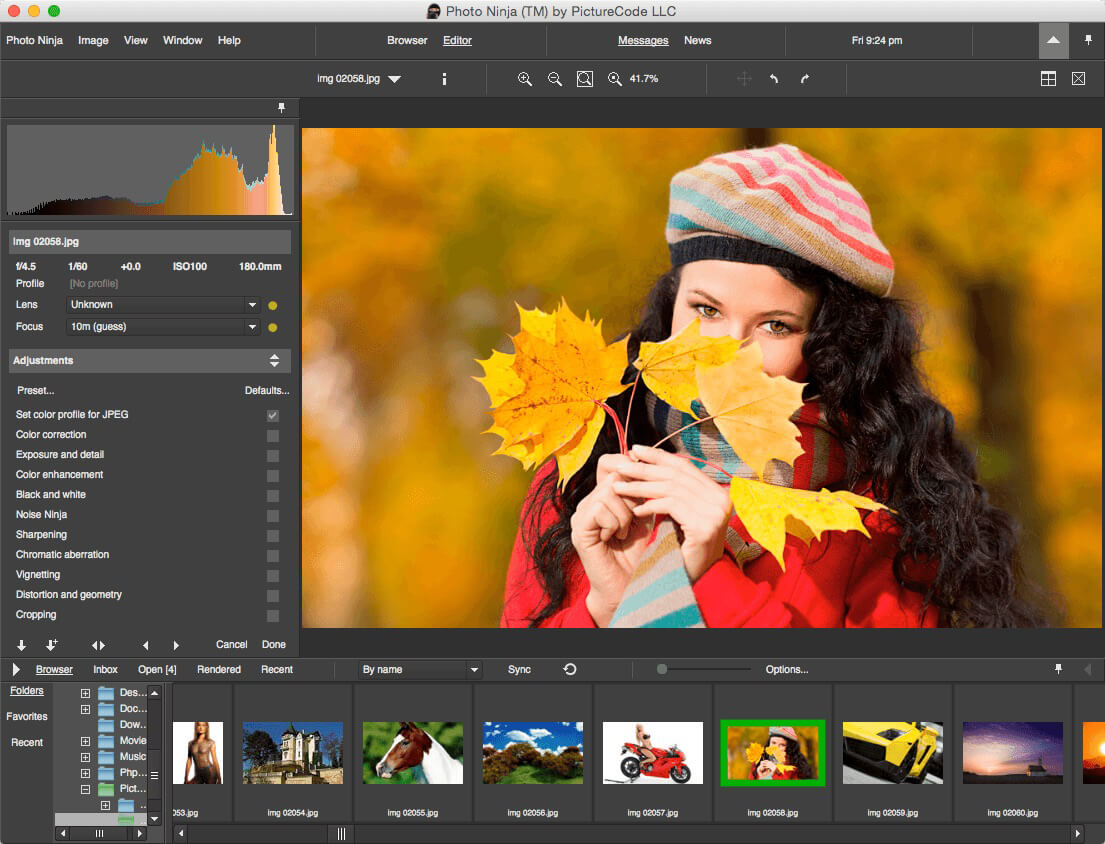
PhotoNinja (formerly Noise Ninja) is a professional-grade raw converter and image editor that gives you powerful new tools to get the best possible results from your digital camera. Built from the ground up with world-class image processing technology, it delivers exceptional image quality, quickly and easily.
- Detail is crisp and impressive, and images have a uniquely pleasing and realistic look.
- Includes all-new Noise Ninja 3.0 noise reduction filter with improved noise suppression and better preservation of detail.
- Best-of-breed tools quickly and easily tame highlights, extract detail from shadows, overcome backlighting, and even out excessive contrast -- all with natural-looking results.
- One-of-a-kind detail enhancement reveals latent detail and adds drama to your images without the usual halo artifacts.
- Amazing highlight recovery convincingly repairs many overexposed images.
- Built-in color styles help you get pleasing color quickly and easily, with carefully chosen treatments for skin and other key hues.
- Optimized for RAW, but can also achieve impressive results with JPEG and TIFF.
- Simple and fast "point-and-go" browser lets you access your image collection directly. No need to import into a catalog or library.
- Can be used standalone or as a companion for other platforms like Photo Mechanic, Lightroom, and Aperture.
Frequently asked questions
How do I install the app?
Mount the image, drag the app into the "Applications" folder and launch it. If the system blocks the launch, allow it in "System Settings → Privacy & Security".
The app is damaged or won't launch
Reinstalling from a fresh image usually helps. Make sure your macOS version matches the one listed in the compatibility specs.
How do I update?
Download the new version from the site and install it over the current one — your settings will be preserved.
The download link doesn't work
Try a mirror or a download manager. For large files the browser often drops the connection.
How do I completely remove the app?
Use an uninstaller utility — it cleans up the service files that remain after moving the app to the trash.


Choose a download source
PictureCode Photo Ninja 1.4.0d · 38.38 MB
Previous versions
PictureCode Photo Ninja 1.4.0d
Previous versions are available to registered users.