
Artpaper 5K – daily wallpapers 3.0.5
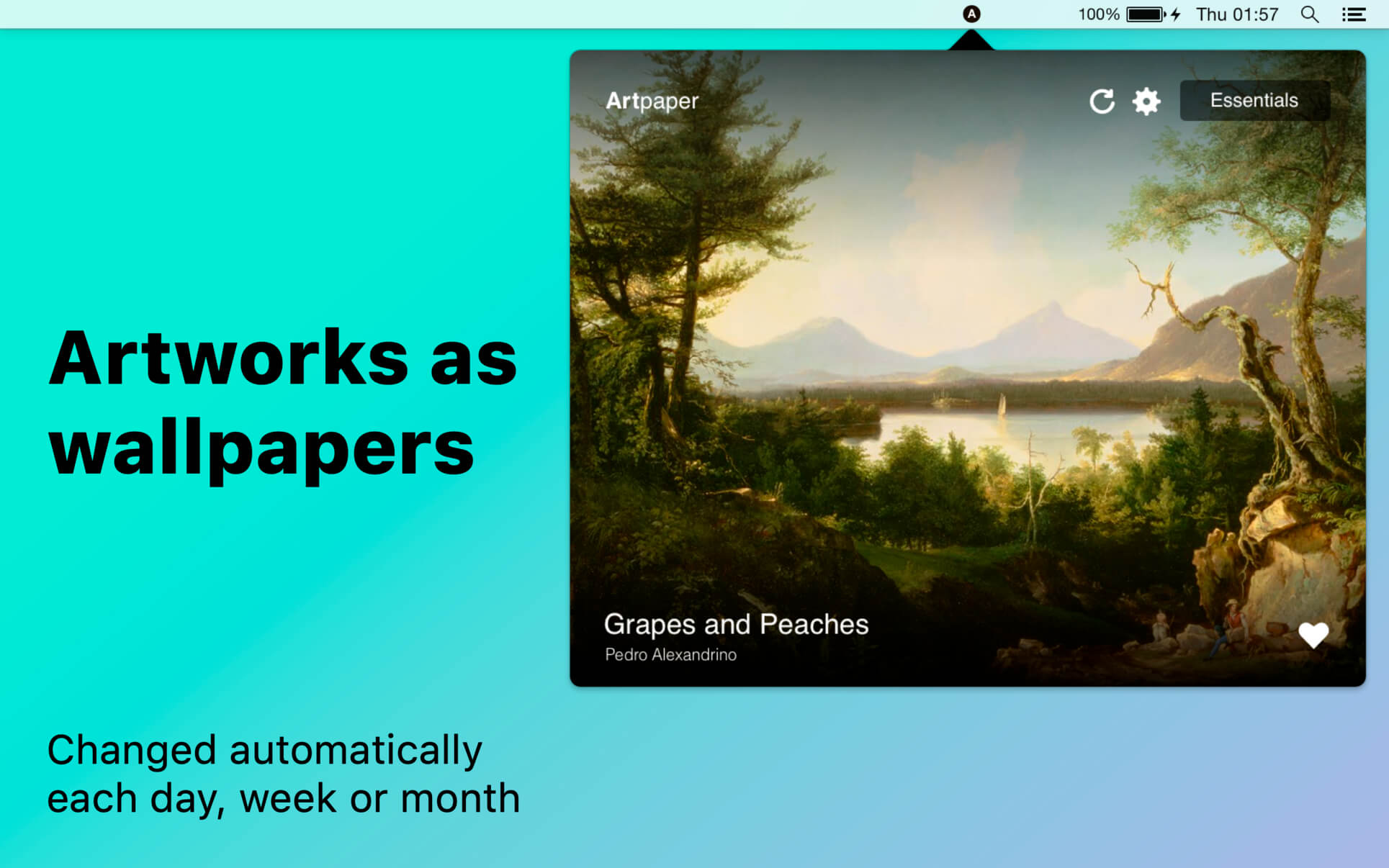

Artpaper will freshen up your desktop by bringing 1000+ paintings from the best galleries on it.
NEW WALLPAPERS EACH DAY
- It changes wallpapers automatically.
- Get your wallpapers updated on computer shutdown or different intervals: day, week, 2 weeks, month.
- Constantly see something fresh on your desktop!
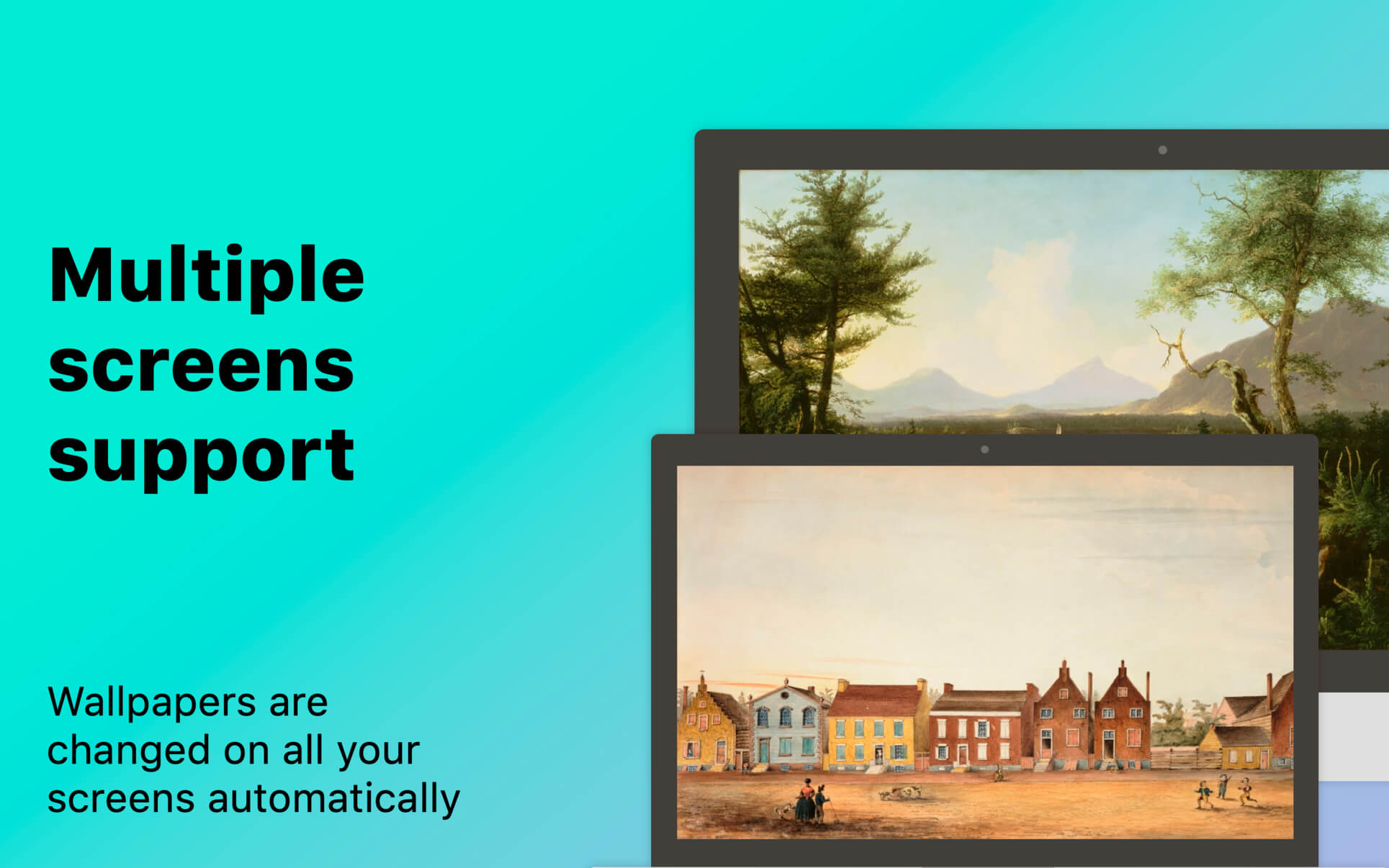
- It can set different wallpapers on different screens.
- No matter how many external displays you have!
- All our wallpapers are scanned paintings from the best museums & galleries across the world.
- Copyright-free.
- Get basic info about the painting and author in Artpaper window.
- We have 7 different packs of pictures you can choose between.
- In total, there are 1000+ paintings in our collection.
- Download only packs you like to reduce space usage.
Version 3.0.0
It's a first Artpaper's massive makeover in a while. Check out what's changed:
FIRST OF ALL,
It's high quality time! We've optimized all wallpapers to look good even on 5K displays. You can choose between different quality in the Artpaper window before downloading a pack: non-Retina, Retina (MacBook 13"/15") and 4K/5K.
WE ADDED NEW GALLERIES
It's a first Artpaper's massive makeover in a while. Check out what's changed:
FIRST OF ALL,
It's high quality time! We've optimized all wallpapers to look good even on 5K displays. You can choose between different quality in the Artpaper window before downloading a pack: non-Retina, Retina (MacBook 13"/15") and 4K/5K.
WE ADDED NEW GALLERIES
- East Side Gallery (Berlin, Germany)
- Rijksmuseum (Amsterdam, Netherlands)
- Shizuoka (Japan)
- National Museum of Greece
- Fide (Madrid, Spain)
- Graffitimundo (Argentina)
- Art Institute Chicago (USA)
- Carmen Thyssen (Spain)
- Fuji Museum (Tokyo, Japan)
- Uffizi (Italy)
Frequently asked questions
How do I install the app?
Mount the image, drag the app into the "Applications" folder and launch it. If the system blocks the launch, allow it in "System Settings → Privacy & Security".
The app is damaged or won't launch
Reinstalling from a fresh image usually helps. Make sure your macOS version matches the one listed in the compatibility specs.
How do I update?
Download the new version from the site and install it over the current one — your settings will be preserved.
The download link doesn't work
Try a mirror or a download manager. For large files the browser often drops the connection.
How do I completely remove the app?
Use an uninstaller utility — it cleans up the service files that remain after moving the app to the trash.
VersionArtpaper 5K – daily wallpapers 3.0.5
DeveloperTwopeople Software LLC
CompatibilityOS X 10.10 or later, 64-bit processor
LanguageEnglish, German, Russian, Simplified Chinese
IncludesK'ed by TNT




Information
Visitors in the group Guests cannot leave comments on this publication.
Choose a download source
Artpaper 5K – daily wallpapers 3.0.5 · 96.73 MB
Previous versions
Artpaper 5K – daily wallpapers 3.0.5
Previous versions are available to registered users.