
MenuMinder 4.5.1

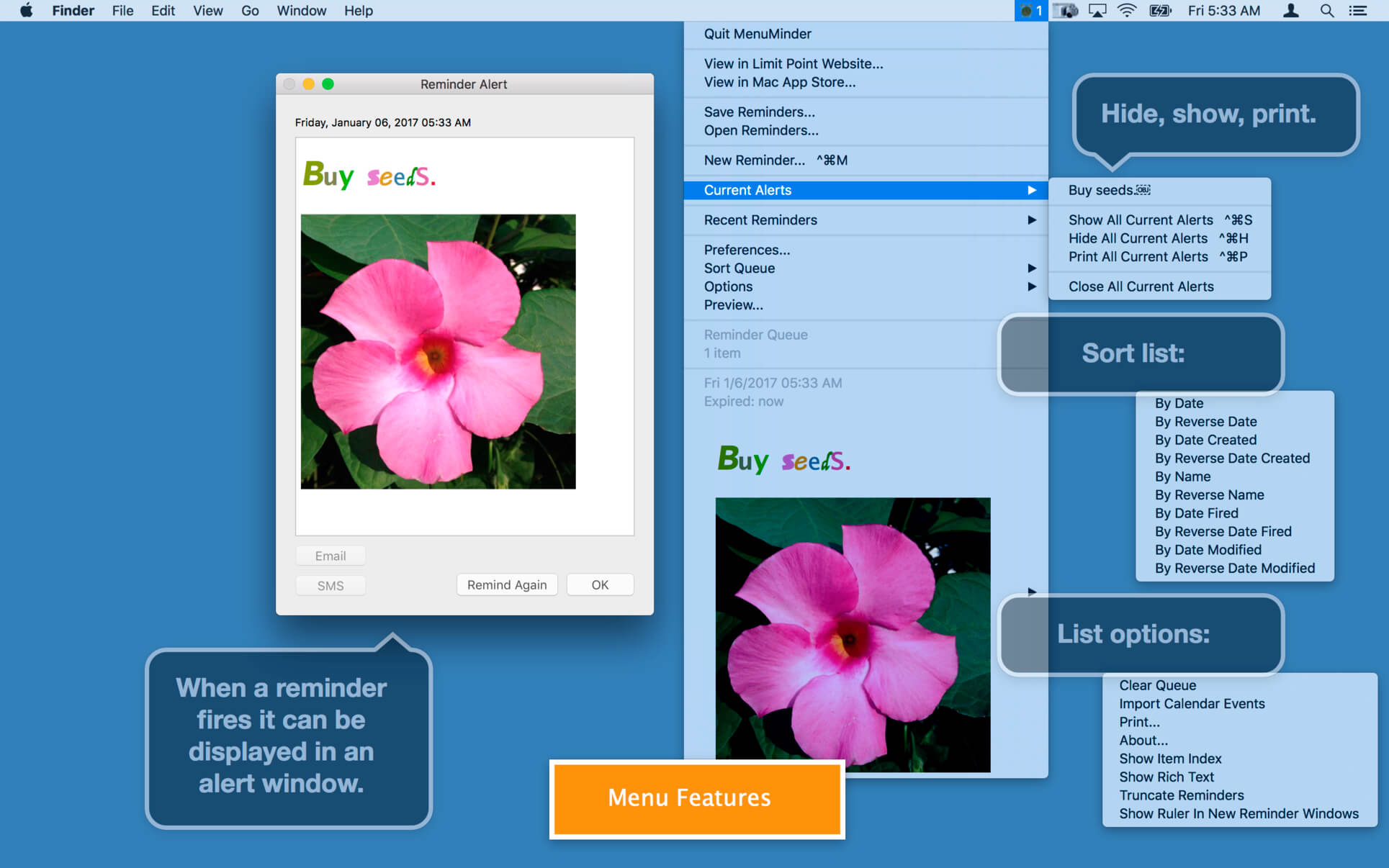
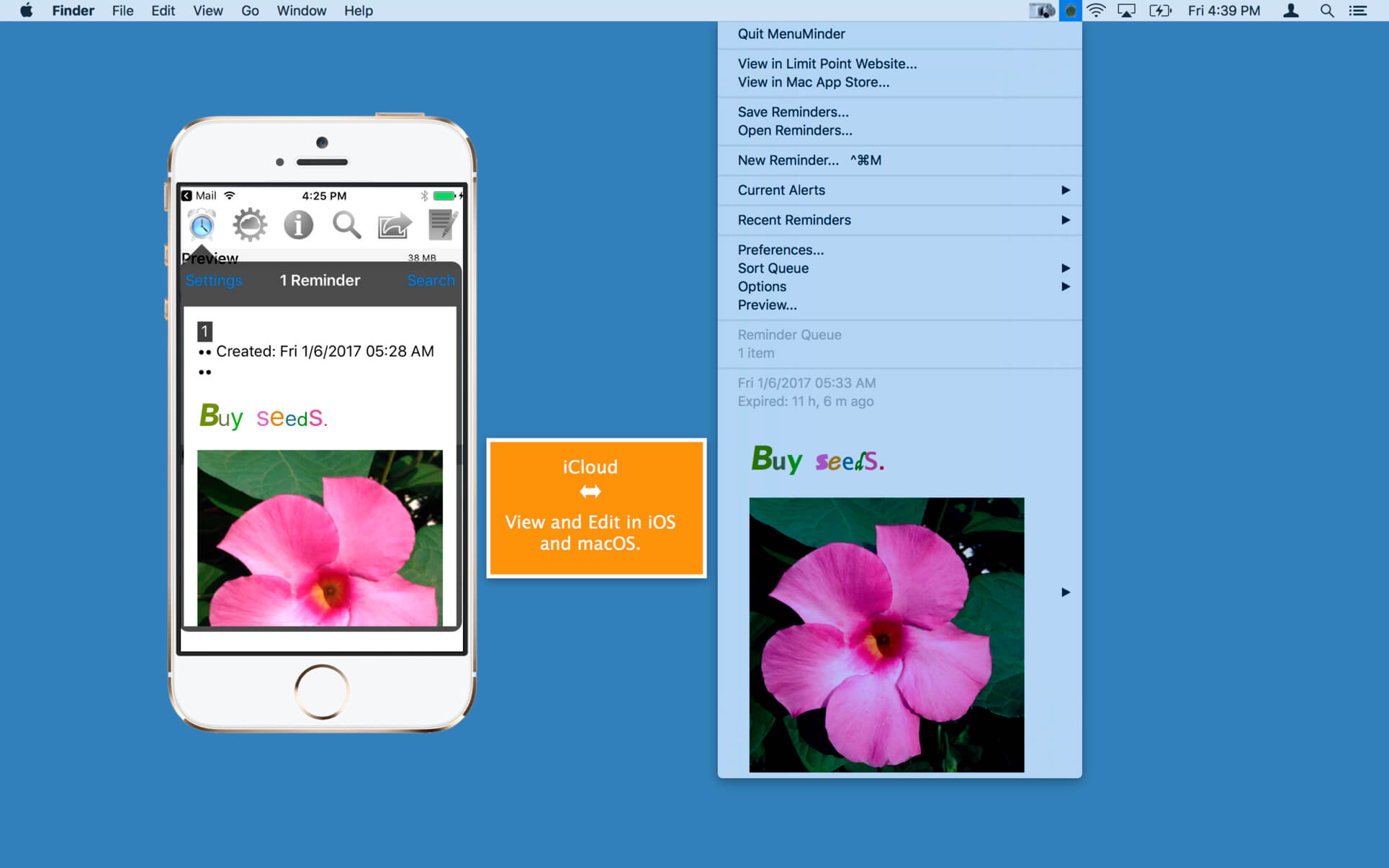
MenuMinder lets you create quick, simple alert, email and SMS Text Message (mobile phone) reminders straight from your menu bar. Quickly create a reminder using the system-wide menu that can be accessed from any application. Never forget anything ever again.
Attach tasks to your reminders. Schedule your computer to play a song, open a URL, run an application, or even run an AppleScript.
Enter an email server or use your default email account in Apple Mail.
Version 4.5
Maintenance update.
Maintenance update.
- Reminder alerts are removed from the screen if another alert for the same reminder will appear (because it is a repeating reminder).
- Fixed a bug where the initial reminder alerts presented during app startup were not able to be closed.
- Fixed possible issue with accessing calendar and address book due to new privacy requirements in some versions of macOS.
Frequently asked questions
How do I install the app?
Mount the image, drag the app into the "Applications" folder and launch it. If the system blocks the launch, allow it in "System Settings → Privacy & Security".
The app is damaged or won't launch
Reinstalling from a fresh image usually helps. Make sure your macOS version matches the one listed in the compatibility specs.
How do I update?
Download the new version from the site and install it over the current one — your settings will be preserved.
The download link doesn't work
Try a mirror or a download manager. For large files the browser often drops the connection.
How do I completely remove the app?
Use an uninstaller utility — it cleans up the service files that remain after moving the app to the trash.
VersionMenuMinder 4.5.1
DeveloperLimit Point Software
CompatibilityOS X 10.10 or later, 64-bit processor
LanguageEnglish
IncludesK'ed by TNT




Information
Visitors in the group Guests cannot leave comments on this publication.
Choose a download source
MenuMinder 4.5.1 · 7.35 MB