
HQPlayer Pro 4.3.0
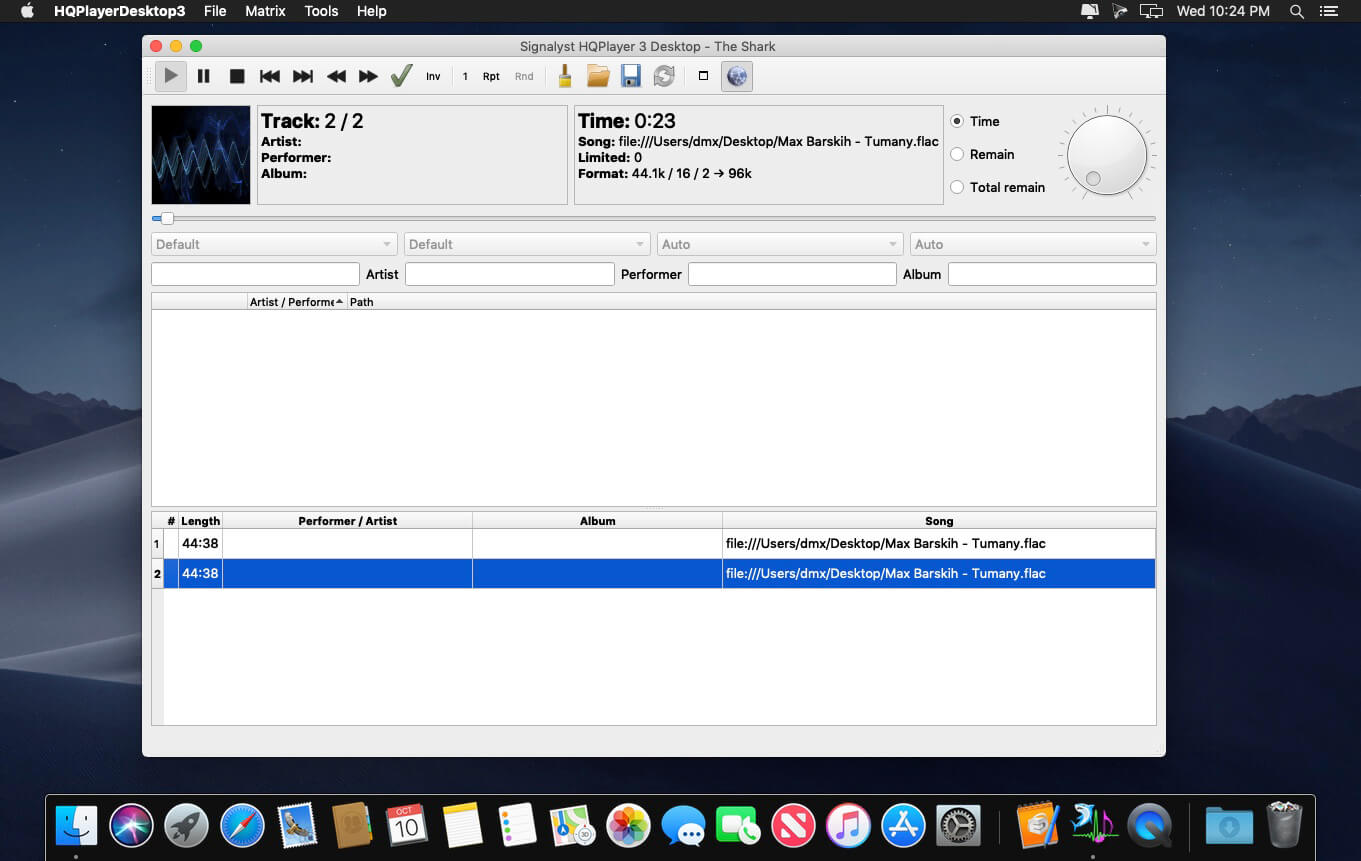
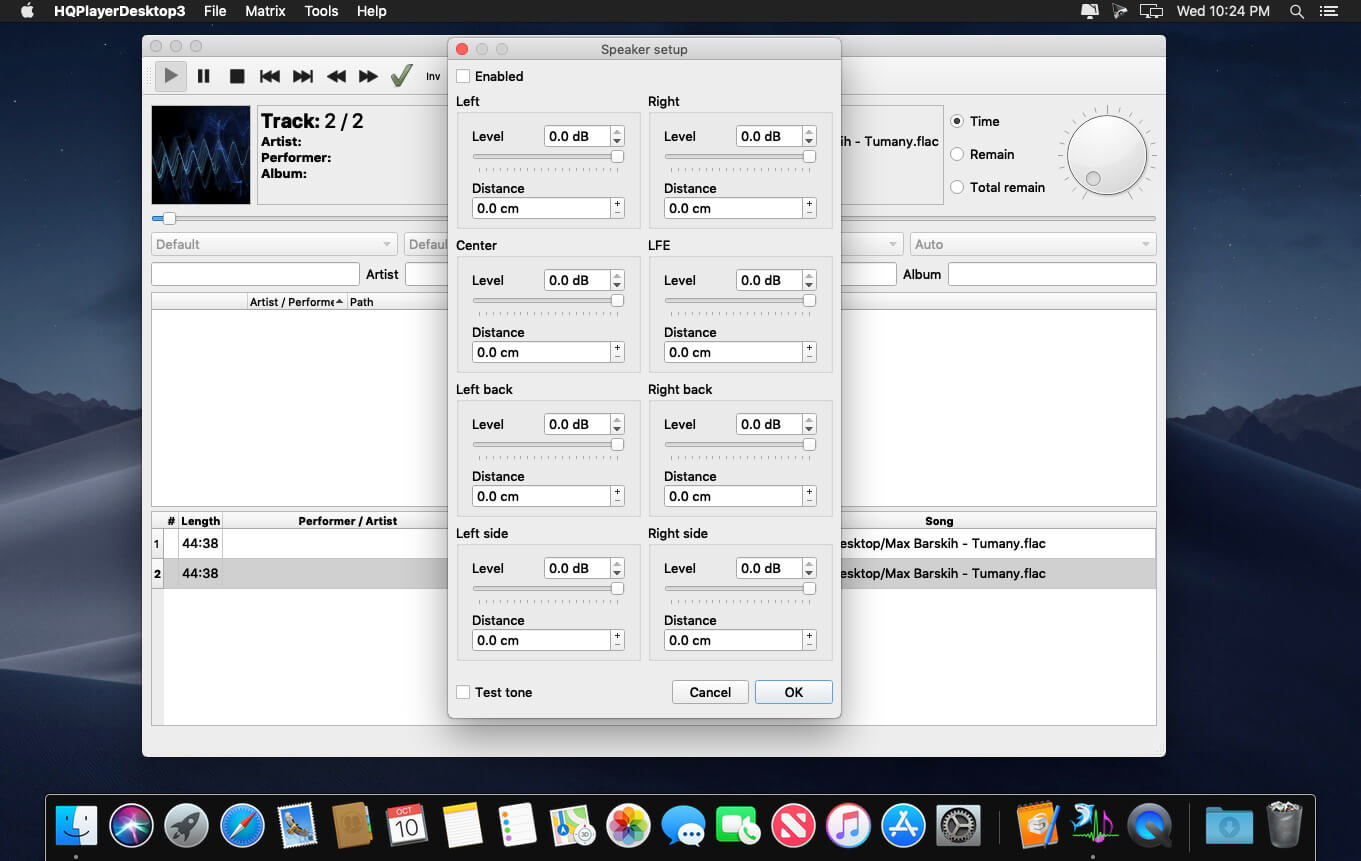

HQPlayer is a high quality audio player for Mac OS X. HQPlayer also features several selectable high quality upsampling and downsampling algorithms as well as selectable dither, noise shaping and modulator algorithms. All modern DACs employ oversampling and delta-sigma modulation, however the hardware implementations are more or less resource constrained.
Higher quality oversampling and delta-sigma modulation can be done by utilizing vast mount of processing power available in modern PCs. Many AVRs also resample internally to 48, 96 or 192 kHz, with the HQPlayer, these can be fed at the native rate. Want to buy 192/24 or DXD files for future but currently own only 96/24 capable hardware? Or want to buy DSD128 or DSD256 files but currently own only DSD64 or 192/24 PCM capable hardware? Resampling and dither/noise shaper can be used to playback high resolution files on a lower resolution hardware, allowing future-proof investment on high resolution files. For digital room correction and other equalization purposes, selectable convolution algorithms are included. Convolution engine supports RIFF (WAV) format FIR impulse responses, which can be produced with suitable software, such as Acourate, Room EQ Wizard or DRC.
Network Audio Adapter
Network audio is especially useful to give freedom from cables when player is run on a tablet or other wireless device. Processing is performed by the player application and the processed data is then asynchronously streamed over network to a very lightweight network audio adapter interfacing to the DAC. Asynchronous FIFO provides maximum isolation between processing and audio reproduction.
Supported source formats:
- CDDA (Audio CD)
- FLAC
- DSDIFF (DFF, non-compressed)
- DSF
- RIFF (WAV, including DXD)
- AIFF
- RAW streams
Version 4.3.0:
- Release notes were unavailable when this listing was updated.
Frequently asked questions
How do I install the app?
Mount the image, drag the app into the "Applications" folder and launch it. If the system blocks the launch, allow it in "System Settings → Privacy & Security".
The app is damaged or won't launch
Reinstalling from a fresh image usually helps. Make sure your macOS version matches the one listed in the compatibility specs.
How do I update?
Download the new version from the site and install it over the current one — your settings will be preserved.
The download link doesn't work
Try a mirror or a download manager. For large files the browser often drops the connection.
How do I completely remove the app?
Use an uninstaller utility — it cleans up the service files that remain after moving the app to the trash.
VersionHQPlayer Pro 4.3.0
DeveloperJussi Laako, Signalyst
CompatibilityOS X 10.11 or later, 64-bit processor
LanguageEnglish
IncludesK'ed by The Shark




Information
Visitors in the group Guests cannot leave comments on this publication.
Choose a download source
HQPlayer Pro 4.3.0 · 124.82 MB
Previous versions
HQPlayer Pro 4.3.0
Previous versions are available to registered users.