Intaglio 3.9.5
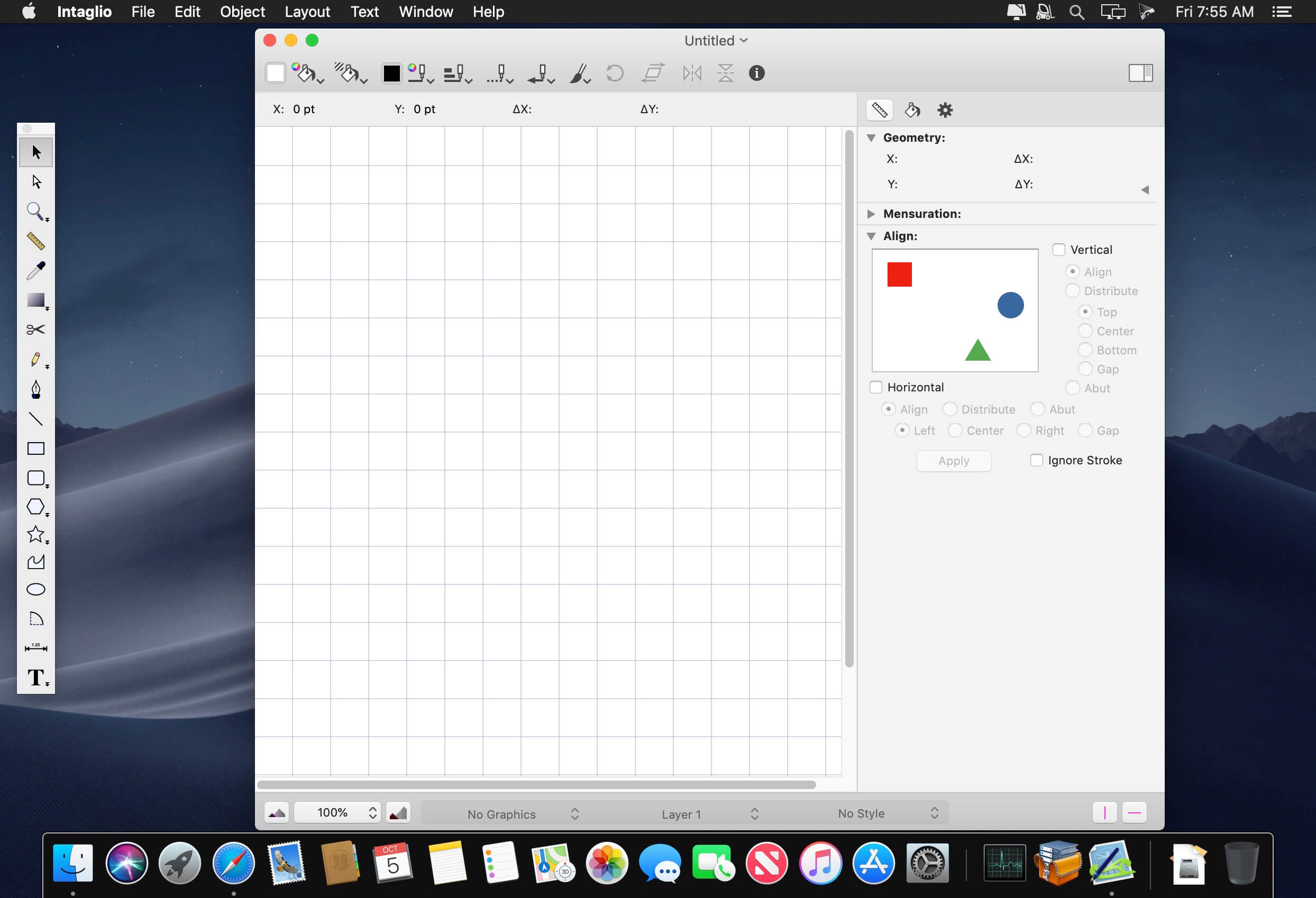
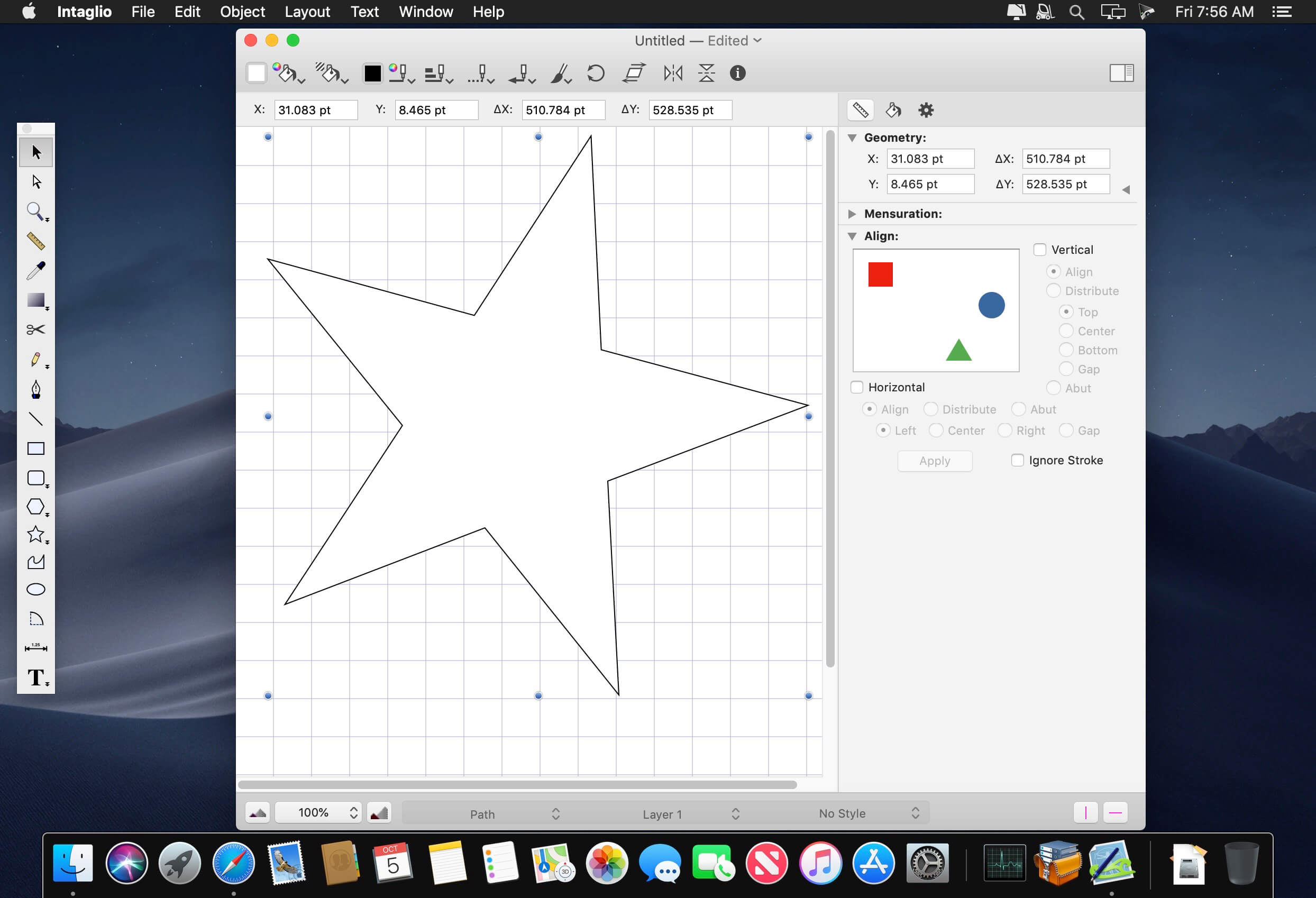
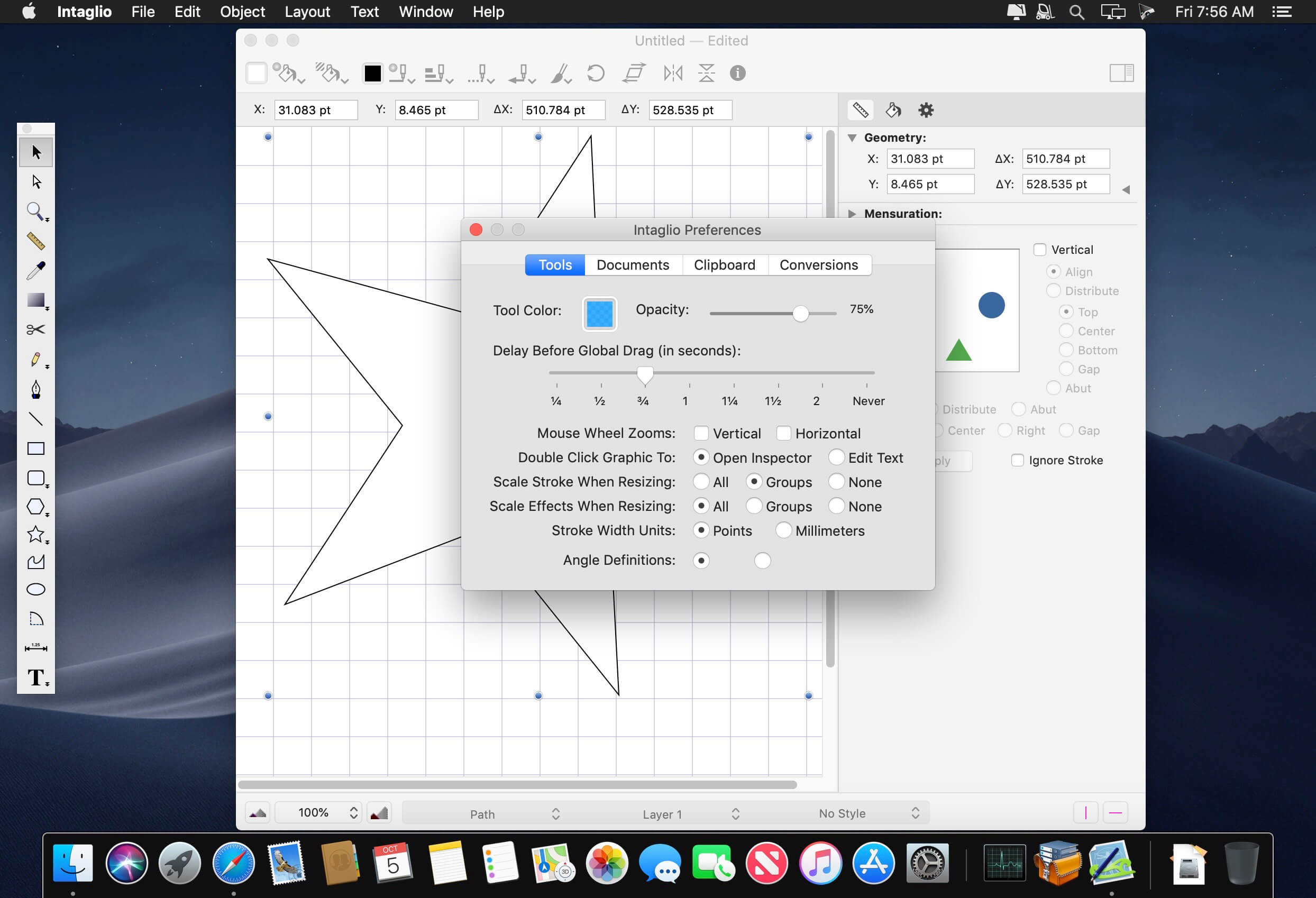
Intaglio is a traditional drawing and illustration application exclusively for OS X. Patterned after the original Mac drawing applications, Intaglio is intuitive to beginners and familiar to traditional Mac users. Intaglio builds on the 2D graphics, text, color, and scripting capabilities of Mac OS X to provide unprecedented power and flexibility in an inexpensive drawing program. Intaglio isn't just compatible with with Mac OS X, it was designed from the ground up to fully exploit the capabilities that make this platform ideal for graphics work. Naturally Intaglio is great for casual users, but it is also an ideal tool for experienced graphics experts who need special features or want a simpler experience than what is provided by the usual multi-platform graphic franchises. You can download and try Intaglio in demo mode before you purchase it.
Intaglio works with yesterday's software as well as today's. Intaglio will convert old drawings from ClarisDraw and MacDraw II to Quartz graphics so you can continue to use your old work. You can also convert PICT images saved by any classic QuickDraw application. Of course Intaglio also supports the popular image formats today including PDF, EPS, SVG, and many bitmap file formats such as JPEG, PNG, and TIFF. You can drag graphics out of Intaglio and drop them directly into most modern applications such as Apple's iWork suite. Because Intaglio also converts modern formats such as PDF and SVG, you can frequently drag another application's graphics into Intaglio for editing and drag the modified graphics back to the original application.
Version 3.9.5:
- Add support for macOS 10.13 High Sierra
Frequently asked questions
How do I install the app?
Mount the image, drag the app into the "Applications" folder and launch it. If the system blocks the launch, allow it in "System Settings → Privacy & Security".
The app is damaged or won't launch
Reinstalling from a fresh image usually helps. Make sure your macOS version matches the one listed in the compatibility specs.
How do I update?
Download the new version from the site and install it over the current one — your settings will be preserved.
The download link doesn't work
Try a mirror or a download manager. For large files the browser often drops the connection.
How do I completely remove the app?
Use an uninstaller utility — it cleans up the service files that remain after moving the app to the trash.
VersionIntaglio 3.9.5
DeveloperPurgatory Design.
CompatibilityOS X 10.8 or later, 64-bit processor
LanguageEnglish
IncludesK




Information
Visitors in the group Guests cannot leave comments on this publication.
Choose a download source
Intaglio 3.9.5 · 11.36 MB