
MKVtools 3.7

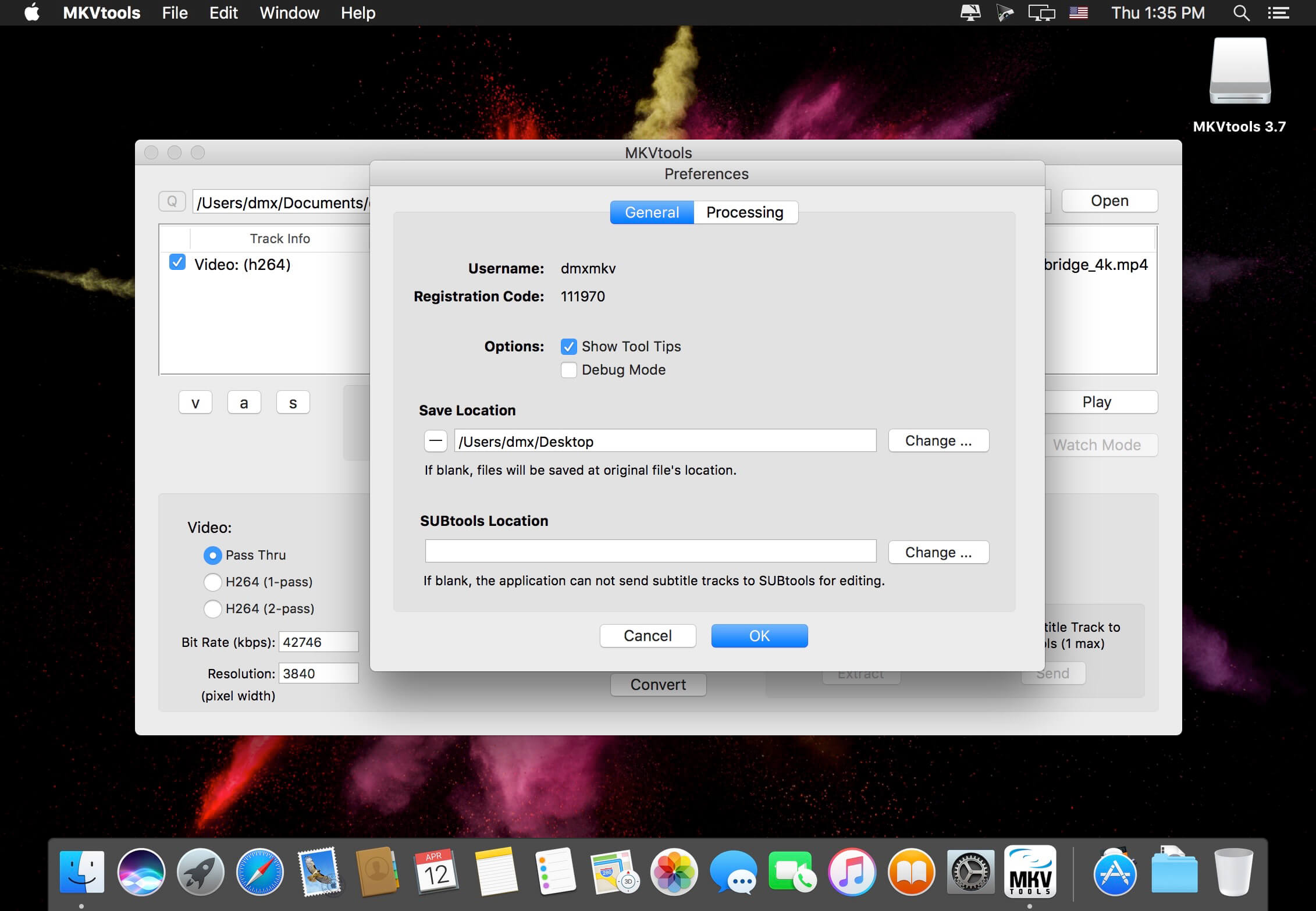
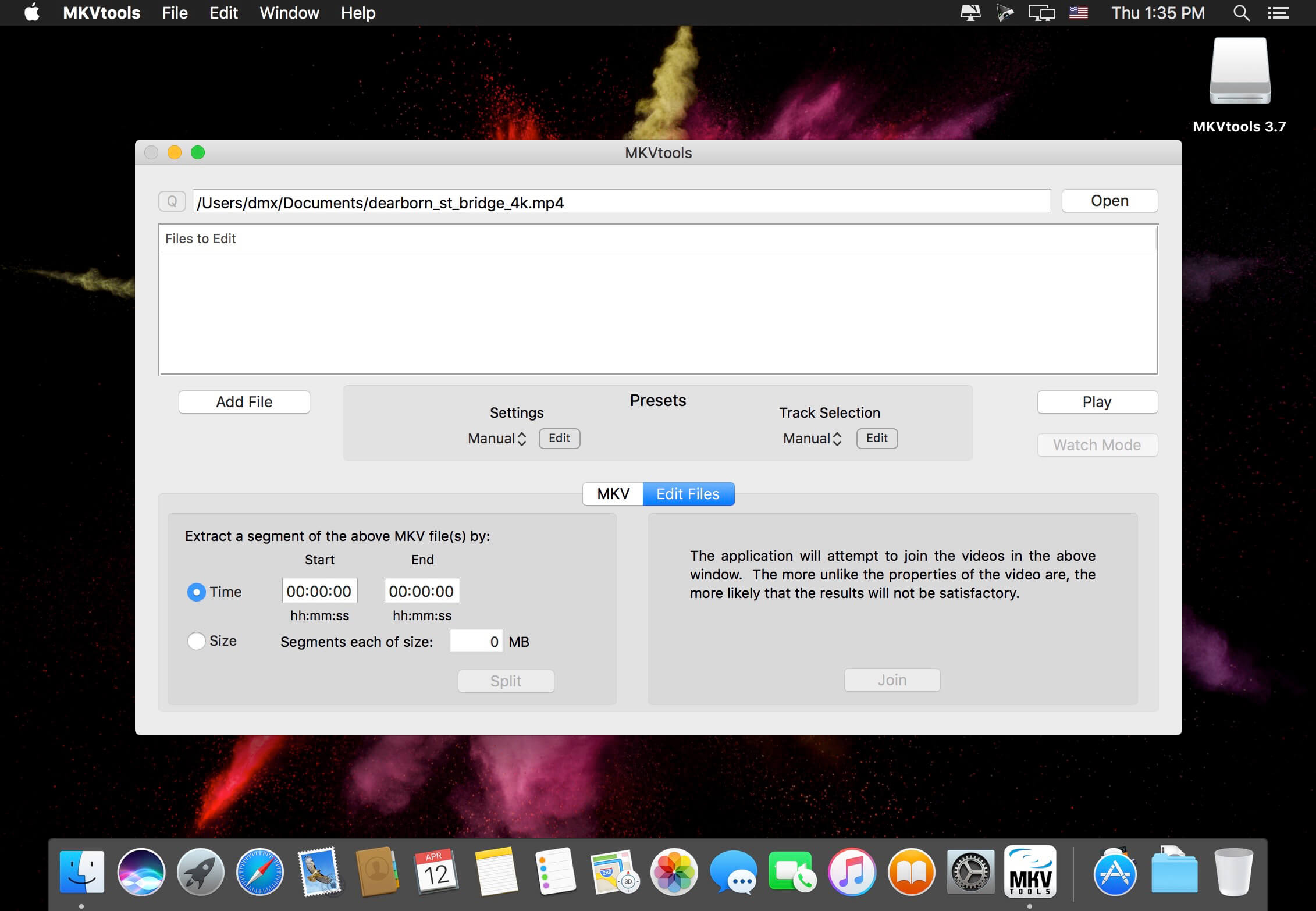
MKVtools is a collection of tools used to manipulate video files. It's primary purpose is to convert mkv files into more user friendly formats for playback on a variety of hardware.
Features:
- Convert videos to either .avi files or .mp4 files.
- Extract the selected .mkv tracks as individual video, audio and/or subtitle files.
- Intuitively select desired video, audio and/or subtitle tracks to procces, with the ability to verify the selections using video preview.
- Use presets for one step encoding or passthru copying for playback on a variety of hardware.
- Embed selected subtitle track (i.e., hard subtitles) into the video.
- Control the font, size and positioning of the embeded subtitles.
- Split .mkv videos into sections of a specified file size or by start/end time.
- Extract or delete tracks from .mkv files.
- Join, mux and change the pixel aspect ratio of .mp4 videos.
- Add jobs to a queue either individually or in batches via drag and drop so you can process multiple files overnight (registered copies only).
Version 3.7:
- Release notes were unavailable when this listing was updated.
Frequently asked questions
How do I install the app?
Mount the image, drag the app into the "Applications" folder and launch it. If the system blocks the launch, allow it in "System Settings → Privacy & Security".
The app is damaged or won't launch
Reinstalling from a fresh image usually helps. Make sure your macOS version matches the one listed in the compatibility specs.
How do I update?
Download the new version from the site and install it over the current one — your settings will be preserved.
The download link doesn't work
Try a mirror or a download manager. For large files the browser often drops the connection.
How do I completely remove the app?
Use an uninstaller utility — it cleans up the service files that remain after moving the app to the trash.
VersionMKVtools 3.7
DeveloperEmmGunn
CompatibilityOS X 10.9 or later, 64-bit processor
LanguageEnglish
IncludesKG





Information
Visitors in the group Guests cannot leave comments on this publication.
Choose a download source
MKVtools 3.7 · 71.86 MB