
Forecast Bar - Weather + Radar 5.2.2
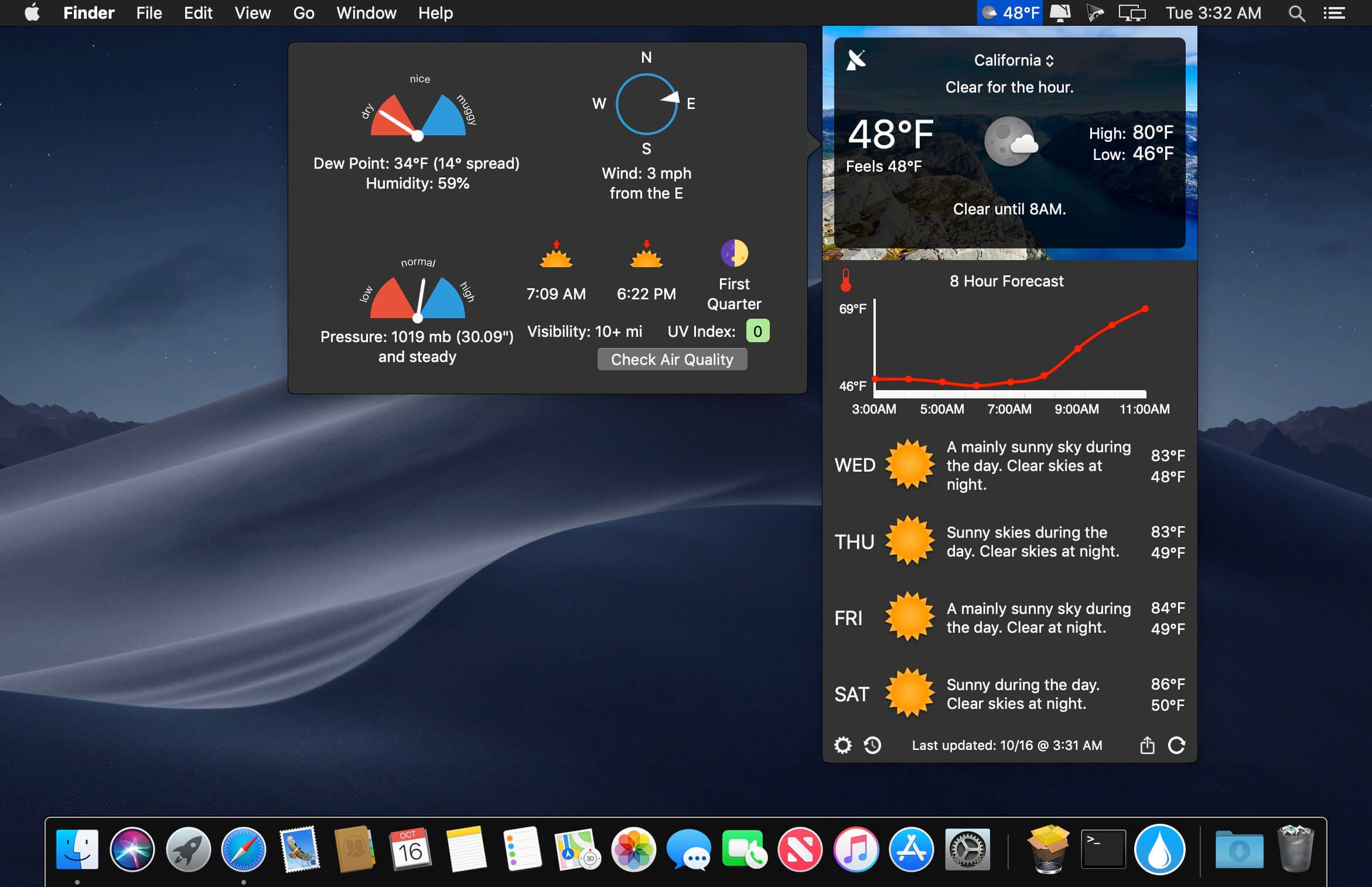
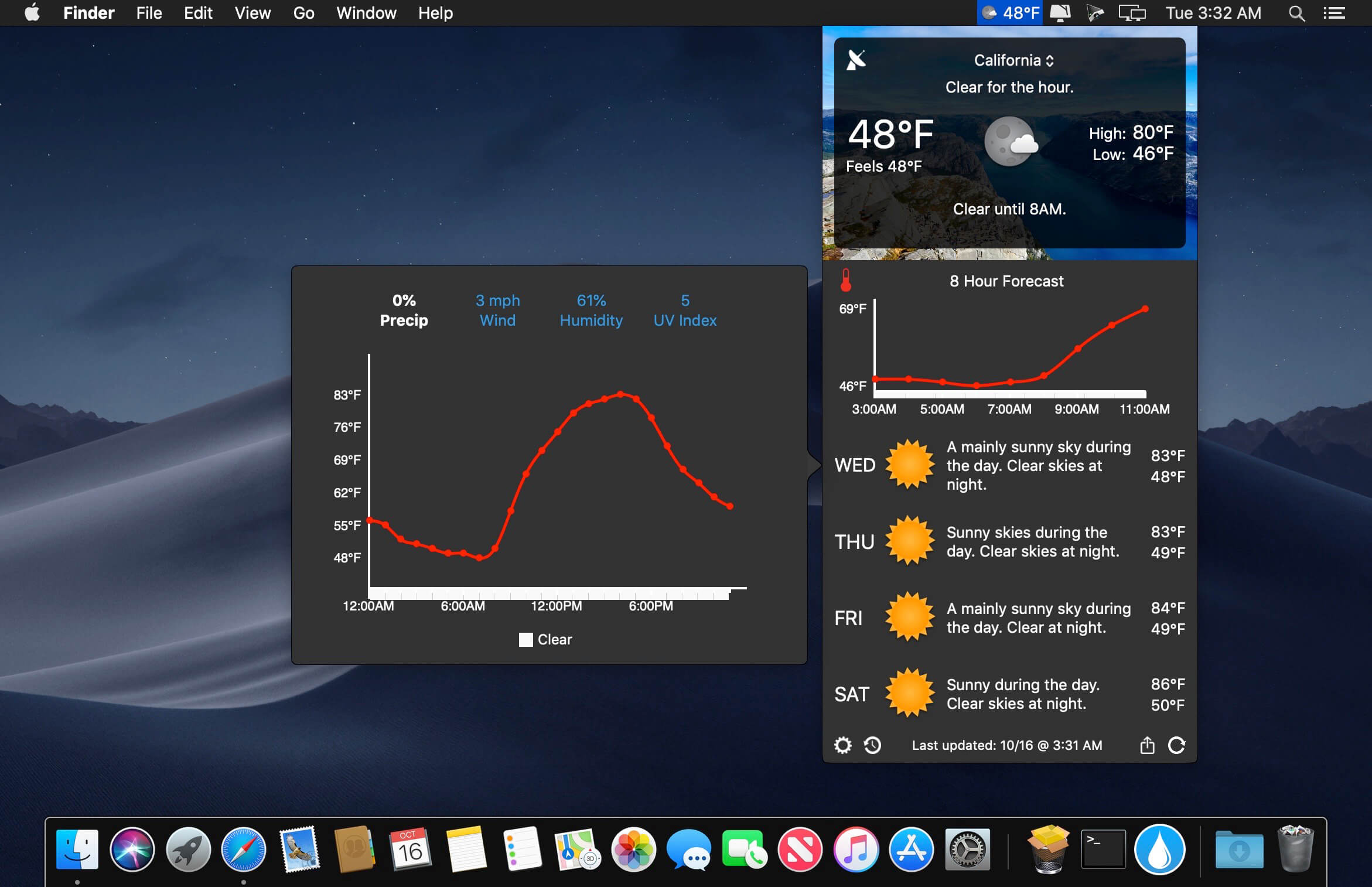
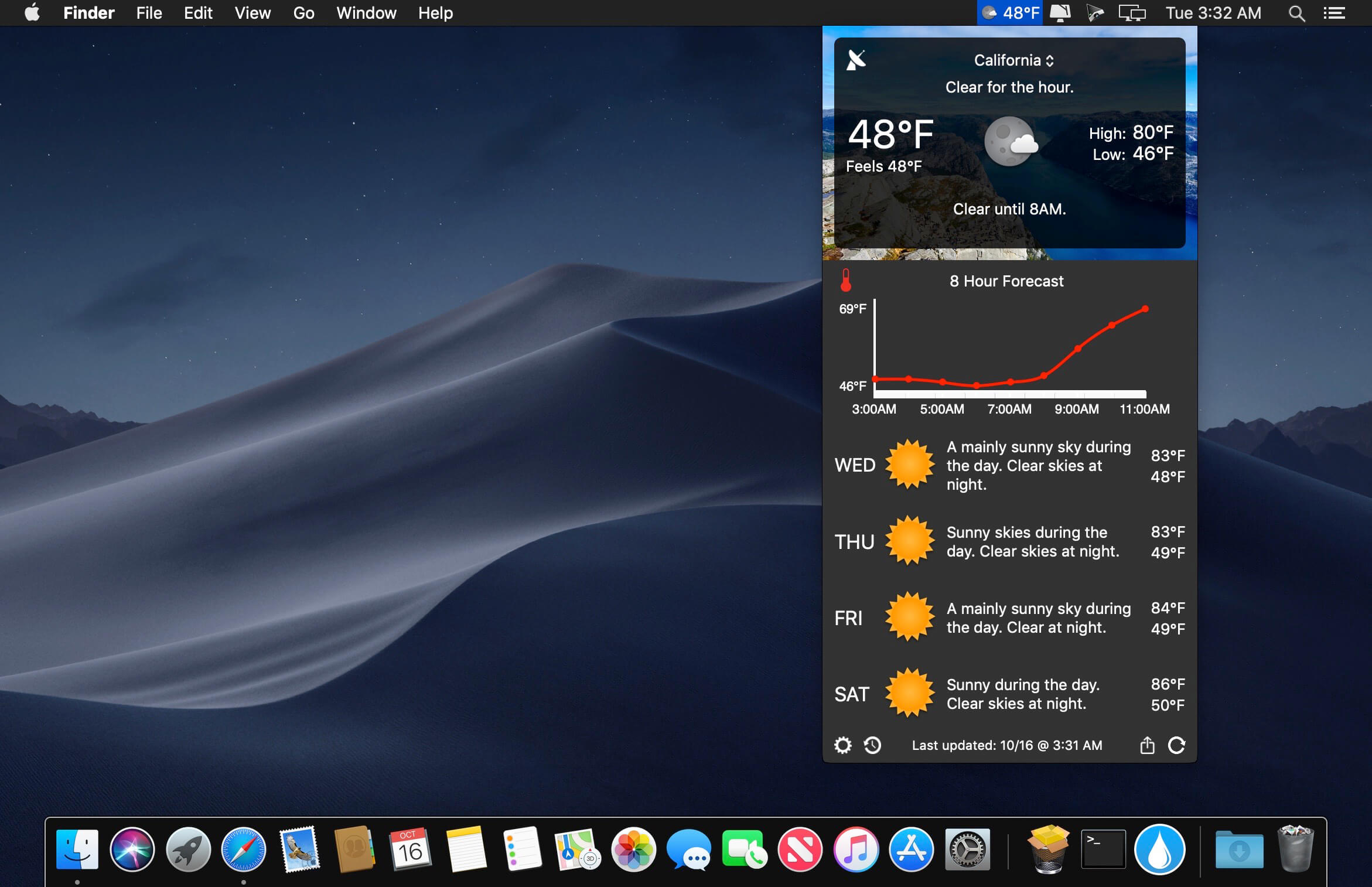
Powered by Forecast.io, Forecast Bar offers hyper accurate, hyper local live weather and forecasts right in your menu bar or as a full dock app. iCloud Sync keeps your locations and settings in sync across your devices. Custom icon and background packs allow you to customize the look and feel to suit your style.
- Current conditions, with current, feels like, high, and low temperatures, cloud conditions, as well as relative humidity
- A succinct description, available in 18 languages, of the weather for the next hour, and next 24 hours
- Animated charts showing temperature and rain forecasts for the next 8 hours
- When rain is detected in the next hour, an animated chart showing rain intensity*
- 5 day forecast, with high and low temperatures and weather conditions
- Stunning animated icons for each weather condition (plus two additional icon packs to switch between)
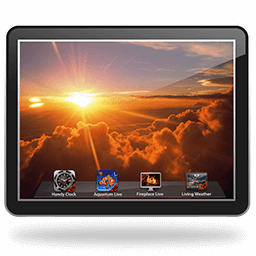
- A gorgeous image matching the weather conditions (which can be dimmed or hidden entirely, from either built-in or online sources)
- Full description of all local NWS severe weather alerts (U.S. only), including Notification Center support
- Current wind conditions with an animated compass
- Dew point and humidity readings, with a "mugginess" animated gauge
- Pressure indicator with trend information
- Sunrise and sunset times for the day
- Moon phase
- Visibility reading
- UV Index
Version 5.2.2
This update has 2 great new features!
This update has 2 great new features!
- See current weather conditions at up to 8 locations at a time
- View and select a nearby Personal Weather Station for even more hyper-local weather accuracy (Weather Company only)
- Fixed issue where radar screen would not load
- Fix where subscription selected was not correct for checkout
- Fix for next 7 hour snow graph intensity
- Support for dark mode in widget
- Hide daily precipitation chance if under 1%
- Improved weather loading speed
- Other bug fixes and performance improvements
Frequently asked questions
How do I install the app?
Mount the image, drag the app into the "Applications" folder and launch it. If the system blocks the launch, allow it in "System Settings → Privacy & Security".
The app is damaged or won't launch
Reinstalling from a fresh image usually helps. Make sure your macOS version matches the one listed in the compatibility specs.
How do I update?
Download the new version from the site and install it over the current one — your settings will be preserved.
The download link doesn't work
Try a mirror or a download manager. For large files the browser often drops the connection.
How do I completely remove the app?
Use an uninstaller utility — it cleans up the service files that remain after moving the app to the trash.
VersionForecast Bar - Weather + Radar 5.2.2
DeveloperReal Casual Games, LLC
CompatibilityOS X 10.10 or later, 64-bit processor
LanguageEnglish
IncludesK'ed by TNT
Information
Visitors in the group Guests cannot leave comments on this publication.
Choose a download source
Forecast Bar - Weather + Radar 5.2.2 · 45.79 MB
Previous versions
Forecast Bar - Weather + Radar 5.2.2
Previous versions are available to registered users.