
App Fixer 1.7
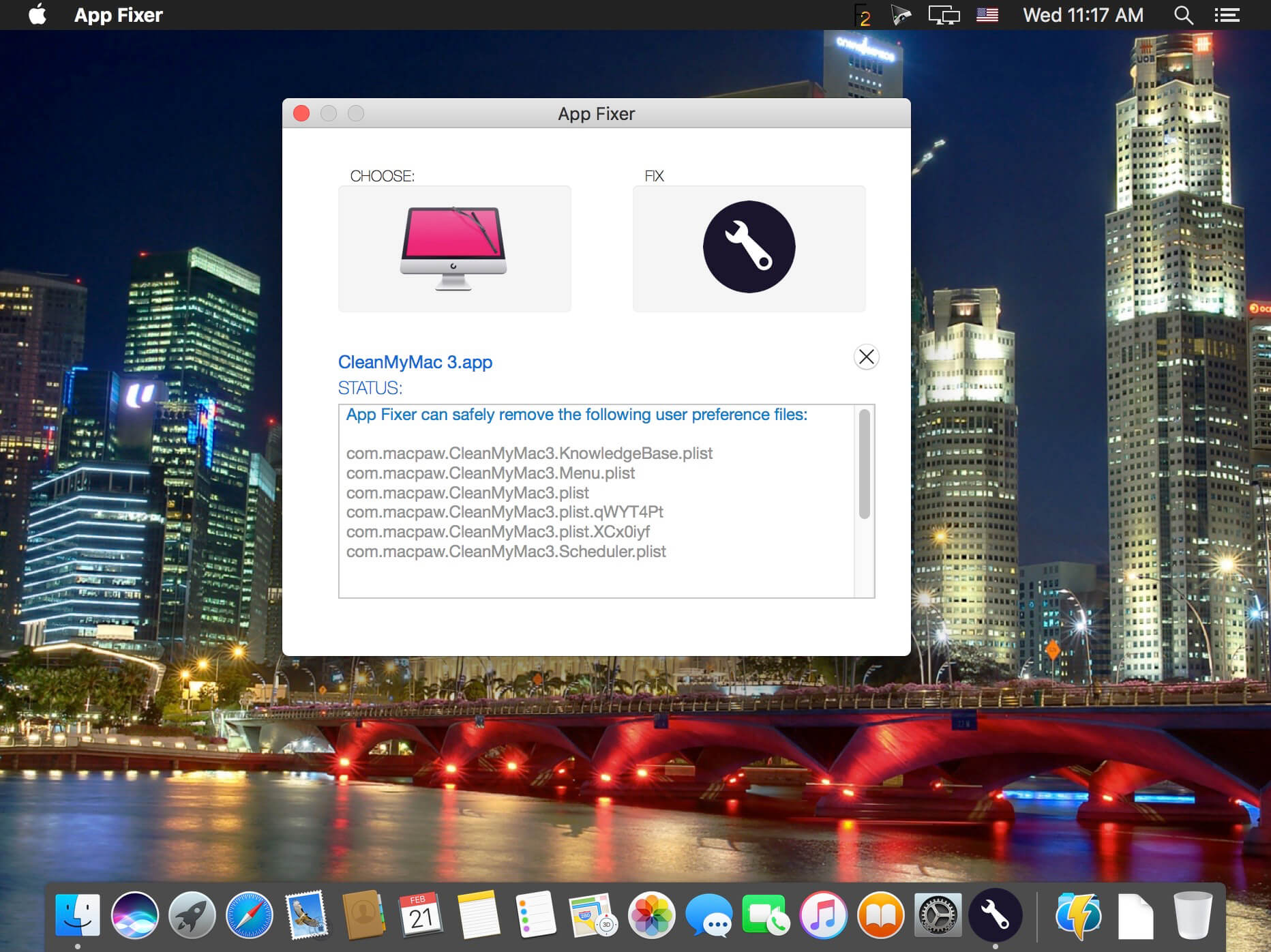
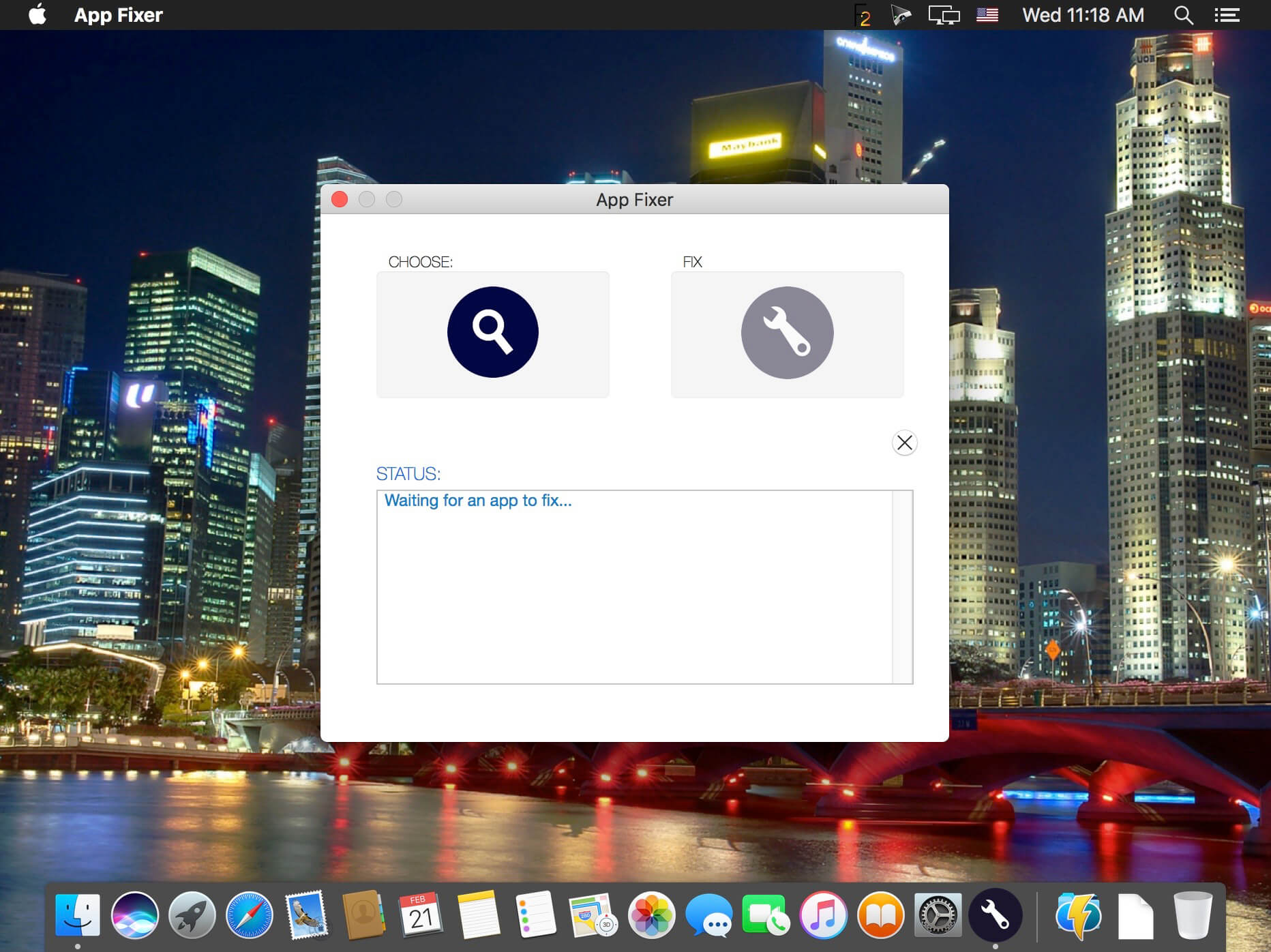
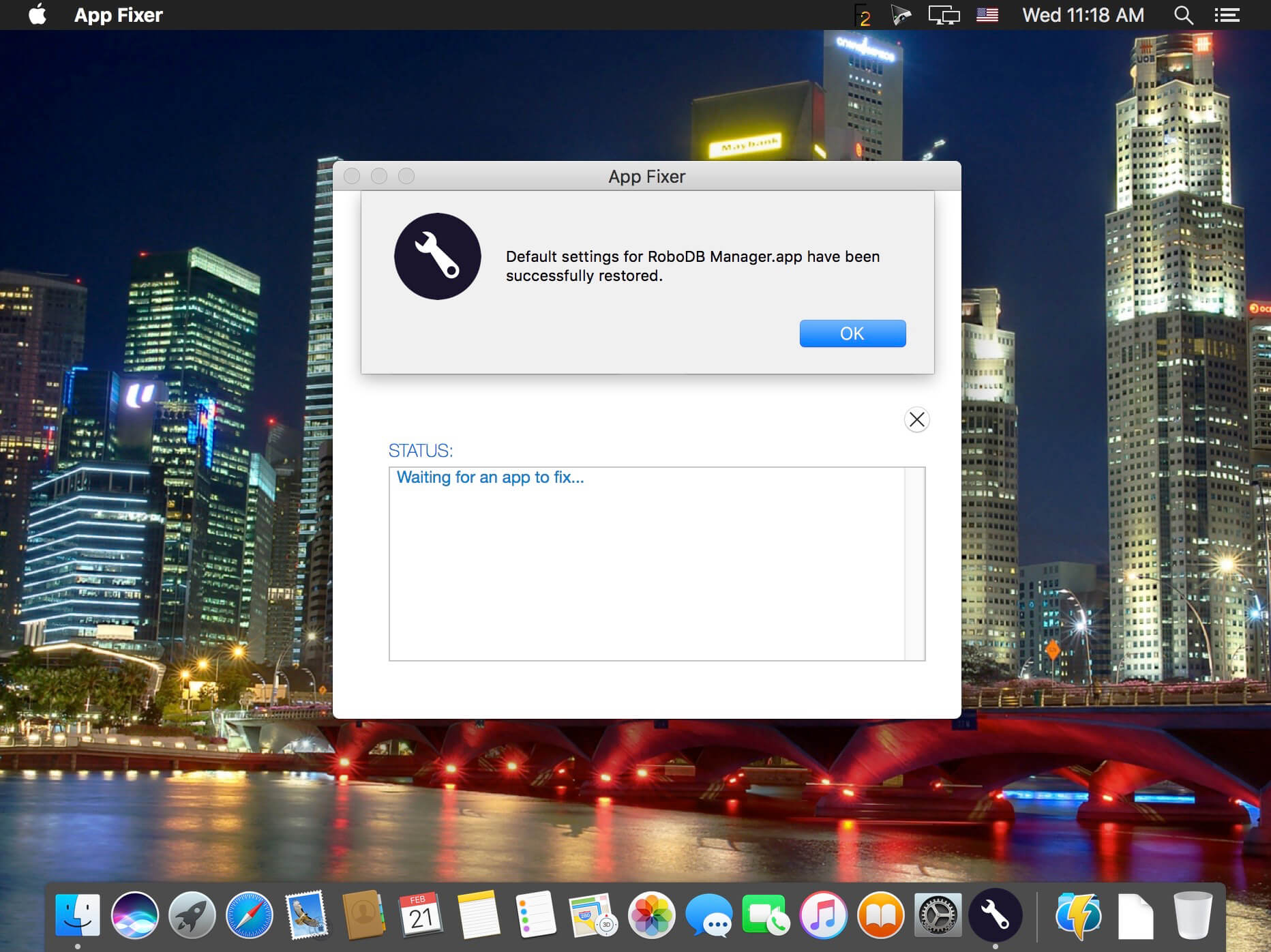
App Fixer removes user preferences and saved application states for apps on your system, also resets Safari to aid recovery from adware hijacks and scams.
Does your favorite app keep crashing on launch, or quit unexpectedly during normal operation? Got an app that keeps starting up with unwanted settings or preferences that you can't seem to shake? App Fixer quickly gets apps like Photoshop, Safari or any other app that's misbehaving back up and running again when their preferences or window states have become corrupted or you just want to return to a defaults launch. App Fixer removes user preference plist files and saved application state files quickly and easily. No more hunting around in your User Library trying to figure out which ones to delete. Just choose the app and click 'Fix!'
Version 1.7
- Improved: code-signing requirements are now checked on every launch to harden the app against the possibility of post-Gatekeeper hijacking.
Frequently asked questions
How do I install the app?
Mount the image, drag the app into the "Applications" folder and launch it. If the system blocks the launch, allow it in "System Settings → Privacy & Security".
The app is damaged or won't launch
Reinstalling from a fresh image usually helps. Make sure your macOS version matches the one listed in the compatibility specs.
How do I update?
Download the new version from the site and install it over the current one — your settings will be preserved.
The download link doesn't work
Try a mirror or a download manager. For large files the browser often drops the connection.
How do I completely remove the app?
Use an uninstaller utility — it cleans up the service files that remain after moving the app to the trash.
VersionApp Fixer 1.7
DeveloperApplehelpwriter
CompatibilityOS X 10.10 or later, 64-bit processor
LanguageEnglish
IncludesK'ed by TNT



Information
Visitors in the group Guests cannot leave comments on this publication.
Choose a download source
App Fixer 1.7 · 4.61 MB