Midnight Sketch - Dark Theme Sketch Plugin 2.3.1
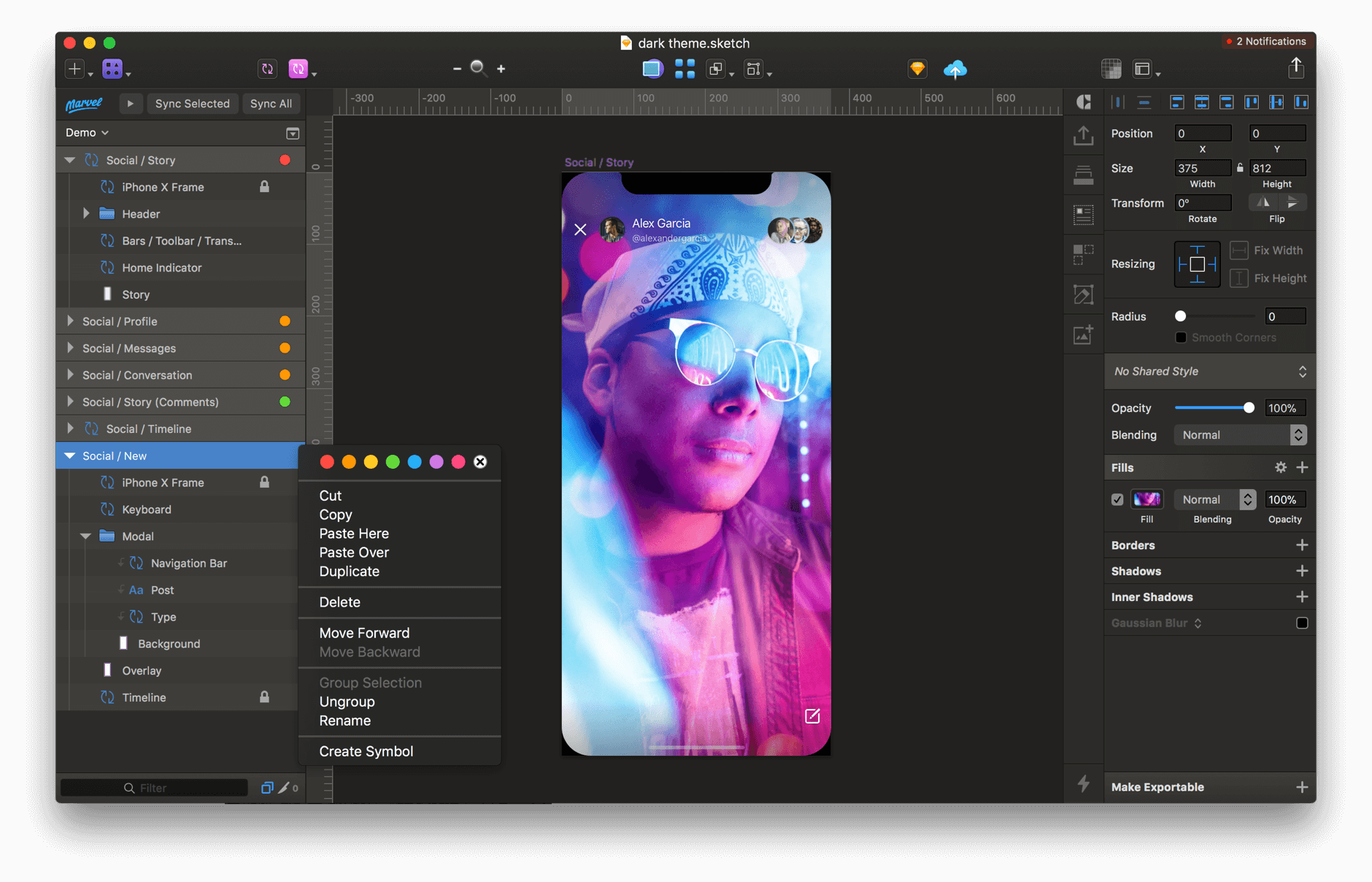
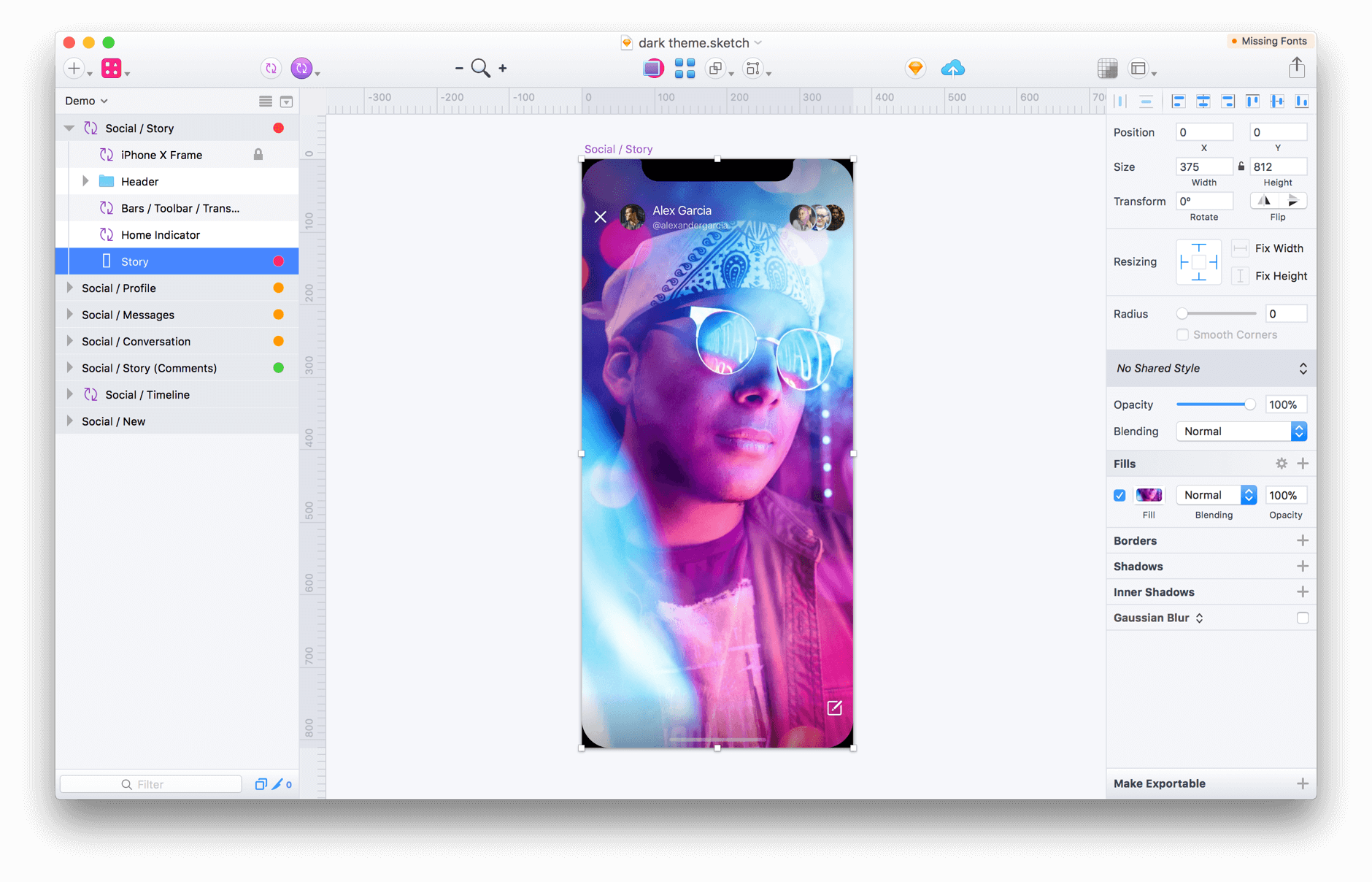
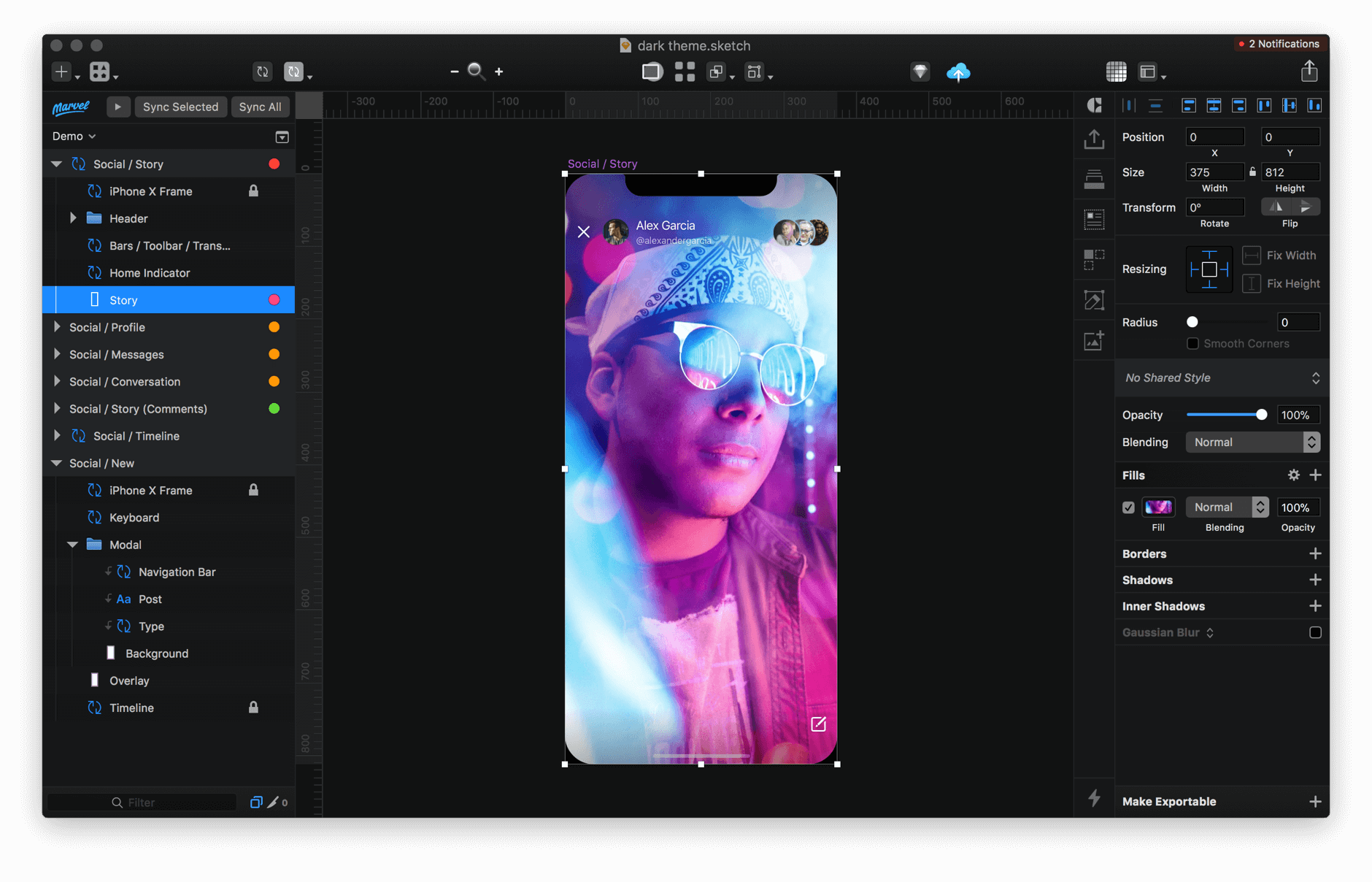
Midnight adds a dark theme to Sketch. Bonus features include layer tags, indent guides, custom selection color, custom canvas darkness, and more.
Advanced Features
Layer Tags
Apply colored tags to Layers, Artboards and Pages.
Indent Guides
Easily identify how Groups and Layers are nested.
Custom Toolbar Icons
Choose to display icons from a theme, or keep the original icons.
Works with Runner
Automatically match Sketch Runner’s dark mode with Midnight.
Customize Canvas Darkness
Darken the canvas to perfectly complement your design.
Change Selection ColorChoose any color you like, or use the default color from the theme.
- Release notes were unavailable when this listing was updated.
Frequently asked questions
How do I install the app?
Mount the image, drag the app into the "Applications" folder and launch it. If the system blocks the launch, allow it in "System Settings → Privacy & Security".
The app is damaged or won't launch
Reinstalling from a fresh image usually helps. Make sure your macOS version matches the one listed in the compatibility specs.
How do I update?
Download the new version from the site and install it over the current one — your settings will be preserved.
The download link doesn't work
Try a mirror or a download manager. For large files the browser often drops the connection.
How do I completely remove the app?
Use an uninstaller utility — it cleans up the service files that remain after moving the app to the trash.

Choose a download source
Midnight Sketch - Dark Theme Sketch Plugin 2.3.1 · 2.63 MB
Previous versions
Midnight Sketch - Dark Theme Sketch Plugin 2.3.1
Previous versions are available to registered users.
Comments 3