
Paintstorm Studio 2.43
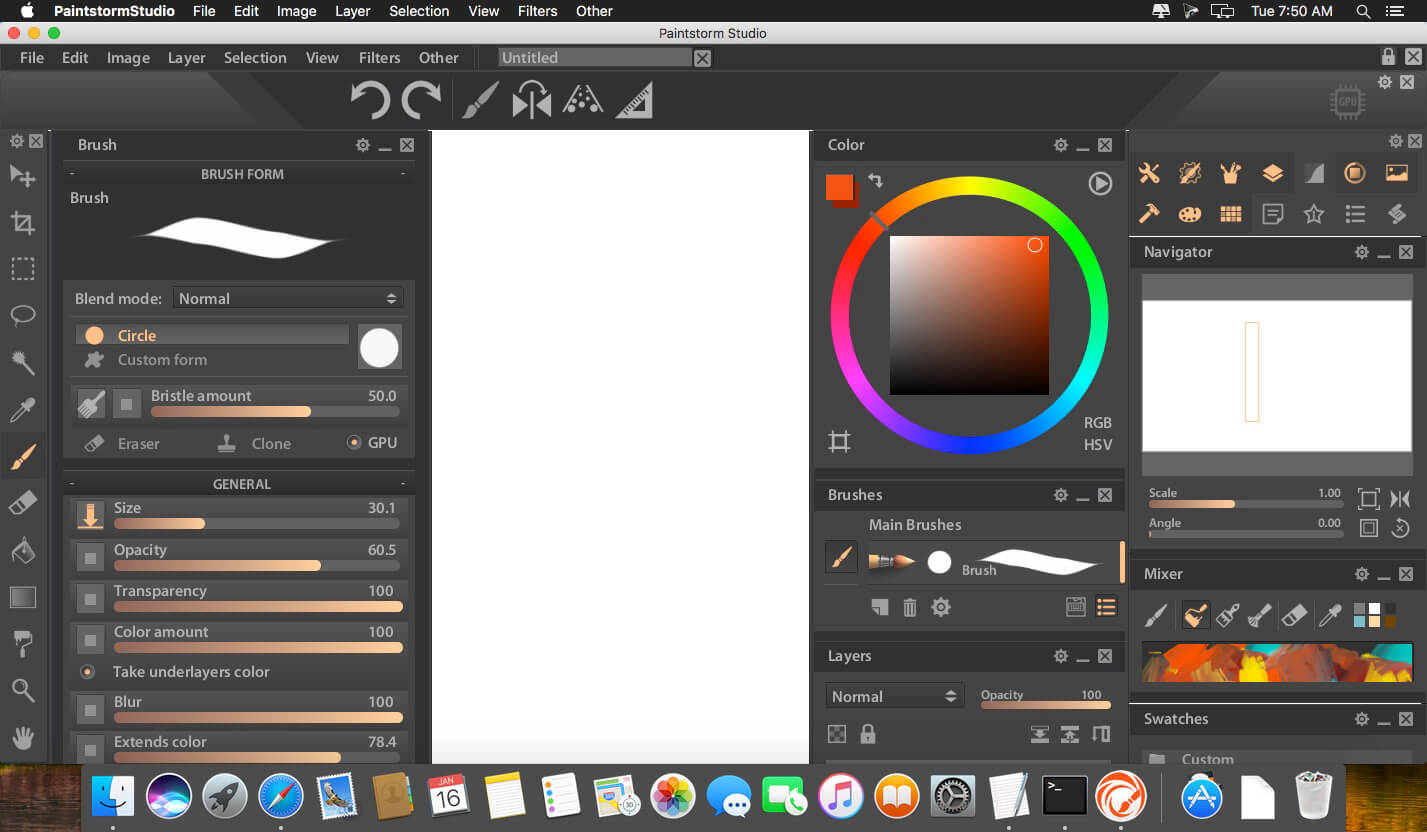
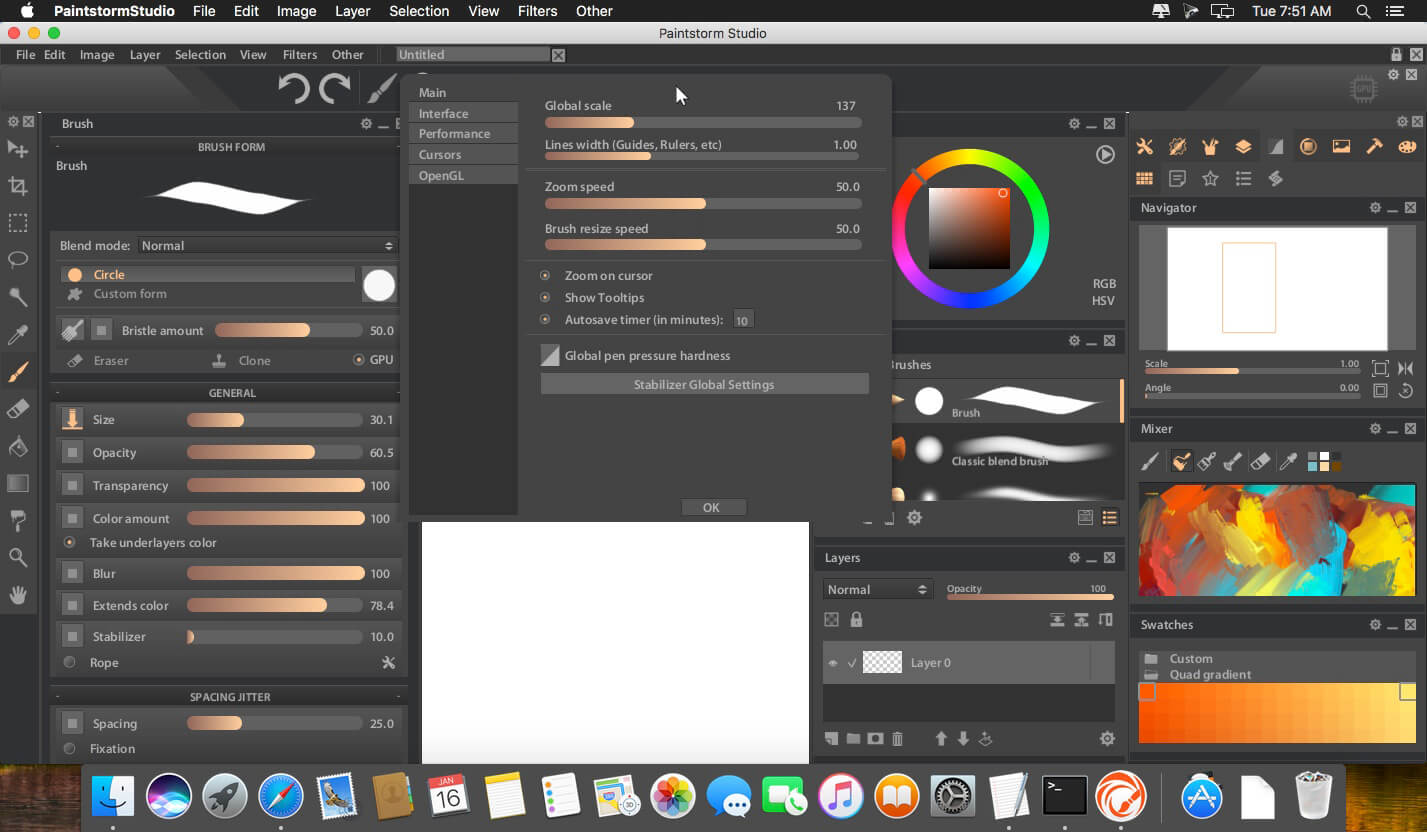
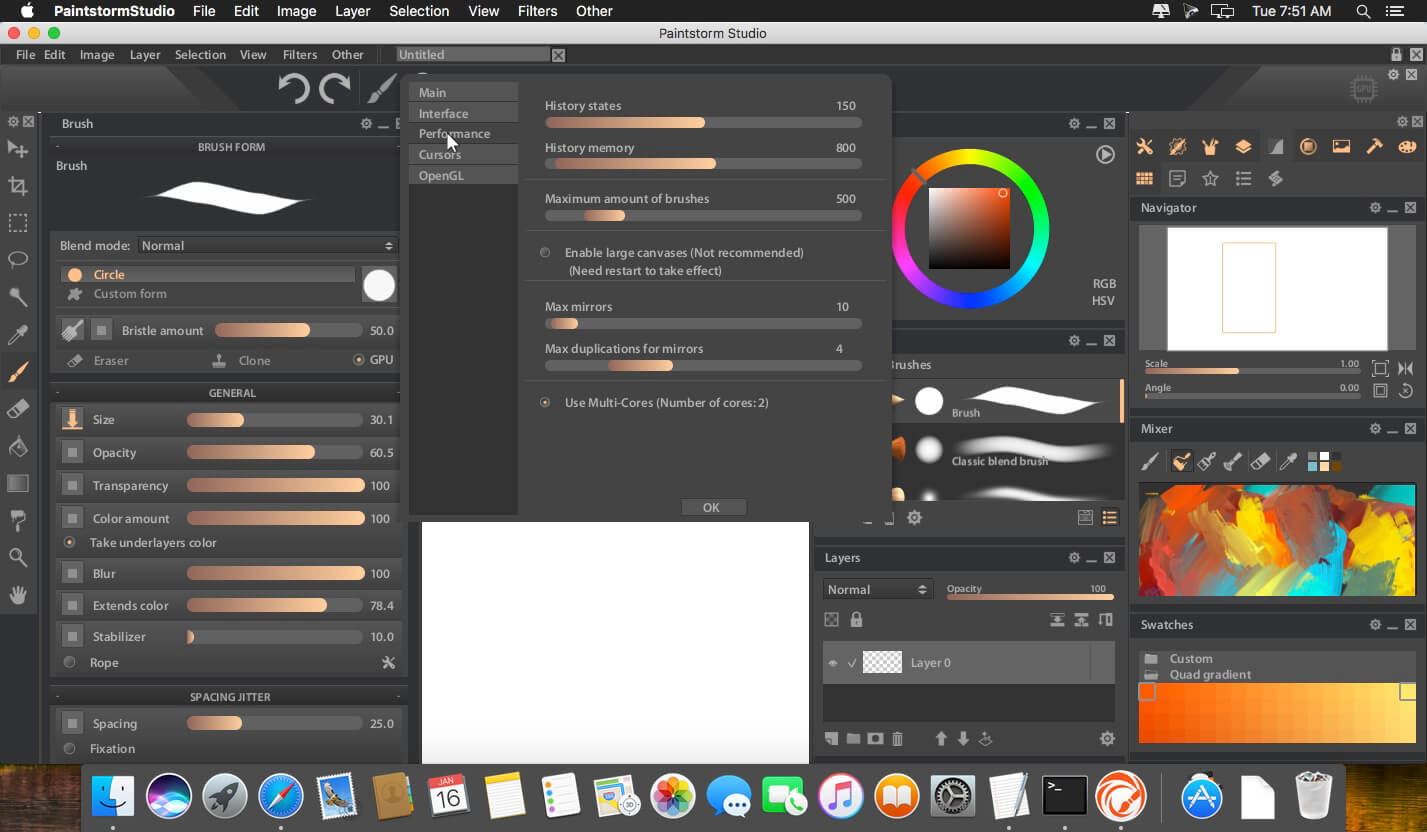
Paintstorm Studio is created for professional digital painting. And a major role in this program play the brushes. We did our best so that you can easily and quickly adjust the brushes suitable for your painting style.
Anyone who has ever painted knows it's hard to overestimate the painting tool and the importance of all the seemingly insignificant details. We tried not to miss any of them. Our goal was to create an intuitive, simple-to-use but at the same time functionally powerful tool that brings the process of digital painting to a new level, making it as comfortable as possible.
Main Features:
- Incredıble Possıbılıtıes For Brush Settıngs
- Full Control Of All Brush Optıons
- Brıstle Brushes Of Any Form And Kınd
- Stroke Post Correctıon
- Parameters Bındıng To The Perspectıve
- Dynamıc Interface (Panels Scale, Opacity, Color, Tab-Lock)
- Custom Panels
- Full Controlled Mask-Brush
- Takes Underlayer's Color Whıle Blendıng
- "Close Gaps" Functıon When You Fıll Or Select
- Indıvıdual Hotkeys For Any Brushes
- Advanced Symmetry Tools
- Fast Layer Selectıon
- Smooth Zoom And Brush Resıze
- Smart "Dırty Mode"
- Nıce Stroke Stabılızer
- Usable Color Mıxer
- Dıfferent Gradıent Strokes
- Selectıon Autohıde
- Psd Supported
- Control Of The Random Amounts
VERSION 2.43
- The launch loading is now 5 times faster
- Icons have been added to the Menu for each item as well as for displaying the hot keys
- Masks are now redone in black and white mode
- Custom forms and their folders can now be moved and sorted
- "Add noise" option added to the brush circle stiffness settings
- The maximum brush size can now be increased up to 4K (Menu-> File-> Options-> Performance) That requires high performance of your hardware, so not recommended to for low-spek machines
- The gradient is now much smoother due to the addition of noise
- Now you can change the radius of the villi for the bristle brush
- Fullscreen hotkey added by ctrl + F (Windows only)
- Percentage added to image resize and canvas resize
- TAB (hiding panels) is now assignable. By the way, when you press TAB while editing a document, it will move to the next field
- Also this release is dedicated to improving ergonomics and fixing bugs.
Frequently asked questions
How do I install the app?
Mount the image, drag the app into the "Applications" folder and launch it. If the system blocks the launch, allow it in "System Settings → Privacy & Security".
The app is damaged or won't launch
Reinstalling from a fresh image usually helps. Make sure your macOS version matches the one listed in the compatibility specs.
How do I update?
Download the new version from the site and install it over the current one — your settings will be preserved.
The download link doesn't work
Try a mirror or a download manager. For large files the browser often drops the connection.
How do I completely remove the app?
Use an uninstaller utility — it cleans up the service files that remain after moving the app to the trash.
VersionPaintstorm Studio 2.43.120120
Developerpaintstormstudio
CompatibilityOS X 10.7 or later, 64-bit processor
LanguageEnglish
IncludesK


Information
Visitors in the group Guests cannot leave comments on this publication.
Choose a download source
Paintstorm Studio 2.43 · 52 MB
Previous versions
Paintstorm Studio 2.43
Previous versions are available to registered users.