Wifiner 1.3.191
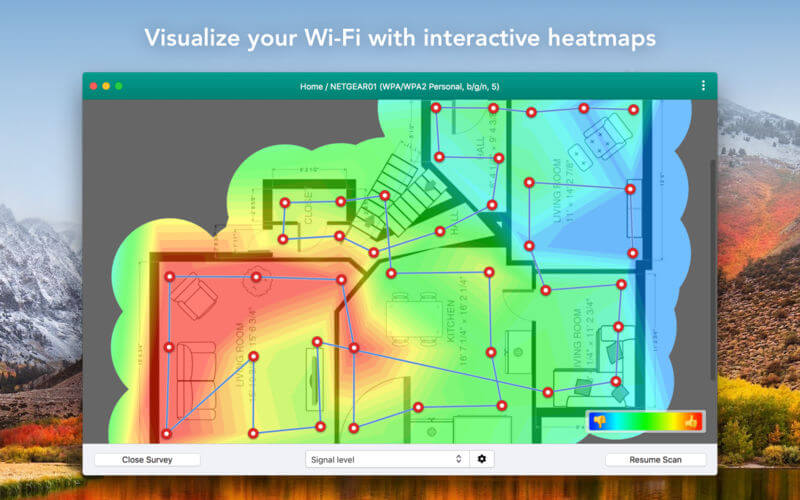
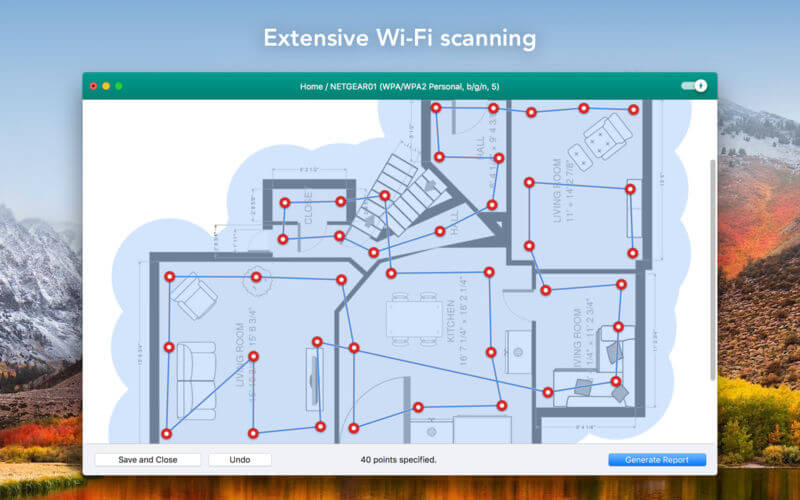
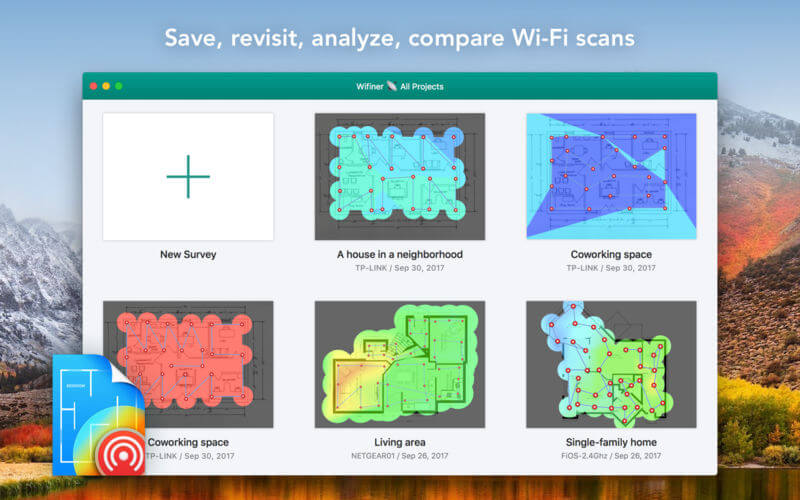
Analyze and troubleshoot your Wi-Fi network connection in a few clicks. Scan your Wi-Fi network to get the detailed information with an interactive color-coded heatmap and get the possibility to fix the "dead" zones.
You can load your own map or choose one of the samples, point to where you are on the map and Wifiner starts measuring wireless signal right away. Run a survey by walking around the space you wish to scan and click the point on the map that corresponds to where you are standing.
Get an insight into such details as:
- signal level;
- signal-to-noise-ratio;
- noise level;
- your connection's download and upload speeds;
- Wi-fi troubleshooting.
Our main features:
- Different area types supported (from an apartment to a stadium);
- 11 beautiful Visualizations;
- Real time Upload/download speeds measurement;
- Wi-Fi troubleshooting;
- Supports 2.4GHz and 5GHz frequency bands as well as 20, 40, 80 and 160 MHz channels;
- Exports heatmaps;
- Works with 802.11a/b/g/n/ac networks;
- Mesh networks are supported.
Why you'll love it:
- Easy-to-use
- Interactive
- We made it with love
Version 1.3.191
- Minor bug fixes and feature improvements.
Frequently asked questions
How do I install the app?
Mount the image, drag the app into the "Applications" folder and launch it. If the system blocks the launch, allow it in "System Settings → Privacy & Security".
The app is damaged or won't launch
Reinstalling from a fresh image usually helps. Make sure your macOS version matches the one listed in the compatibility specs.
How do I update?
Download the new version from the site and install it over the current one — your settings will be preserved.
The download link doesn't work
Try a mirror or a download manager. For large files the browser often drops the connection.
How do I completely remove the app?
Use an uninstaller utility — it cleans up the service files that remain after moving the app to the trash.
VersionWifiner 1.3.191
DeveloperEtwok, LLC
CompatibilityOS X 10.10 or later, 64-bit processor
LanguageEnglish, French, German, Italian, Japanese, Portuguese, Simplified Chinese, Spanish
IncludesK'ed by TNT





Choose a download source
Wifiner 1.3.191 · 12.02 MB
Comments 1