

JixiPix Rip Studio Pro 1.1.27
Create torn paper photo collages right on your Mac
Screenshots
Click to enlarge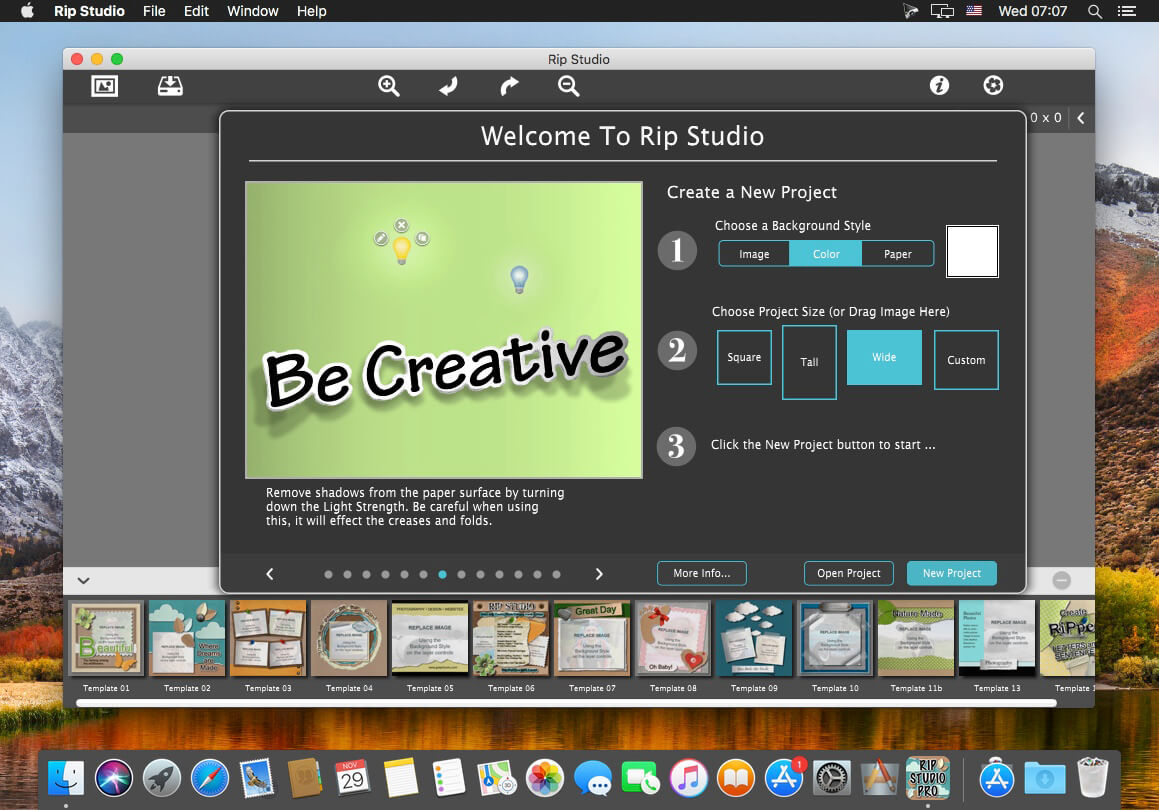


Description
JixiPix Rip Studio Pro turns flat photos into torn, curled and taped pieces you can assemble into a collage on your Mac. Draw around an image to rip, tear or cut its edges, then curl the corners and wrinkle the surface with a simple slider. A 3D light engine with an adjustable light source adds realistic shadows, so every crease and rip looks like real paper.
Build a collage, piece by piece
Every image you drop onto the open app becomes its own layer, ready for compositing, editing and transformation. Select several photos from your library and drop them in all at once, then arrange and combine them into a single piece or a whole collage. Finish with tape, or a choice of objects like stickpins, staples, rusty nails and gems that hold the composition together.
- Rip, tear and cut: draw around an image to create edges, each one unique and one-of-a-kind.
- Curl and wrinkle: a slider curls up edges and wrinkles the surface.
- 3D light engine: an adjustable light source casts realistic shadows across creases and rips.
- Tape effect: add transparent tape, duct tape or masking tape to your composition.
- Object library: finish with stickpins, staples, rusty nails and gems.
- Layer-based workflow: each placed image becomes a layer for easy compositing, editing and transformation.
- Drop multiple images at once: select photos from your library and drop them together onto the open app.
- Collage building: create a single piece or a whole collage inside the app.
- Standalone app and plugin: work directly in the app, or use it as a plugin for Photoshop, Elements, Lightroom and PaintShop Pro.
Install JixiPix Rip Studio Pro on your Mac and start ripping, curling and taping your photos.
Comments
No comments yet. Be the first.