
Lynda.com. Office for Mac 2016 - New Features
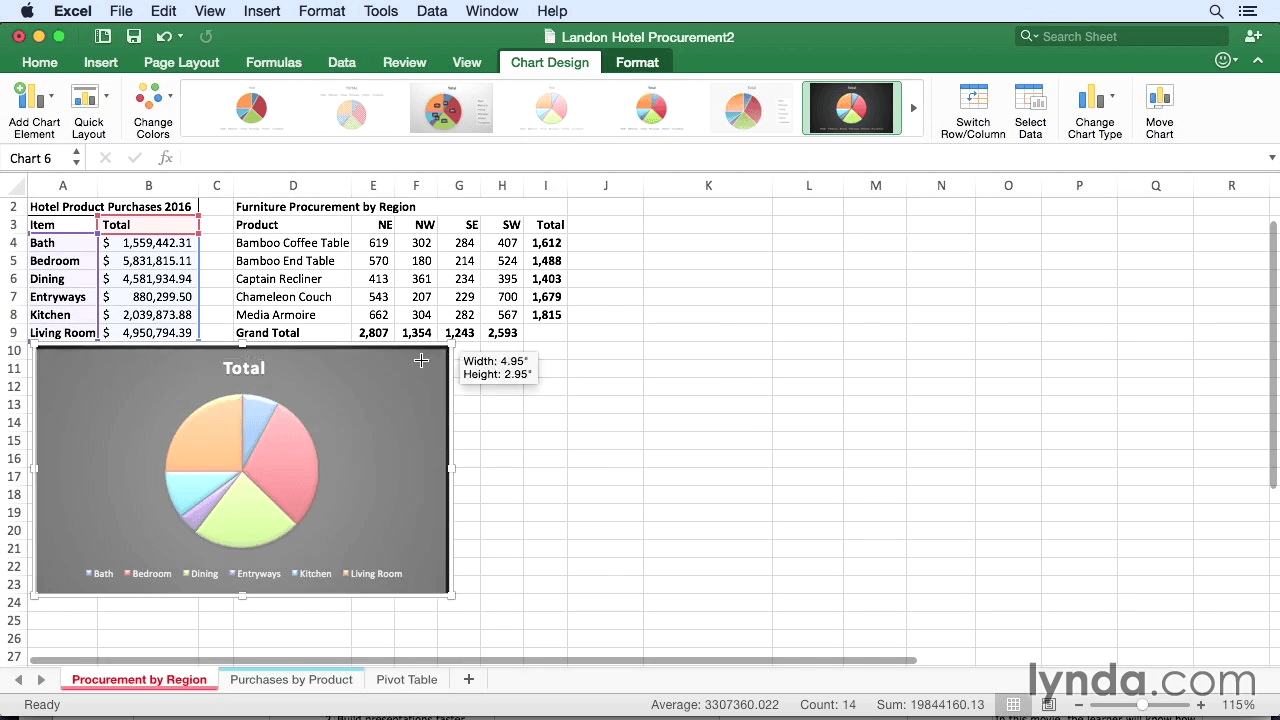
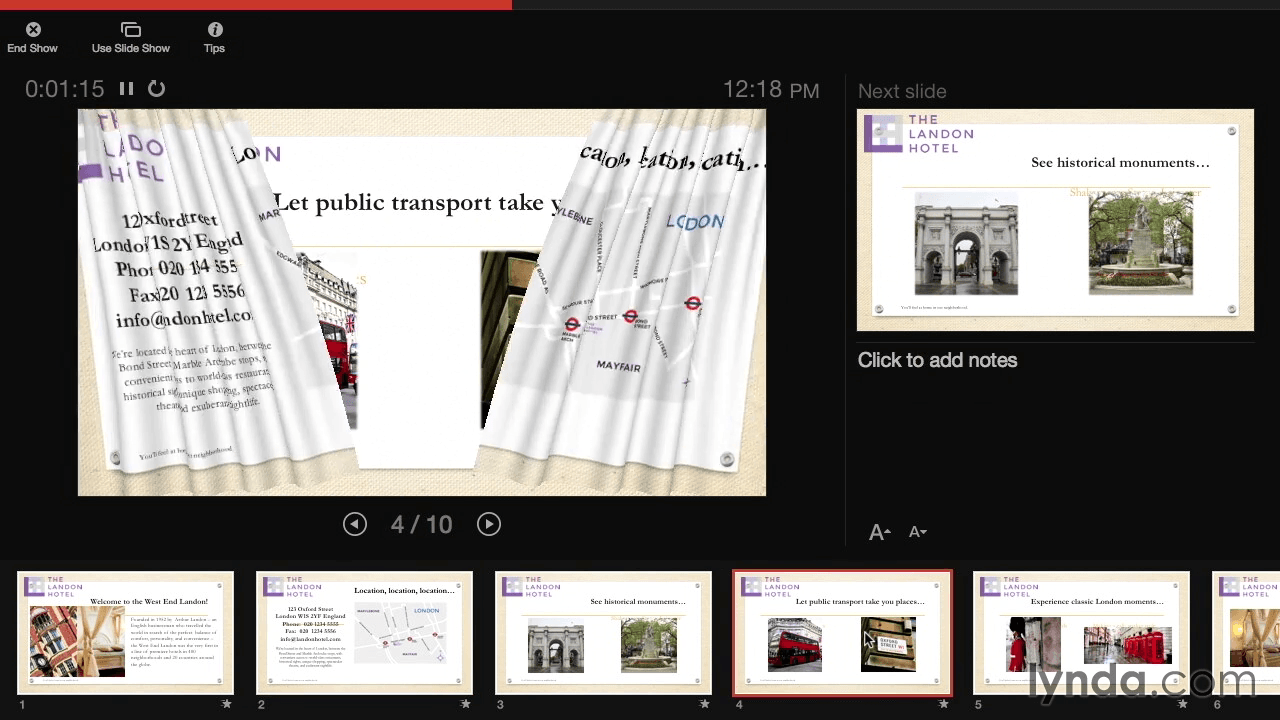
Explore all the features and enhancements in Microsoft's new Office for Mac 2016 suite, available now for Office 365 subscribers. This course reviews the modernized interface and other suite-wide enhancements, and then steps through the new features and capabilities in each program. Author David Rivers covers Word's Design tab and cloud collaboration features, Excel's Formula Builder and PivotTable slicers, PowerPoint's Presenter view and new slide transitions, OneNote's addition to the suite, and Outlook's improved Conversation view and preview options.
Topics include:
- Exploring the new interface and Ribbon
- Working with Word's Design tab
- Formatting with the Styles pane
- Using Smart Lookup in Excel
- Using Excel's Analysis Toolpak
- Investigating themes in Word and PowerPoint
- Creating and sharing notebooks with OneNote
- Viewing email, calendars, and weather in Outlook
Screenshots

Frequently asked questions
How do I install the app?
Mount the image, drag the app into the "Applications" folder and launch it. If the system blocks the launch, allow it in "System Settings → Privacy & Security".
The app is damaged or won't launch
Reinstalling from a fresh image usually helps. Make sure your macOS version matches the one listed in the compatibility specs.
How do I update?
Download the new version from the site and install it over the current one — your settings will be preserved.
The download link doesn't work
Try a mirror or a download manager. For large files the browser often drops the connection.
How do I completely remove the app?
Use an uninstaller utility — it cleans up the service files that remain after moving the app to the trash.
Information
Users of Guests are not allowed to comment this publication.
Choose a download source
Lynda.com. Office for Mac 2016 - New Features · 318.41 MB