Screenium 3.3.4
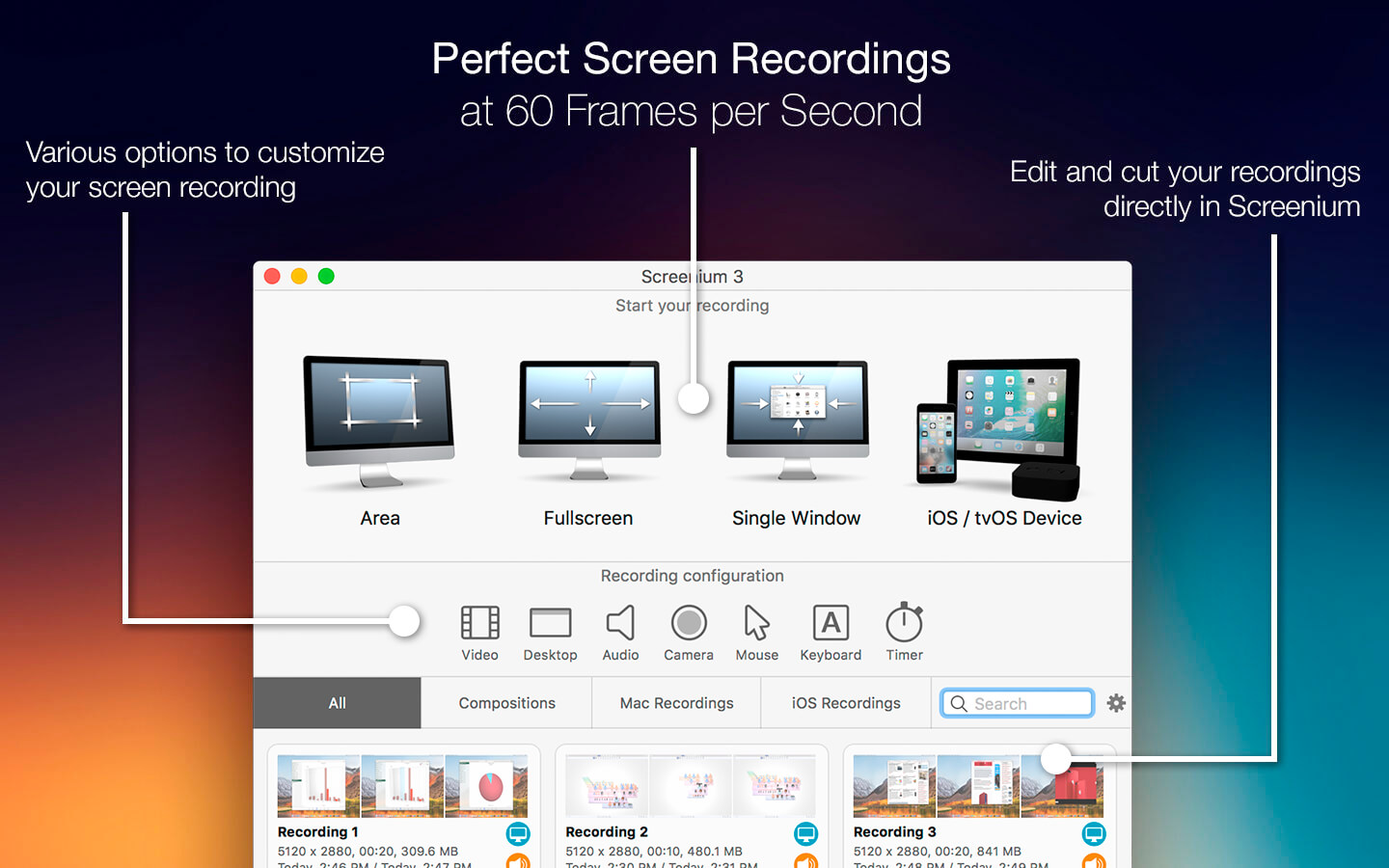
Record exactly what you see on the screen and turn it into a screencast in next to no time. Screenium 3 lets you record at 60 frames per second, offering optimum performance for your tutorials, gameplay recordings or any other screen content you wish to record. If you work with an ultra-high resolution 4K or 5K display or a Retina Mac, Screenium 3 puts you on the safe side as it creates the smoothest video quality possible for these types of devices.
But Screenium 3 offers much more than ultra-smooth video capture. Take advantage of numerous convenient tools that will help you create your perfect screencast. For example, you can embed iSight-footage as a Picture-in-Picture clip, add audio comments or hide your desktop or desktop symbols during recording. Screenium also records the mouse pointer as a separate track so you can visualize mouse clicks or edit them at a later point without any hassle.
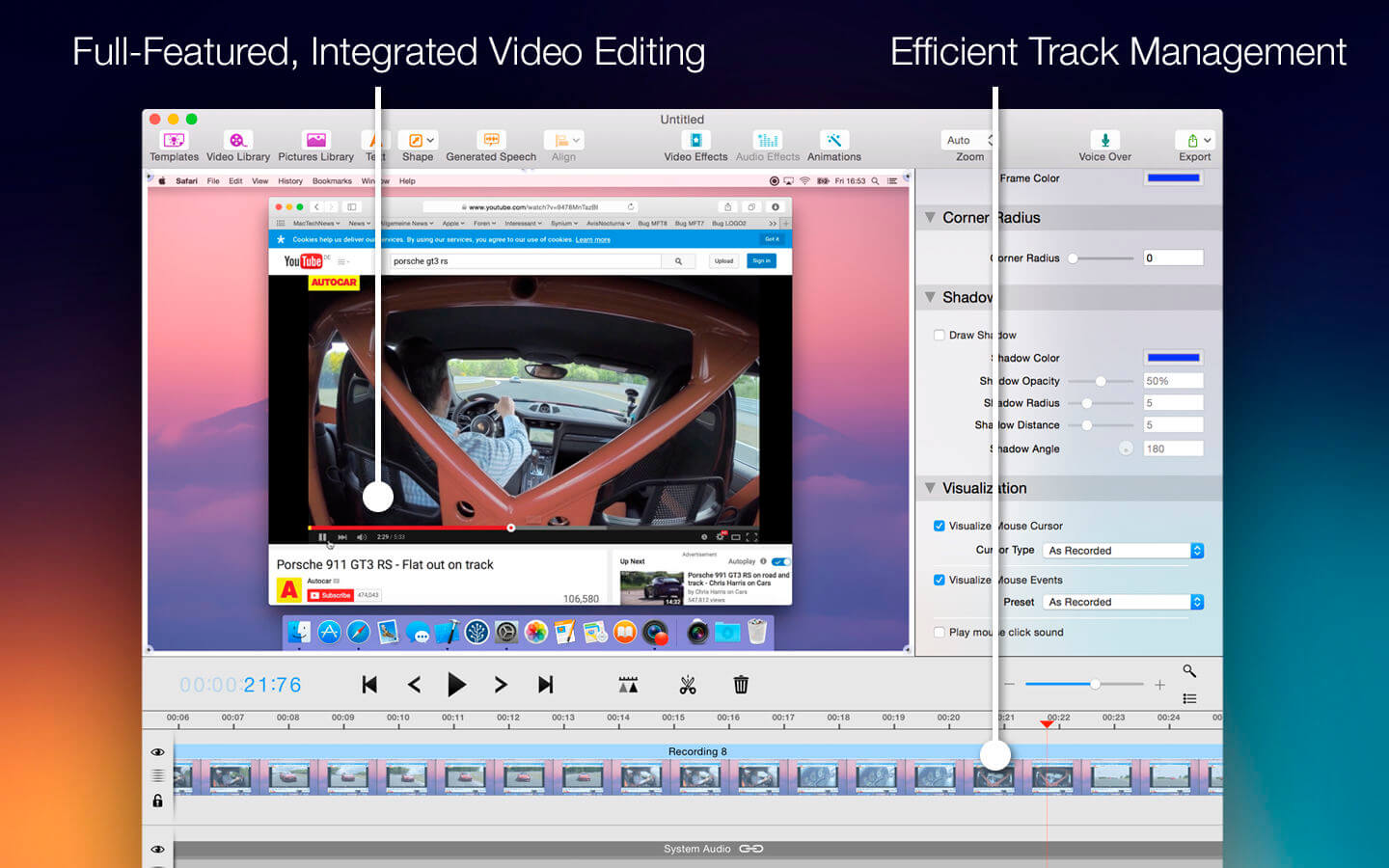
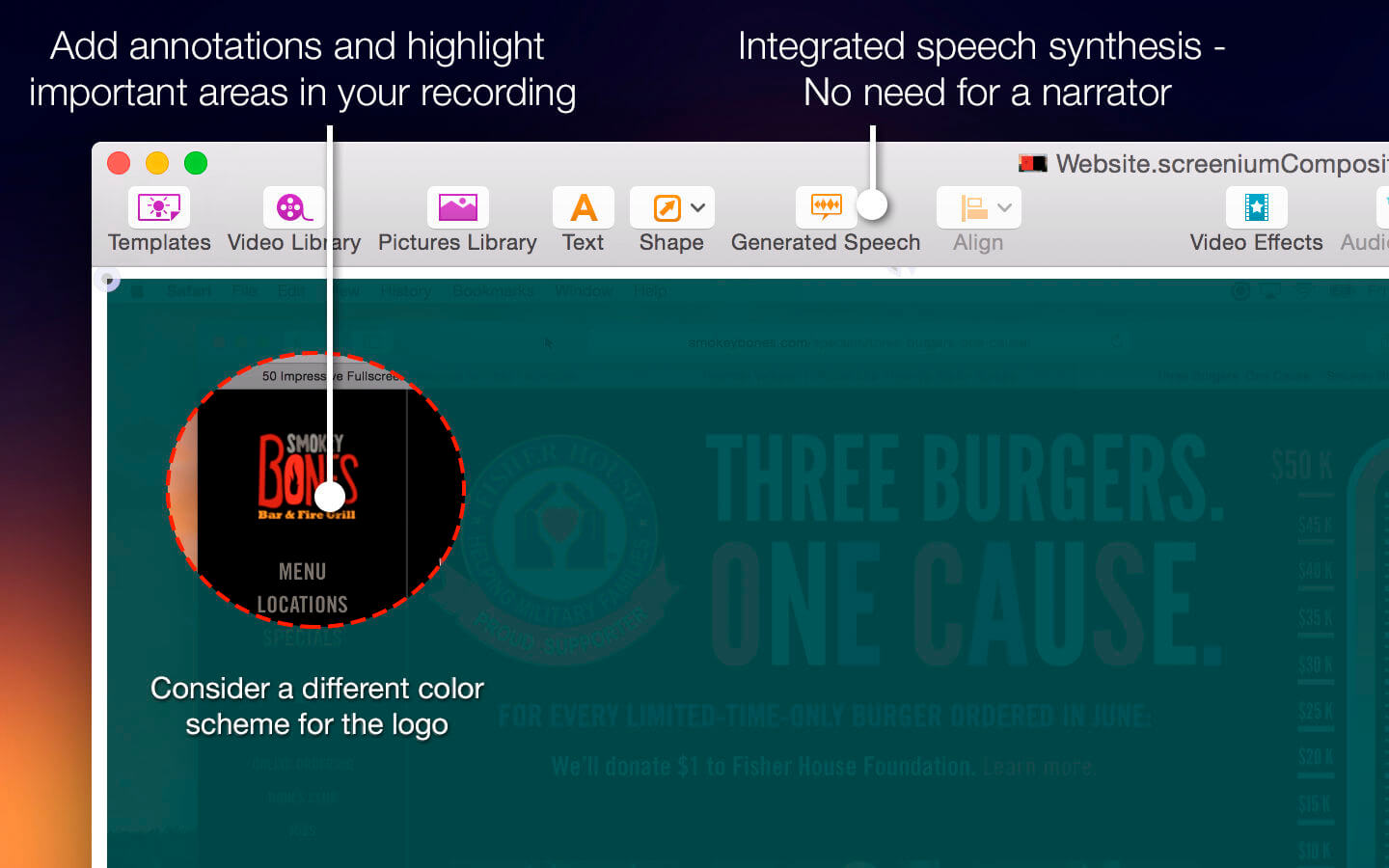
Screenium's comfortable and powerful video editor provides you with all the tools you need to cut your footage, embed texts or add effects, transitions, or animations. Accentuate mouse clicks, add geometric shapes or hide screen sections that contain personal information. Of course you can also edit audio tracks and add filters to them. Using text synthesis, you can even add multilingual audio comments or auto-generated voice tracks.
Screenium 3 Overview
- Ultra-smooth 60 fps recording
- Supports any screen resolution
- 3 recording modes: Full screen, area selection, specific window
- Optionally embed FaceTime camera footage as a Picture-in-Picture clip - Visualize mouse clicks
- Incognito mode to hide desktop, desktop symbols, or simply Screenium
- Highly optimized for multi-processor Macs
- 4K and 5K recording at full frame rate
- Full support for all Macs with Retina displays
- Versatile, convenient editor
- Versatile video effects and transitions
- Templates for text or graphic overlays
- Numerous audio filters
- VoiceOver using your own voice or auto-generated voice tracks
- Export files, share via e-mail, Messages app or direct upload to video portals such as Youtube and Vimeo
Version 3.3.0:
- Native version for M1 Macs
- Stability improvements and bug fixes
Frequently asked questions
How do I install the app?
Mount the image, drag the app into the "Applications" folder and launch it. If the system blocks the launch, allow it in "System Settings → Privacy & Security".
The app is damaged or won't launch
Reinstalling from a fresh image usually helps. Make sure your macOS version matches the one listed in the compatibility specs.
How do I update?
Download the new version from the site and install it over the current one — your settings will be preserved.
The download link doesn't work
Try a mirror or a download manager. For large files the browser often drops the connection.
How do I completely remove the app?
Use an uninstaller utility — it cleans up the service files that remain after moving the app to the trash.





Choose a download source
Screenium 3.3.4 · 38.24 MB
Previous versions
Screenium 3.3.4
Previous versions are available to registered users.
Comments 1