
ShreddR 1.0
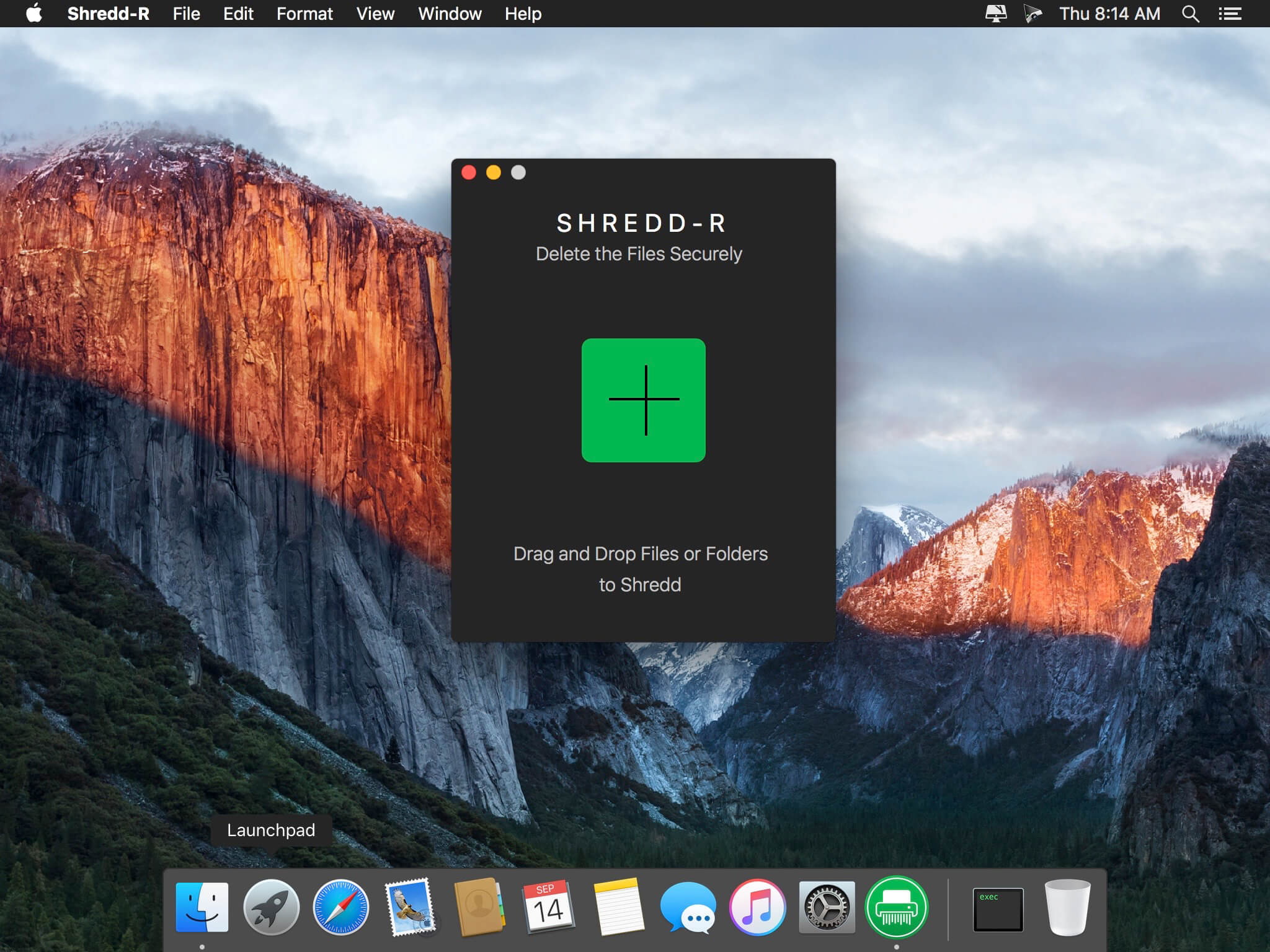
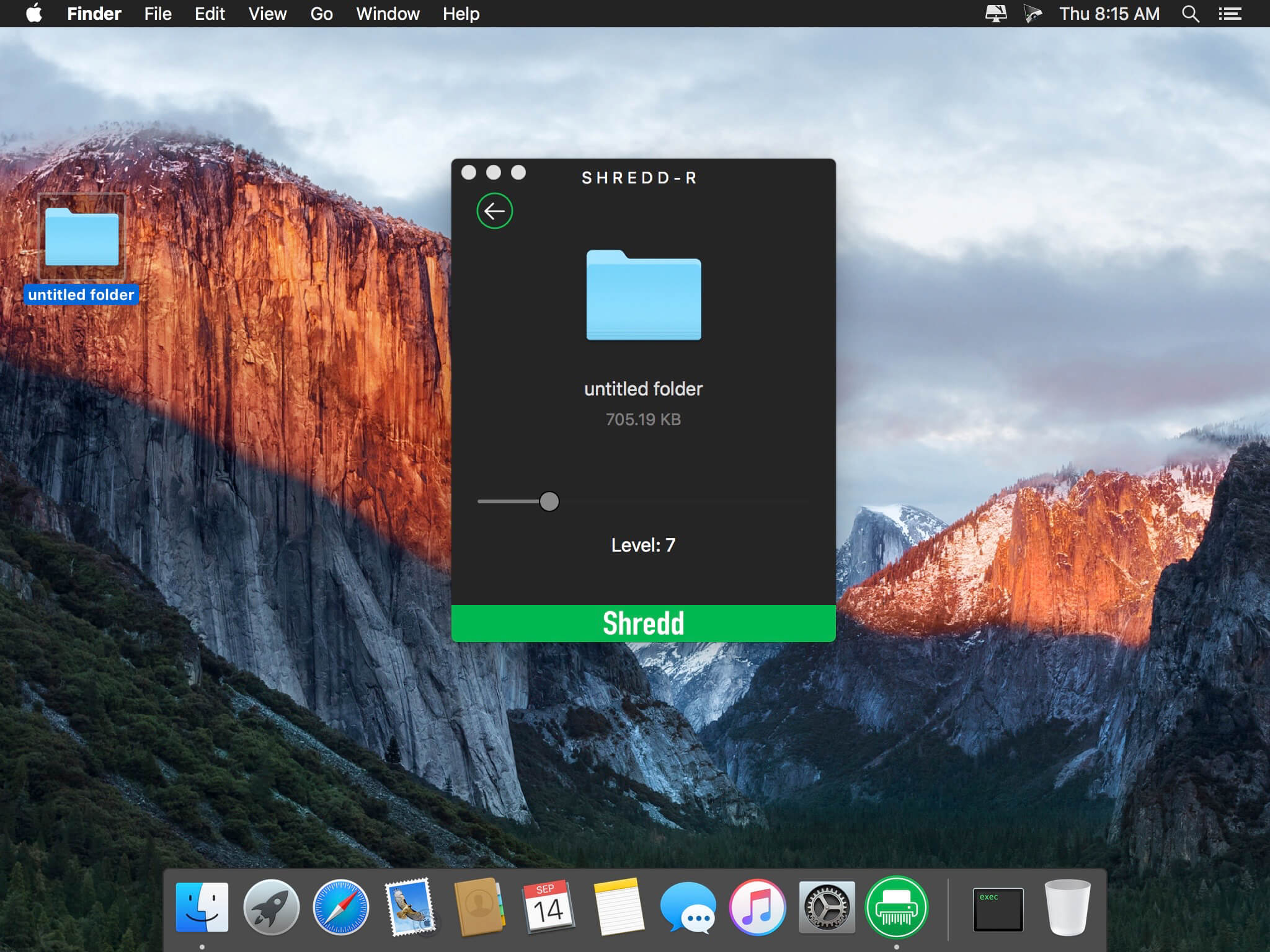
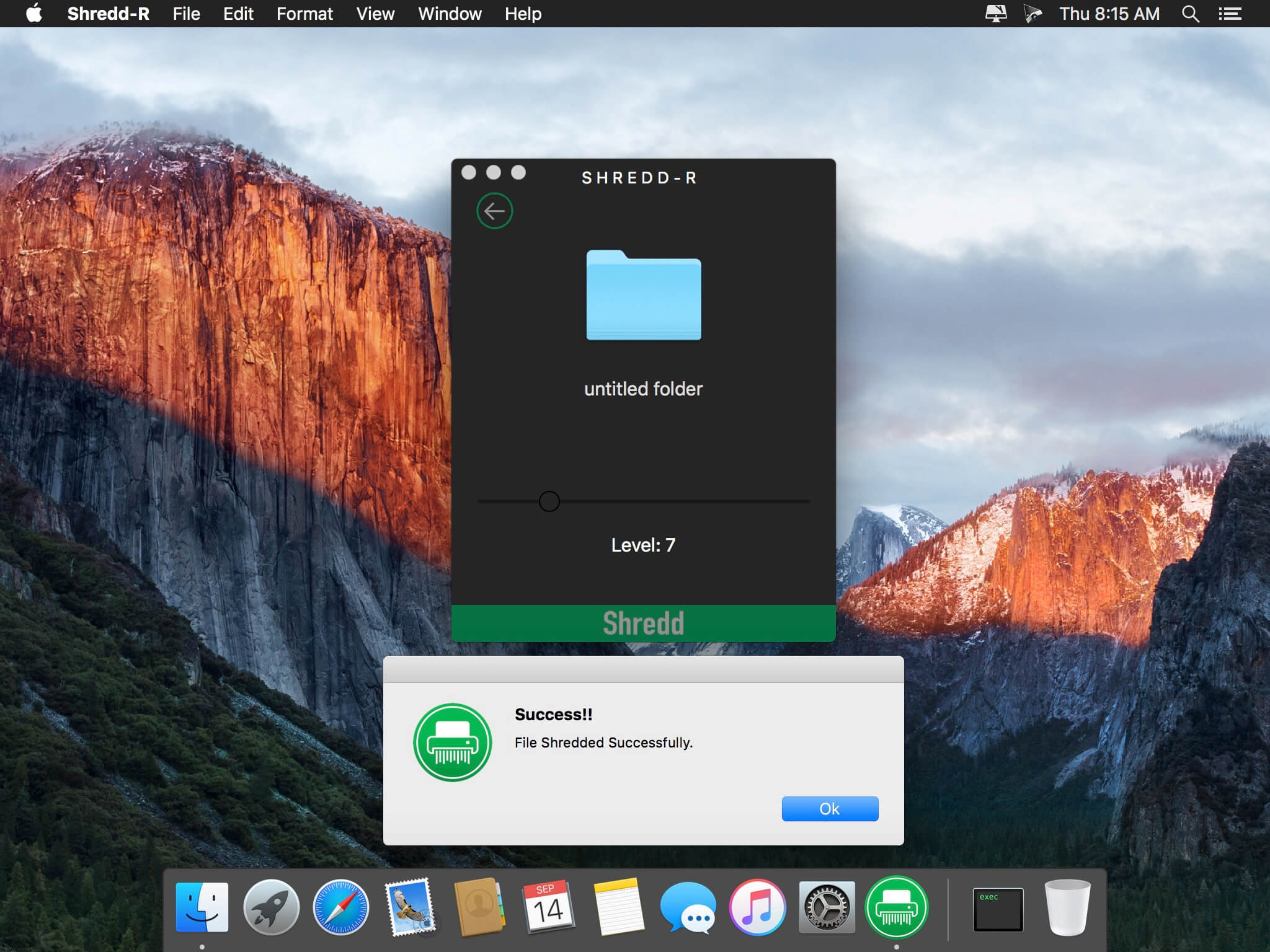
Shredd-R is recommended application for shredding (destroying) private files beyond recovery
As you may or may not know, deleting a file just hides it from the operating system. It isn't really gone until that same space is overwritten by something else. And it is easy to recovered using some Recovery tools.
Shredd-R is a software tool that will permanently delete files on your computer. it overwrites selected files using a DoD method, and ensure that it can never be un-deleted with a file recovery program.
Why Shredd-R:
It is therefore important to protect personal/business secrets. Even organisations that are unconcerned with profits often need to keep their documents safe from prying eyes. For this reason, it is important to shred some documents instead of disposing of them in the trash.
Features:
- Drag and drop functionality.
- Easy and Quick.
- Lightweight program.
- Fastest algorithm for shredding files from Mac.
Version 1.0:
- initial release
Frequently asked questions
How do I install the app?
Mount the image, drag the app into the "Applications" folder and launch it. If the system blocks the launch, allow it in "System Settings → Privacy & Security".
The app is damaged or won't launch
Reinstalling from a fresh image usually helps. Make sure your macOS version matches the one listed in the compatibility specs.
How do I update?
Download the new version from the site and install it over the current one — your settings will be preserved.
The download link doesn't work
Try a mirror or a download manager. For large files the browser often drops the connection.
How do I completely remove the app?
Use an uninstaller utility — it cleans up the service files that remain after moving the app to the trash.
VersionShreddR 1.0
DeveloperAmar Mote
CompatibilityOS X 10.10 or later, 64-bit processor
LanguageEnglish
IncludesK'ed by TNT



Information
Visitors in the group Guests cannot leave comments on this publication.
Choose a download source
ShreddR 1.0 · 1.47 MB