
Exchange Rates 2.8.1
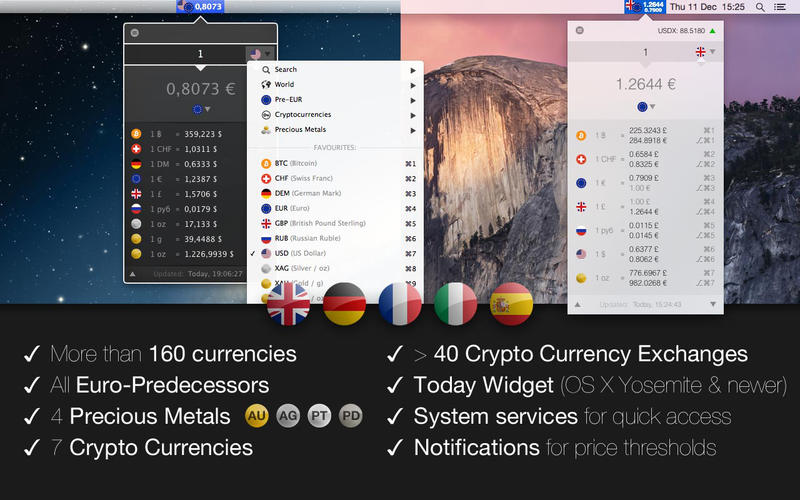
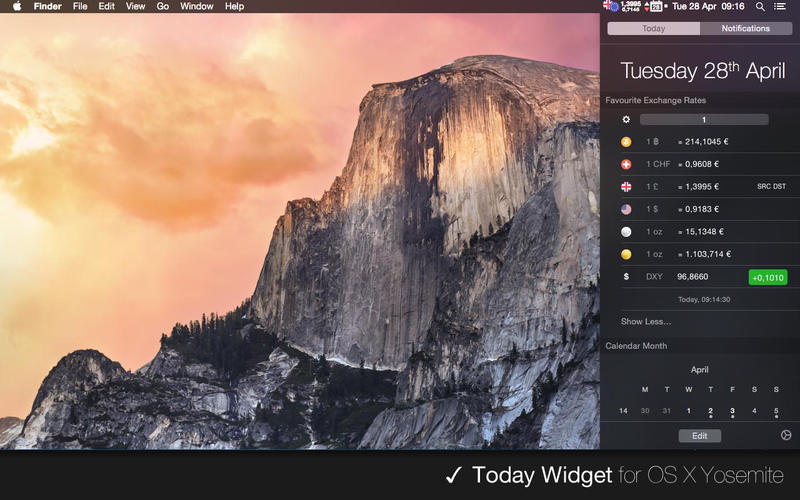
Exchange Rates is perfect for you if you are tired of launching the OS X Calculator app and stepping through menu paths, or launching the fullscreen OS X Dashboard just for doing a simple currency conversion. It's a small currency calculator residing in the OS X status bar -- always available and always up-to-date. Nothing more, nothing less.
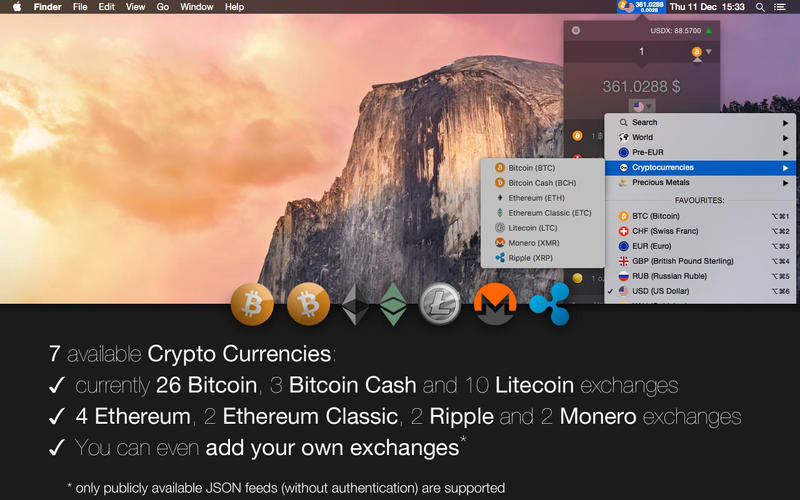
Everything can be done using keyboard shortcuts, so you can easily convert an amount between two currencies without interrupting your current workflow by using the mouse or even launching another window-based application. All exchange rates are being updated continuously in the background, so you don't have to do anything about it. In addition, the fixed exchange rates of all euro predecessor currencies (such as the Austrian shilling or Deutschmark) and the cryptocurrencies Bitcoin and Litecoin are available as well. And just in case you would like to know what your paper currency is worth in sound money: Exchange Rates also offers precious metals (gold, silver, platinum and palladium) for conversions - each in grams and troy ounces.
- Refresh rate is set to 30 minutes and cannot be altered
- Launch at login setting inside the app is not available
- Its runtime is limited to one hour per session. After that the tryout version has to be restarted
- All application settings will be reset on application startup
Version 2.8.1
- adds Monero as new crypto currency with Kraken and Poloniex as available exchanges
- various bugfixes and improvements
Frequently asked questions
How do I install the app?
Mount the image, drag the app into the "Applications" folder and launch it. If the system blocks the launch, allow it in "System Settings → Privacy & Security".
The app is damaged or won't launch
Reinstalling from a fresh image usually helps. Make sure your macOS version matches the one listed in the compatibility specs.
How do I update?
Download the new version from the site and install it over the current one — your settings will be preserved.
The download link doesn't work
Try a mirror or a download manager. For large files the browser often drops the connection.
How do I completely remove the app?
Use an uninstaller utility — it cleans up the service files that remain after moving the app to the trash.
VersionExchange Rates 2.8.1
DeveloperAlexander Lindenstruth
CompatibilityOS X 10.7 or later
LanguageEnglish, French, German, Italian, Spanish
IncludesK'ed by TNT





Information
Visitors in the group Guests cannot leave comments on this publication.
Choose a download source
Exchange Rates 2.8.1 · 8.89 MB