
batchGIF 1.9.0
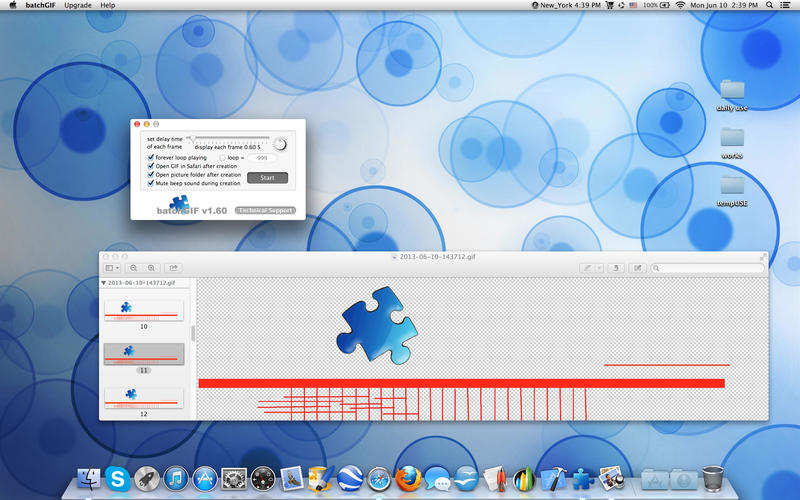
With just one click, all your pictures in a folder will be linked into one animated GIF picture.
Unlike other apps that advertise to perform the same function, however, batchGIF will keep your pictures in HIGH resolution.
A must-have app for making animated photo albums!
Features:
v1.56
- all pictures in the folder will be processed automatically
- can handle large pictures and keep them in high resolution
- each picture's display time can be adjusted to be between 0.1 and 10 seconds
- toggle-able sound and visual progress indicators
- very fast processing speed
v1.56 -> v1.60
new features added according to user's feedback:
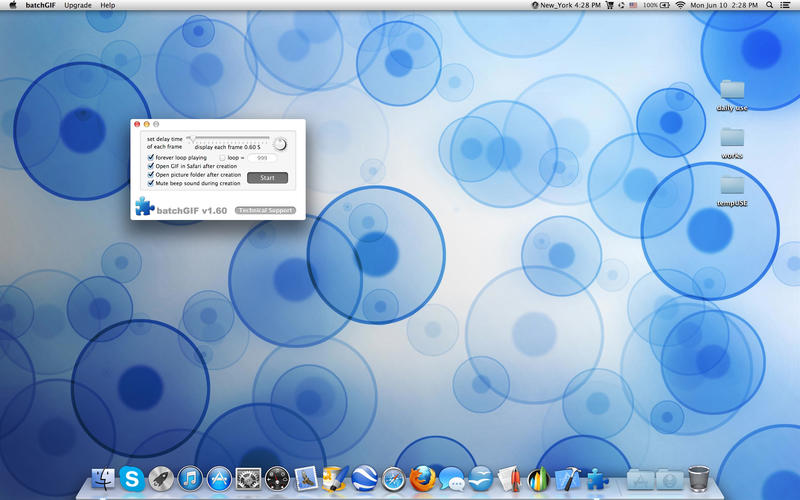
- add option to select forever loop playing or loop by input times
- forever loop playing user alert added
- add option to display GIF in Safari as soon as it's generated
- more by dragonBTV updated
- recommended saving name and saving folder option added
- generated GIF file can be saved anywhere in any file name
- menu item added for User Alerts Resetting
- user tips updated
- app's interface modified
v1.60 -> v1.70
- new features added according to user's feature requests
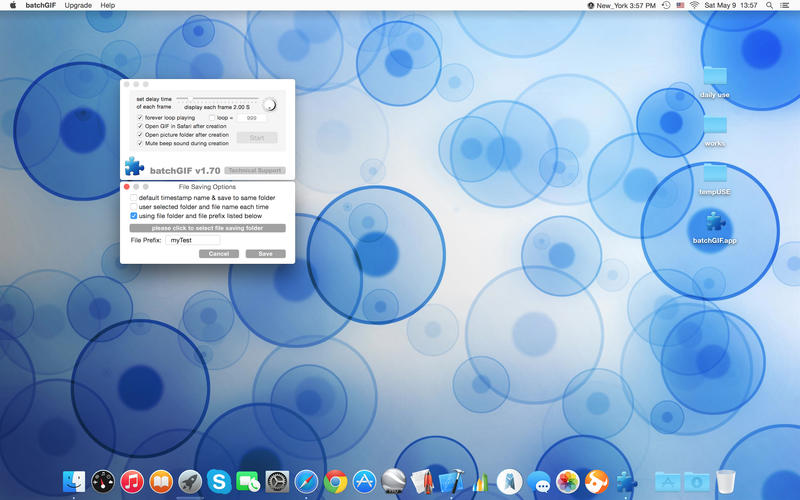
- new Preferences menu of File Saving Options
- user customizable file saving folder
- user customizable file saving prefix
- handle file name automatically on user prefix mode
- performance improved under OS10.10
- more by dragonBTV updated
v1.70 -> v1.90
- fully re-coded Sandbox ARC version for macOS Sierra 10.12
- updated to macOS Sierra 10.12 and still compatible to OS10.7 and above
- interface adjusted
- all deprecated function are replaced
- all file operation are changed to Sandbox compatible
- app menu and dock menu rearranged
- icon modified
- change color of all popup alerts into white
- alert for destination (output) folder selection modified with detailed explaining
- More apps by dragonBTV is simplified by displaying in App Store directly
WHAT’S NEW
Version v1.90
v1.70 -> v1.90
- fully re-coded Sandbox ARC version for macOS Sierra 10.12
- updated to macOS Sierra 10.12 and still compatible to OS10.7 and above
- interface adjusted
- all deprecated function are replaced
- all file operation are changed to Sandbox compatible
- app menu and dock menu rearranged
- icon modified
- change color of all popup alerts into white
- alert for destination (output) folder selection modified with detailed explaining
- More apps by dragonBTV is simplified by displaying in App Store directly
SCREENSHOTS
Frequently asked questions
How do I install the app?
Mount the image, drag the app into the "Applications" folder and launch it. If the system blocks the launch, allow it in "System Settings → Privacy & Security".
The app is damaged or won't launch
Reinstalling from a fresh image usually helps. Make sure your macOS version matches the one listed in the compatibility specs.
How do I update?
Download the new version from the site and install it over the current one — your settings will be preserved.
The download link doesn't work
Try a mirror or a download manager. For large files the browser often drops the connection.
How do I completely remove the app?
Use an uninstaller utility — it cleans up the service files that remain after moving the app to the trash.
VersionbatchGIF 1.9.0
DeveloperJiulong Zhao
CompatibilityOS X 10.7 or later, 64-bit processor
LanguageEnglish
IncludesK'ed by TNT


Information
Visitors in the group Guests cannot leave comments on this publication.
Choose a download source
batchGIF 1.9.0 · 2.34 MB