
iWatermark Pro 2.6.3
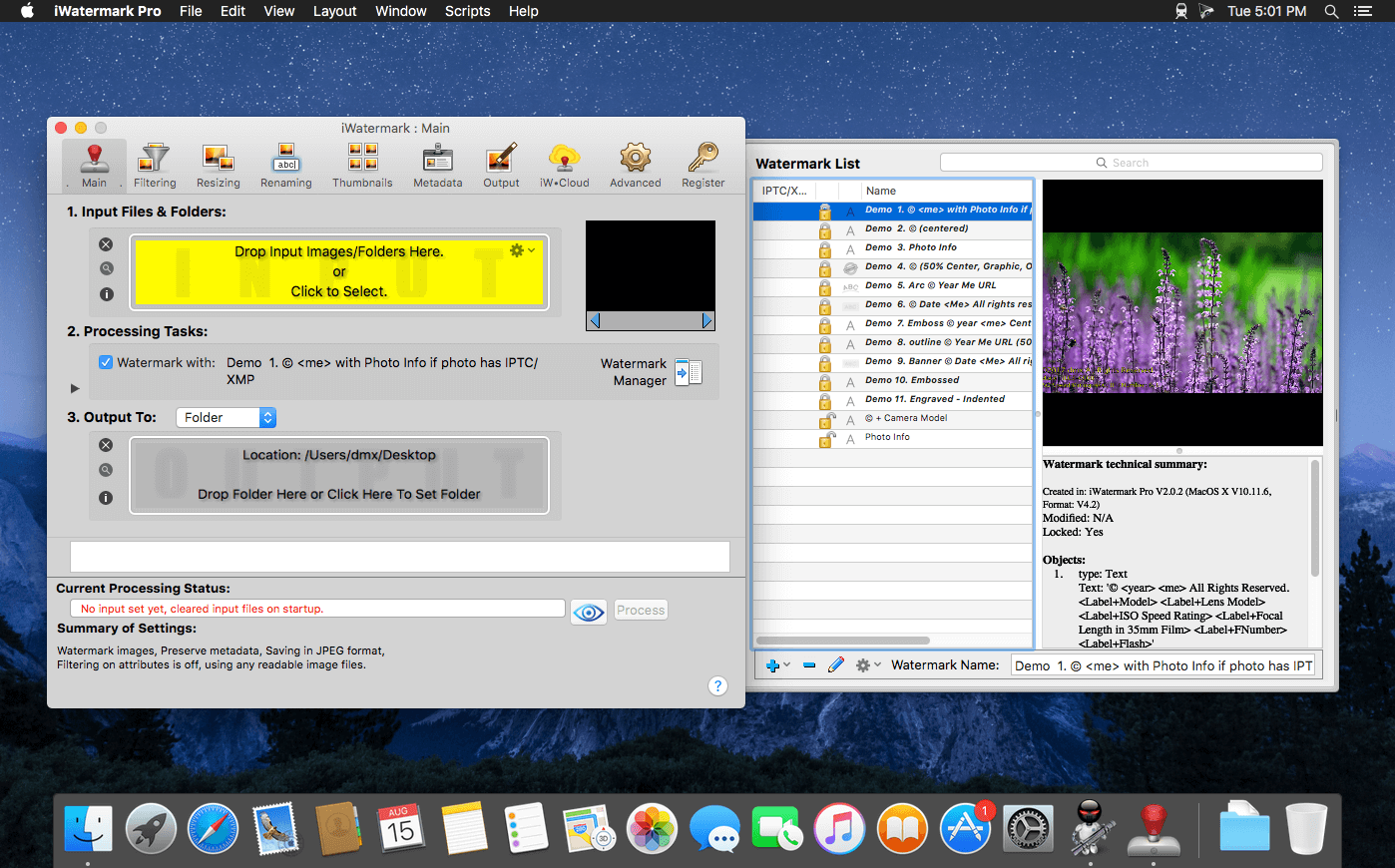
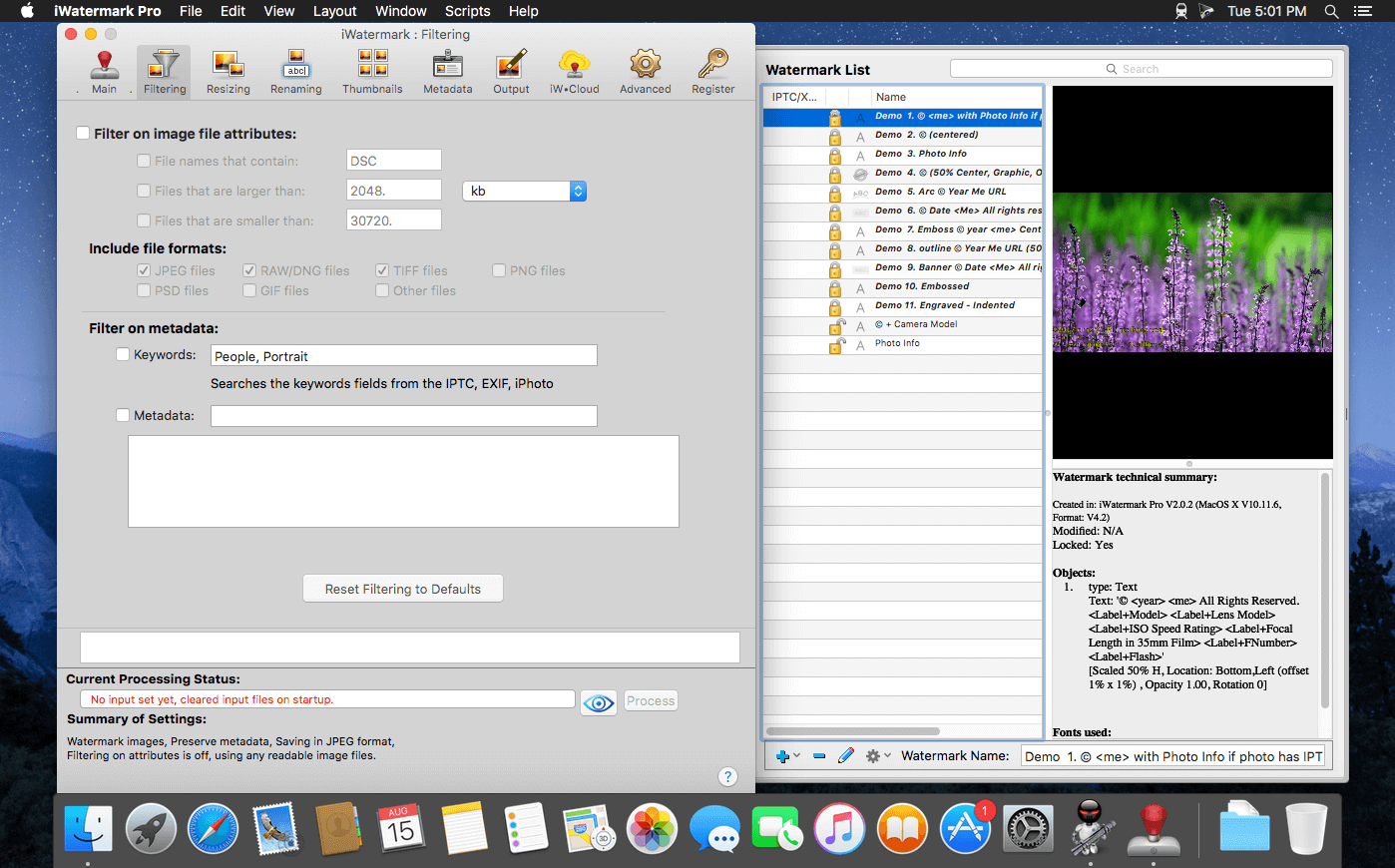
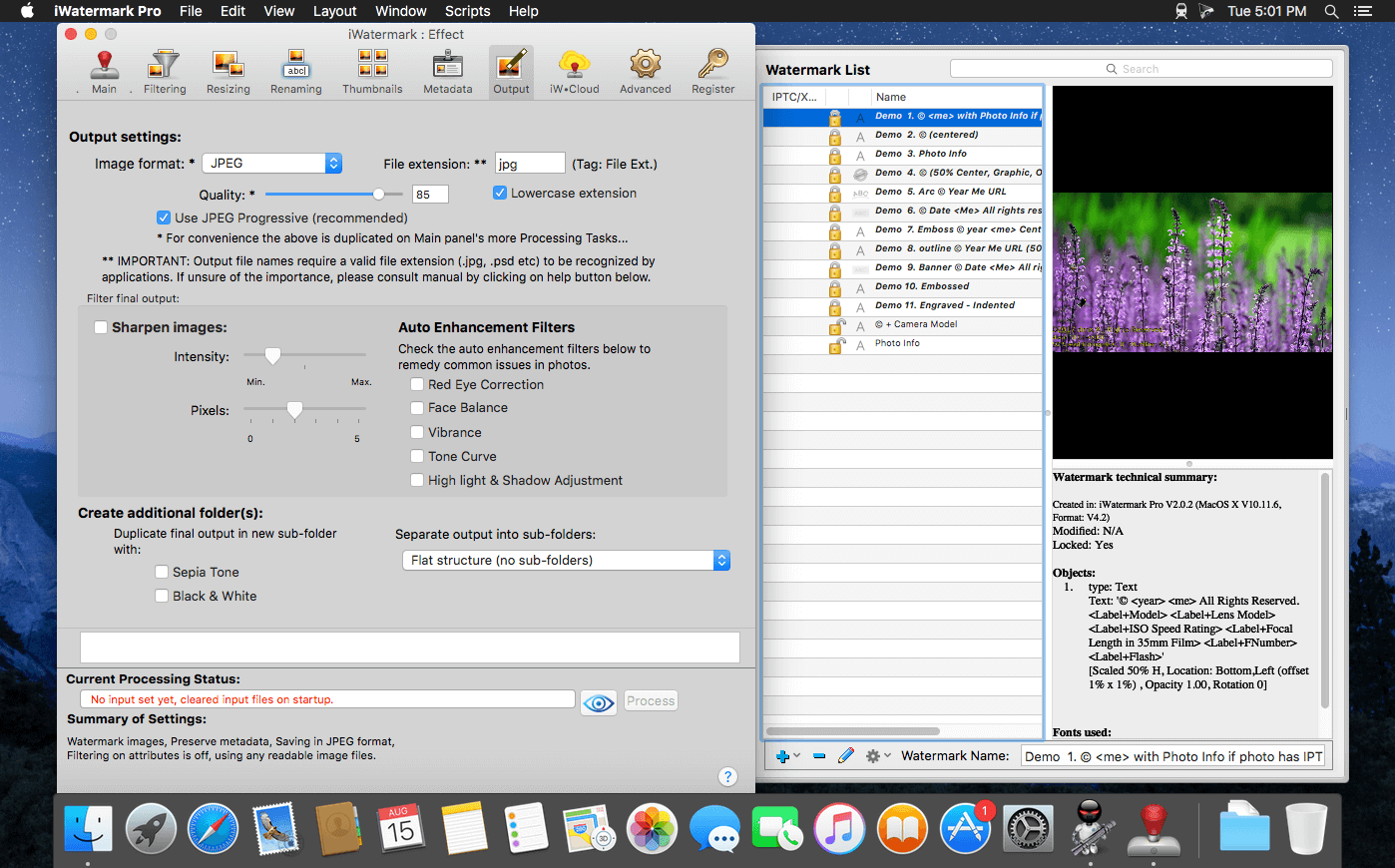
iWatermark Pro - The Essential Watermarking App for Professionals, Business and Personal Use.
iWatermark, is the No. 1 and only watermarking tool available for all 4 platforms iPhone/iPad, Mac, Android and Windows. iWatermark is the most popular professional watermarking tool for photos.
Easily, secure and protect your photos with a text, graphic, signature or QR watermark. Once added to a photo this visible watermark displays it is created and owned by you.
Features:
- Works with Lightroom, Photoshop, Picasa, ACDSee, iPhoto, Aperture and other photo organizers
- Batch processing or sequential
- Input/Output to all major file types JPEG, TIFF, PNG, RAW, etc.
- Create text, graphic, or QR watermarks
- Adjust opacity, font, color, border, scale, rotation, shadow, special effects, etc.
- Use metadata (GPS, Exif, XMP) as watermarks
- Design, edit and manage a library of watermarks
- Export watermarks and use in the Mac version
- Fast 64 bit multi-threaded multiple CPU/GPU's
- User selectable color profiles
- Add, remove and edit metadata (EXIF, GPS and XMP).
- Unlimited fonts
- Great Manual and support
- Share to Facebook, Flickr, Instagram, Twitter and many more.
Version 2.6.3:
- Min OS is 10.8 or later… including Big Sur 11.0
- Added ways to add image to the graphic watermark editor.
- Drag an drop of image or logo into the well
- Or use the 'select ' button to select an image as before.
- Or use cmd-G to select image file
- Updated English locations
- Fixed crash on Big Sur 11.0
Frequently asked questions
How do I install the app?
Mount the image, drag the app into the "Applications" folder and launch it. If the system blocks the launch, allow it in "System Settings → Privacy & Security".
The app is damaged or won't launch
Reinstalling from a fresh image usually helps. Make sure your macOS version matches the one listed in the compatibility specs.
How do I update?
Download the new version from the site and install it over the current one — your settings will be preserved.
The download link doesn't work
Try a mirror or a download manager. For large files the browser often drops the connection.
How do I completely remove the app?
Use an uninstaller utility — it cleans up the service files that remain after moving the app to the trash.
VersioniWatermark Pro 2.6.3
DeveloperPlum Amazing, LLC
CompatibilityOS X 10.9 or later, 64-bit processor
LanguageEnglish, French, Italian, German, Spanish
IncludesSerial (block outbound connections)





Choose a download source
iWatermark Pro 2.6.3 · 51.9 MB
Previous versions
iWatermark Pro 2.6.3
Previous versions are available to registered users.
Comments 1