
Juno Editor 2.5.1

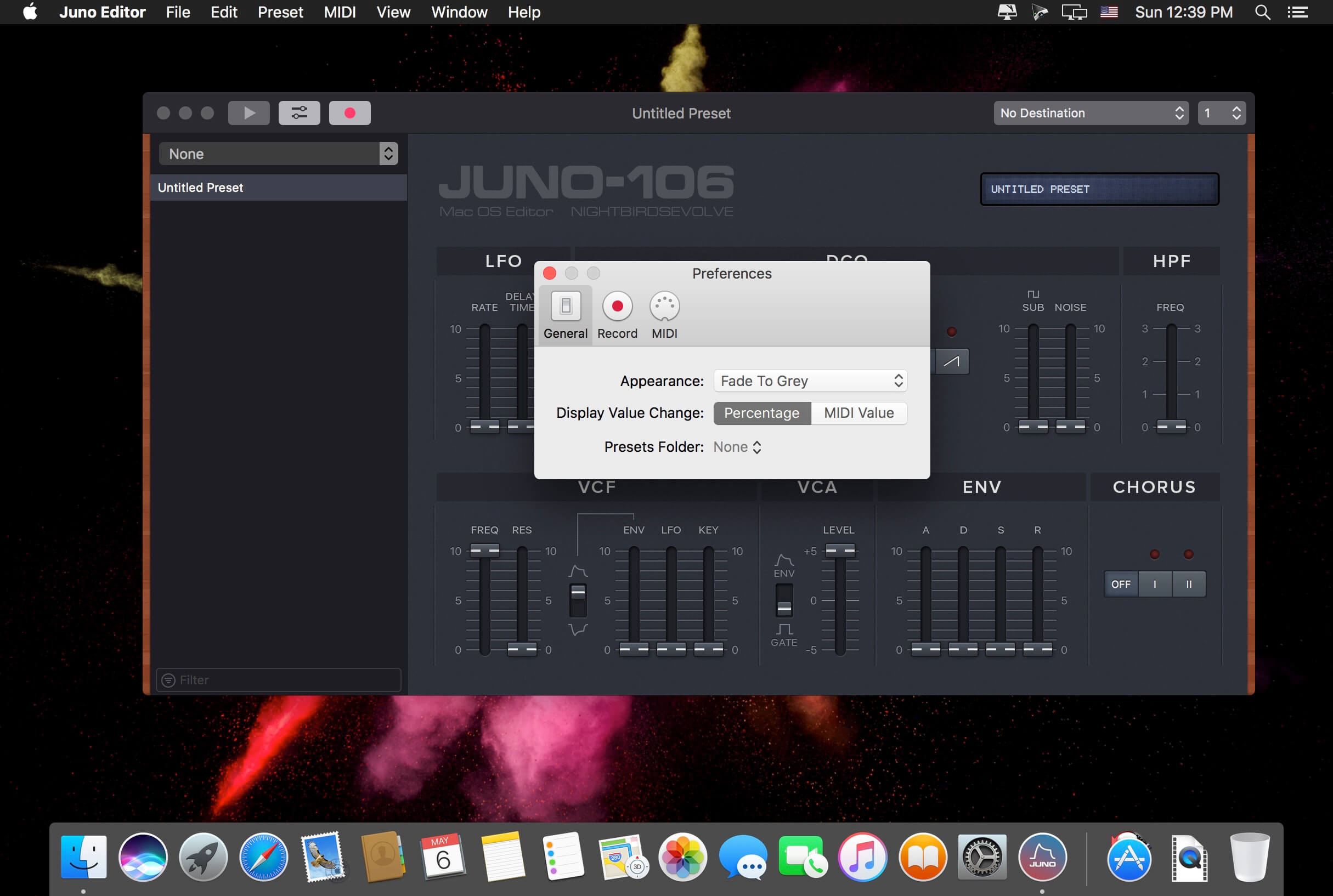
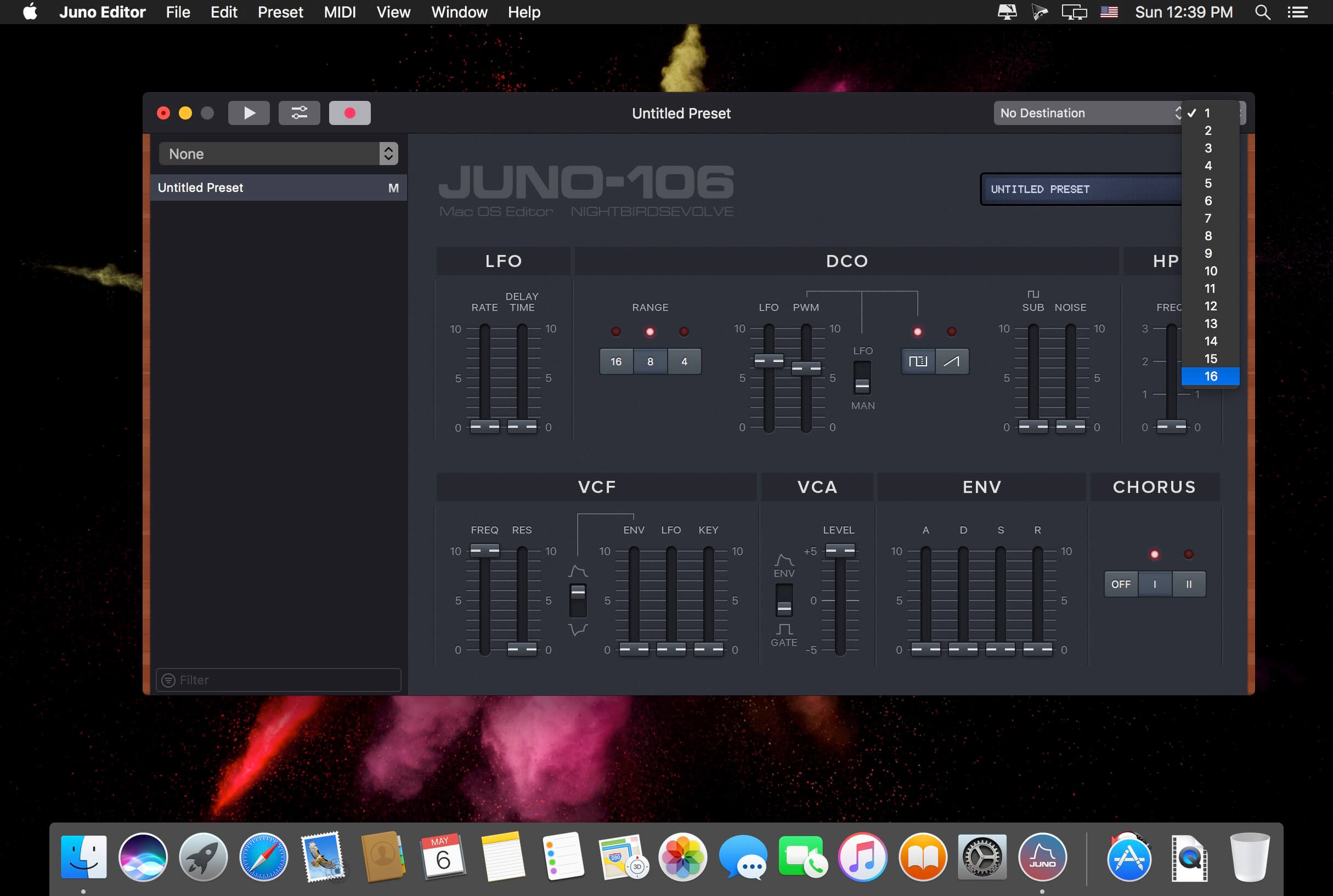
Juno Editor is a preset editor and library for the Roland Juno 106 and MKS7 Synthesizers. Save, organize and edit presets via a simple MIDI connection.
Presets can be created from scratch or received from the synthesizer's inner memory, and are stored as .jep documents or .syx files (sysex) on your hard drive.
Features:
- Presets as Files: Perfect for sharing or backup !
- Keyboard Playback
- Undo Support
- Quick Search
- Retina Display Ready Interface
- MIDI Out and Channel are directly customizable in the main window
- Compatible with the Roland MKS7
Version 2.5.1:
Enhancements
- Changed the default untitled preset name format to have the patch number first, in “Record Multiple”
- Added the count of received presets to the window title, in “Record Multiple”
- Will attempt to preserve the currently selected index when items are removed from the presets list
- Slightly reworked the app's main menu and shortcuts
- Added a “Computer MIDI Keyboard” toolbar item
- Added a “Show in Finder” command to the presets folder selector
Frequently asked questions
How do I install the app?
Mount the image, drag the app into the "Applications" folder and launch it. If the system blocks the launch, allow it in "System Settings → Privacy & Security".
The app is damaged or won't launch
Reinstalling from a fresh image usually helps. Make sure your macOS version matches the one listed in the compatibility specs.
How do I update?
Download the new version from the site and install it over the current one — your settings will be preserved.
The download link doesn't work
Try a mirror or a download manager. For large files the browser often drops the connection.
How do I completely remove the app?
Use an uninstaller utility — it cleans up the service files that remain after moving the app to the trash.





Choose a download source
Juno Editor 2.5.1 · 11.52 MB
Previous versions
Juno Editor 2.5.1
Previous versions are available to registered users.