
Arturia Prophet V 3 v3.0.1
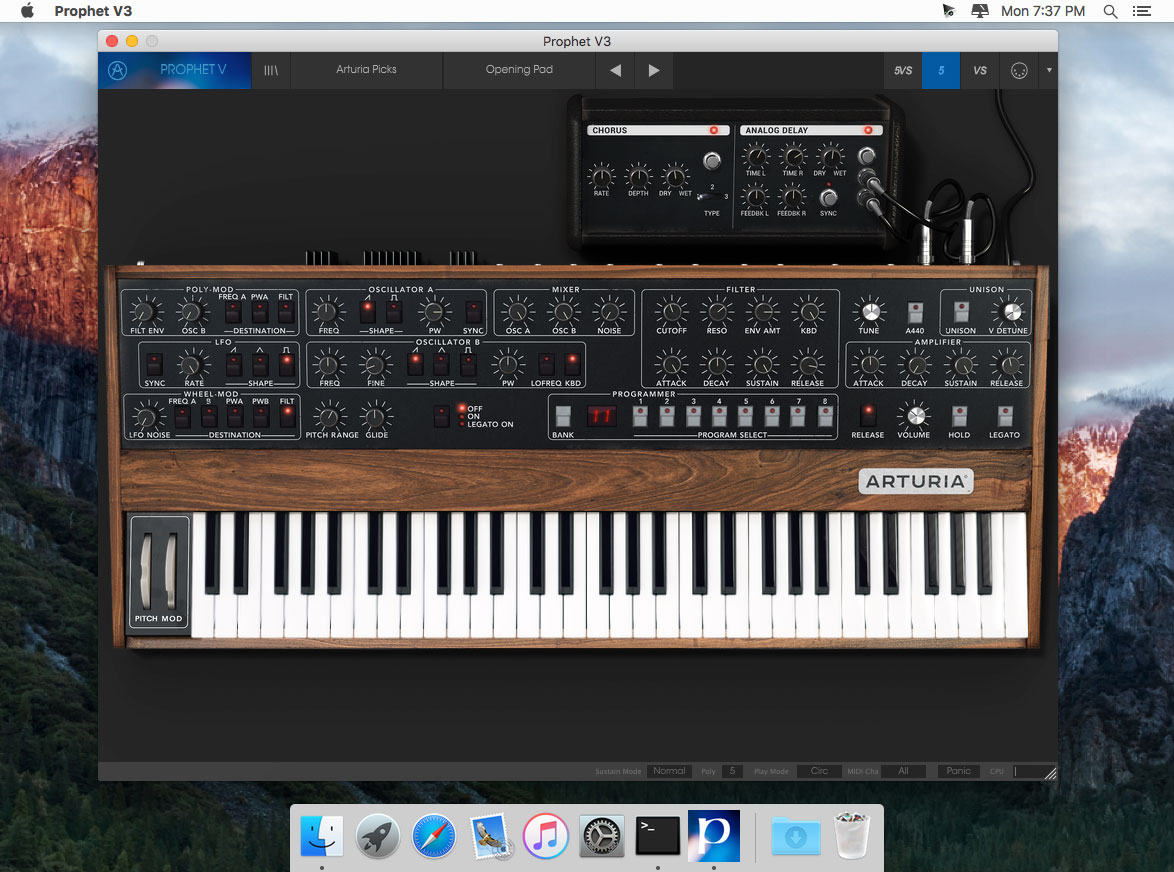
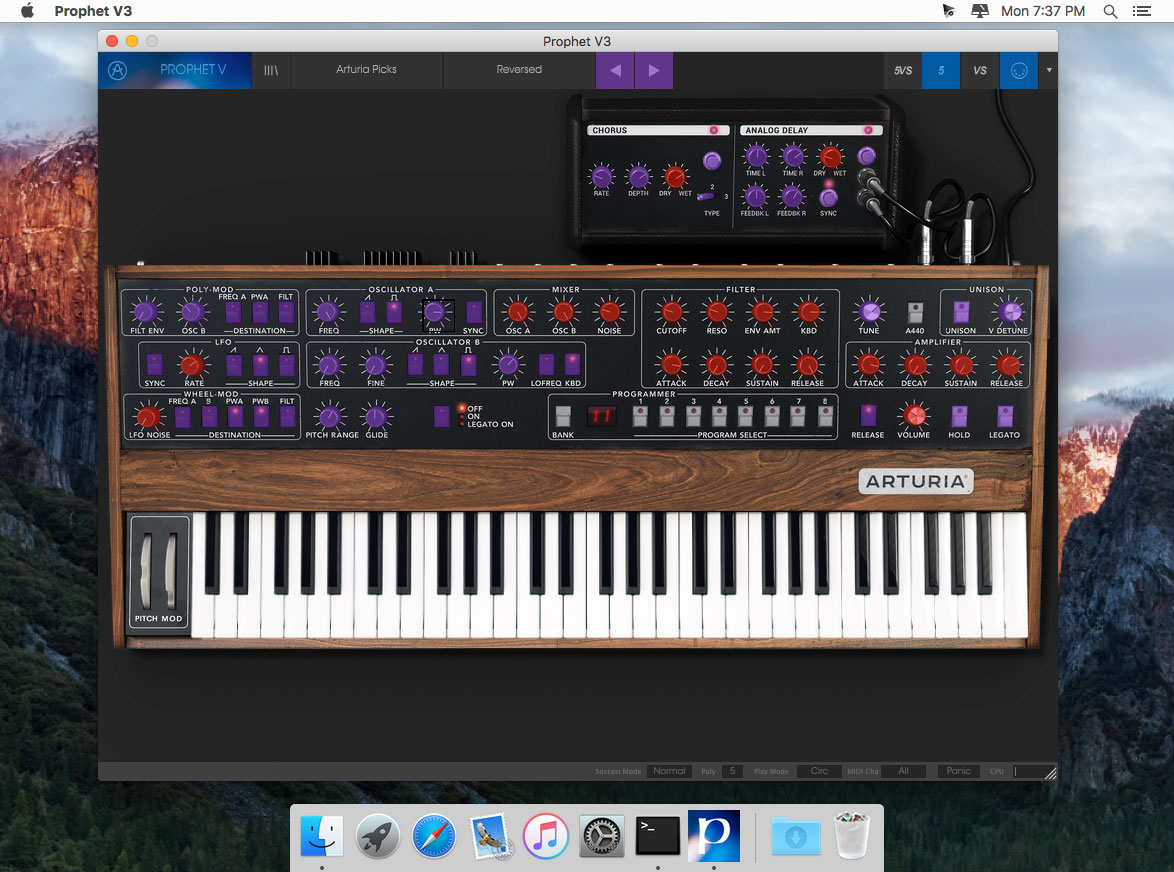
With Arturia's Prophet V3, you get three killer synthesizers rolled into one: the Prophet 5, the Prophet VS, and the Prophet Hybrid. This powerhouse analog-modeling synthesizer offers up exact replicas of the originals, kept faithful in the digital realm thanks to Arturia's amazing True Analog Emulation technology. Visually, too, the Prophet V3's synths are spot-on. But it's sound that matters most - and what's cool about the Prophet V3 is that you get all of those original parameters plus presets and tons of extra tweakability with the Arturia Prophet V3.
Main Features
- Three synthesizers in one: Prophet 5, Prophet VS, Prophet Hybrid
- All the original parameters of the Prophet 5 and Prophet VS
- New audio connection matrix
- New modulation matrix switch for the 2 synthesizers
- New Chorus and Stereo delay effects
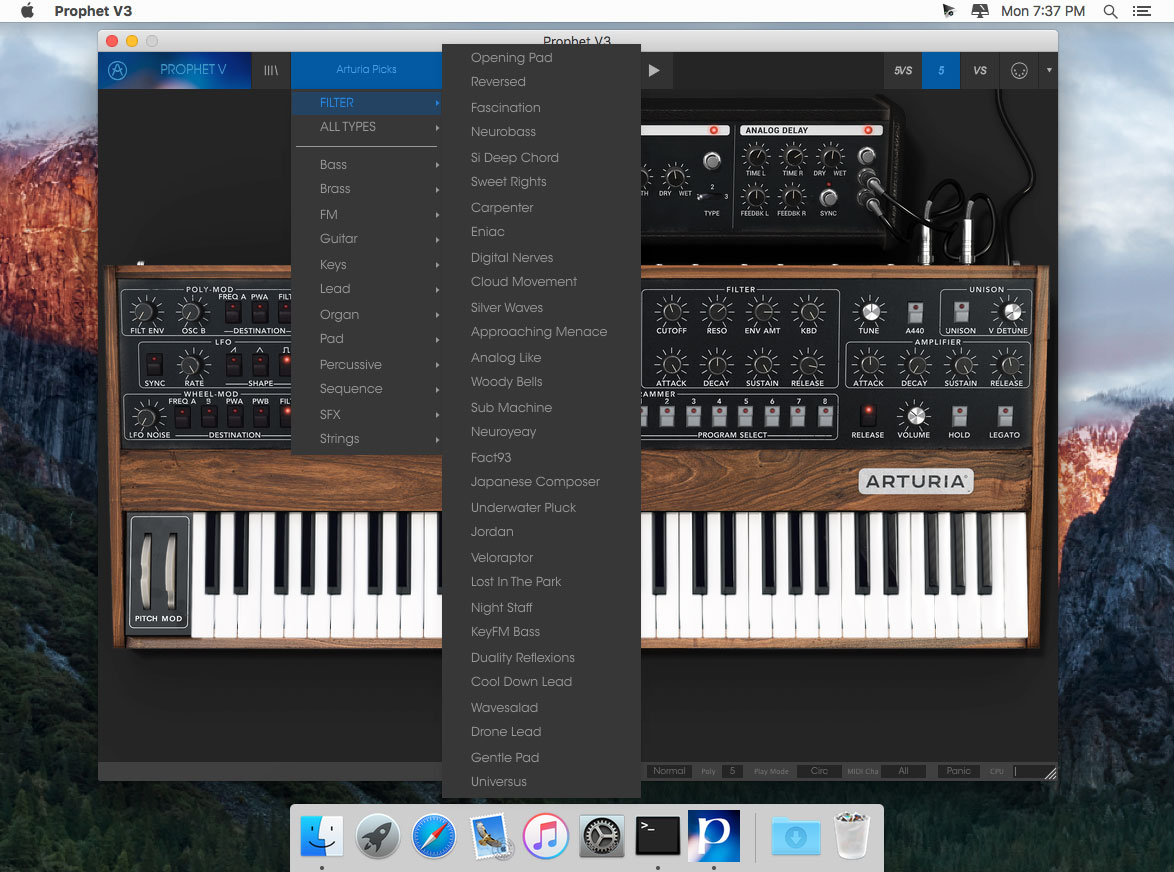
- More than 400 presets created by talented musicians and synthesizers specialists
- Compatibility with the Presets of the original synthesizers
- No aliasing from 0.1Hz to 16kHz
- Calculated precision : 64 bits
- Sample Frequency : until 96 kHz
- Compatible with a MIDI keyboard
- 2 analog oscillators for the Prophet 5
- 4 wavetables oscillators for the Prophet VS
- Capacity to synchronize Osc2 on Osc1 for the Prophet VS
- 1 Mixer with joystick and automation envelope for mixing the 4 oscillators of the Prophet VS
- 1 resonating low pass filter for the Prophet 5
- 1 multimode resonant filter for the Prophet 5
- 3 LFO that can be synchronized with the tempo of the host sequencer
- 5 envelopes: 2 ADSR; 3 5 point envelopes
- Polyphony of 2 to 32 voices with the unison possibility
- Audio quality and purity as in the original Prophet 5 and VS
Screenshots
Frequently asked questions
How do I install the app?
Mount the image, drag the app into the "Applications" folder and launch it. If the system blocks the launch, allow it in "System Settings → Privacy & Security".
The app is damaged or won't launch
Reinstalling from a fresh image usually helps. Make sure your macOS version matches the one listed in the compatibility specs.
How do I update?
Download the new version from the site and install it over the current one — your settings will be preserved.
The download link doesn't work
Try a mirror or a download manager. For large files the browser often drops the connection.
How do I completely remove the app?
Use an uninstaller utility — it cleans up the service files that remain after moving the app to the trash.
VersionArturia Prophet V 3.0.1
DeveloperArturia
CompatibilityOS X 10.8 or later, 64-bit processor
LanguageEnglish
IncludesK

Information
Visitors in the group Guests cannot leave comments on this publication.
Choose a download source
Arturia Prophet V 3 v3.0.1 · 403.36 MB