Logo Lab for iWork - Templates 1.3
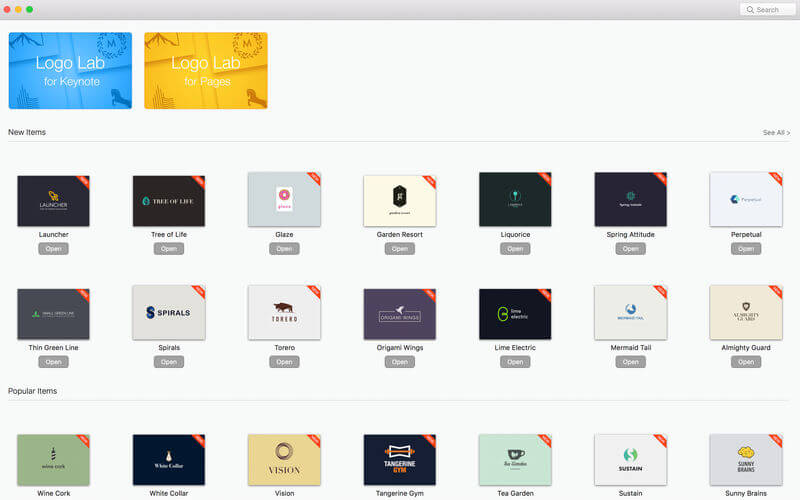
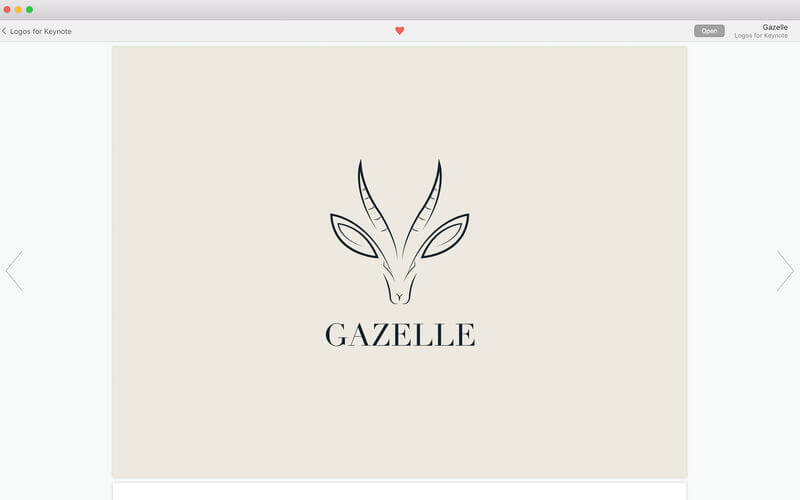
Be recognized! Jumsoft’s Logo Lab for iWork offers an unmatched treasure chest of customizable logo templates, editable on Apple Pages or Keynote. With the ample collection of designs and a huge variety of styles, you will feel like having a creative agency fully at your service, just without the bill! With thousands of available professional designs, you will definitely find the one you’d like to build your image upon!
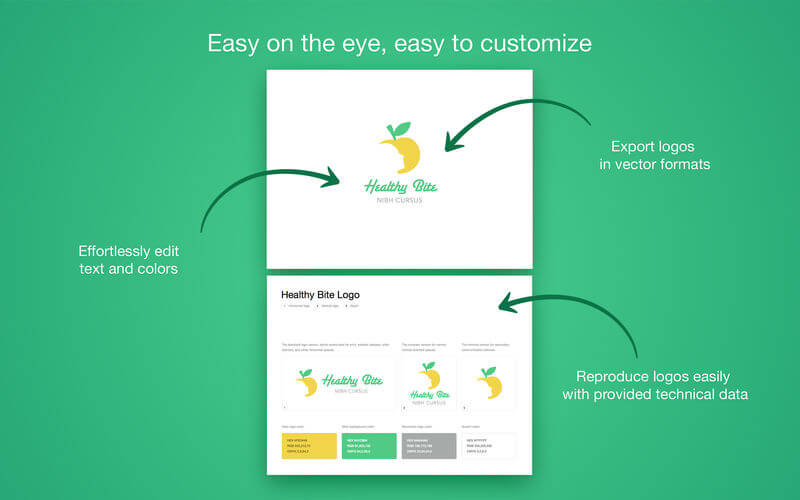
Every logo template comes with various options of orientation and placement, and technical information, such as color codes in HEX, RGB, or CMYK, which will allow you to reproduce it easily anywhere!
Each logo is designed to be highly editable in Pages or Keynote, so you can adapt it to your very particular taste or needs without too much effort: it’s the level of quality and ease of use you have grown to expect and love from Jumsoft!
* Requires Pages 6.0/Keynote 7.0 or later
Frequently asked questions
How do I install the app?
Mount the image, drag the app into the "Applications" folder and launch it. If the system blocks the launch, allow it in "System Settings → Privacy & Security".
The app is damaged or won't launch
Reinstalling from a fresh image usually helps. Make sure your macOS version matches the one listed in the compatibility specs.
How do I update?
Download the new version from the site and install it over the current one — your settings will be preserved.
The download link doesn't work
Try a mirror or a download manager. For large files the browser often drops the connection.
How do I completely remove the app?
Use an uninstaller utility — it cleans up the service files that remain after moving the app to the trash.
VersionLogo Lab for iWork - Templates 1.3
DeveloperJumsoft
CompatibilityOS X 10.11 or later, 64-bit processor
LanguageEnglish, French, German, Italian, Japanese, Korean, Russian, Simplified Chinese, Spanish
IncludesK'ed by TNT
Related posts
-
 Templates Bundle for iWork - Alungu Designs 4.0
Productivity1.94 GB
Templates Bundle for iWork - Alungu Designs 4.0
Productivity1.94 GB
-
 Templates Bundle for iWork - Templates Guru 5.0
Productivity1.94 GB
Templates Bundle for iWork - Templates Guru 5.0
Productivity1.94 GB
-
 Templates Expert - Templates for Pages, Keynote 6.0
Productivity1.43 GB
Templates Expert - Templates for Pages, Keynote 6.0
Productivity1.43 GB
-
 Elements Lab - Templates 3.3.2
Productivity71.35 MB
Elements Lab - Templates 3.3.2
Productivity71.35 MB
-
 Suite for iWork: Themes for Keynote, Templates for Pages and Numbers 9.1
Graphic Design144.62 MB
Suite for iWork: Themes for Keynote, Templates for Pages and Numbers 9.1
Graphic Design144.62 MB
Information
Visitors in the group Guests cannot leave comments on this publication.
Choose a download source
Logo Lab for iWork - Templates 1.3 · 227.1 MB