
PageMeUp 1.2.1
Screenshots
Click to enlarge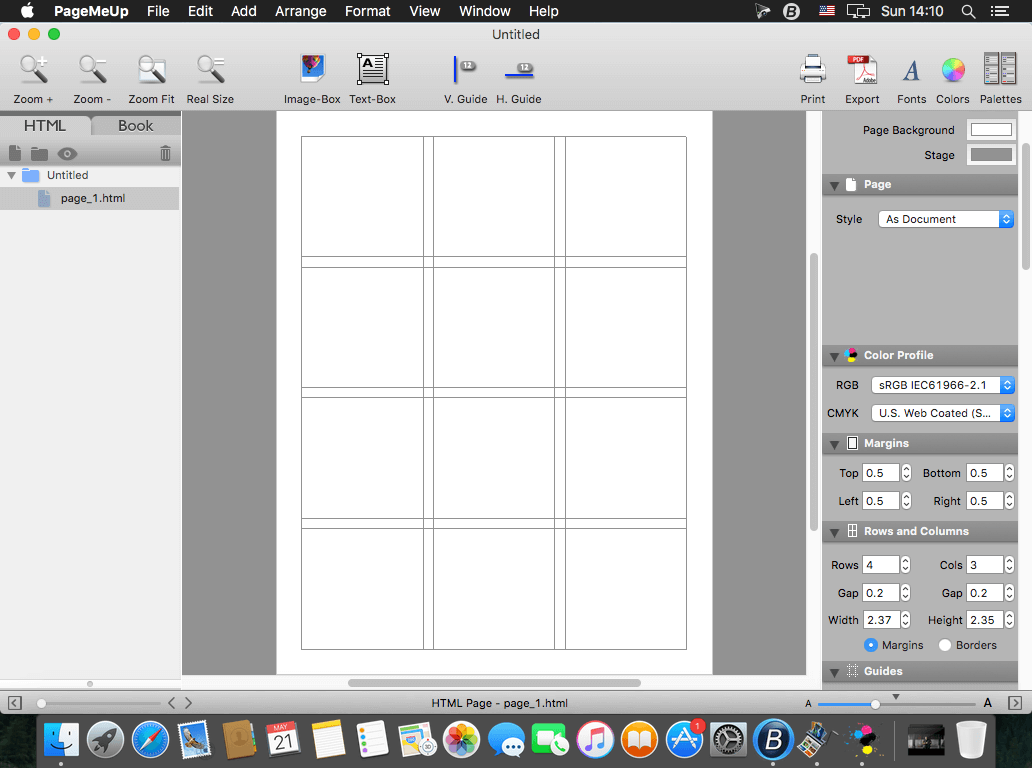
PageMeUp is designed to lay out both hard documents as magazines, flyers, business cards... and to easily create your web site. Simply drag, import or paste images and text onto the PageMeUp document, then edit, print and export to PDF or HTML at the resolution and quality you need.
PageMeUp manages CMYK and RGB icc color profiles to give the utmost accuracy when exporting your documents to PDF. It lets you work with the snap to the boxes, custom guides and margins and lay out your pages as quickest as possible. PageMeUp grants several features as page size, page background color, stage color, page orientation, image box and text box with position, size and rotation, color background (fill and gradient), border, shadow, flip vertical and horizontal, mask (rect, oval, rounded rect, polygon, star) and all the text features, as font, style, interline, kern, paragraph...
- Quick, easy and intuitive.
- Import PDF, PSD, PNG, TIF, JPG, EPS, GIF and many other image formats.
- Export and print to Professional Quality PDF with icc Color Profile and custom resolution images.
- Export to HTML/CSS with links to internal page, external pages, email and files to download. The web pages can be organised in a folders hierarchical structure.
- Export to Widget.
Version 1.2.1
- You can now export your document to a Widget. The first time you launch/install a widget, please Control-Click on its icon in the Finder then select the menu item “Open” from the contextual pop-up menu. This way you will avoid the block for widgets made by undefined developers (in this case, you).
- When exporting to PDF, PageMeUp now properly creates clickable text links with text-color and text-style you defined. The links on the PDF can open an URL with your default browser or send an email with your Email default application.
- Other minor bug-fixes and improvements.
Comments
No comments yet. Be the first.
Information
Visitors in the group Guests cannot leave comments on this publication.