
iSmartPhoto 1.7.8
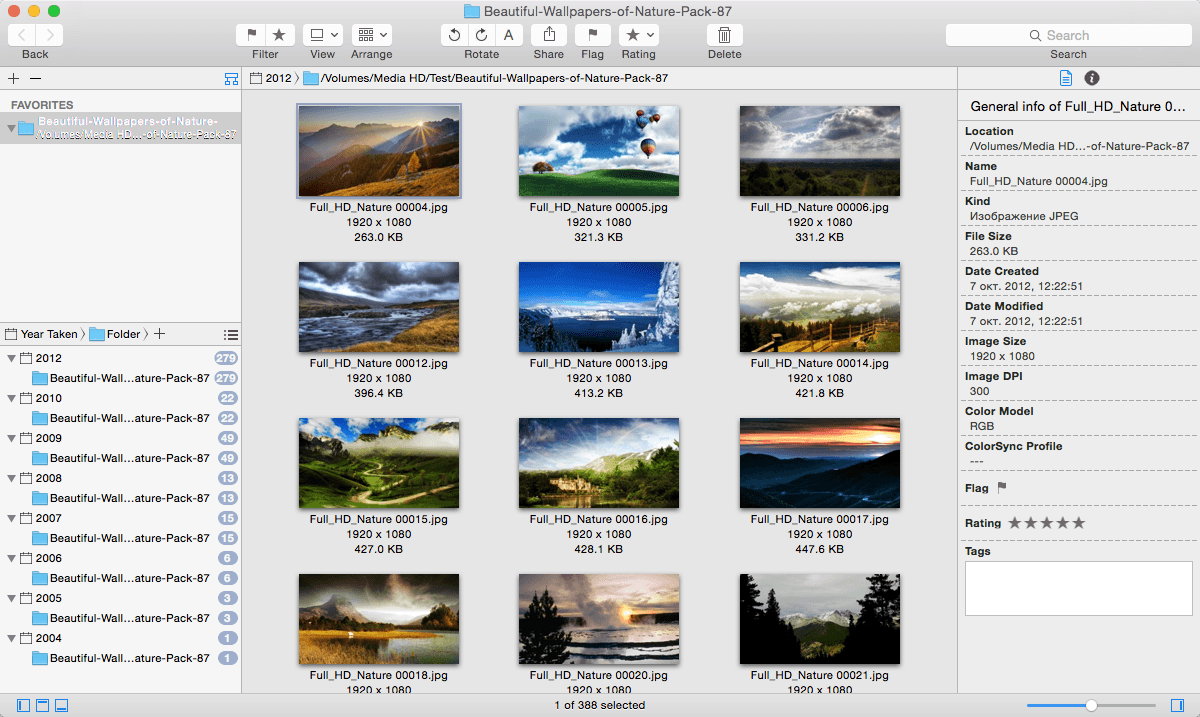
iSmartPhoto is a fast image browser and powerful image organizer. Work with retina displays, Compatible with Yosemite! Unlike iPhoto that require user to import photos into the software, iSmartPhoto pulls your photos from any folder or drive. By just double clicking a single image in Finder or dragging a folder, iSmartPhoto automatically display every image from the folder and subfolders.
iSmartPhoto can automatically group your photos by modified date, image format, image size, file size, GPS location, rating, flag, tags and exif information such as camera model, lens model, F number, exposure time, ISO, focal length and IPTC information.
iSmartPhoto natively supports all popular image formats like JPEG,TIFF,JPEG 2000,BMP,PNG,TAG,RAW,EPS,AI and any other image format supported by Mac OS X.
Browser
- Browse and display thousands of photos quickly and easily
- Easily select a image folder through folder tree
- Multiple folder selection in folder tree, so then you can view all your photos in more than one folder at once and find all duplicate photos
- Automatically sync your photos in folder with Mac OS X Finder
- Thumbnail view for an overview of your all photos
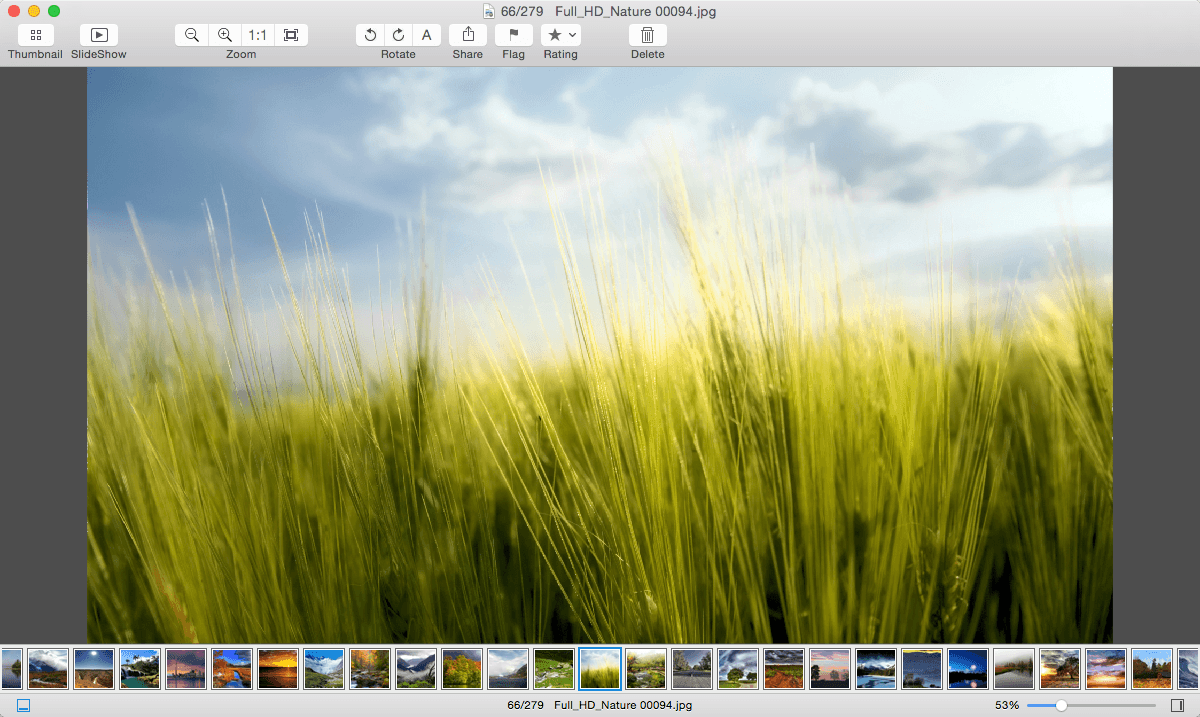
- Grid view mode, so then you can view more than one photo at once and compare them easily
- Smoothly scroll thumbnail view/browse view/photo bin, even not using Apple Magic Mouse
- Automatically rotate photos with exif orientation
- Browse,zoom and rotate with touch gestures
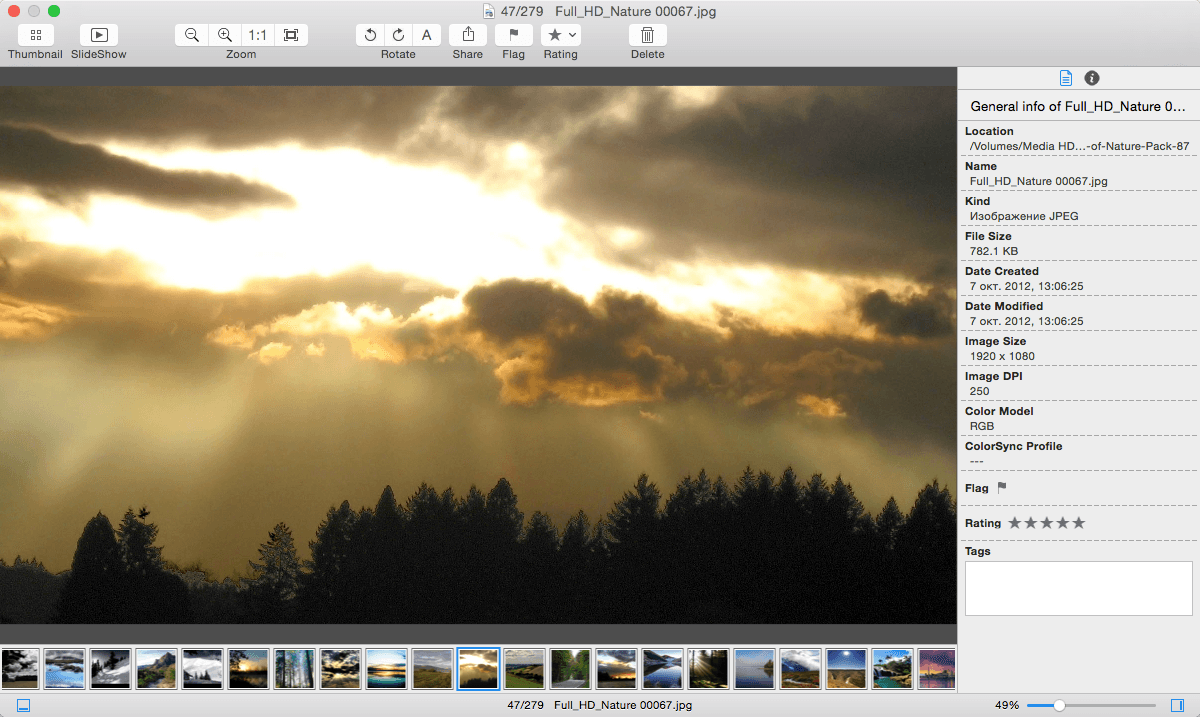
- Press option key to switch to zoom mode in image browse view, so then you can zoom photo easily by mouse scroll wheel,mouse dragging or mouse click
- Slideshow your photos with transitions
- Inspector with image general information and metadata including EXIF and IPTC
- Support animated gif file
- Open your photos with external application
Organizer
- Automatically group your photos by image general information and metadata including GPS,EXIF and IPTC
- Automatically copy or move your photos with group structure.
- Free combination of maximum three group types
- Easily pick and flag your photos by pressing spacebar key
- Rate and tag your photos
- Quickly find all duplicate photos in your folders.
- Smart filter. Search or filter your photos by a set of rules that you’ve created.
- Multiple tags or file names search in search field. You can separate tags or file names with a comma.
Export and Share
- Export image to jpeg,png,jpeg-2000,tif,bmp,pdf and other formats.
- Sharing photos with your family and friends on Facebook,Flickr,Twitter and other share service supported by Mac OS X
- Sharing photos with your family and friends via email
- Easily set your photo as os x desktop picture.
Customize
- All views can be shown or hidden, so you can customize your favorite interface.
WHAT’S NEW
Version 1.7.8:
- Add an option for thumbnail view background color
- Bug fixes
Screenshots
Frequently asked questions
How do I install the app?
Mount the image, drag the app into the "Applications" folder and launch it. If the system blocks the launch, allow it in "System Settings → Privacy & Security".
The app is damaged or won't launch
Reinstalling from a fresh image usually helps. Make sure your macOS version matches the one listed in the compatibility specs.
How do I update?
Download the new version from the site and install it over the current one — your settings will be preserved.
The download link doesn't work
Try a mirror or a download manager. For large files the browser often drops the connection.
How do I completely remove the app?
Use an uninstaller utility — it cleans up the service files that remain after moving the app to the trash.
VersioniSmartPhoto 1.7.8
DeveloperChi Lin
CompatibilityOS X 10.7 or later, 64-bit processor
LanguageEnglish
IncludesPre-K'ed





Information
Visitors in the group Guests cannot leave comments on this publication.
Choose a download source
iSmartPhoto 1.7.8 · 4.04 MB