
JetBrains DataGrip 2019.2.6
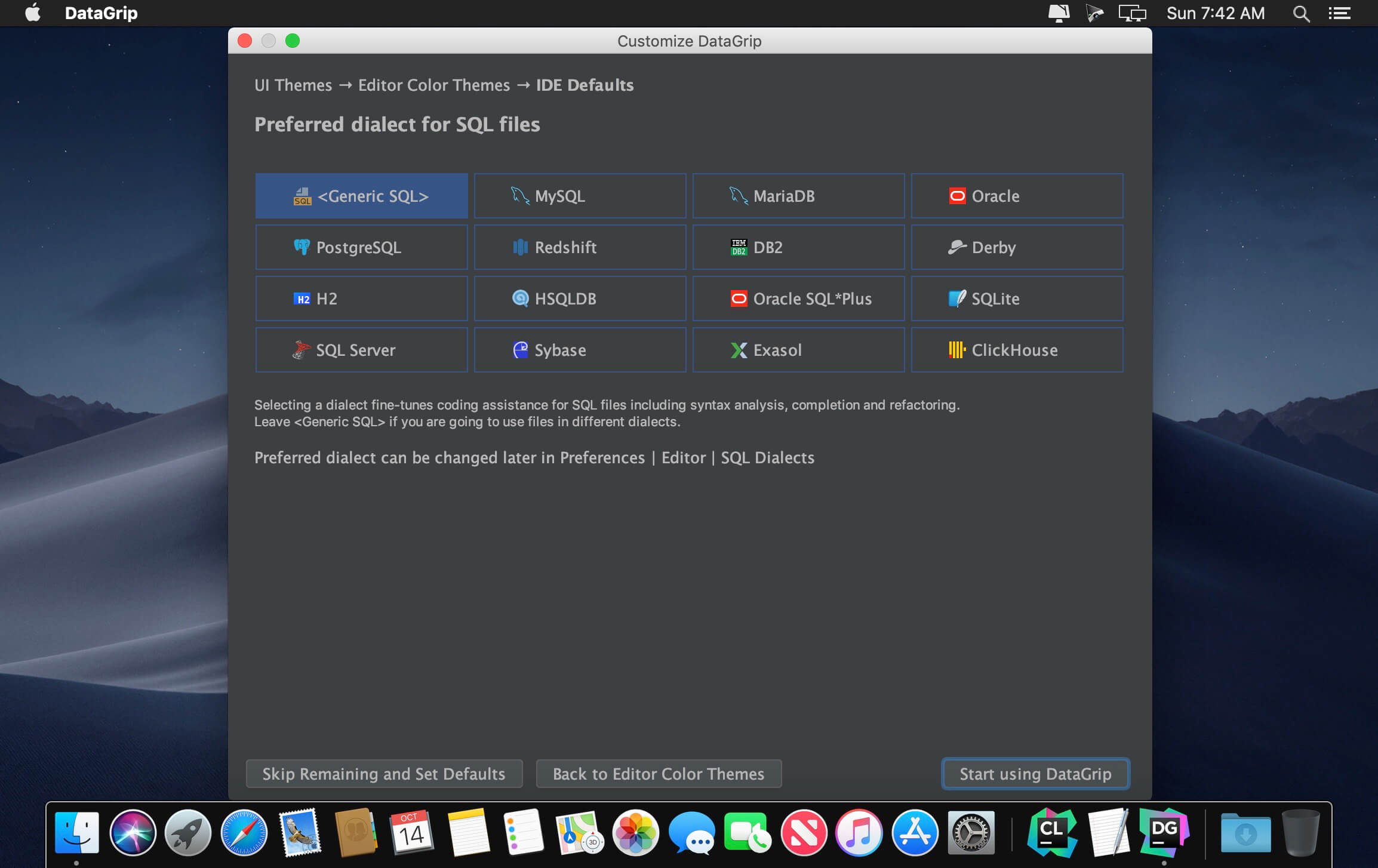

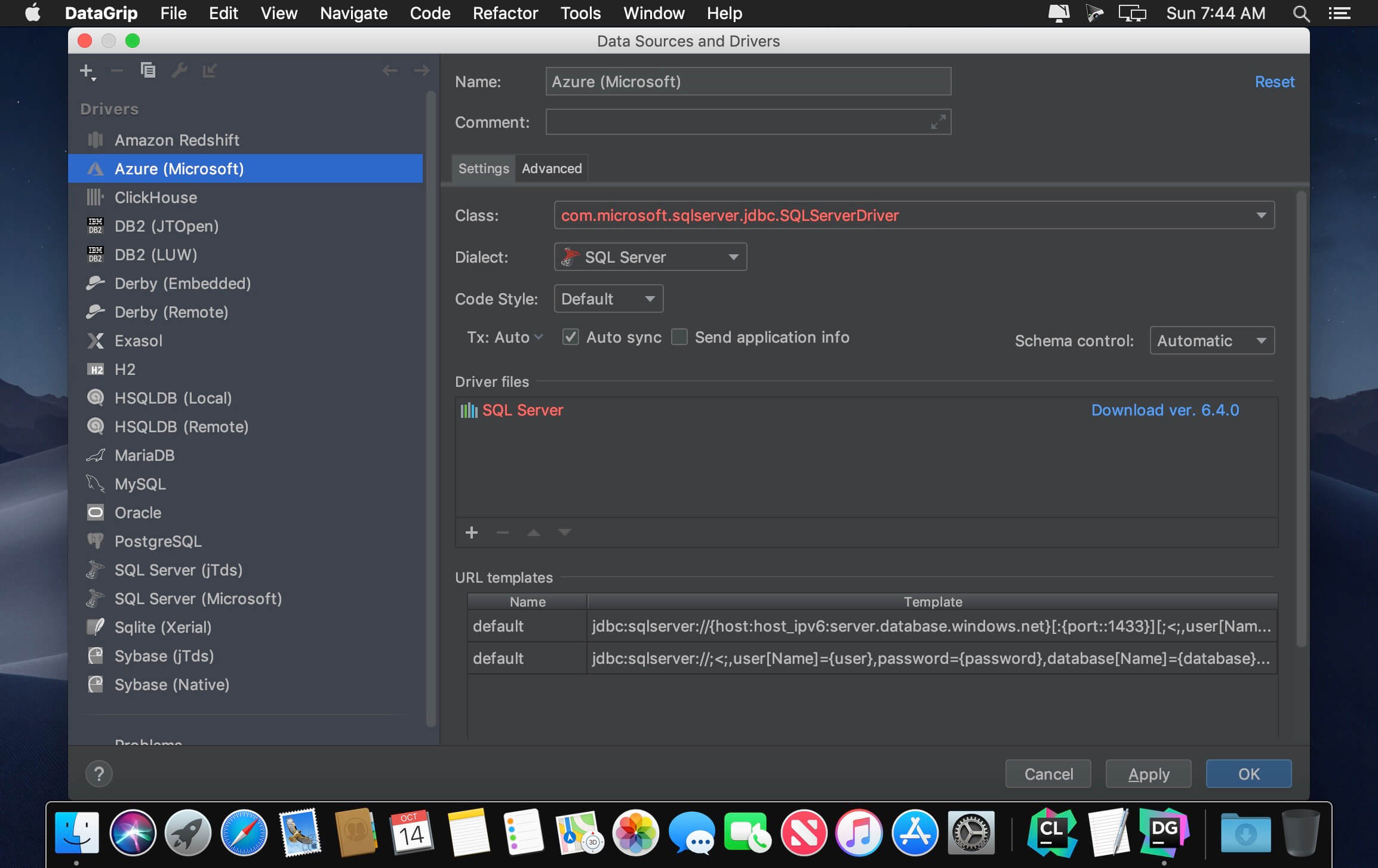
Meet DataGrip, our new database IDE that is tailored to suit specific needs of professional SQL developers.
Intelligent query console
Allows you to execute queries in different modes and provides local history that keeps track of all your activity and protects you from losing your work.
Efficient schema navigation
Lets you jump to any table, view, or procedure by its name via corresponding action, or directly from its usages in the SQL code.
Explain plan
Gives you an extended insight into how your queries work and into database engine behavior so you can make your queries more efficient.
Version 2019.2.6:
- Release notes were unavailable when this listing was updated.
Frequently asked questions
How do I install the app?
Mount the image, drag the app into the "Applications" folder and launch it. If the system blocks the launch, allow it in "System Settings → Privacy & Security".
The app is damaged or won't launch
Reinstalling from a fresh image usually helps. Make sure your macOS version matches the one listed in the compatibility specs.
How do I update?
Download the new version from the site and install it over the current one — your settings will be preserved.
The download link doesn't work
Try a mirror or a download manager. For large files the browser often drops the connection.
How do I completely remove the app?
Use an uninstaller utility — it cleans up the service files that remain after moving the app to the trash.
VersionJetBrains DataGrip 2019.2.6
DeveloperJetBrains
CompatibilityOS X 10.9 or later, 64-bit processor
LanguageEnglish
IncludesK





Choose a download source
JetBrains DataGrip 2019.2.6 · 332.2 MB
Previous versions
JetBrains DataGrip 2019.2.6
Previous versions are available to registered users.
Comments 1