Pixa 1.1.0
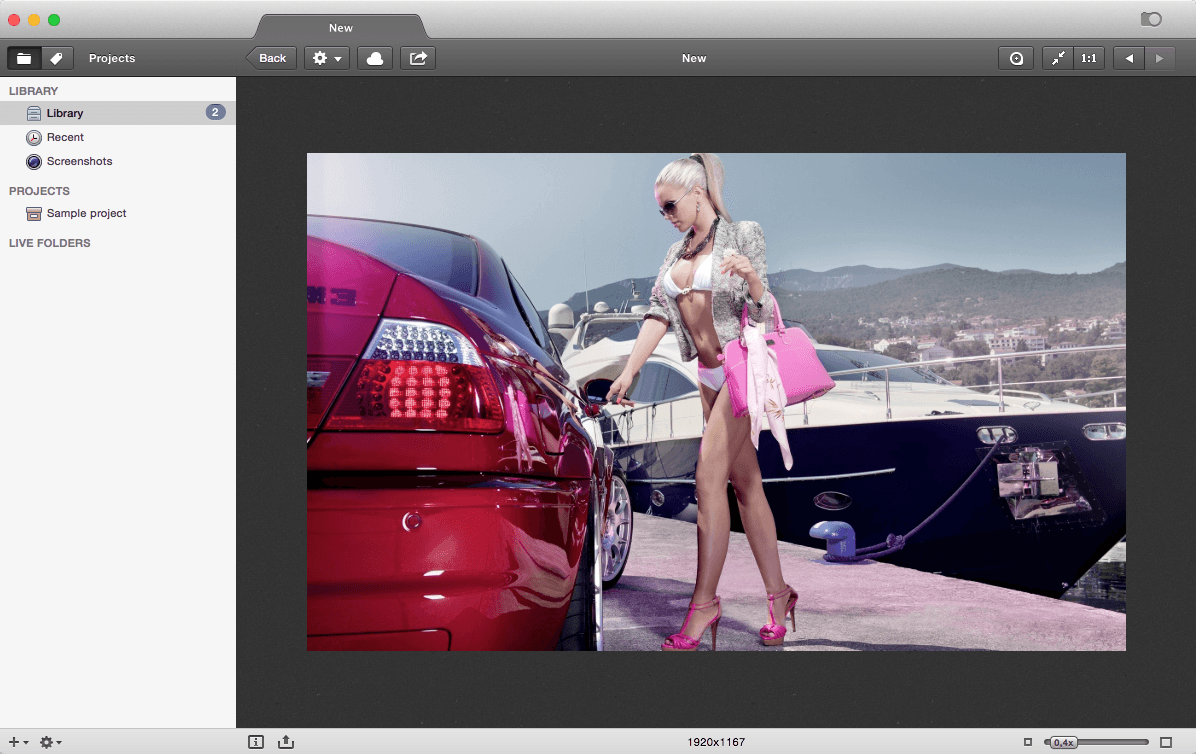
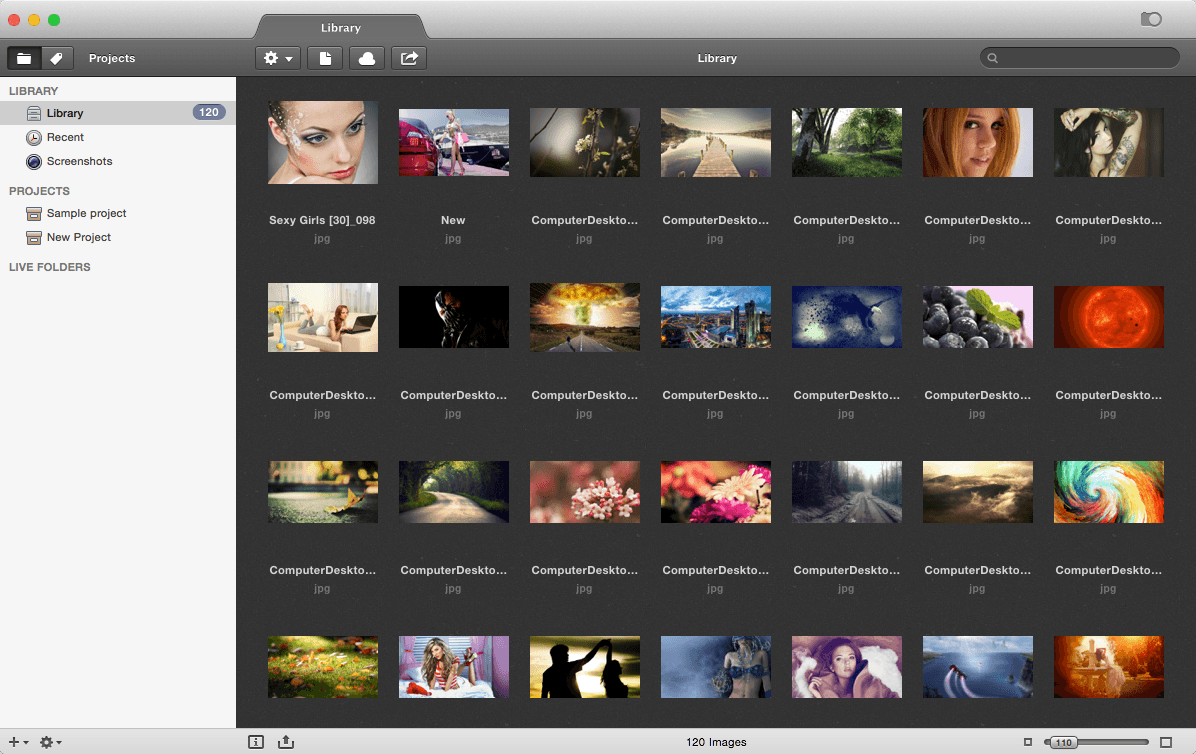
Pixa is an image-organizing application. The new app functions well, is easy to use, and helps people organize their images quickly and easily on their computers.
- For those who prefer not to use the Pixa library, the application can still find images when the user searches for them. So, either way, Pixa makes it much easier for users to keep track of their image files.
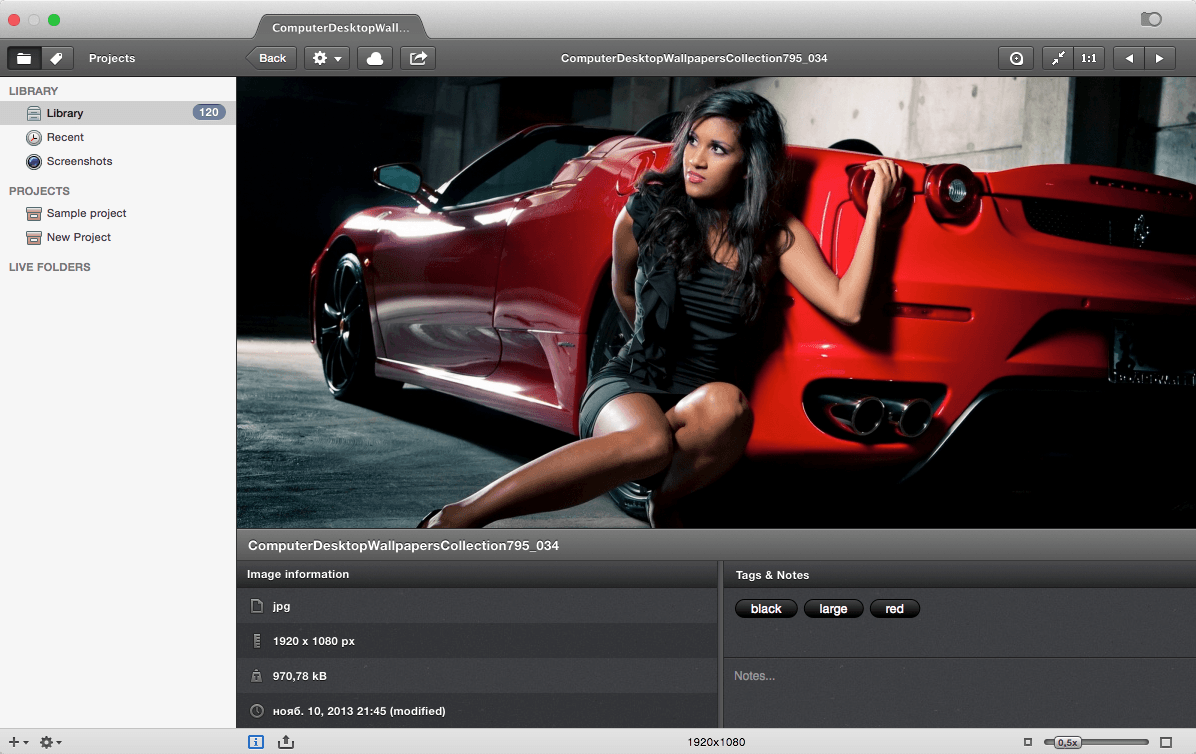
- Pixa will auto-tag useful information like colors and size and grab web address, extensions and metadata for the images that you import.
- A useful quick export tool is included, which allows you to export thousands of images with a simple drag-and-drop.
- Pixa supports a very large set of image formats: PSD, AI, JPG, PNG, TIFF, PDF, BMP, GIF, Animated GIF, ICO, ICNS, EPS.
WHAT’S NEW
Version 1.1.9 (1.1.10):
Note: The downloadable demo is version 1.1.10; the version available for purchase on the Mac App Store is version 1.1.9.
- Fixed a bug which caused multiple menu items to be displayed under macOS 10.12 Sierra
- Animated GIF's are now correctly displayed in the detail view
- Fixed various crashes
SCREENSHOTS
Frequently asked questions
How do I install the app?
Mount the image, drag the app into the "Applications" folder and launch it. If the system blocks the launch, allow it in "System Settings → Privacy & Security".
The app is damaged or won't launch
Reinstalling from a fresh image usually helps. Make sure your macOS version matches the one listed in the compatibility specs.
How do I update?
Download the new version from the site and install it over the current one — your settings will be preserved.
The download link doesn't work
Try a mirror or a download manager. For large files the browser often drops the connection.
How do I completely remove the app?
Use an uninstaller utility — it cleans up the service files that remain after moving the app to the trash.
VersionPixa 1.1.0
DeveloperPre-K'ed
CompatibilityOS X 10.7.3 or later
LanguageEnglish
IncludesPre-K'ed



Information
Visitors in the group Guests cannot leave comments on this publication.
Choose a download source
Pixa 1.1.0 · 7.74 MB