
SyncMate Expert 8.10.575
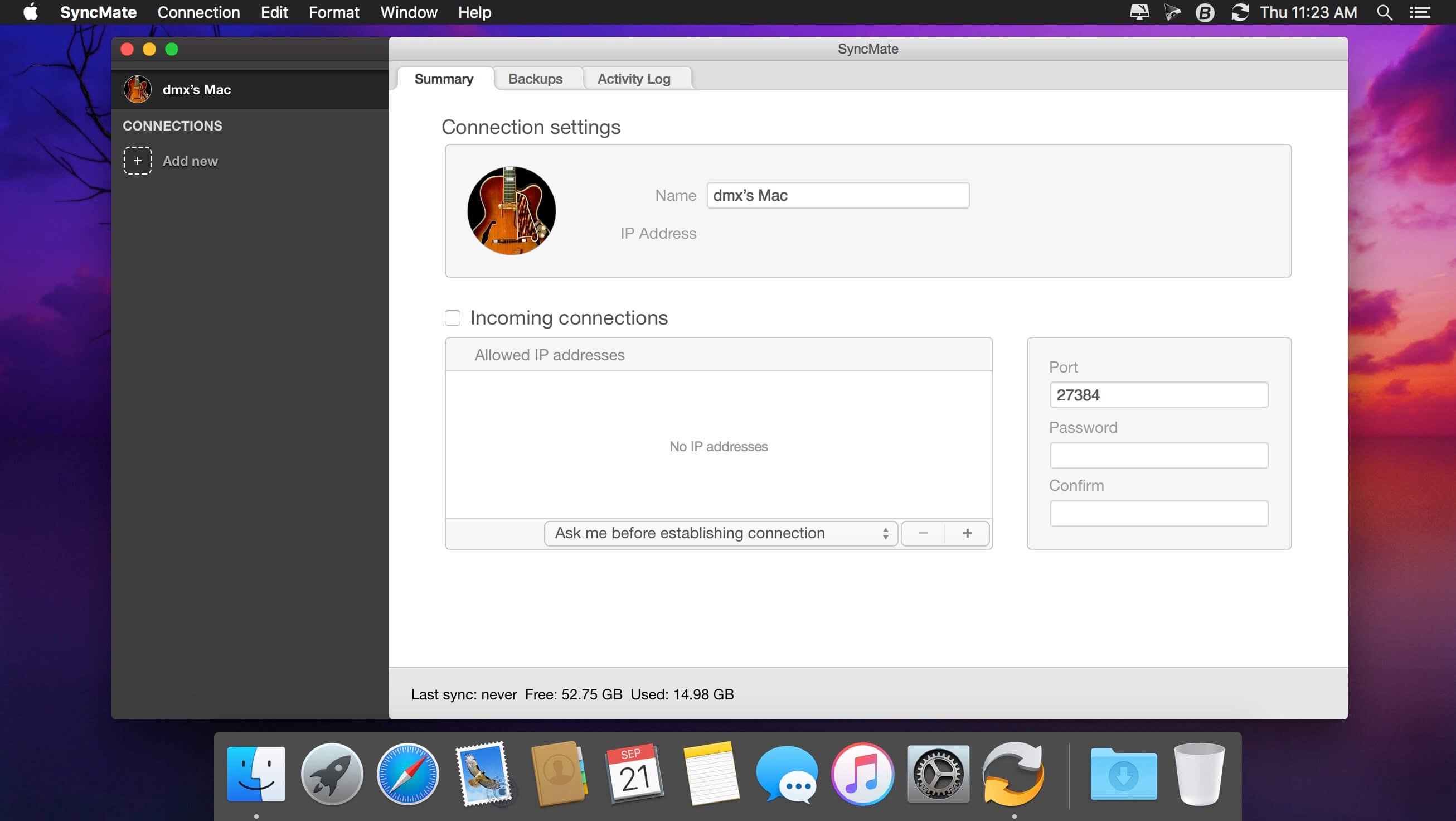
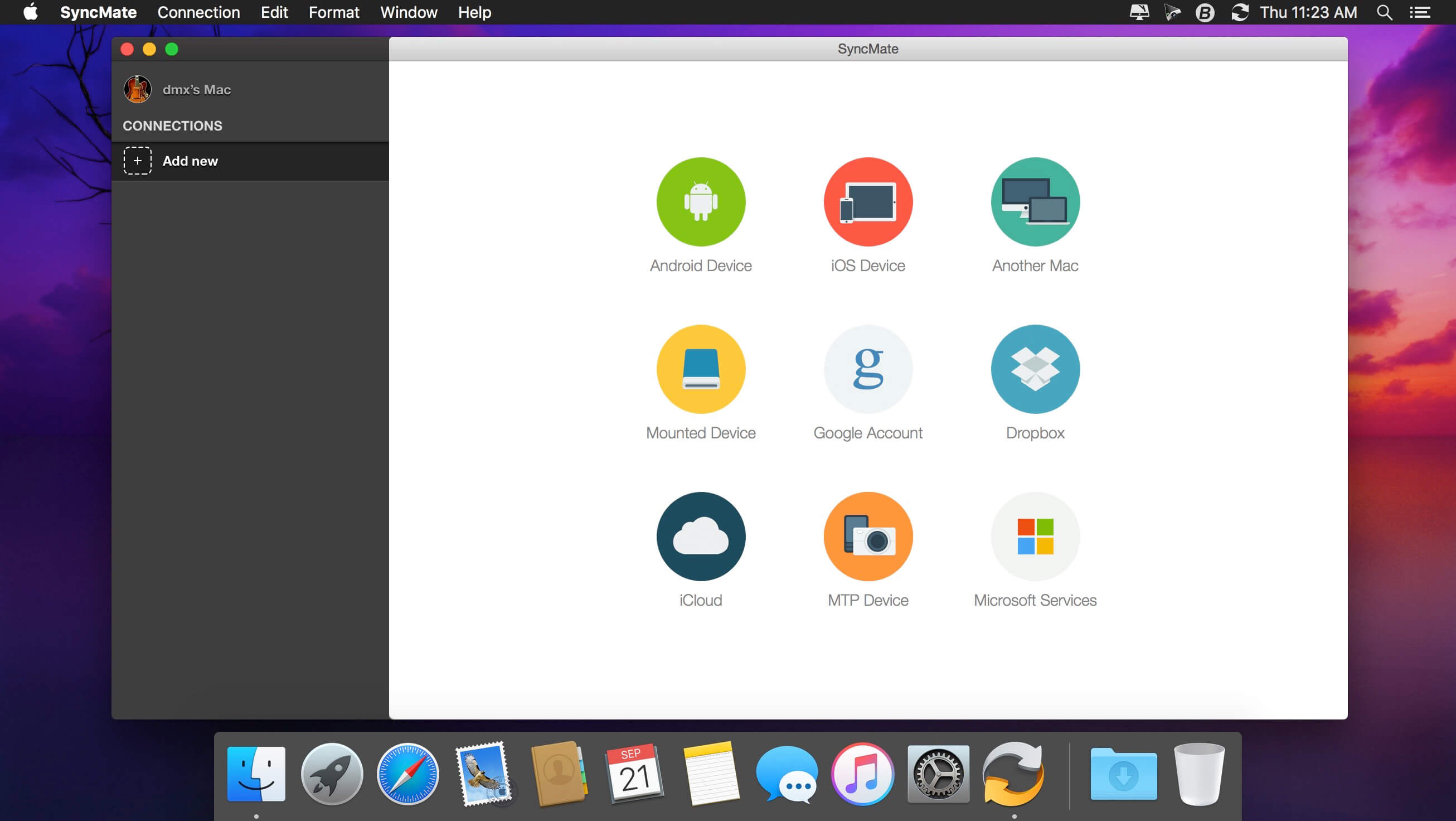
SyncMate allows syncing your Mac data with Android, iOS, and other Mac, MTP, or mounted devices, as well as with Google, Dropbox, and iCloud accounts.
SyncMate is offered in Free and Expert editions.
- Free SyncMate lets you sync Contact and Calendar entries between Mac and supported devices. Sync with Google and Dropbox accounts is also available. SyncMate allows reading messages from Android and iOS right on Mac.
- Expert Edition will sync iTunes, iPhoto and Photos.app, Safari Bookmarks, Reminders and separate folders (sync options depend on the device you are syncing). It offers AutoSync option which lets you set various parameters of automatic sync for any of supported device. You can sync Folders between Mac and mounted storage devices and other Macs in real time, i.e., once you have changed any data on your Mac or connected device, it will be synced immediately.
- With Expert Edition you can create, send, delete, search and export text messages from Android and iOS on your Mac. It also allows the conversion of videos to AVI, MPG, MP4, WMV, ASF, 3GP and audio files to MP3 and WAV prior to syncing them to device (Pictures, Videos and Music plugin).
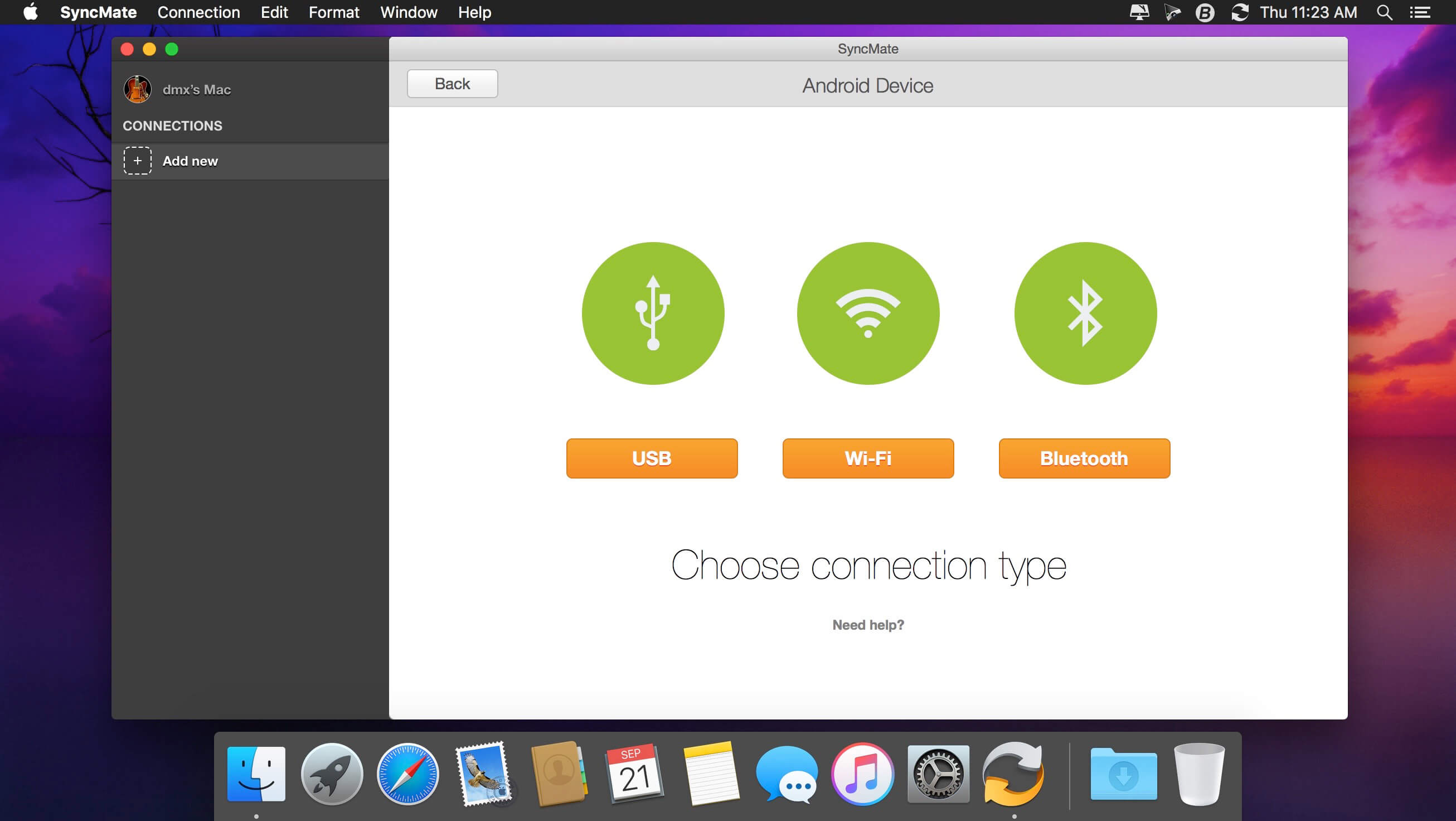
Sync can be performed via USB, Wi-Fi, Bluetooth and Ethernet (depends on synced device). SyncMate is compatible with OS X 10.8.5 and higher. Device compatibility: iOS 5.x-8.x devices; Android 3.x, 4.x, 5.x, 6.x, 7.x.
Version 8.10.575:
- Improved: compatibility with macOS Tahoe.
- Improved: calendars synchronization speed.
- Other fixes and improvements.
Frequently asked questions
How do I install the app?
Mount the image, drag the app into the "Applications" folder and launch it. If the system blocks the launch, allow it in "System Settings → Privacy & Security".
The app is damaged or won't launch
Reinstalling from a fresh image usually helps. Make sure your macOS version matches the one listed in the compatibility specs.
How do I update?
Download the new version from the site and install it over the current one — your settings will be preserved.
The download link doesn't work
Try a mirror or a download manager. For large files the browser often drops the connection.
How do I completely remove the app?
Use an uninstaller utility — it cleans up the service files that remain after moving the app to the trash.




Choose a download source
SyncMate Expert 8.10.575 · 75.08 MB
Previous versions
SyncMate Expert 8.10.575
Previous versions are available to registered users.