
Cisdem Data Recovery 13.8.5
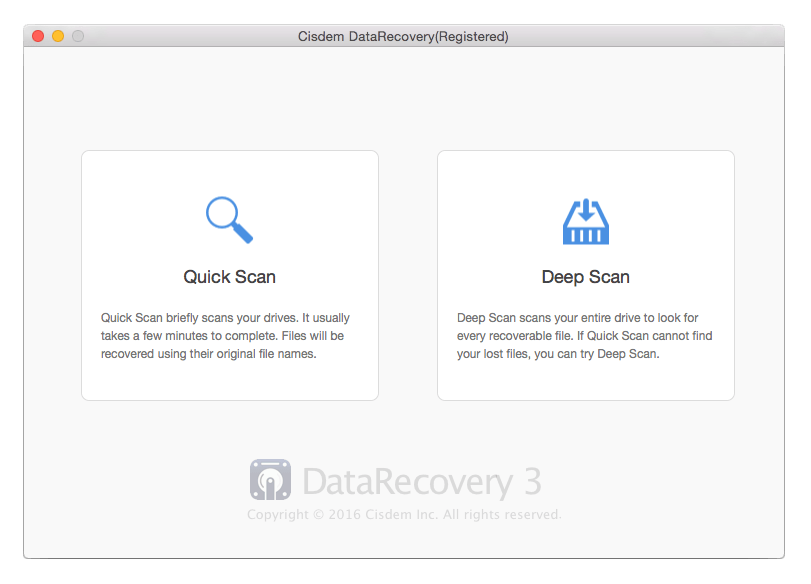
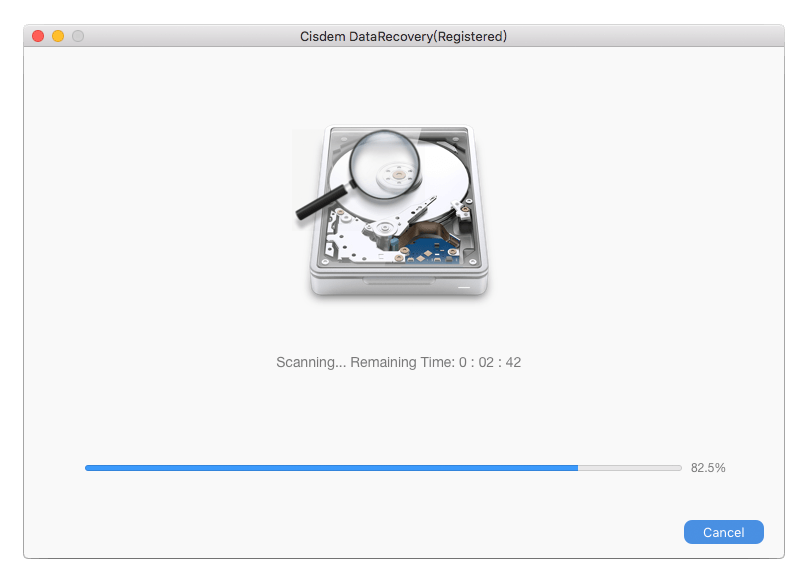
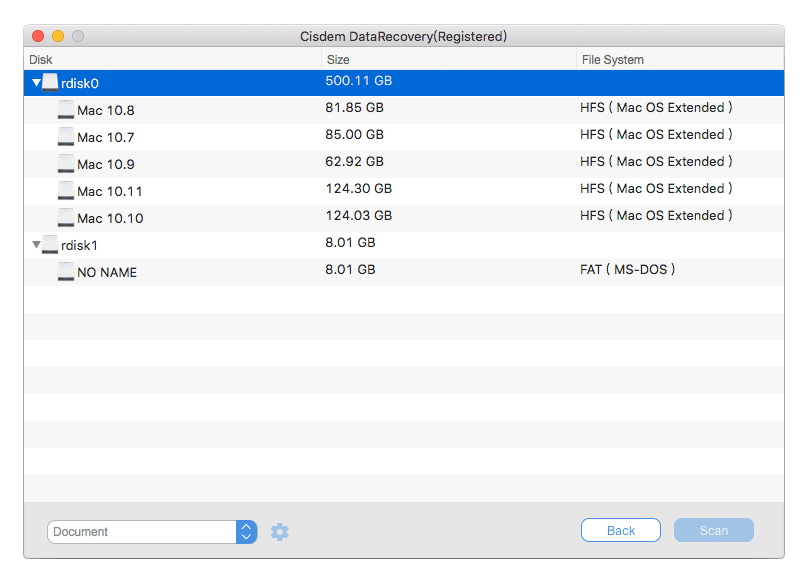
Cisdem Data Recovery, with its advanced scanning technology and directory restructuring algorithm, can help you recover lost valuable data, documents, emails, videos, music, photos, and lost partitions from any Mac-supported data-storage media, including internal/external hard drives, USB drives, SD card, optical media, memory cards, digital cameras, mobile phone (iPhone not included), iPods etc. It’s amazingly fast, accurate, and a breeze to use. Download now and get back your data from lost, deleted, formatted, logical corrupted situation within the next five minutes.
- Two scan modes: quick scan and deep scan
- Add support for file recovery of 20+ formats, such as, *.bpg, *.c4d, *.che, *.gp2, *.hdr, *.jks, *.prd, *.xml, *.zcode, etc.
- Optimize data recovery efficiency for most file formats, including *.doc, *.mov, *.flv, *.gz, *.mp3, *.png, *.txt, *.tiff, *.zip, *.cow, etc.
- Redesigned intuitive UI
Besides, you will get optimized performance in some other features:
- Four data recovery modes for any situation you may encounter: document recovery, media recovery, archive file recovery, and universal recovery
- Restore lost, deleted, formatted, logical corrupted files from virtually any internal or external storage device
- Fully support HFS+, FAT16, FAT32, exFAT, NTFS, etc., file systems
- Preview files in image, video, audio, and document formats
- Users can set file extensions before scanning the disks
- Filter the search results by file names, sizes to find files quickly
- Classify and export the recoverable data according to file types
Version 13.8.5:
- Optimized the interface of Disk Data Recovery, SD Card Recovery function.
- Added the wizard pop-up window to settle the problem that your device can not get identified.
- Supported scanning system disk on T2, M1, M2 devices.
- Supported scanning fusion drive.
- Solve the problem of duplicate file redundancy after scanning FAT and ExFAT.
- Supported macOS 13.0 Ventura.
Frequently asked questions
How do I install the app?
Mount the image, drag the app into the "Applications" folder and launch it. If the system blocks the launch, allow it in "System Settings → Privacy & Security".
The app is damaged or won't launch
Reinstalling from a fresh image usually helps. Make sure your macOS version matches the one listed in the compatibility specs.
How do I update?
Download the new version from the site and install it over the current one — your settings will be preserved.
The download link doesn't work
Try a mirror or a download manager. For large files the browser often drops the connection.
How do I completely remove the app?
Use an uninstaller utility — it cleans up the service files that remain after moving the app to the trash.




Choose a download source
Cisdem Data Recovery 13.8.5 · 48.46 MB
Previous versions
Cisdem Data Recovery 13.8.5
Previous versions are available to registered users.