Professional Music Production - Edition 1
Millions of people use Professional Music Production to listen and create to music, audio, create ringtones, download music for your iPhone.
Professional Music Production includes a massive collection of instruments, effects, and loops, providing a complete toolkit to create amazing-sounding music.
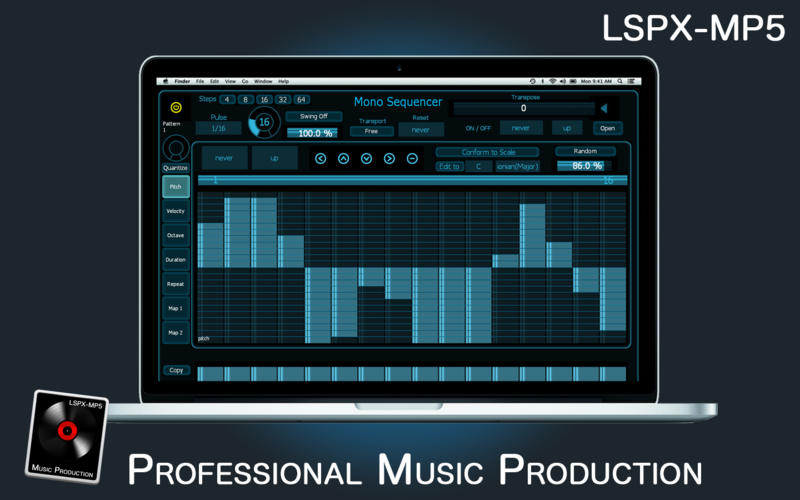
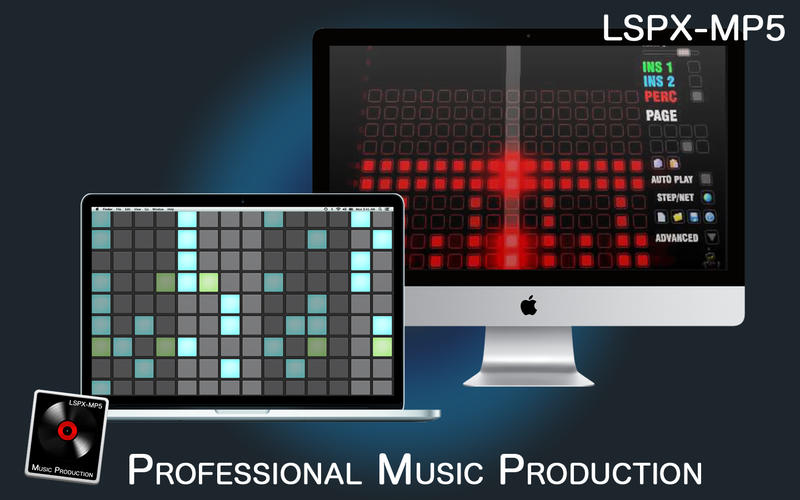
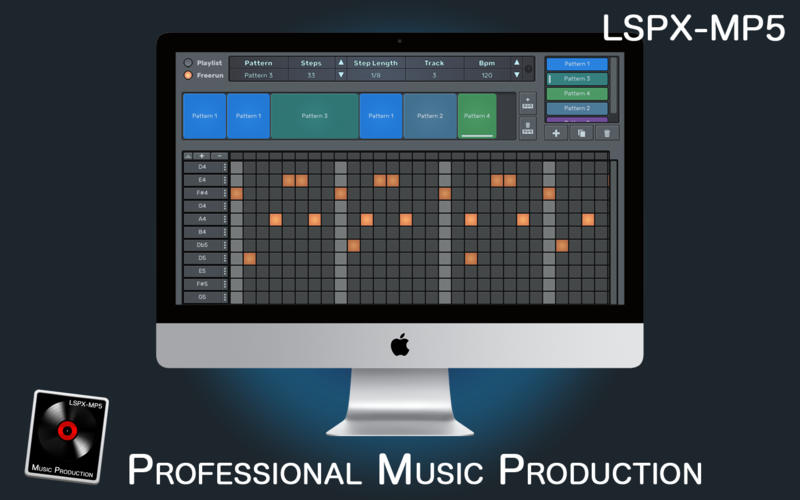
Professional Music Production is a revolutionary audio music creation package built around the concept of step sequencing.
Without any musical knowledge users can build creations they can be truly proud of and call their own.
Professional Music Production is a full-featured sequencer perfectly suited for creation of complex songs and realistic drum loops, with 32 - 64 bit internal mixing and advanced MIDI support. The resulting song or loop can be exported to a WAV/MP3 file and all MIDI events can be exported to a standard MIDI file.
Is a revolutionary audio music creation package built around the concept of step sequencing.
Without any musical knowledge users can build creations they can be truly proud of and call their own.
Features
- Sample accurate timing using DSP.
- Scale and key adjustment
- Editable reverb and delay (BPM synced)
- Customizable sounds via drag and drop
- Project guide to help you get started quickly
- Adjustable tempo range
Interface
- Consolidate and control multiple tracks or create rich, layered instruments with Track Stacks
- An enhanced Mixer lets you move, copy, and bypass channel inserts more efficiently
- Autosave keeps your work safe and sound
Synths
- Get inspired by collection of synths
- Quickly find sounds or create unique new ones
- Instantly turn a simple chord into a rich performance with the Arpeggiator
- Transform simple ideas into elaborate performances using nine MIDI plug-ins
Production Effects
- Play your sounds through realistic acoustic spaces
- Use a range of multi-tap
- Add movement to your tracks with a variety of modulation effects
- Access the Tuner with just a click to quickly get in tune
WHAT’S NEW
Version 1.1.4
- Bugs fixed
SCREENSHOTS
Frequently asked questions
How do I install the app?
Mount the image, drag the app into the "Applications" folder and launch it. If the system blocks the launch, allow it in "System Settings → Privacy & Security".
The app is damaged or won't launch
Reinstalling from a fresh image usually helps. Make sure your macOS version matches the one listed in the compatibility specs.
How do I update?
Download the new version from the site and install it over the current one — your settings will be preserved.
The download link doesn't work
Try a mirror or a download manager. For large files the browser often drops the connection.
How do I completely remove the app?
Use an uninstaller utility — it cleans up the service files that remain after moving the app to the trash.
VersionProfessional Music Production - Edition 1
DeveloperAdam Langley
CompatibilityOS X 10.6.6 or later
LanguageEnglish
IncludesPre-K'ed

Information
Visitors in the group Guests cannot leave comments on this publication.
Choose a download source
Professional Music Production - Edition 1 · 19 MB