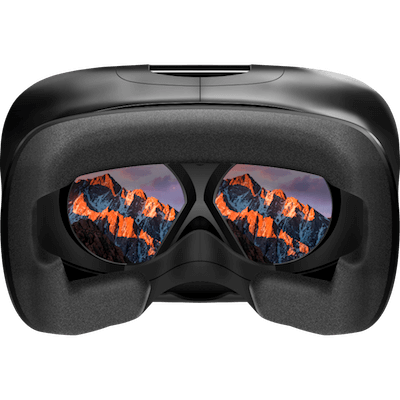
VR Desktop 1.0
VR Desktop is an application that enables you to use macOS together with Virtual Reality headsets. Whether it's for work or entertainment, VR Desktop takes your computing experience to the next level.
Features
Meet Your Virtual Workspace - VR Desktop allows you to create a giant virtual multi-monitor workspace that works seamlessly with macOS and third party applications.
Next-Generation Entertainment - Experience your movies inside a grand cinema, or play games on a giant curved screen in space. Whatever you want to do, you’re in control.
The Ultimate Desktop Experience - Enhance your macOS experience by loading custom virtual environments with a multiple screen setup. Multitasking has never been easier.
Optimized for the Mac - VR Desktop is built with our custom state-of-the-art VR framework to ensure a smooth experience on any modern Mac with a discrete GPU.
Built for Industry-Leading VR Hardware - Targeting all major current and upcoming consumer VR headsets.
SCREENSHOTS
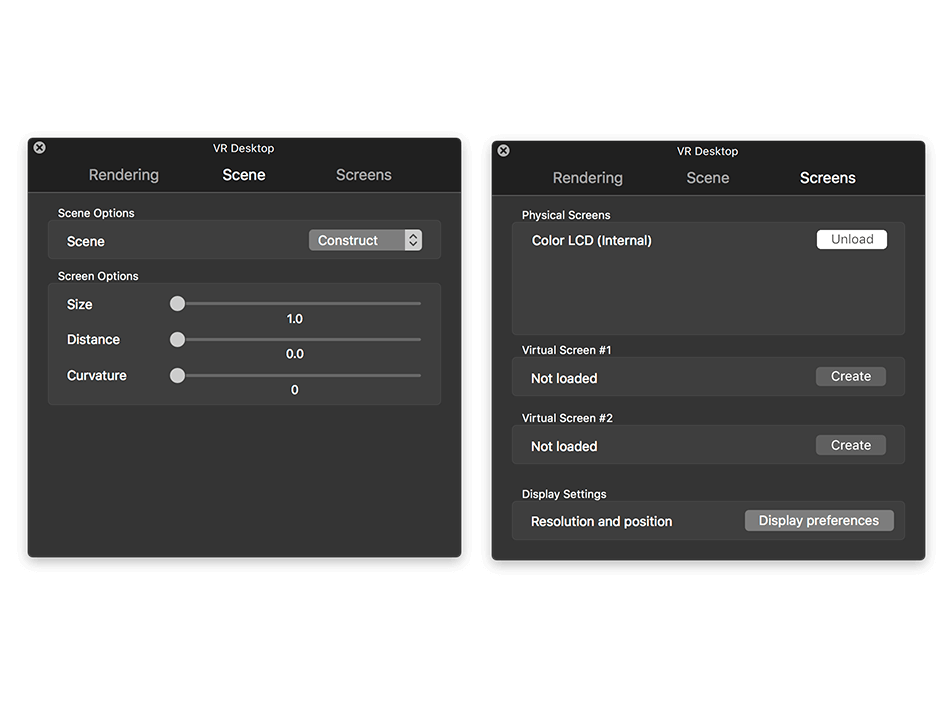
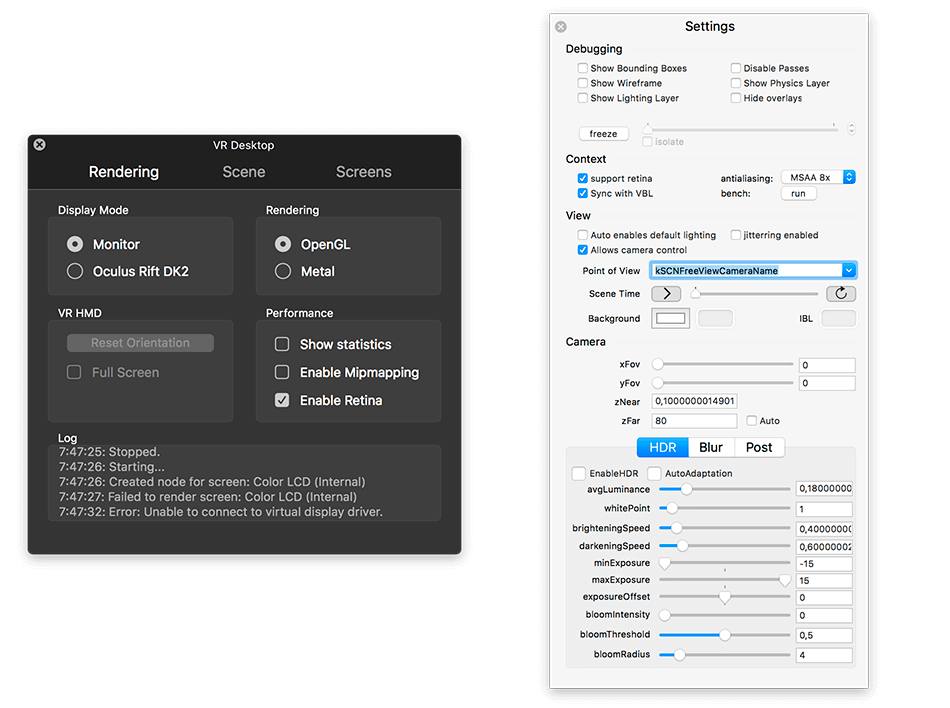
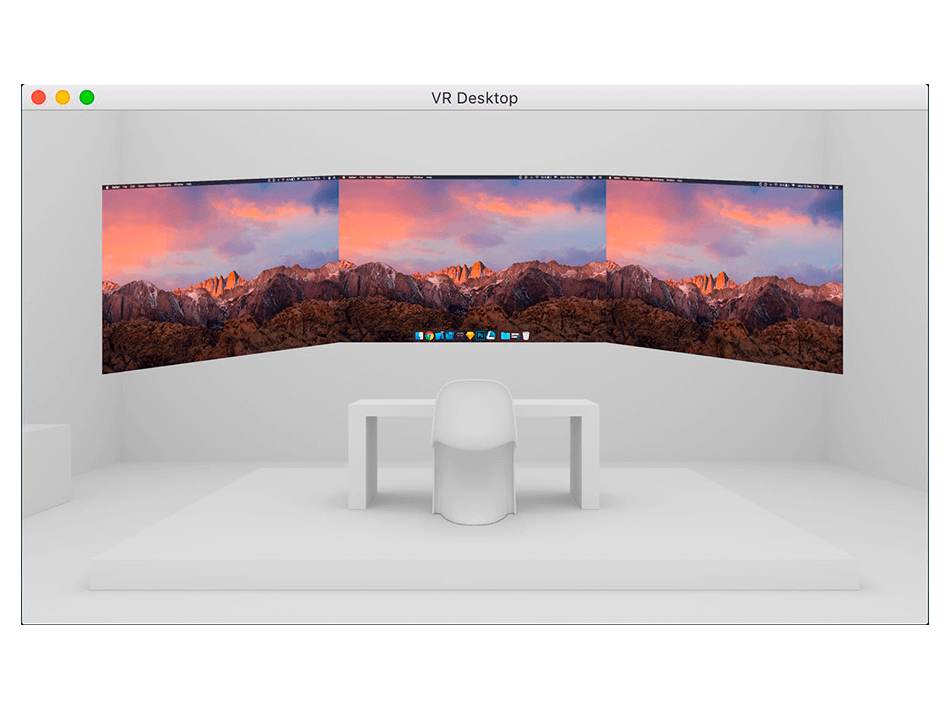
Frequently asked questions
How do I install the app?
Mount the image, drag the app into the "Applications" folder and launch it. If the system blocks the launch, allow it in "System Settings → Privacy & Security".
The app is damaged or won't launch
Reinstalling from a fresh image usually helps. Make sure your macOS version matches the one listed in the compatibility specs.
How do I update?
Download the new version from the site and install it over the current one — your settings will be preserved.
The download link doesn't work
Try a mirror or a download manager. For large files the browser often drops the connection.
How do I completely remove the app?
Use an uninstaller utility — it cleans up the service files that remain after moving the app to the trash.
VersionVR Desktop 1.0
DeveloperCindori AB
CompatibilityOS X 10.11 +, Oculus Rift DK2
LanguageEnglish
Information
Visitors in the group Guests cannot leave comments on this publication.
Choose a download source
VR Desktop 1.0 · 73.23 MB