Parallels Desktop 12.2.1
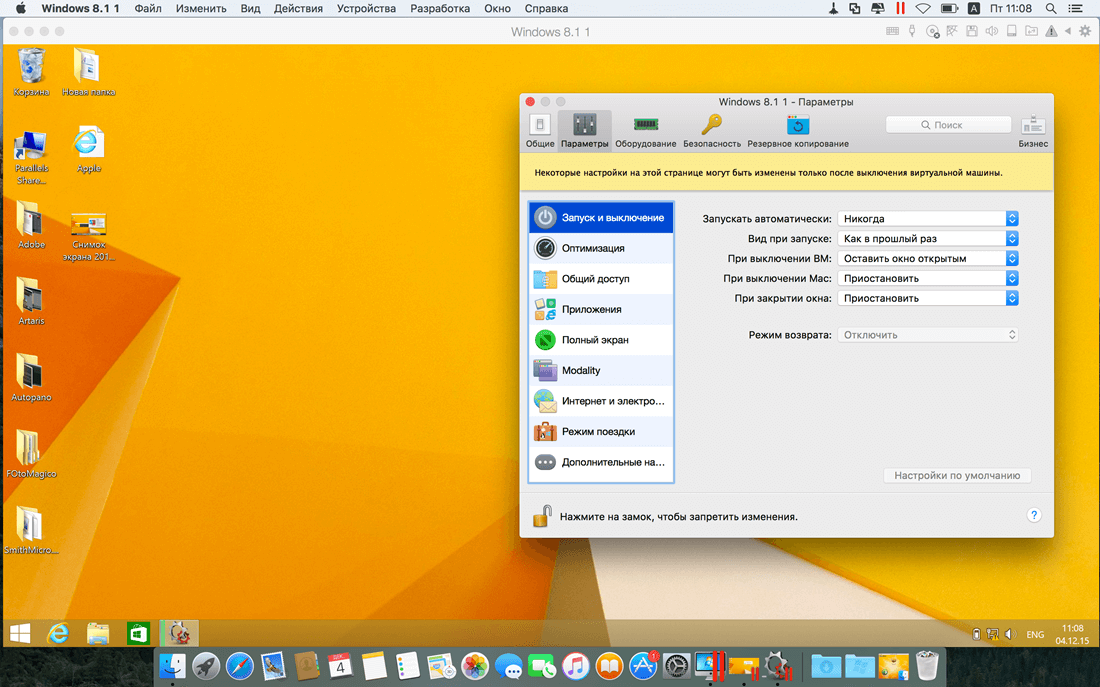
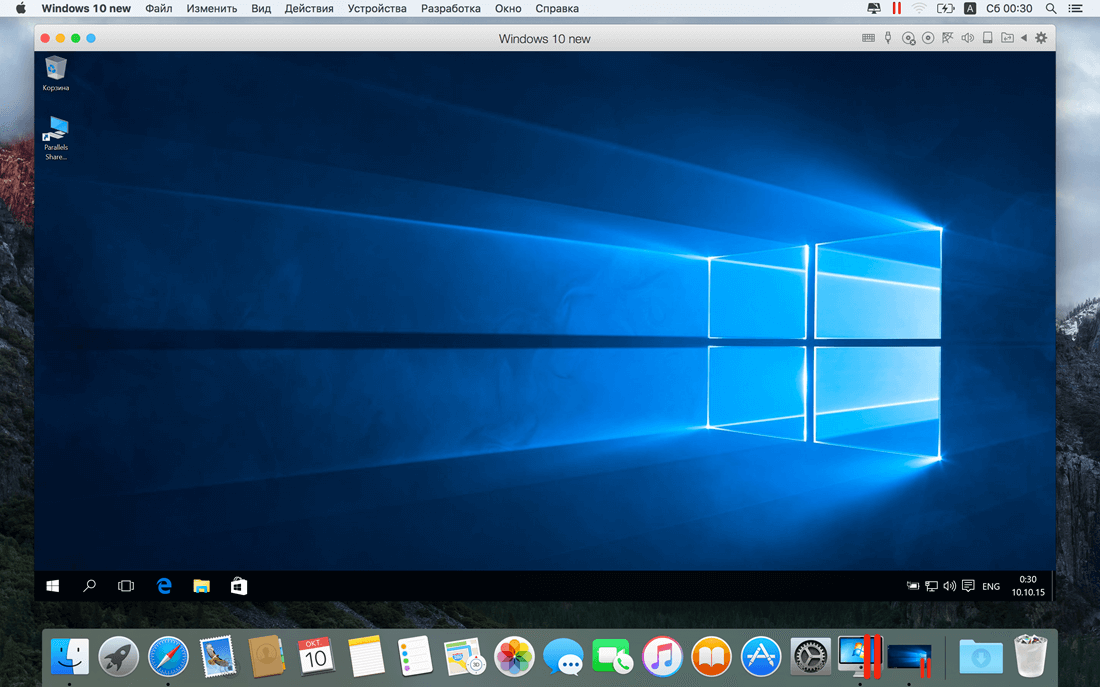
Parallels allows you to run Windows and Mac applications side by side. Choose your view to make Windows invisible while still using its applications, or keep the familiar Windows background and controls on your Mac.
Now Supporting Windows 10 and ready for El Capitan
- Run Windows 10 and OS X® El Capitan with ease. Use Microsoft Cortana®, your virtual assistant, on your Mac. Switch from your PC to your Mac
- We make it easy to get all of your files, applications, browser bookmarks, and more from your PC to your Mac; just follow the setup assistant.
Works with Boot Camp®
Reuse your existing Boot Camp installation. Converting a virtual machine from Boot Camp is now much easier and more intuitive than ever.
Not just for Windows
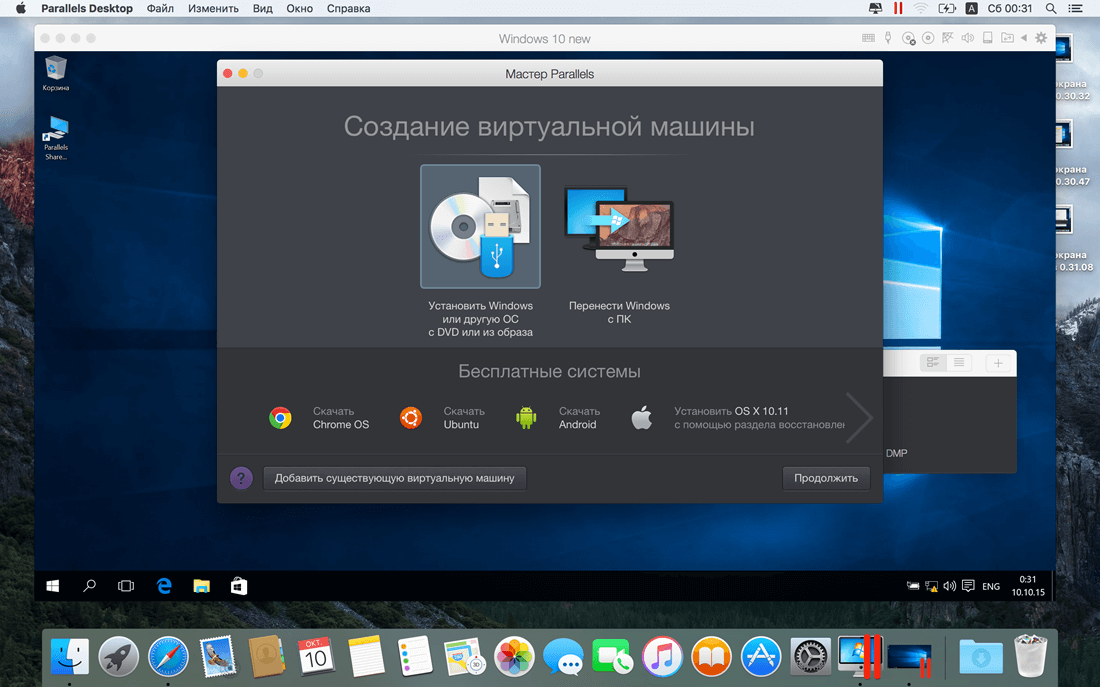
- Run a wide array of operating systems including OS X, Windows 10, 8.1 & 7, Linux, and Google ChromeTM. You can run just about anything on your Mac!
One-click tuning
- Select productivity, games, design, or development, and Parallels Desktop 11 for Mac will optimize your virtual machine settings and performance for you.
Robust Performance
- Parallels Desktop Pro Edition gives your virtual machines more processing power. Up to 64 GB vRAM and 16 vCPUs per virtual machine lets you run even the most demanding applications with ease.
Business Class Software
- Keep IT in control of end user licenses and Windows virtual machines with a Unified Volume License Key, centralized license management, and advanced security features available in Parallels Desktop Business Edition.
WHAT’S NEW
Version 12.2.1:
- Resolves an issue with Windows and other shared applications crashing after starting from the Dock or Finder
- Resolves an issue with the Windows and other virtual machine icons disappearing from the Dock after starting Windows from the Dock or Finder
- Resolves an issue with Visual Studio freezing after the Mac wakes up
- Resolves an issue with files appearing on the macOS Desktop and then, after a long delay, on the Windows desktop
SCREENSHOTS
Frequently asked questions
How do I install the app?
Mount the image, drag the app into the "Applications" folder and launch it. If the system blocks the launch, allow it in "System Settings → Privacy & Security".
The app is damaged or won't launch
Reinstalling from a fresh image usually helps. Make sure your macOS version matches the one listed in the compatibility specs.
How do I update?
Download the new version from the site and install it over the current one — your settings will be preserved.
The download link doesn't work
Try a mirror or a download manager. For large files the browser often drops the connection.
How do I completely remove the app?
Use an uninstaller utility — it cleans up the service files that remain after moving the app to the trash.
VersionParallels Desktop Business Edition 12.2.1.41615
DeveloperParallels Holdings, Ltd
CompatibilityOS X 10.10.5 or later, 64-bit processor
LanguageMultilangual
IncludesK'ed by TNT
Information
Visitors in the group Guests cannot leave comments on this publication.
Choose a download source
Parallels Desktop 12.2.1 · 347.23 MB