
QMidi Pro 2.6.2
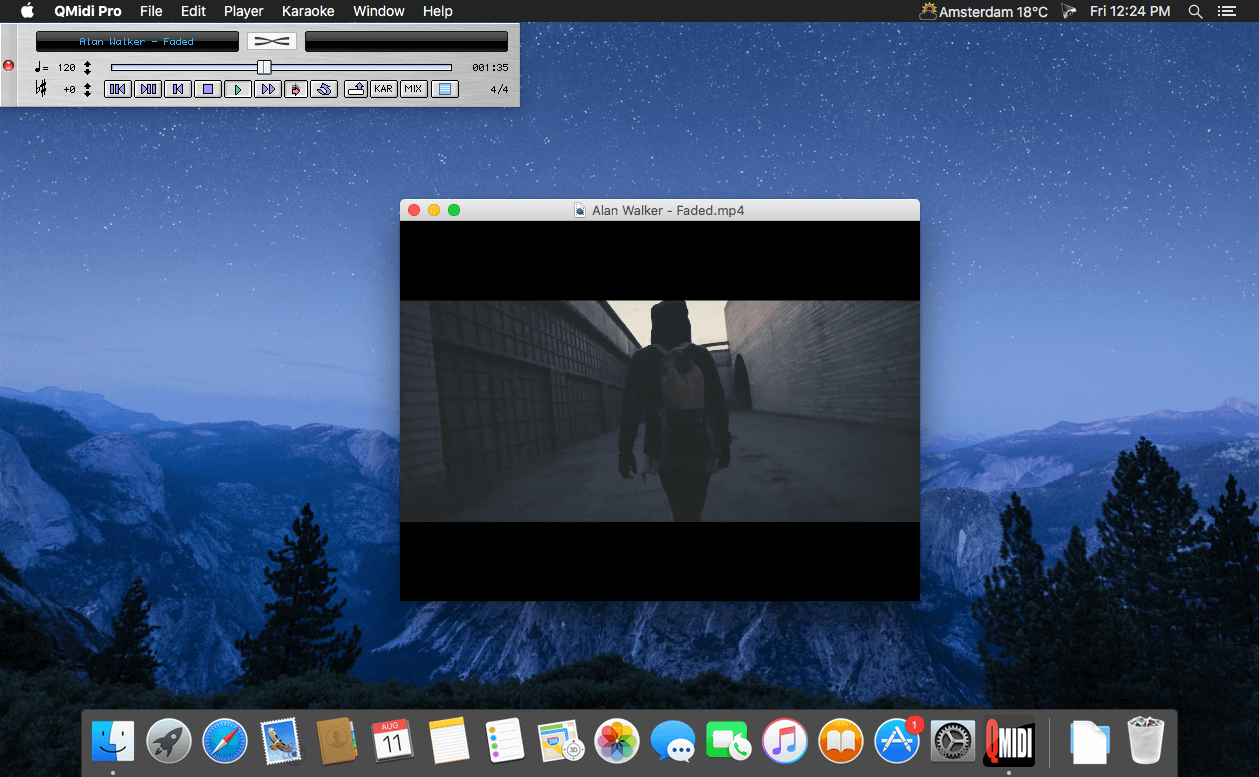

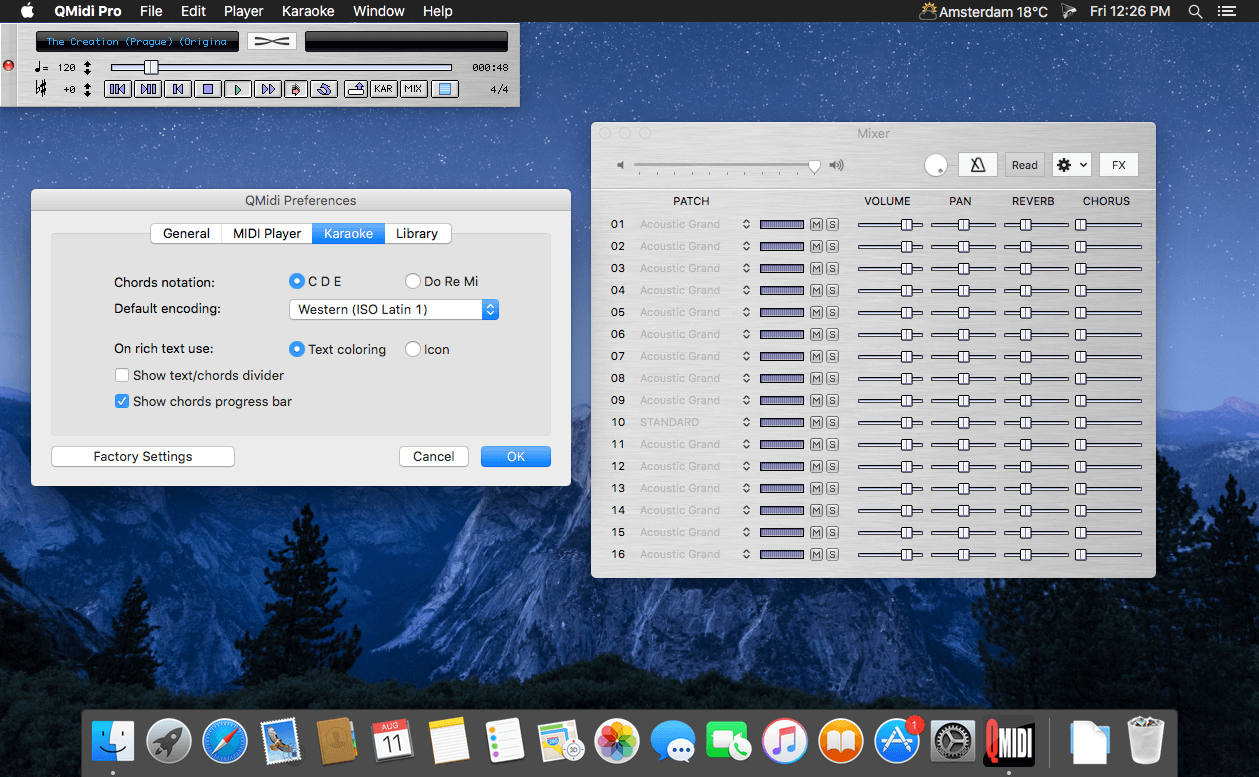
QMidi Pro is the ultimate multimedia karaoke player for the Macintosh. It can organize and play many types of media files, including movies and .CDG files, and allows easy text and chord editing/synchronization. It features real-time pitch shifting, time stretching, and the ability to display karaoke and movie content in full-screen mode, even on a second monitor.
Pro-only Features
- Play audio/video and MIDI in sync
- Cross-fade your MIDI, audio, and video files
- Metronome with precount and user-specified audio channel output
- Ability to manually preload the next song
Features
- Supports any audio/video format supported by OS X Core Audio or QuickTime, MIDI formats 0 and 1
- Native support for FLAC files
- Plays MIDI karaoke, MP3 ID3 lyrics, .CDG files, movie karaoke
- External text and chords display/edit/synchronization/merge
- Multi-page PDF files display and synchronization
- LRC and LRC+ file support and export, and ChordPro file export
- Time stretch, pitch transpose, chord transpose with the ability to export changes
- Text karaoke and CDG to movie conversion
- Music library and playlist documents
- Supports many foreign text encodings
- Karaoke text formatting with custom background image
- Remote transport using MIDI messages and AppleScript
- MIDI mixer, GS effects
- Supports OS X Core MIDI devices and Apple DLS Music Device (SoundFonts)
- Italian and French localizations
Version 2.6.2:
Bug Fixes:
Bug Fixes:
- Exporting MIDI as movie did sometimes produce misaligned frames. Fixed.
- Library: "Undo" did not work correctly when deleting a playlist or removing its items. Fixed.
- Exported SYLT tags are now compatible with the Roland BK-9 arranger.
- Splitting words in sync mode skipped carriage returns in some cases. Fixed.
- The background image "Hide" menu now works as expected.
Frequently asked questions
How do I install the app?
Mount the image, drag the app into the "Applications" folder and launch it. If the system blocks the launch, allow it in "System Settings → Privacy & Security".
The app is damaged or won't launch
Reinstalling from a fresh image usually helps. Make sure your macOS version matches the one listed in the compatibility specs.
How do I update?
Download the new version from the site and install it over the current one — your settings will be preserved.
The download link doesn't work
Try a mirror or a download manager. For large files the browser often drops the connection.
How do I completely remove the app?
Use an uninstaller utility — it cleans up the service files that remain after moving the app to the trash.
VersionQMidi Pro 2.6.2
DeveloperMixage
CompatibilityOS X 10.10 or later, 64-bit processor
LanguageEnglish
IncludesPre-K'ed





Information
Visitors in the group Guests cannot leave comments on this publication.
Choose a download source
QMidi Pro 2.6.2