
Total Manager 3.8.0
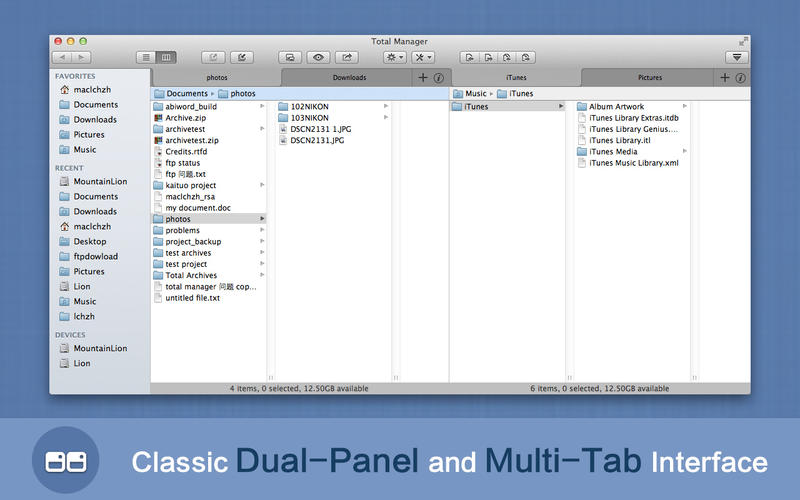
Total Manager is an all-in-one app to manage loads of files in an efficient way. Total Manager is a powerful file manager with a classic double-window and multi-tab interface. It is not only a professional archiving app that can easily compress, extract, and preview almost all archive files such as ZIP, RAR, 7z and more, but also supports viewing images, playing audio and video files, together with basic operation such as copy, move, rename, and delete. Moreover, you can open multiple tabs and browse local directories and archives separately at the same time. In short, it's a great file manager.
Features
- Multi-tab interface
- Compression and decompression
- Supports numerous file formats
- View files
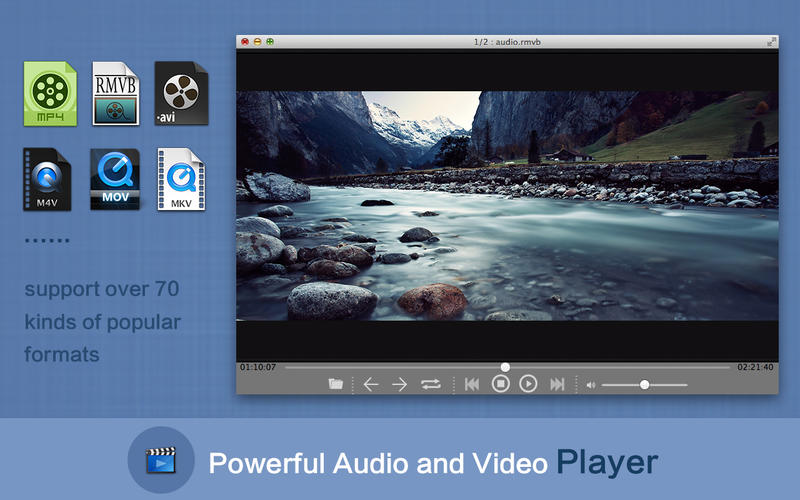
- Play video and audio
- Get file details
- Display/hide hidden files with one click
- Powerful batch-renamer
- View file hashes
- View a complete hex dump of files
- Support multitasking -- you are free to work on other files while you extract, copy, or move very large files
- Support common keyboard shortcuts
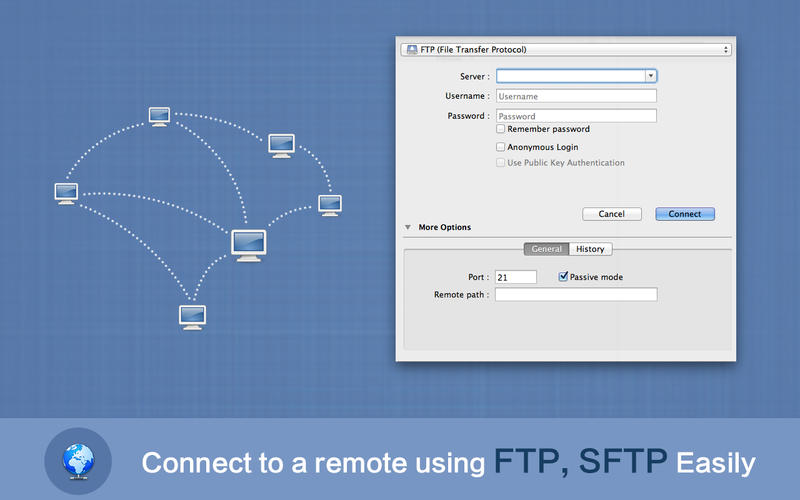
- Easily connect to servers and go to folders
- Create new files in the current folder -- we provide a lot of document templates and you can add customized templates
WHAT’S NEW
Version 3.8.0:
- Provide “Apply to All” option when copy and move files.
- Customize keyboard shortcuts.
- Fixed bugs.
Screenshots
Frequently asked questions
How do I install the app?
Mount the image, drag the app into the "Applications" folder and launch it. If the system blocks the launch, allow it in "System Settings → Privacy & Security".
The app is damaged or won't launch
Reinstalling from a fresh image usually helps. Make sure your macOS version matches the one listed in the compatibility specs.
How do I update?
Download the new version from the site and install it over the current one — your settings will be preserved.
The download link doesn't work
Try a mirror or a download manager. For large files the browser often drops the connection.
How do I completely remove the app?
Use an uninstaller utility — it cleans up the service files that remain after moving the app to the trash.
VersionTotal Manager 3.8.0
Developerwu zhiqiang © TotalRar Inc
CompatibilityOS X 10.7 or later, 64-bit processor
LanguageEnglish, French, German, Italian, Japanese, Russian, Simplified Chinese, Traditional Chinese
IncludesPre-K'ed




Information
Visitors in the group Guests cannot leave comments on this publication.
Choose a download source
Total Manager 3.8.0 · 30.63 MB