
Ableton Live 10 Suite 10.1.43
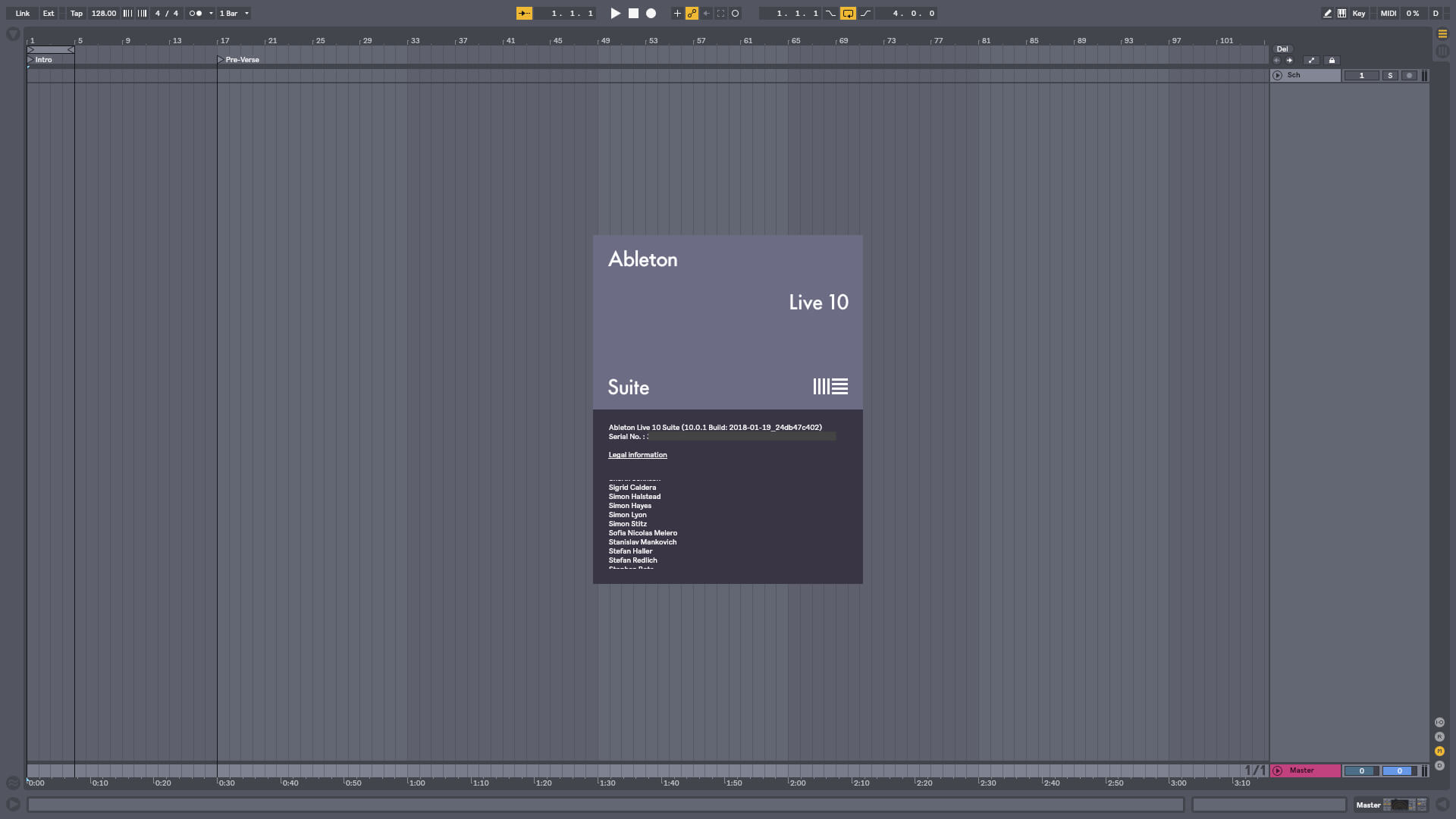
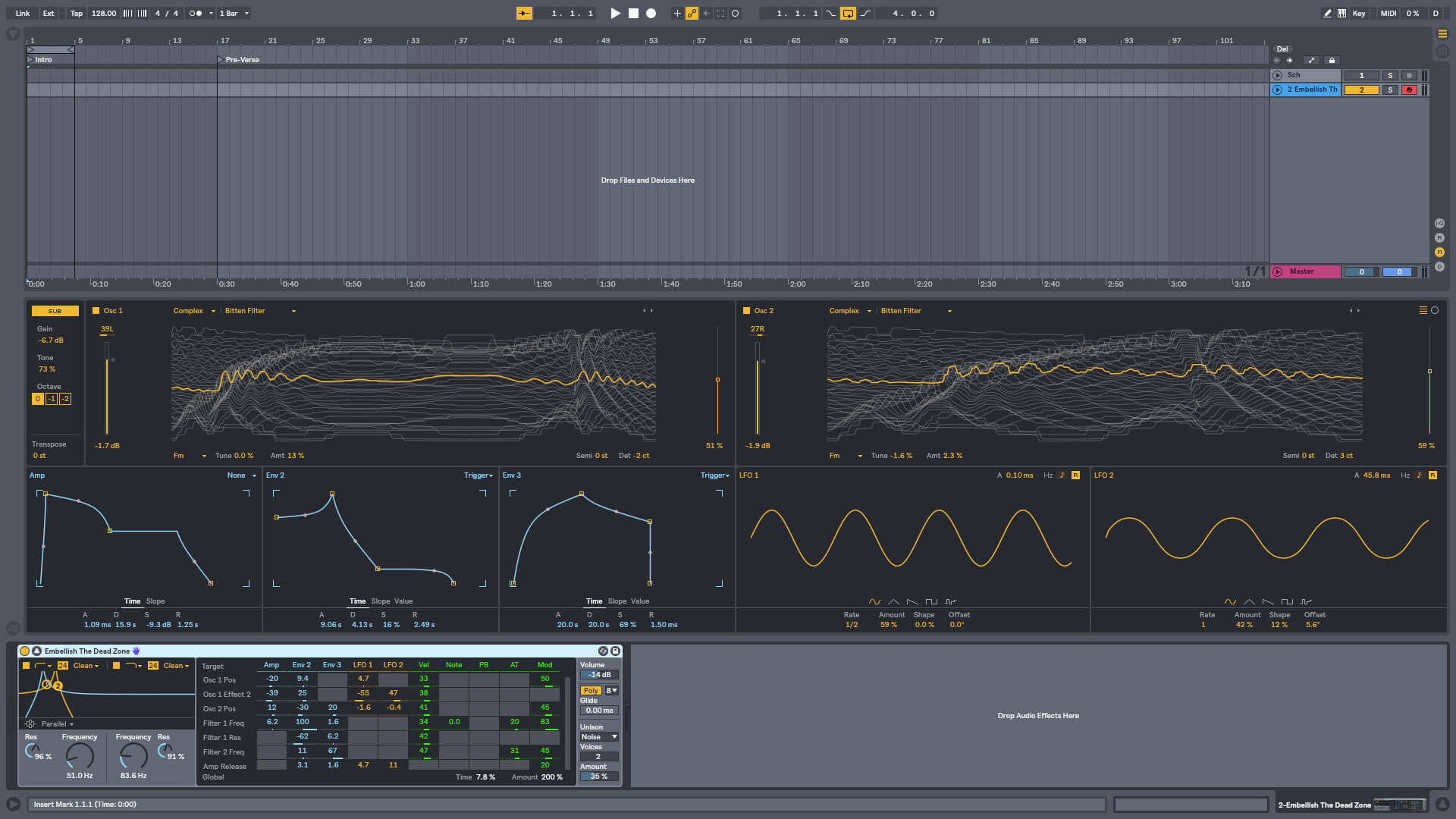

Live is fast, fluid and flexible software for music creation and performance. It comes with effects, instruments, sounds and all kinds of creative features—everything you need to make any kind of music. Create in a traditional linear arrangement, or improvise without the constraints of a timeline in Live’s Session View. Move freely between musical elements and play with ideas, without stopping the music and without breaking your flow.
What's New in Ableton Live Suite 10:
Create with new devices
Meet Wavetable, Echo, Drum Buss and Pedal: new devices that mean colorful new sounds are possible with Live’s instruments and effects.
Stay in the flow
You’ll find improvements to Live that help you stay in the flow at every stage of your creative process, whether you’re getting ideas down, organizing your setup or editing the details of your music.
Do even more from Push
Live 10 brings new functionality and new high-res visualizations to Push. Now you’ll spend even less time with the computer—whether you’re composing ideas, editing MIDI or shaping and mixing sounds.
New library of sound
With new collections of Packs, Live 10 has more sounds that are ready for finished music, right out of the box. They’re set up for tweaking to your needs or taking in different directions. Plus the library has been reorganized to make it easier to find what you’re looking for.
Max for Live – no limits, built in
Max technology is now fully integrated into Live 10 Suite. No additional download or set up is required to create with and customize Max For Live devices. They just work. Plus new devices and capabilities bring more possibilities for musicians and device developers.
Version 10.1.43:
New features and improvements:
- The Launchkey MK3 Control Surface script now works with the Launchkey 88.
- The FANTOM control surface script will now be automatically configured for FANTOM 06, 07, and 08 users.
Frequently asked questions
How do I install the app?
Mount the image, drag the app into the "Applications" folder and launch it. If the system blocks the launch, allow it in "System Settings → Privacy & Security".
The app is damaged or won't launch
Reinstalling from a fresh image usually helps. Make sure your macOS version matches the one listed in the compatibility specs.
How do I update?
Download the new version from the site and install it over the current one — your settings will be preserved.
The download link doesn't work
Try a mirror or a download manager. For large files the browser often drops the connection.
How do I completely remove the app?
Use an uninstaller utility — it cleans up the service files that remain after moving the app to the trash.


Choose a download source
Ableton Live 10 Suite 10.1.43 · 1.76 GB
Previous versions
Ableton Live 10 Suite 10.1.43
Previous versions are available to registered users.
Comments 10