
MovieIcon 2.9.50
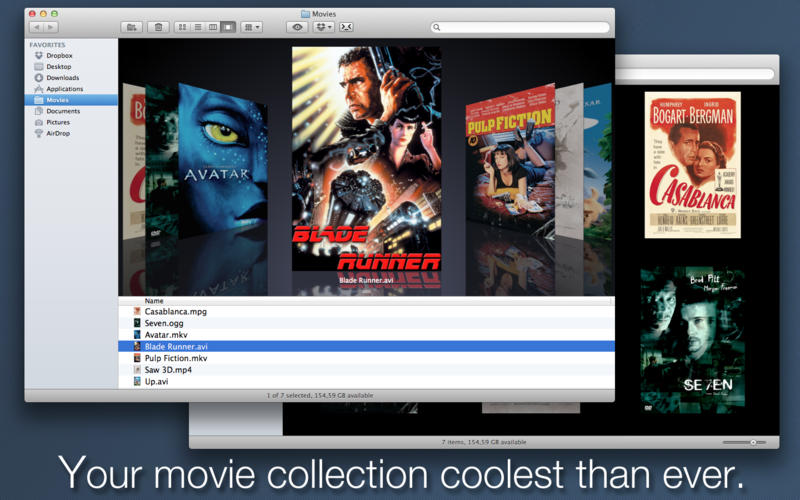
MovieIcon is a simple Mac application designed to automatically apply movie-poster images retrieved from the Internet as icons to your video files, helping you to keep your collection with the sleek style you expect from a Mac.
Features
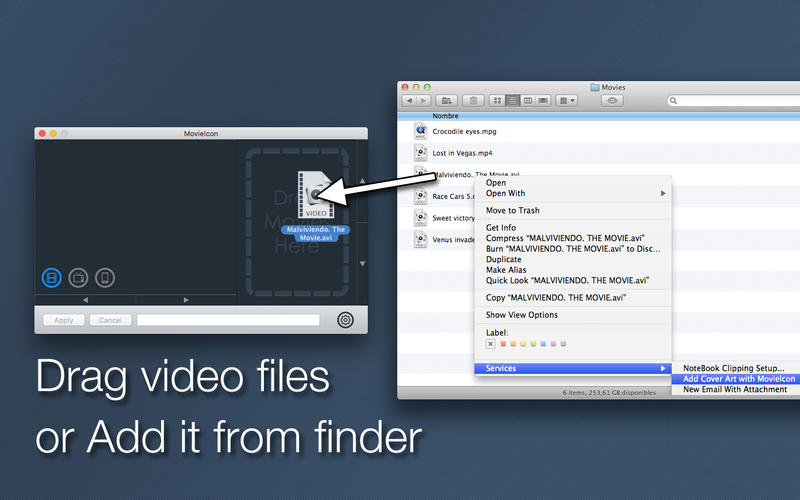
- Easy to use. Just drag a file or folder into the window (or add it from Finder Services menu) and MovieIcon immediately will select the video files, search the movie title in TMDb, an open free movie database, and retrieve cover art information for you. MovieIcon uses the file name as title to search so you don't need to have any metadata in your video files.
- The place to be. You can select the right movie if title search returns several matches. Your choice. Browse through the images found for a movie title and choose the one you want to apply to your file.
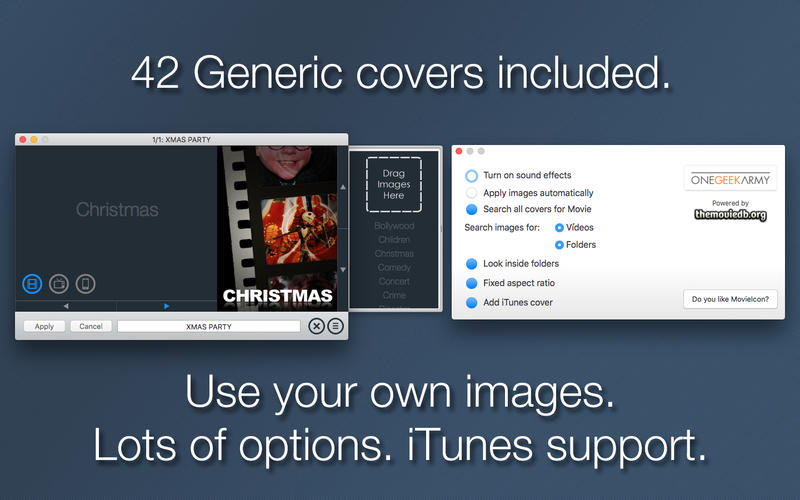
- Taking control. No luck in your search?. You can type the exact terms to search till you get the desired movie, choose among 42 generic covers or even add your own image manually.
- One click... or less. Once you have selected the desired image, all you need to do is click Apply button to have a nice file icon. You can apply the image to the current movie file or the whole batch of files dragged. You can even set the Apply images automatically preference to let MovieIcon apply the first image found for you.
WHAT’S NEW
Version 2.9.50:
- Fixed playback for some videos. Happy holidays!
Screenshots
Frequently asked questions
How do I install the app?
Mount the image, drag the app into the "Applications" folder and launch it. If the system blocks the launch, allow it in "System Settings → Privacy & Security".
The app is damaged or won't launch
Reinstalling from a fresh image usually helps. Make sure your macOS version matches the one listed in the compatibility specs.
How do I update?
Download the new version from the site and install it over the current one — your settings will be preserved.
The download link doesn't work
Try a mirror or a download manager. For large files the browser often drops the connection.
How do I completely remove the app?
Use an uninstaller utility — it cleans up the service files that remain after moving the app to the trash.
VersionMovieIcon 2.9.50
DeveloperRicardo Mantero Vazquez
CompatibilityOS X 10.7 or later, 64-bit processor
LanguageEnglish, Spanish
IncludesPre-K'ed





Information
Visitors in the group Guests cannot leave comments on this publication.
Choose a download source
MovieIcon 2.9.50 · 7.82 MB