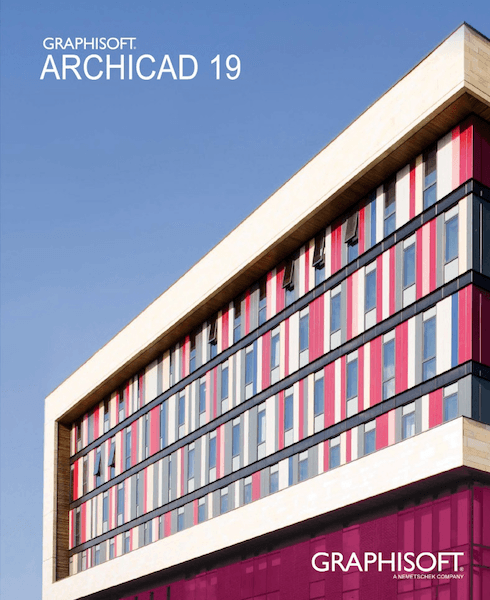
Archicad 19 for Mac
ARCHICAD 19 — Faster Than Ever
ARCHICAD 19 is now faster than ever! No more waiting for views to load. GRAPHISOFT has extended its robust 64-bit and multi-processing technologies with background processing – an industry first for BIM. So ARCHICAD now offers lightning-fast response times and this turbo-charged update to ARCHICAD makes it the undisputed speed leader in the BIM business.
Performance
ARCHICAD 19 offers industry-first, real-time BIM collaboration regardless of the size, location or distribution of the collaborating team.
Background Processing
ARCHICAD 19 takes advantage of unused computer capacity by anticipating what you might do next – and preparing those actions in the background.
Architecture
ARCHICAD 19 makes the most time- consuming and often boring part of an architect’s work much more fun.
Intuitiveness
ARCHICAD 19 provides major work environment improvements for both Mac and Windows users.
OPEN BIM
Improved IFC-based collaboration and collision detection (using the MEP Modeler add-on) improves OPEN BIM collaboration between architects and engineers.
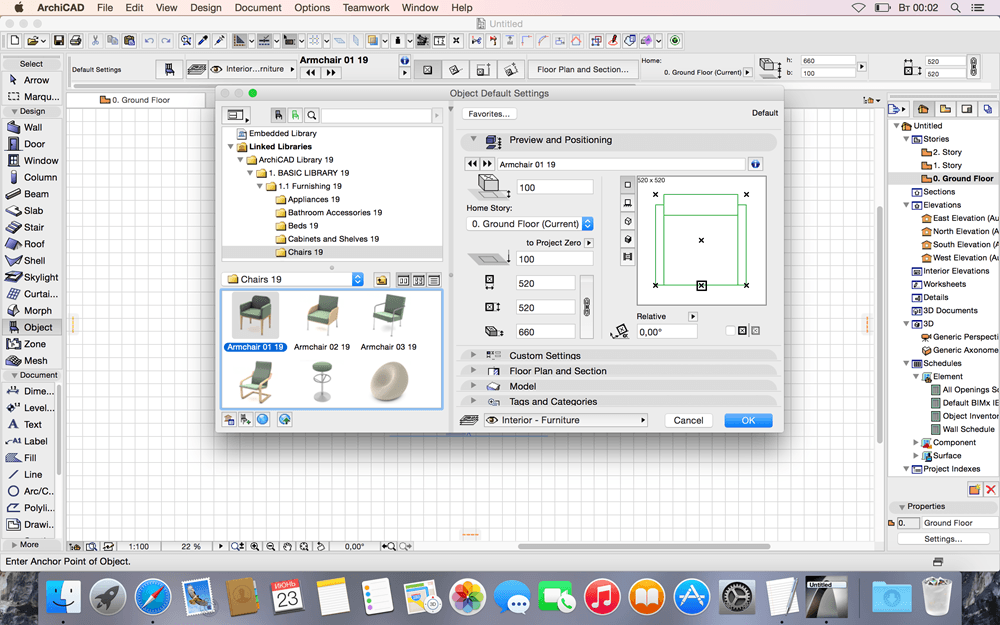
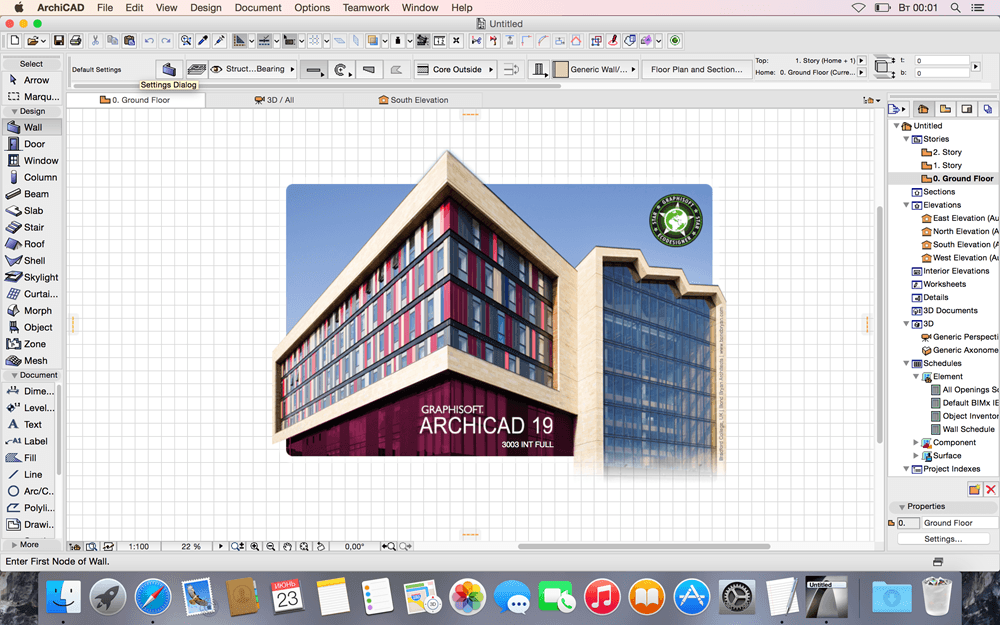
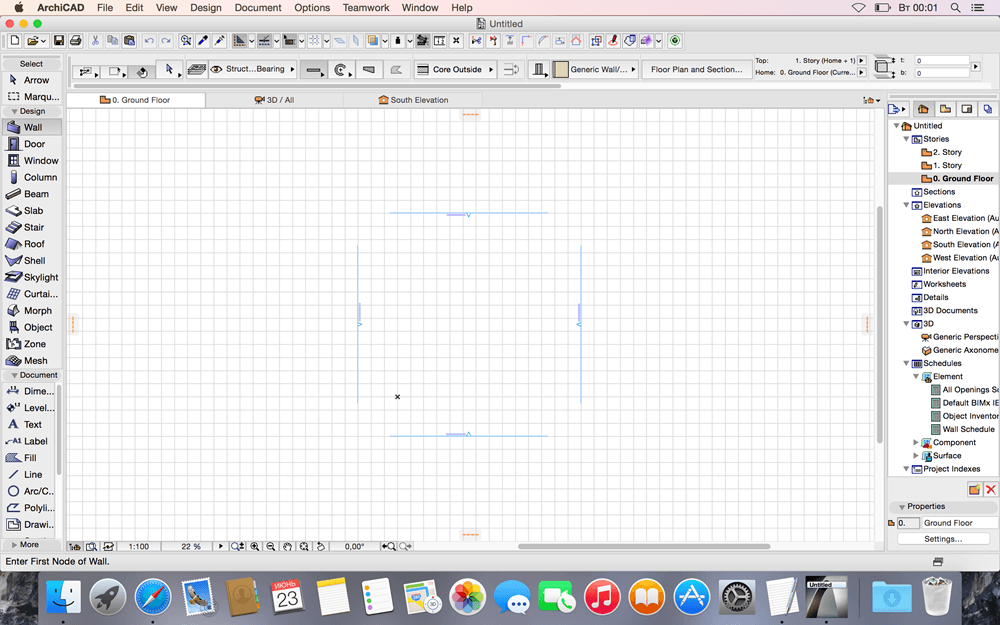
Screenshots
Frequently asked questions
How do I install the app?
Mount the image, drag the app into the "Applications" folder and launch it. If the system blocks the launch, allow it in "System Settings → Privacy & Security".
The app is damaged or won't launch
Reinstalling from a fresh image usually helps. Make sure your macOS version matches the one listed in the compatibility specs.
How do I update?
Download the new version from the site and install it over the current one — your settings will be preserved.
The download link doesn't work
Try a mirror or a download manager. For large files the browser often drops the connection.
How do I completely remove the app?
Use an uninstaller utility — it cleans up the service files that remain after moving the app to the trash.
VersionArchicad 19 for Mac
DeveloperGRAPHISOFT
CompatibilityMac® OS X 10.9 Mavericks, 10.10 Yosemite.
LanguageEnglish
IncludesK





Information
Visitors in the group Guests cannot leave comments on this publication.
Choose a download source
Archicad 19 for Mac · 1.32 GB