

Set for MS Word 2.0
Screenshots
Click to enlarge
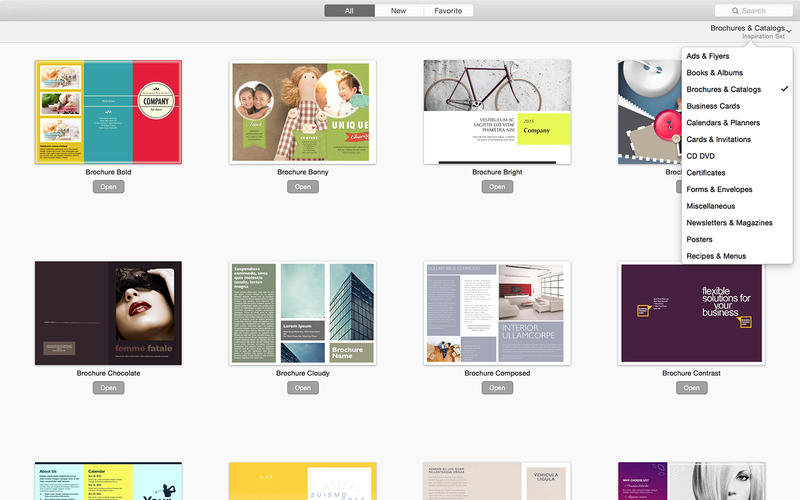
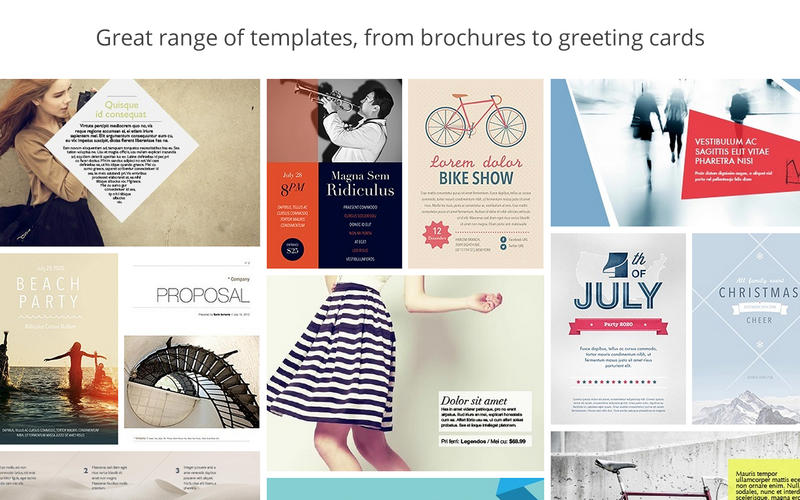
Set for MS Word is a collection of 445 modern and smooth templates for Microsoft Word. They are created for both business and personal use and focus heavily on design quality. Each layout features prime quality which is set apart by attention to detail high usability, and abundant creativity.
The package includes the template types that were introduced in Jumsoft's other template collections, such as Brochure, Business Card, Calendar, Invoice, Poster, and many more. All templates are available in both paper size A4 - the standard size in most countries throughout the world - and U.S. Letter, the most common paper format in the United States and Canada.
Just like other Jumsoft's products, the Set for MS Word app is very easy to use. You can recolor, move, or remove nearly every element of the templates and otherwise customize them to your own liking. Stock images can be easily replaced with your own photos.
- 275 new templates
- New user interface

Comments
No comments yet. Be the first.
Information
Visitors in the group Guests cannot leave comments on this publication.