
Espresso 2.2.4
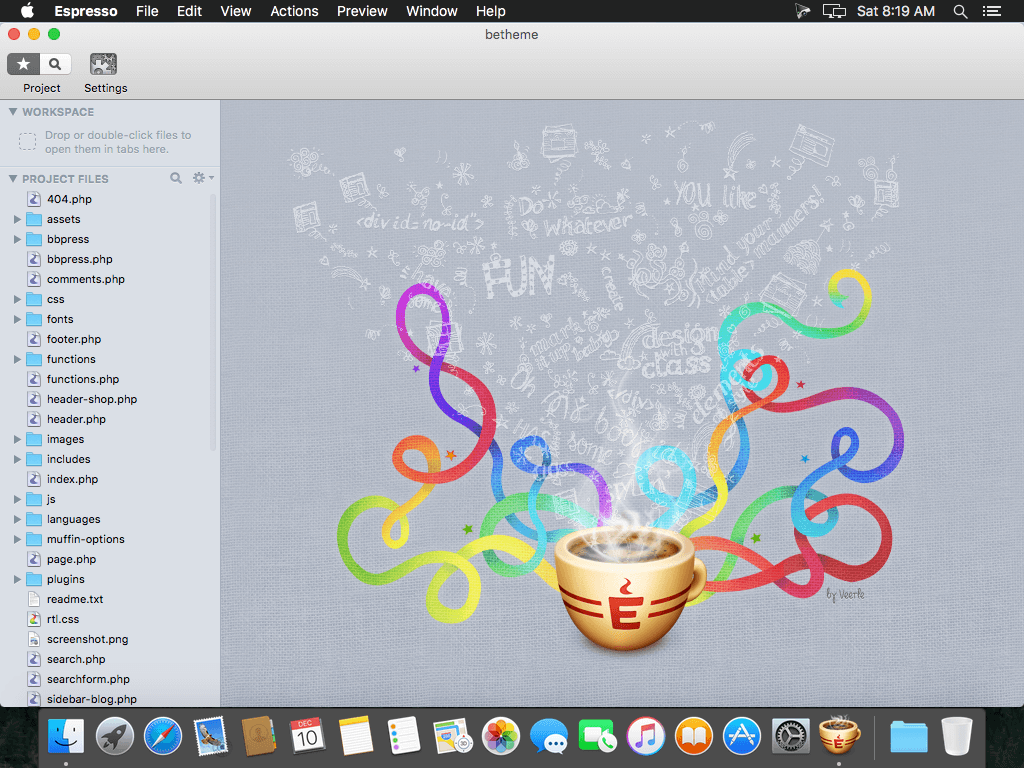
Espresso is the ultimate pick-me-up for Web professionals in search of a better development environment. Streamline your workflow with powerful Web design and development tools, perfectly suited for projects of any scale.
Features
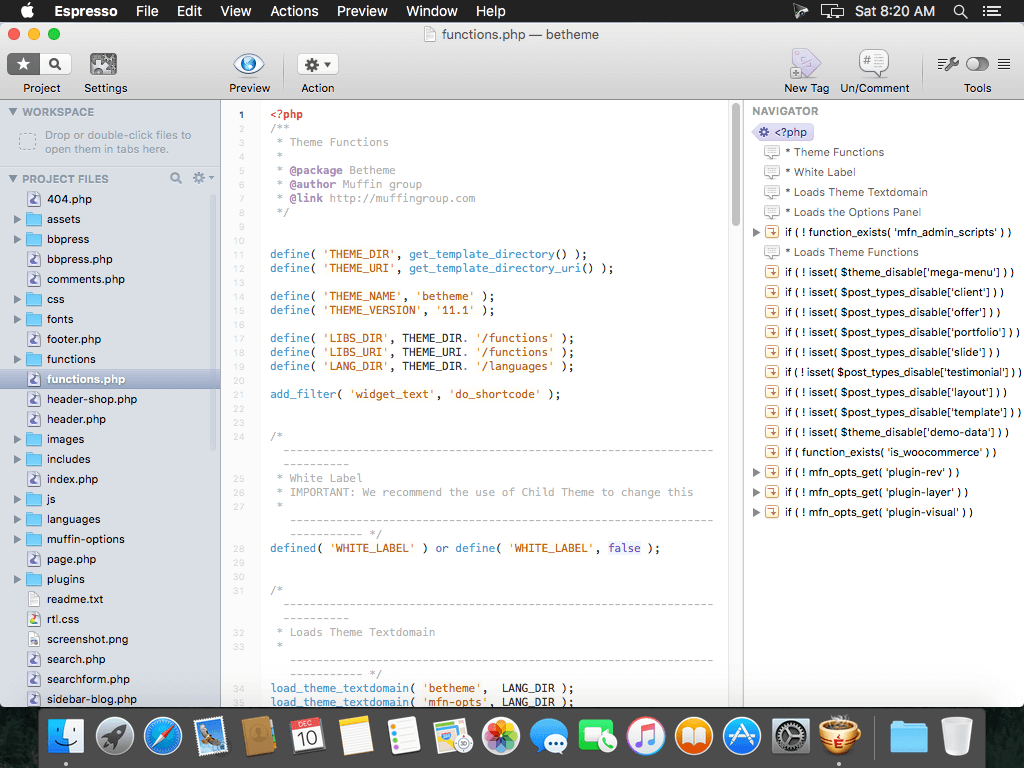
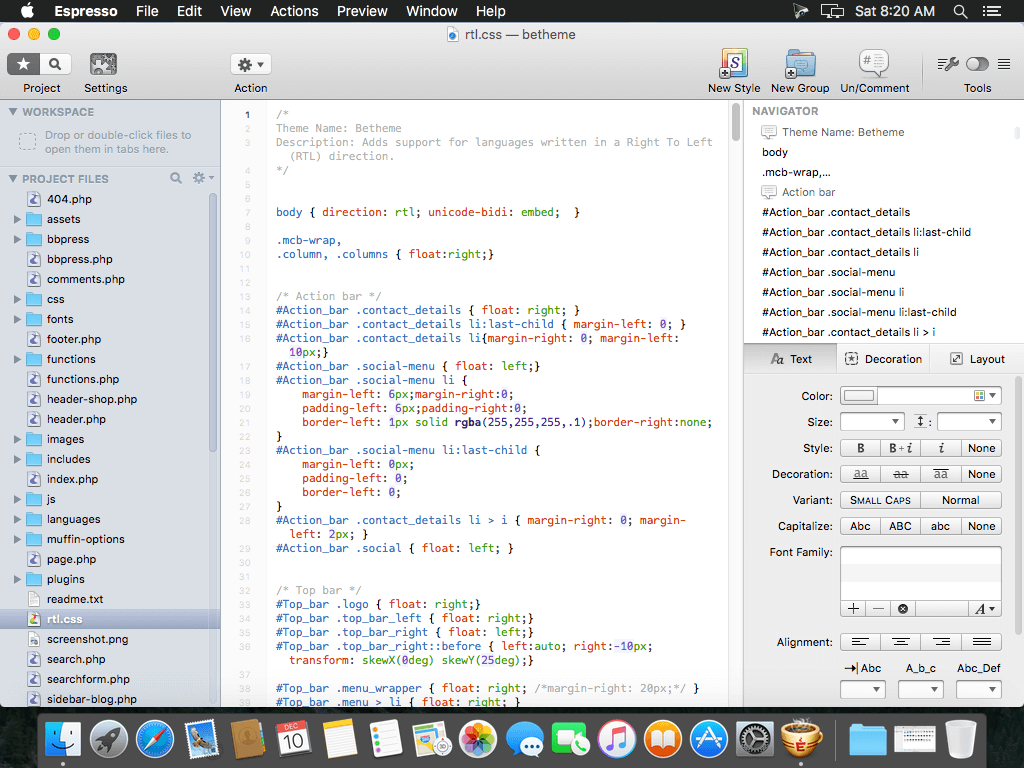
- Smooth and simple navigation. Espresso's unique Navigator outlines the hierarchical structure of your documents and even offers drag-and-drop reorganization options. No matter how complex your code is, Espresso lets you manage it with ease.
- Tame your code. Espresso is packed with programmer-centric features, from syntax highlighting to code folding, auto-completion, and more. Whatever language you are writing, Espresso has the intuition and adaptability to help you every step of the way.
- Master web design. By incorporating the award-winning CSSEdit, Espresso excels at helping you tweak the stylistic details of your site. Perfect your design with beginner-friendly CSS controls, or take advantage of live previewing options to test-drive new visual elements before adding them to your site.
- Smart snippets, faster coding. Every programmer relies on frequently used bits of code. Espresso's Snippets tool gives you plenty of reusability options, including selection placeholders, mirror transformations, and tab triggers.
WHAT’S NEW
Version 2.2.4:
- Improved overall stability and miscellaneous fixes
SCREENSHOTS
Frequently asked questions
How do I install the app?
Mount the image, drag the app into the "Applications" folder and launch it. If the system blocks the launch, allow it in "System Settings → Privacy & Security".
The app is damaged or won't launch
Reinstalling from a fresh image usually helps. Make sure your macOS version matches the one listed in the compatibility specs.
How do I update?
Download the new version from the site and install it over the current one — your settings will be preserved.
The download link doesn't work
Try a mirror or a download manager. For large files the browser often drops the connection.
How do I completely remove the app?
Use an uninstaller utility — it cleans up the service files that remain after moving the app to the trash.
VersionEspresso 2.2.4
DeveloperMacRabbit
CompatibilityOS X 10.7.4 or later, 64-bit processor
LanguageEnglish
IncludesPre-K'ed





Information
Visitors in the group Guests cannot leave comments on this publication.
Choose a download source
Espresso 2.2.4 · 7.68 MB