

Hedge 19.2.7 CR2
Screenshots
Click to enlarge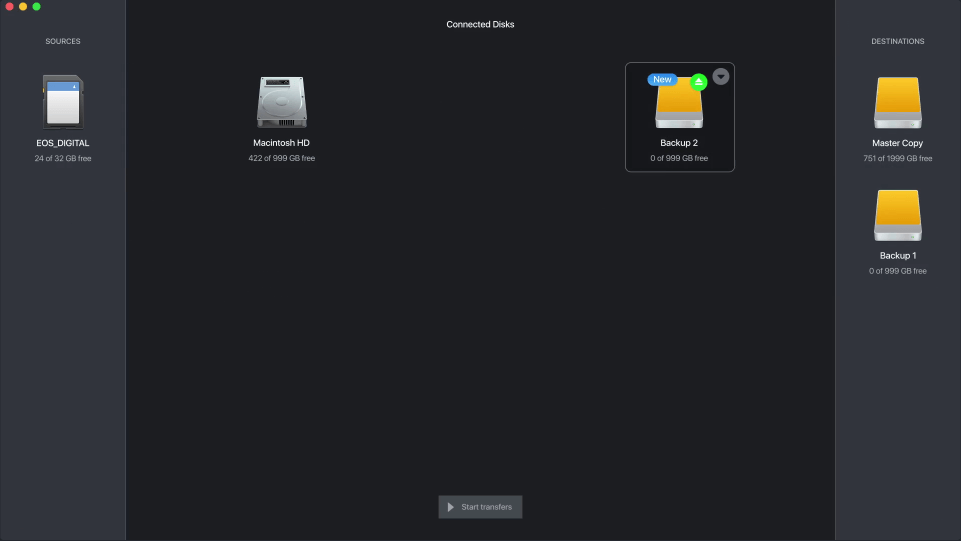

Description

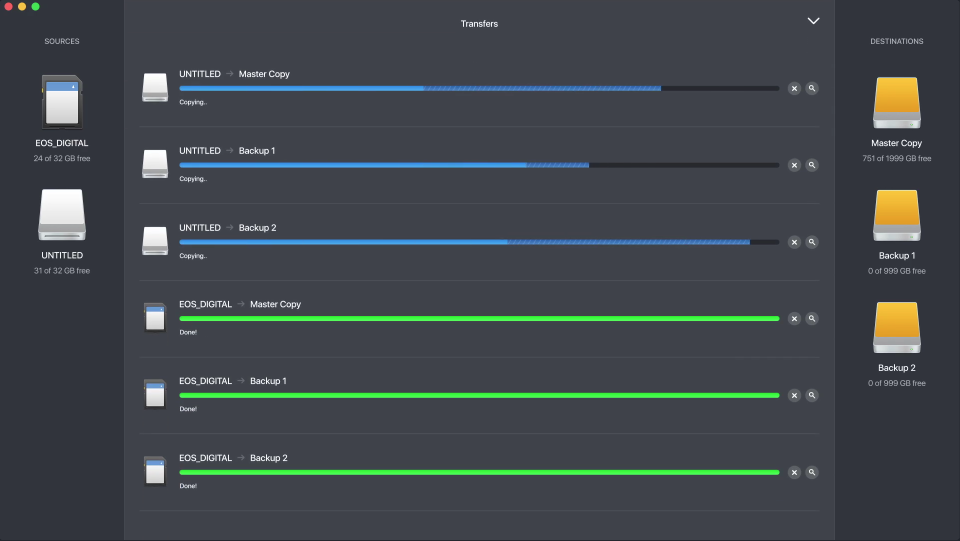
Multiple backups of your images, fast and easy.
Photo
Import RAW and JPGs, get rid of DCIM folders and sort your scripts. Or make a backup copy of your complete Lightroom catalog.
Video
Downloads of lightning fast video material. Multiple sources for multiple destinations is a cinch, taking the hassle of multicam.
Audio
Duplicate liveshow multitrack recordings, back up your Pro Tools session, or migrate your entire Soundminer library.
Finish first
Love waiting for backups? Of course not. That's why Hedge is optimized for large files, which makes it faster than any other download application.
breathe easy
Missing footage means time lost, money and a lot of stress. Hedge ensures complete backups, so you can sleep well at night.
Beat boredom
Copying files is as exciting as decaffeinated coffee. Hedge automates tasks effortlessly, greatly reducing the time spent looking and swearing
Comments
No comments yet. Be the first.
Information
Visitors in the group Guests cannot leave comments on this publication.